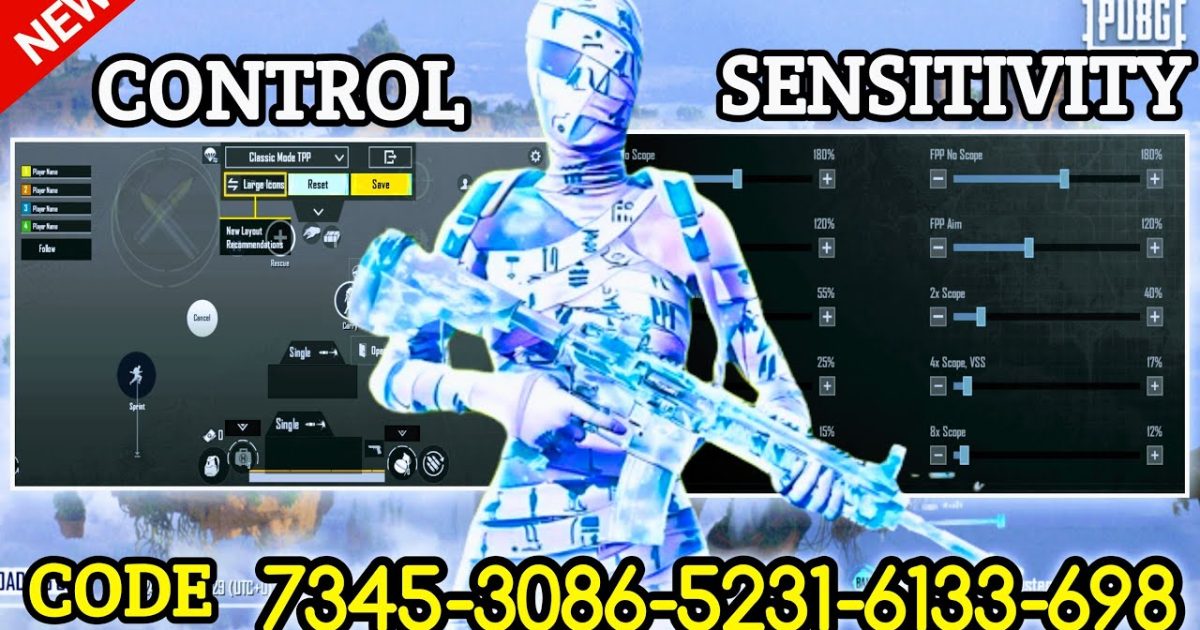
Movement in PUBG is everything. You can have the best aim in the lobby, but if you move like a tank, you’re an easy kill. The right control codes can turn you into a slippery, unpredictable ghost that enemies can’t hit. I’ve tested dozens of settings across different devices and playstyles to bring you the 10 best PUBG control codes for better movement. These aren’t random tweaks—they’re proven layouts that top players use to juke, slide, and peak their way to victory.

1. Jiggle Peek Setup (Left-Right Lean with Fire)
Jiggle peeking is the art of quickly leaning left and right while shooting to make yourself a harder target. The default controls often require you to let go of the fire button to lean, which kills your DPS. Here’s the code: bind your left peek and right peek to separate buttons near your fire button. Use a 3 finger setup or claw layout so you can lean and shoot simultaneously. I recommend placing the peek buttons on the top corners of your screen—left peek top-left, right peek top-right. This way, your thumbs can tap fire while your index fingers handle peeking. It takes practice, but once you nail it, you’ll win most peek duels.
2. Crouch Jump Code
Crouch jumping is a staple in PUBG for vaulting over obstacles and surprising enemies. By default, pressing crouch and jump at the same time can be clunky. The fix: map a dedicated crouch jump button. In the control settings, create a custom button that combines crouch and jump actions. Many devices let you set a macro, but if not, simply place the crouch button right next to the jump button so you can slide your thumb across both. Some players prefer a single tap that triggers both actions—you can find these as preset control codes online. A good crouch jump code will make you feel like you’re flying over walls.

3. Slide Cancel Settings
Sliding is great for closing distance, but the landing animation leaves you vulnerable. Slide canceling lets you interrupt the slide with a jump or crouch, keeping your momentum. The control code: bind your crouch button to a location you can tap rapidly, and immediately after sliding, tap jump or crouch again. Some players use a dedicated ‘cancel’ button. Experiment with the timing—you want to cancel just after the slide starts but before the full animation plays. This technique is a lifesaver when rushing cover.
4. Strafe Aim Assist Code
Strafing while aiming is essential for dodging bullets while maintaining accuracy. The default sensitivity can make your crosshair bounce too much. Use a control code that decouples aim from movement. Many pro players set their ADS sensitivity lower than their standard sensitivity, and they use a combination of gyroscope and thumb movement. Try a strafe aim code where your left stick controls movement and your right thumb handles aim with a 2x scope sensitivity of around 30. Pair this with a fast aim code from my earlier guide to snap onto targets while moving.
5. Prone Movement Code
Going prone can be a death sentence if you can’t move quickly. But with the right control layout, you can crawl, turn, and shoot effectively. The best prone movement code changes the prone button to a toggle rather than hold, and places it within easy reach of your thumb. Also, adjust your camera sensitivity while prone to be higher—this lets you quickly scan for enemies without lifting your finger. For claw players, assign prone to a trigger button on your device’s shoulder (if compatible) for instant drops.
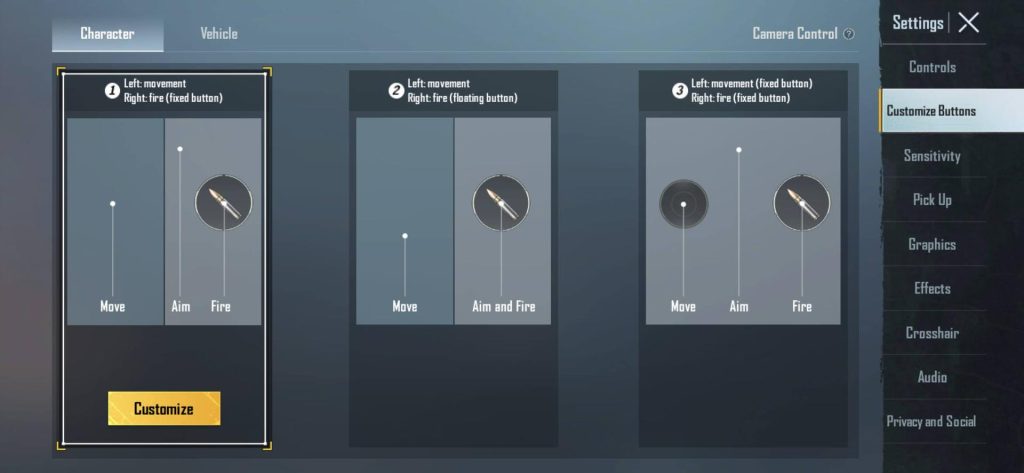
6. Quick Sprint and Dive Combo
Sprinting and diving are core to evading fire. The default double-tap sprint can be slow. Remap sprint to a single button and place it next to your movement joystick. For diving (in water or off cliffs), ensure your jump button is large and responsive. Some control codes merge sprint with the joystick push—this works well on devices with pressure-sensitive screens. Test the global control codes that include a ‘quick sprint’ option to shave milliseconds off your reaction time.
7. Jump Shot Accuracy Code
Jump shots look cool, but they’re useless if you can’t hit anything. The key is to time your shot at the peak of your jump, when your crosshair is most stable. Set your fire button to be easily accessible while your thumb is in the air. Some players use a claw grip with a separate jump button on the left side and fire on the right. Practice the timing by using a control code that increases hip fire accuracy during jumps—often found in custom layouts from top streamers. Check out the Youtuber control codes for jump shot setups.
8. Claw Layout for Movement
Claw grip (using your index fingers for additional buttons) is the gold standard for advanced movement. A 3 finger setup or 4 finger layout lets you move, aim, shoot, and peek all at once. For movement, assign your index fingers to prone, crouch, or jump, freeing your thumbs for aiming and moving. Many pre-made claw codes are available online—just import them based on your device compatibility. A good claw layout will make you feel like you have extra fingers.

9. Gyroscope for Strafing
Gyroscope (motion controls) can dramatically improve your movement. Tilt your device to strafe or adjust aim without moving your thumbs. Set gyroscope sensitivity to around 200% for movement and 50% for aiming. This allows you to micro-adjust while sprinting. Some players use gyro only when ADS to avoid accidental movements. Combine gyro with a peek settings code for buttery smooth jukes.
10. Movement While Healing Code
Staying still while healing is a death sentence. You can move slowly while using meds, but the default controls often lock your joystick. The fix: map your heal button to a position where you can still use the joystick simultaneously. Also, enable the ‘mobile while healing’ option in settings. Some control codes allow you to strafe left and right while bandaging—perfect for peeking corners. For more advanced movement while healing, look up the ‘peek and fire combo’ codes that let you heal and lean.
These 10 PUBG control codes for better movement cover everything from peeking to sliding to healing. Start with the ones that feel most natural to your playstyle—maybe the jiggle peek or the claw layout—and gradually incorporate the rest. Remember, no code works perfectly out of the box; tweak the button sizes and positions to match your hands. With practice, you’ll move like a pro, leaving enemies in the dust. Ready to dominate the battleground? Drop your favorite movement code in the comments!



