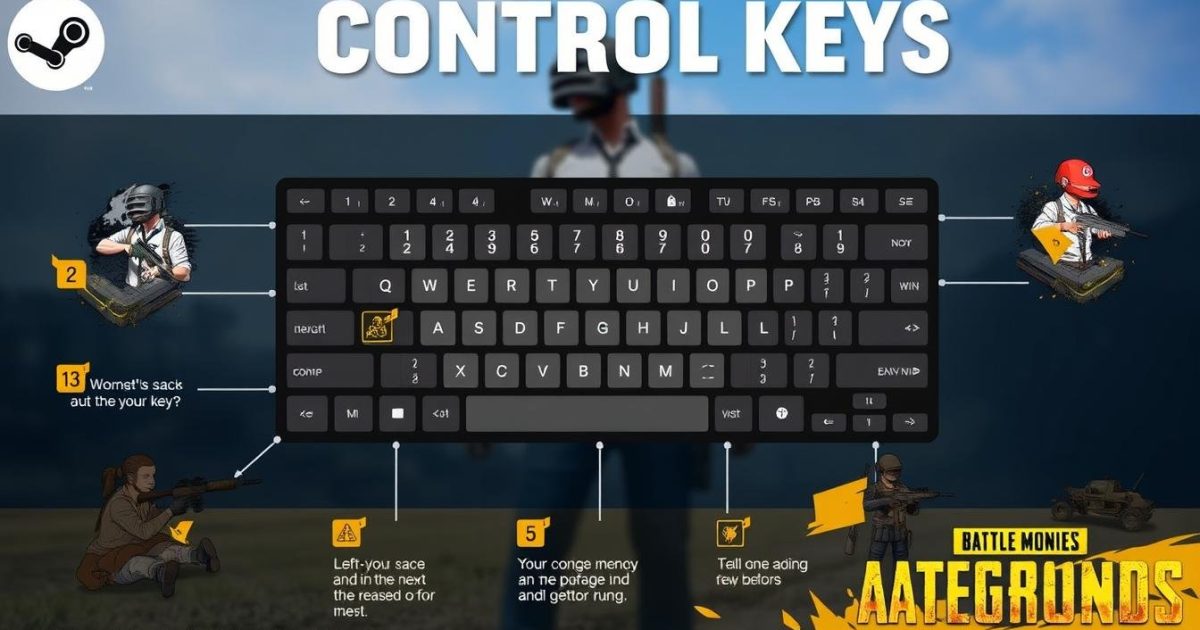
If you’ve been grinding PUBG Mobile and feel like your controls are holding you back, you’re not alone. The difference between a chicken dinner and an early exit often comes down to your layout. That’s where PUBG control codes come in – they’re shareable config files that let you instantly copy the exact button placements, sensitivity, and scope settings of top players. In this complete guide, we’ll walk you through everything you need to know: what control codes are, how to use them, and the best ones for your playstyle and device. Whether you’re a thumb player looking to switch to claw or a tablet veteran searching for that perfect layout, we’ve got you covered.
1. What Are PUBG Control Codes?
PUBG control codes are essentially a string of numbers and letters that represent your entire control layout – including button positions, size, opacity, and even gyroscope sensitivity. When you copy a code into the game, it overwrites your current settings with the exact configuration of the player who created it. Think of it as a cheat code for your HUD. No more manually tweaking each button for hours; just paste and play. Pro players and content creators often share their codes on platforms like Telegram, Reddit, and YouTube, making it easy for anyone to level up instantly.
2. How to Apply Control Codes in PUBG Mobile
Applying a control code is simple, but the menu is a bit hidden. Open PUBG Mobile and go to the lobby. Tap the ‘Settings’ gear icon, then select ‘Controls’ (the first tab). Look for the ‘Controls’ button in the bottom left – it says ‘Controls’ with a small arrow. Tap it, and you’ll see two options: ‘Custom Layout’ and ‘Crosshair’. Tap ‘Custom Layout’, then the ‘Controls’ button again. Now you’ll see a ‘Share’ icon (three dots) in the top right. Tap it, and choose ‘Import’. Paste the code you got from a pro or guide, and click ‘Confirm’. That’s it. Your entire layout is replaced instantly.
3. Best Control Codes for 3-Finger Claw Setup
If you’re new to claw, a 3-finger setup is the perfect sweet spot between performance and comfort. It lets you aim, shoot, and peek without lifting your thumbs. The best codes for this layout keep the fire button on the top left, scope on the top right, and movement on the bottom left. We’ve curated a list of top 3-finger codes from pro players – check out our dedicated article on control codes for 3 finger setup for the latest recommendations. These setups are optimized for quick reaction times and smooth grenade throws.
4. Top Control Codes for 4-Finger Claw Setup
For those wanting max control, 4-finger claw is the go-to. It adds an extra finger for crouching, prone, or lean shots. The layout typically places the fire button on top left, aim button on top right, with additional buttons on the right side for scope magnification or grenades. Many pro ranked players use this setup because it allows simultaneous actions – like shooting while moving and crouching. You can find viral codes on Telegram that have been tested by top-tier players. Just remember that it takes practice to get used to the extra finger.
5. Gyroscope Control Codes for Smooth Aim
Gyroscope control codes are a game-changer for close-range sprays and long-range precision. They use your device’s motion sensors to fine-tune your aim by tilting the phone. The best gyro codes balance sensitivity so you don’t overshoot – typically around 300-400% for scope and 100-200% for hip fire. Many players combine gyro with a 4-finger claw layout for insane accuracy. If you’re on an iPad, gyro can be tricky due to size, but some tablet-specific codes work well. Experiment with different gyro values to find your sweet spot.
6. Control Codes for Tablet Players
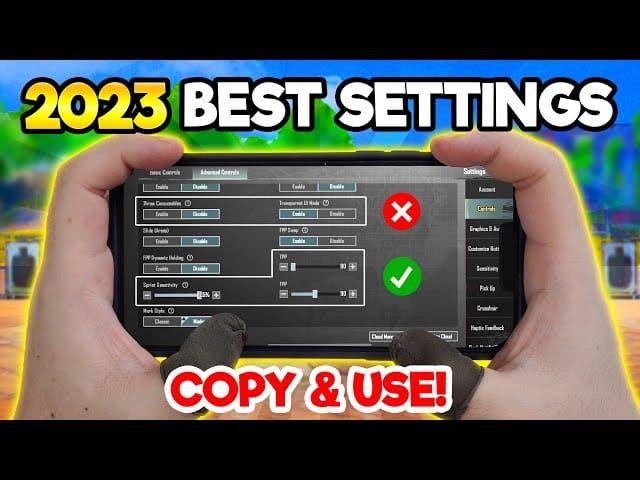
Playing on a tablet gives you a larger screen, but it also means your buttons can be spread too far. You need a layout that clusters essential controls within easy reach – usually with fire on the top left, aim on top right, and movement left thumb. The best pubg tablet layout code often includes a large fire button, minimal opacity for peripheral buttons, and a dedicated peak button for quick leans. Since tablets have more screen real estate, some players add extra buttons for scope toggling and throwables. Always test a few codes before settling – what works on a 10-inch screen might feel off on a 12-inch one.
7. Control Codes for Ranked Push (Aggressive Play)
If you’re pushing rank, you need a layout that rewards aggression. That means quick access to crouch, jump, and lean buttons that let you juke and peek fast. Many ranked pros use a 4-finger claw or a hybrid with gyro. The best pubg control codes for ranked push emphasize smaller button sizes (to avoid blocking vision) and high opacity for essential actions. Some codes even map the ‘automatic pickup’ and ‘quick chat’ to far corners so they don’t interfere. Check out our ranked push article for a curated list of codes used by conqueror players.
8. Control Codes After Device Change (Transition Guide)
Switching devices? Your old control codes might feel weird on a new screen size or aspect ratio. The same code on a 6-inch phone vs a 7-inch tablet can place buttons in awkward spots. That’s why when you get a new device, you should recalibrate your layout. A good approach is to import your old code first, then tweak button positions and sizes. Some players prefer to start fresh and choose a code from a player who uses the same device model. We have a complete guide on adapting after a device change that walks you through the process step by step.
9. Where to Find the Latest Control Codes (Telegram, Reddit)
Finding fresh control codes is easier than ever. The most active communities are on Telegram, where channels dedicated to PUBG control codes post daily updates. You can search ‘PUBG control codes Telegram‘ and get hundreds of groups. Reddit’s r/PUBGMobile is also a goldmine – players often share codes in weekly threads. Additionally, YouTube videos from pro players often have codes in the description. We’ve compiled a list of the best pubg control codes telegram channels to get you started. Always check the date of the code – older codes may have compatibility issues with game updates.
- Join Telegram channels like ‘PUBG Control Codes Pro’ for daily updates.
- Filter Reddit posts by ‘Top of the Month’ in r/PUBGMobile.
- Follow pro players on YouTube and check video descriptions.
- Use our site’s curated lists to avoid outdated codes.
10. How to Create Your Own Custom Control Codes
While copying pro codes is great, eventually you’ll want to build your own. Start by identifying your playstyle: are you a rusher, a sniper, or a support? Design buttons around your most-used actions. Keep the fire button large and accessible, put scope buttons near your dominant hand, and relegate less-used actions to the edges. Once you’re happy, go to the share menu and tap ‘Export’ to generate your control code. Now you can share it with friends or keep it as a backup. Remember to label your code – some players use multiple codes for different modes (TPP vs FPP, Erangel vs Sanhok).
11. Pro Tips for Mastering Control Codes
Even with the best control codes, you need to practice. Spend at least 10 minutes in the training ground with a new layout before jumping into a match. Adjust button opacity so you can see enemies behind your HUD. Use the ‘peek’ and ‘lean’ buttons – many codes include dedicated peek buttons for faster side-strafing. Also, don’t be afraid to tweak. A pro code is a starting point, not a holy grail. You can always fine-tune individual button positions by long-pressing them in edit mode. And finally, keep a backup of your own code – you never know when an update might reset your settings.
Control codes saved me hours of trial and error. Once I found the right layout for my 4-finger claw, my K/D jumped from 1.8 to 3.5 in one season.
Reddit user u/PUBGClawKing

12. Common Mistakes to Avoid When Using Control Codes
Don’t import a code and immediately jump into a ranked match – test it first in training or a casual game. Another mistake is ignoring button size: huge fire buttons might look safe but can block your vision. Also, avoid codes that have too many buttons; clutter leads to accidental taps. And never skip updating your code after a game patch – sometimes the code format changes. Lastly, don’t rely solely on codes from untrusted sources; some codes might have hidden tweaks that mess with your sensitivity. Stick to reputable channels and our curated lists.
- Always test new codes in training mode first.
- Keep button sizes reasonable – smaller is often better for vision.
- Remove any redundant buttons to reduce clutter.
- Update codes after major game updates.
- Use trusted sources like our site or known pro players.
And there you have it – the complete guide to PUBG control codes. Whether you’re copying a 3-finger claw layout from our experts, snagging a pubg control codes for faster movement from a Telegram channel, or crafting your own unique setup, the key is to experiment and find what feels natural. Control codes are a shortcut, not a crutch – combine them with practice and game sense, and you’ll be climbing the ranks in no time. Bookmark this page and come back whenever you need a refresh, or check out our other guides for device-specific tips and the latest viral codes.


