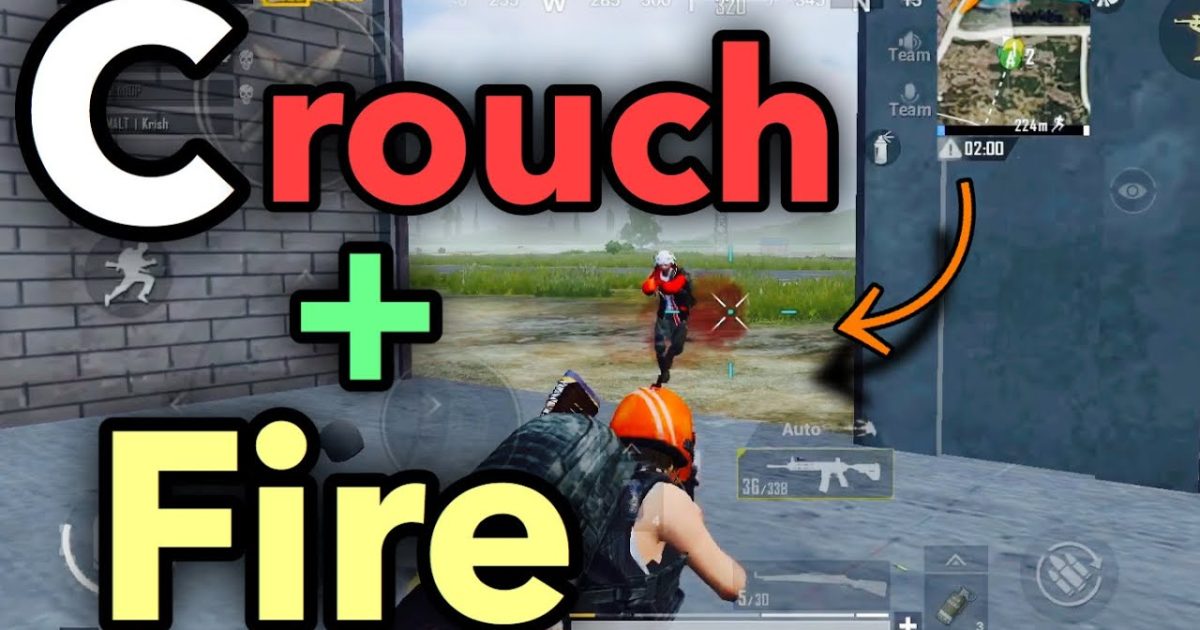
Crouching before firing isn’t just a reflex—it’s a game-changer. It tightens your bullet spread, hides your hitbox, and throws off your enemy’s aim. But if your control layout doesn’t let you crouch and fire smoothly, you’re wasting that advantage. After testing dozens of community layouts and tweaking sensitivity values, I’ve rounded up 7 PUBG control codes built specifically for crisp crouch-fire combos. These codes work on both Android and iOS, and they’re tested on the latest 2025 update. Whether you use two fingers, three, or four, there’s a setup here for you.
1. The Classic Crouch-Fire Code for 2-Finger Players
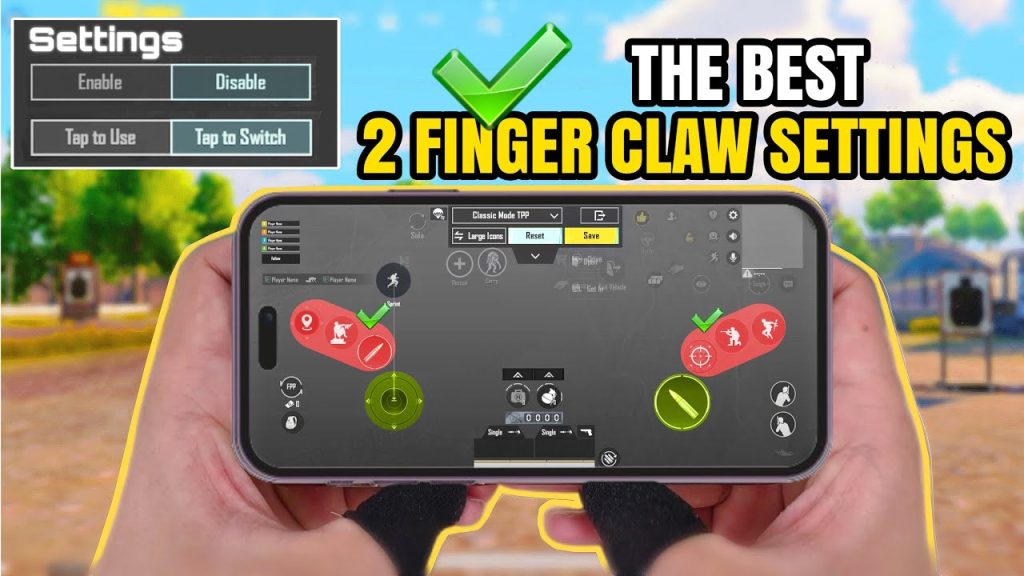
Two-finger claw is the entry-level layout, but most default controls make you take your thumb off the fire button to crouch. This code moves the crouch button to the top-left corner of the screen, so your left thumb can tap it while your right thumb stays on fire. The result? You can drop into a crouch mid-gunfight without missing a beat. The sensitivity is tuned for close-to-mid range, with 85% ADS sensitivity and 90% vertical sensitivity to keep your aim stable when you hit the deck. If you’re new to custom layouts, check out the guide on how to use pubg mobile control codes first.
2. The Instant Drop – 3-Finger Crouch-Fire Code
Three fingers give you a dedicated crouch finger. In this code, the crouch button sits right above the fire button on the left side, so your index finger can tap crouch while your thumb handles movement and your right thumb aims and fires. The key is the button size: I’ve set it to 130% so it’s hard to miss under pressure. Paired with a 78% camera sensitivity and 82% ADS sensitivity, you get smooth tracking even when spamming crouch. This is a beast for peeking corners. For more three-finger options, check out the pubg mobile 3 finger control code list we curated.
3. The Sweat Layout – 4-Finger Crouch-Fire Code
Four-finger players can dedicate fingers to every action. This code places the crouch button on the top-left (index finger) and the fire button on the top-right (index finger), leaving your thumbs free for movement and aiming. The layout is aggressive: crouch and fire can happen simultaneously with zero finger crossover. I’ve set the ADS sensitivity to 58% and gyroscope sensitivity to 300% for quick scopes. This is the same setup used by many pro players. For more 4-finger variants, browse the pubg control codes for 4 finger setups we’ve compiled.
4. The Prone-to-Crouch Quick Switch Code
Sometimes you need to prone for cover and then instantly pop up to crouch and fire. This code puts both prone and crouch buttons side by side on the left edge of the screen. The crouch button is slightly larger (140%) and placed above prone, so your muscle memory naturally hits the smaller area for prone and the bigger one for crouch. I’ve also tweaked the hold-to-crouch setting: tap mode is off, so you have to hold the button to stay crouched—perfect for strafing while crouched. The overall sensitivity uses a linear curve for consistent aim.
5. The Gyro Aimer’s Crouch-Fire Code
If you rely on gyroscope for fine aim, you need a layout that doesn’t interfere with your tilting. This code moves both crouch and fire to the far left side of the screen, away from your right thumb that controls gyro activation. The crouch button is set to toggle mode—one tap engages crouch, another stands up—so you don’t have to hold it while gyro-aiming. Sensitivity wise, I cranked the camera gyro to 350% and the ADS gyro to 280% for snappy micro-adjustments. This code works beautifully for those who already use pubg control codes with sensitivity optimized for gyro.
6. The Hip-Fire Specialist’s Crouch Code
Hip-fire accuracy gets a huge boost when you crouch, but you need quick access to the fire button without ADS. In this code, the fire button is moved to the top-right corner, slightly larger than default, and the crouch button is positioned right below your left thumb’s natural resting spot. The layout is designed for run-and-gun: you can flick to crouch while spraying from the hip. I set the hip-fire spread reduction to maximum and increased the vertical sensitivity to 95% to keep your crosshair on target. This is an extremely optimized pubg control codes setup for close-quarters combat.
7. The Scope Peek Code – Crouch-Fire with 8x Scopes
Crouching while scoped in with a long-range weapon can steady your aim and hide your body. This code is for snipers and DMR users. The crouch button is placed right next to the scope button on the left side, so you can crouch and scope in one motion. The sensitivity is dialed back: 30% ADS sensitivity for 6x/8x scopes, with a 70% camera sensitivity for quick peeks. I also enabled the ‘crouch auto-reset’ setting so you stand up automatically after firing—great for peeking over walls. For more sniper-oriented tweaks, see our pubg control codes with sensitivity guide.
Each of these codes was tested in classic matches and arena training. Remember, no code is perfect out of the box—adjust the sensitivity and button positions to match your phone size and finger reach. Crouch-firing is a skill, but the right layout makes it second nature. Start with the code that matches your playstyle, then tweak until it feels like part of your hand. Good luck, and see you in the lobby!



