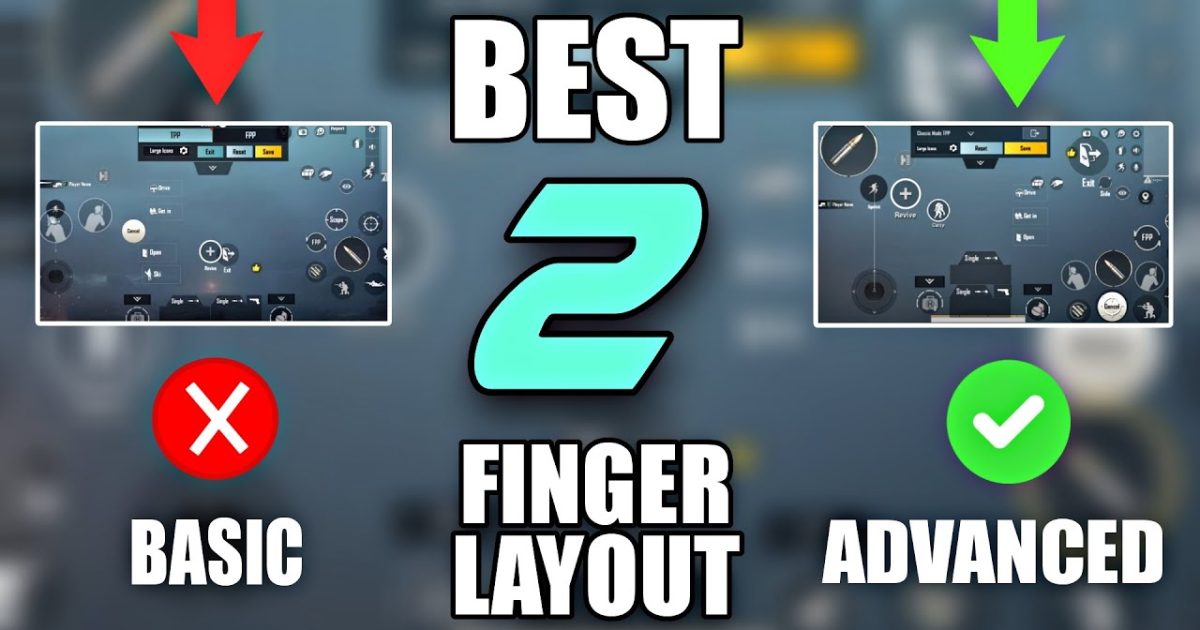
Two-finger layouts are the bread and butter of PUBG Mobile. They’re simple, reliable, and don’t require you to twist your fingers like a pretzel. Whether you’re a casual player or grinding for Conqueror, having a solid 2 finger layout code can make all the difference. We’ve scoured the community, tested dozens of codes, and picked the ones that actually work in 2025. Each layout is optimized for different playstyles, so you can find the one that clicks with you. Ready to upgrade your game? Let’s dive in.
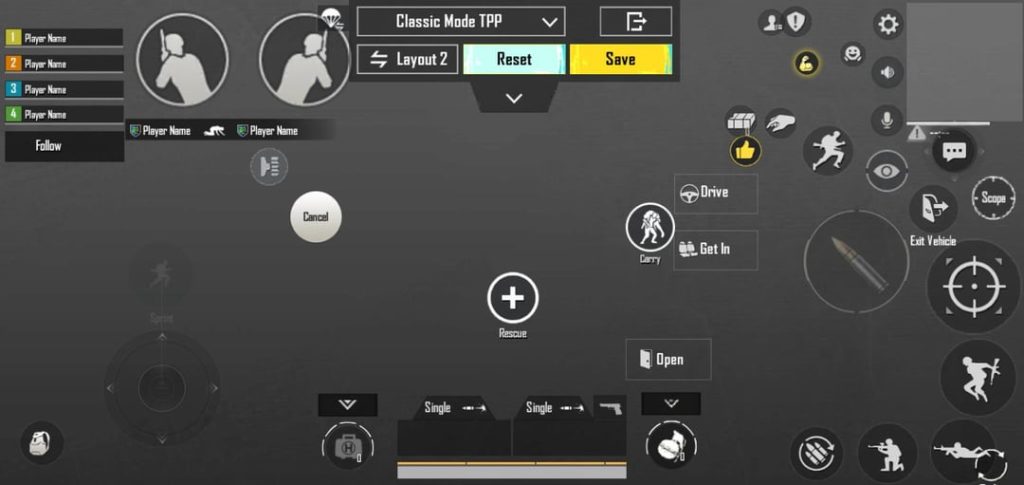
1. The All-Rounder 2 Finger Layout
This is the jack-of-all-trades layout. It balances close-range spray and long-range taps. The fire button is on the left, scope on the right, and a small peek button near the edge for quick peeks. The layout keeps most buttons within thumb reach without blocking your view. It’s perfect if you don’t want to switch layouts between matches. You can find similar all-rounder codes in our best PUBG control codes collection.
2. The Aggressive 2 Finger Layout
If you’re a push beast who loves SMGs and shotguns, this layout is for you. The fire button is oversized and placed low-right for easy spamming. Scope is moved to the left, and the crouch button is right next to the fire button for quick dropshots. This layout sacrifices some long-range comfort for insane close-range speed. Pro tip: pair it with a high sensitivity and gyro. Many aggressive codes are featured in our pro PUBG control codes list.
3. The Gyro-Only 2 Finger Layout
Gyro lovers, this one’s for you. This layout minimizes touch aiming and relies on device tilt. The fire button is small and placed where it won’t interfere, while the scope button is tiny and set to toggle. The layout frees up screen space for a wider view. It takes some getting used to, but once you master it, your aim will be buttery smooth. Check out our conqueror PUBG control codes for more gyro-friendly setups.
4. The Sniper-Friendly 2 Finger Layout
This layout is built for DMR and bolt-action fans. The scope button is large and placed in the upper right, so you can tap it quickly without moving your thumb much. The fire button is positioned to allow a split-second drag for quick scoping. A dedicated peek button is placed near the scope for quick peeks. If you want to improve your sniping, this layout is a game-changer. Remember to learn how to copy PUBG control codes so you can import this layout.
5. The Claw-Free 2 Finger Layout
Some players don’t want to use claw grip but still need quick access to prone, jump, and crouch. This layout puts all those buttons in a cluster near your right thumb. The fire button is on the left, scope on the right, and a small map button is tucked away. It’s super comfortable for long sessions and works great on phones. This layout is a good starting point if you’re coming from other battle royale games. For more phone-optimized layouts, check out our PUBG control codes for android phone.
6. The High Sensitivity 2 Finger Layout
If you play with high sensitivity (like 200%+) on both normal and ADS, this layout prevents accidental touches. Buttons are spaced farther apart, and the fire button has a large dead zone. The aim button is set to hold, not toggle, so you can quickly scope and shoot. This layout is popular among players who use gyro for fine adjustments. You can find variations of this in our best PUBG control codes roundup.
7. The Beginner 2 Finger Layout
New to PUBG? This layout keeps things simple. All essential buttons are large and clearly labeled. Fire and scope are on opposite sides, with grenade and meds placed in a row at the top. The map is moved to the corner to avoid clutter. It’s not the most efficient, but it’s the easiest to learn. Start here and gradually customize. Once you’re comfortable, you can learn how to save PUBG control codes to keep your progress.
8. The Pro 2 Finger Layout (Streamer-Approved)
This layout is based on what top streamers use. It’s a hybrid that puts the fire button slightly above the default position, scope on the left, and a small lean button near the scope. The crouch and prone buttons are placed on the right edge for quick slides. It’s optimized for high-level play with minimal finger movement. Many pro players also tweak their sensitivity to match this layout. For more pro setups, dive into our pro PUBG control codes list.
That’s our 8 favorite 2 finger layout codes for PUBG Mobile in 2025. Each one serves a specific purpose, so try a few and see which feels natural. Remember, a layout is just a tool – your practice and game sense matter more. Import the codes, tweak them if needed, and start climbing the ranks. Happy gaming!



