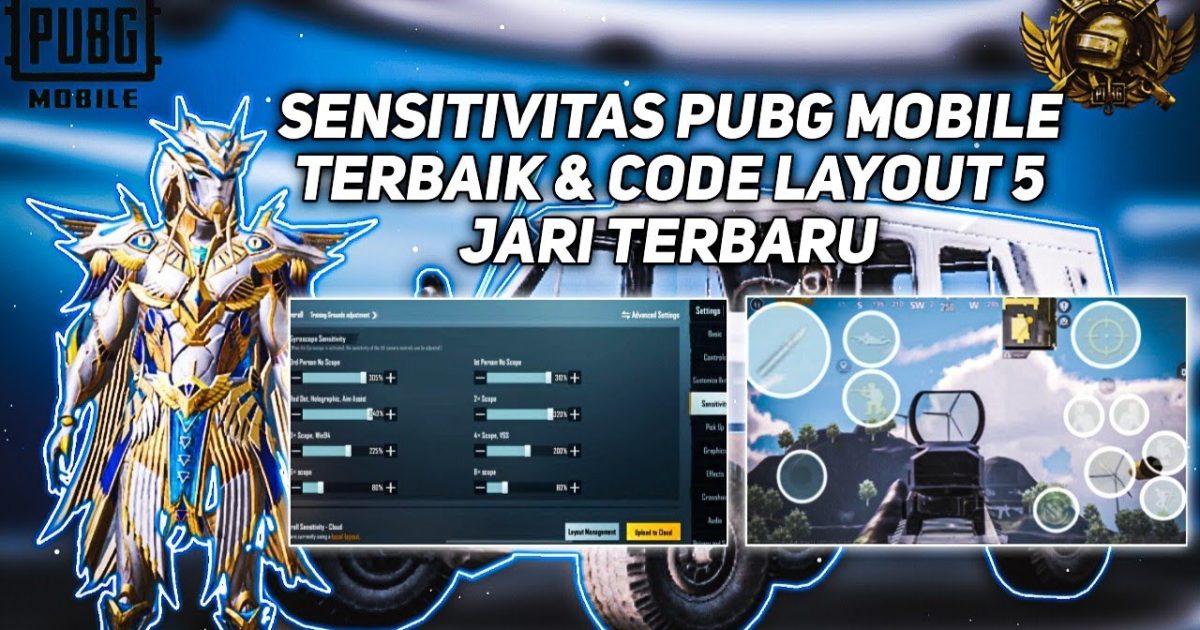
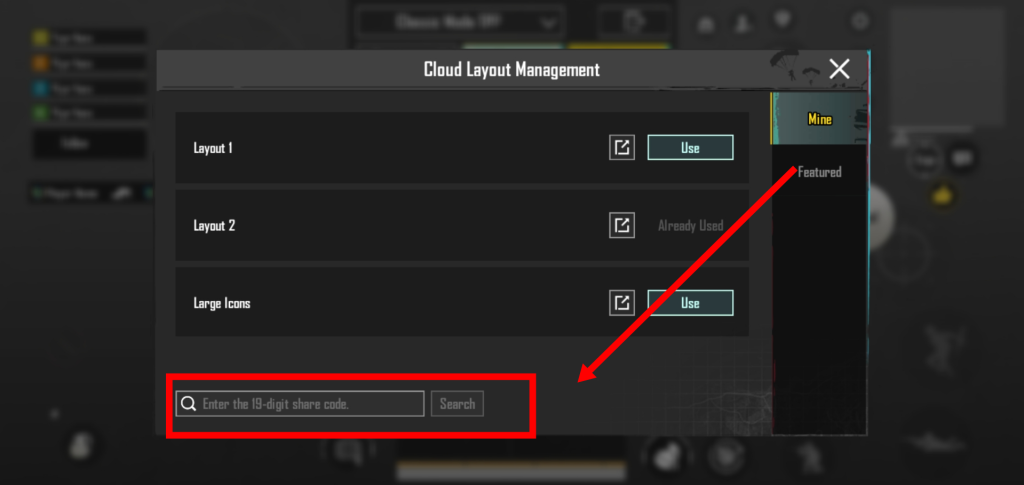
Tired of fumbling with buttons while your enemies laser you? Custom layout codes let you copy pro-level control setups in seconds. We tested dozens of layouts from Conqueror and Ace players to bring you the 10 best PUBG Mobile custom layout codes for 2025. Each code is optimized for specific playstyles — claw, gyro, iPad, no-recoil, and more. Just tap “Import Layout” in settings and paste the code. No more guessing where to place buttons.
1. 3-Finger Claw Layout (Best for Quick Peek & Fire)
The classic 3-finger claw is the gateway to advanced controls. This layout puts fire, scope, and peek on the top left while your right thumb handles movement and aim. The code we recommend keeps the scope button slightly larger for easier tapping mid-gunfight. Perfect for players moving from 2-finger to higher efficiency. Many pros swear by this as their daily driver. If you’re still on a basic set-up, this is your next step toward better performance.
2. 4-Finger Claw Layout (Peek & Fire Combo)
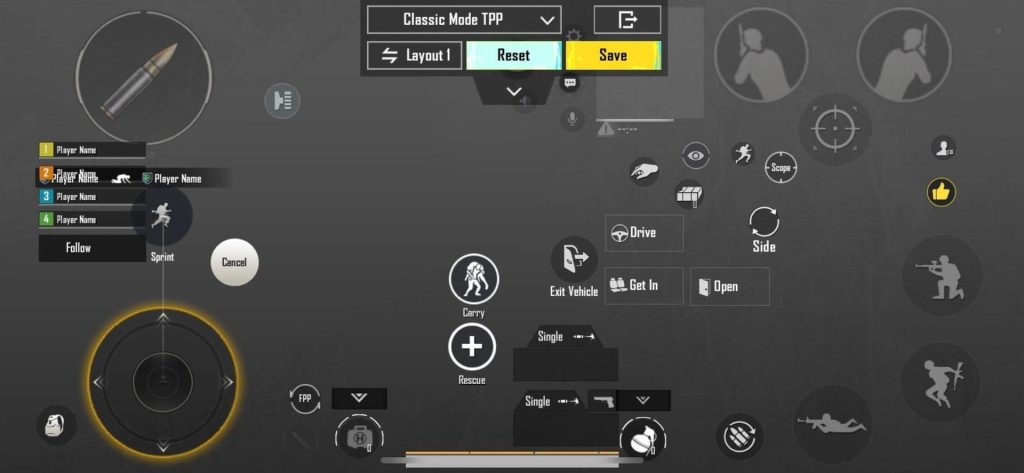
With four fingers, you can peek, fire, scope, and jump without lifting a thumb. This layout arranges the fire button on top left, scope and peek on top right, and movement on the bottom left. The result: seamless jiggle peeking and instant recoil control. It’s a favorite among aggressive players. We’ve included a version that also maps the lean buttons close to fire so you can peek-shoot in one fluid motion.
3. 5-Finger Claw Layout (Maximum Control)
Going five fingers unlocks almost every action simultaneously. This layout uses both thumbs, both index fingers, and one middle finger. It’s overkill for most, but if you’re grinding for Conqueror in squads, the extra finger for grenades or meds can save your life. The code we picked keeps the map, inventory, and fire all accessible without shifting grip. Be warned: this takes practice, but the ceiling is huge.
4. Gyroscope-Only Layout (Aim with Tilt)
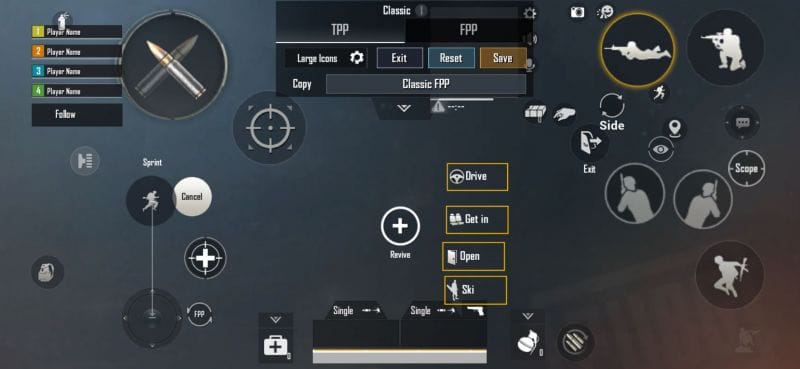
Gyro aimers love layouts that keep their thumbs free for movement while tilt manages the reticle. This code places all essential buttons (fire, scope, reload) on the left side, so your right hand can focus on rotating the phone. The gyro sensitivity is tuned for 1x–6x scopes. Many top players use hybrid gyro, but this layout is pure gyro — great for close-range sprays and quick flicks.
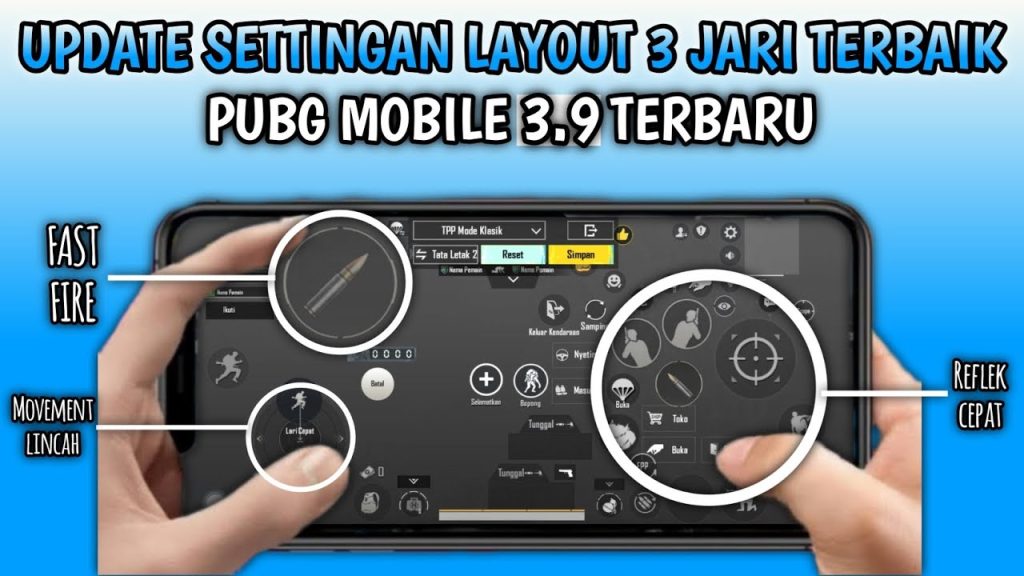
5. One-Handed Layout (For Casual & Multitasking)
Sometimes you need to play with one hand — while eating, on a crowded bus, or just being lazy. This layout shrinks all buttons into the lower right corner, with the fire button sized up for easy thumb taps. The joystick is positioned near the bottom center. It’s not for ranked sweaty matches, but it works surprisingly well in classic mode. Try it when you want to chill but still get chicken dinners.
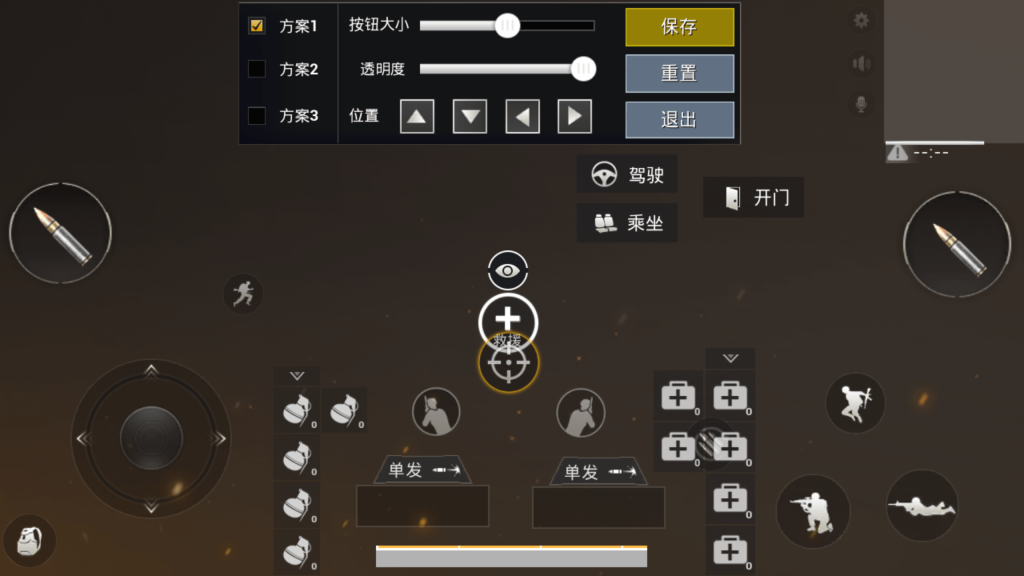
6. iPad Pro 11-Inch Layout (Large Screen Optimization)
Playing on an iPad requires a wider stance to avoid stretching fingers. This layout spaces buttons across the full 11-inch display, with fire on the top left, scope on top right, and a centered joystick. The reload and crouch buttons are placed near the edges for easy reach. If you’ve struggled with default iPad controls feeling too cramped or too spread out, this code balances it perfectly.
7. Emulator / BlueStacks Layout (Keyboard & Mouse)
PC emulator players need a layout that maps to their keyboard intuitively. This code assigns WASD movement, left-click fire, right-click scope, and Q/E for peek. Additional keys like R for reload, F for pick up, and 1-4 for weapons round out the setup. It’s designed for smooth transitions from mobile layout muscle memory. Works best on BlueStacks 5 with 60+ FPS.
8. No-Recoil Spray Layout (For DMRs & ARs)
While no layout can remove recoil entirely, a smart button placement can help you control it better. This code moves the fire button to the top left (so your index finger taps repeatedly) and places the scope button right next to it for quick transitions. The gyro scope sensitivity is boosted to 300% for 6x scopes, giving you a pseudo no-recoil effect. Pair it with an M416 or DP-28 and watch your sprays tighten.
9. Arena Mode / TDM Layout (Close-Quarters Focus)
Arena mode demands fast reactions. This layout bunches all important buttons — fire, ads, crouch, jump — within a tight cluster your thumb can reach instantly. The med and grenade buttons are tucked away to avoid mis-taps. We’ve also included a quick-peek button near the fire button. If you spend a lot of time in TDM warm-ups, this custom code will raise your K/D. For more dedicated arena setups, check out these PUBG mobile control codes for arena mode.
10. Conqueror Pro Layout (High-Level Ranked)
Straight from a Conqueror player, this layout balances every mechanic. It uses a 4-finger claw with the joystick slightly offset left for better strafing. The scope and fire buttons are separated enough to avoid accidental triggers but close enough for quick ads-tap. The map is moved to the top center, and the auto-pickup button is disabled. This is a premium layout — you’ll often see it in recommended PUBG control codes lists. For more dominance, browse our curated conqueror PUBG control codes.
These 10 custom layout codes cover every popular playstyle in PUBG Mobile today. Whether you want to master claw, go full gyro, or optimize your iPad, there’s a code here to copy. Remember: layouts are personal — feel free to tweak button sizes or positions after importing. If you’re looking to improve your reaction time even further, don’t miss our list of pro PUBG control codes and layouts for faster reflexes. Now go import your new layout and dominate the battleground!



