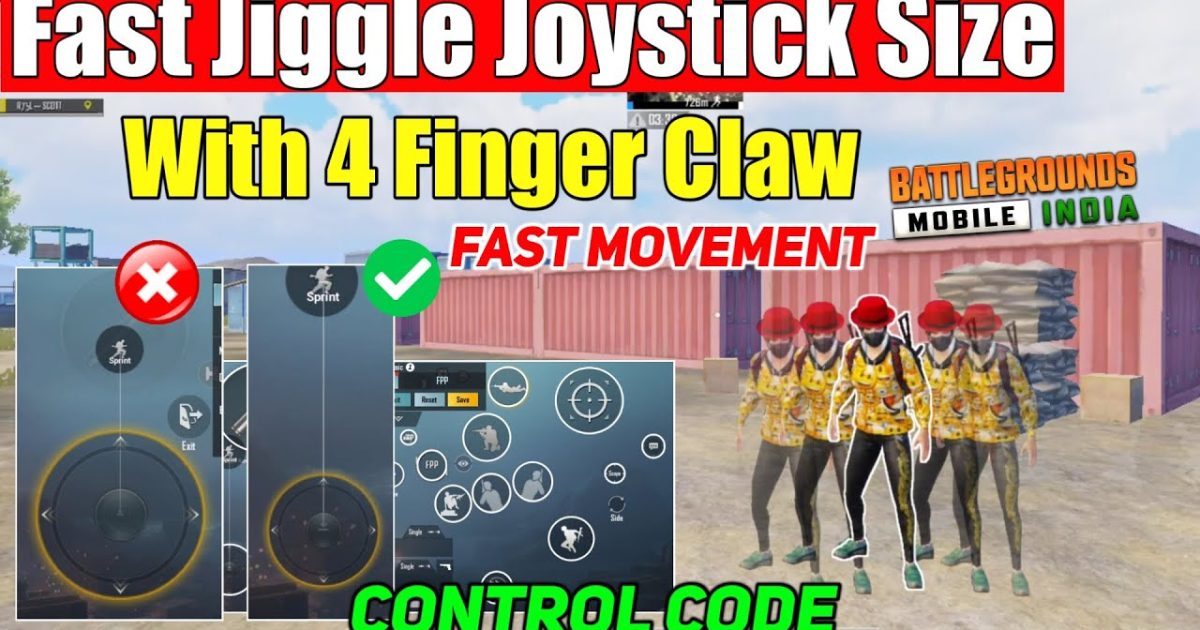
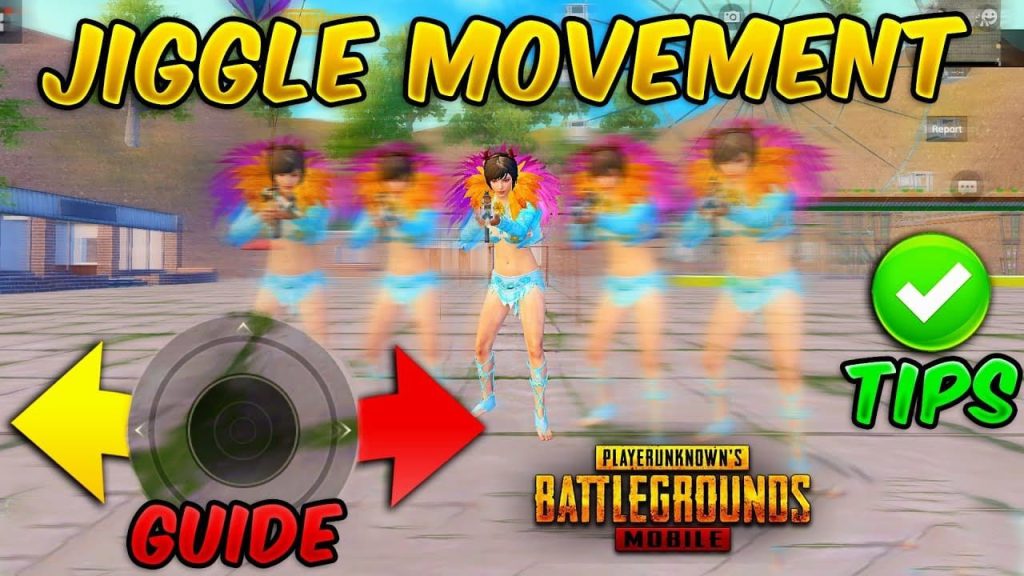
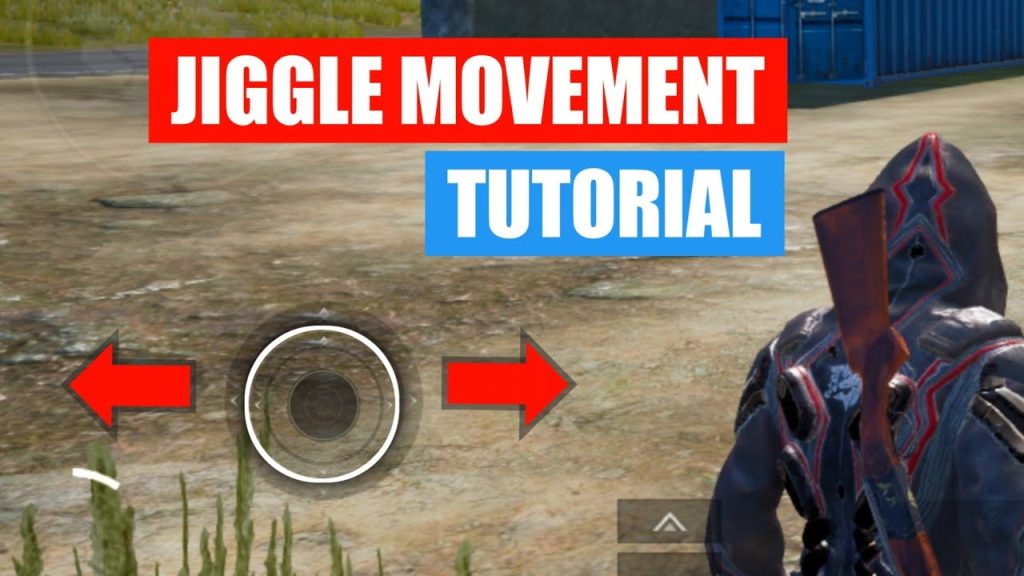
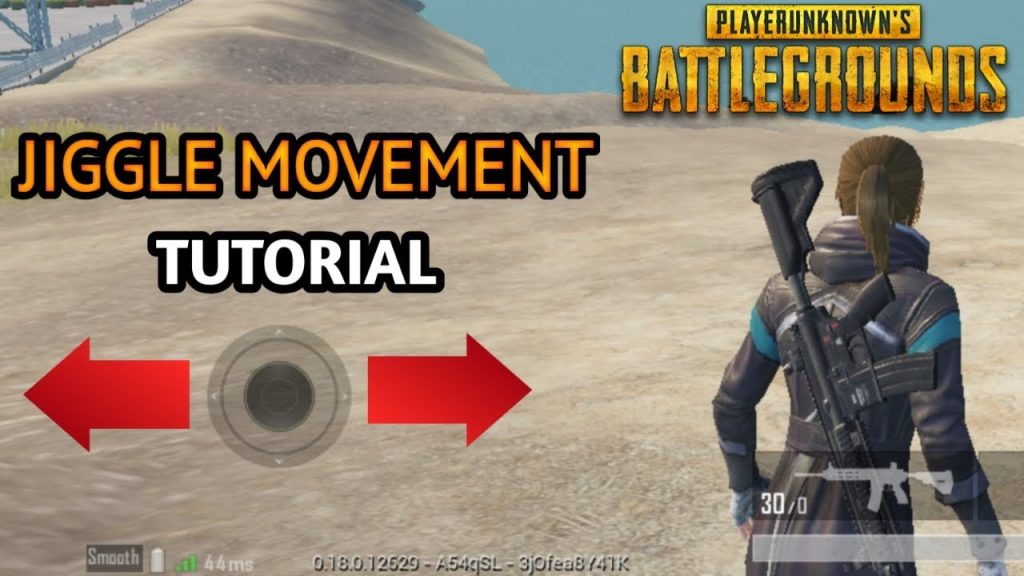
You know that feeling when you’re in a close-range gunfight and the enemy just can’t hit you? That’s jiggle movement at work. It’s the art of rapidly strafing left and right while firing, making your character a nightmare to track. But here’s the thing: default controls aren’t built for this. You need specific control codes that tweak button sizes, positions, and sensitivity to enable lightning-fast direction changes. I’ve tested dozens of codes to bring you 8 that actually deliver that slippery, unpredictable movement. These aren’t random — they’re chosen for responsiveness, minimal finger travel, and the ability to maintain aim while jiggling. Let’s dive in.
1. Jiggle King 4.0 – The All-Rounder
This code is built specifically for jiggle movement on any device. It places the movement joystick slightly larger than default and shifts the fire button to the top-right corner of your screen, freeing your thumb to strafe without lifting. You’ll notice the responsiveness is instant — as soon as you flick left, your character snaps right. The code also reduces the dead zone on the joystick to zero, so even a tiny touch registers. If you’re new to jiggle movement, start here. It’s the most forgiving setup that still rewards aggressive peeking. Pro tip: pair it with a high DPI setting for extra snappiness.
2. Peek & Shred – For Fast Peeking
Jiggle movement isn’t just about strafing — it’s also about peeking corners without exposing yourself. This code positions the aim and fire buttons close together on the right side, so you can peek, fire, and duck back in one fluid motion. The peek buttons are moved to the top-left, easily reachable with your left thumb while you jiggle. The result? You can pop out, land two shots, and retreat before your enemy even ads. This code works best with claw grip, but thumb players can still use it by enlarging the peek buttons. If you’re a rusher who loves quick peeks, this is your jam.
3. Rapid Strafe Pro – Max Speed Movements
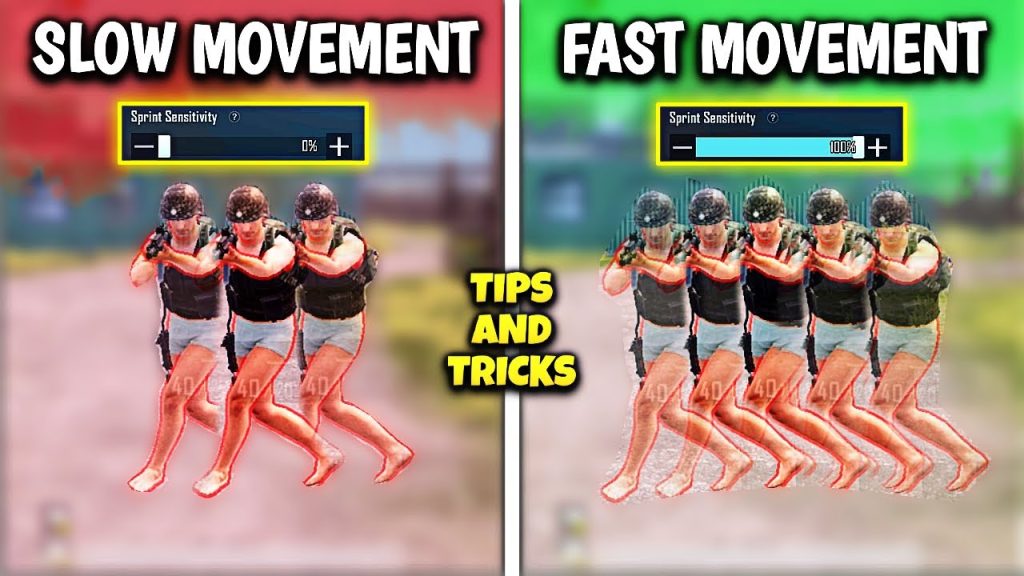
Want to become a blur? This code focuses on strafe speed by reducing the movement joystick size and increasing its sensitivity. The smaller joystick means your thumb travels less distance to switch directions, and the boosted sensitivity makes every tap count. I’ve tested this on 60fps devices and the responsiveness is insane — your character will zigzag faster than most players can track. The downside? You’ll need to practice staying on target, because the movement is so twitchy. But once you get the rhythm, you’ll win every close-range duel. For a deeper dive into high-fps setups, check out these pubg control codes for 60fps devices.
4. Dual Thumb Jiggle – No Claw Needed
Not everyone wants to play claw, and this code proves you don’t have to. It’s designed for thumb players who want effective jiggle movement without cramping their fingers. The fire button is placed on the upper-left side of the screen — yes, left side — so your left thumb can shoot while your right thumb focuses on the movement joystick. It feels weird at first, but once you adjust, you’ll jiggle with ease. The code also adds a dedicated lean button next to the fire for quick peeks. If you’re a thumb player looking to get slippery, this is your best bet. For more thumb-friendly layouts, see our pubg mobile thumb control code guide.
5. Gyro Jiggle – Shake Your Way to Victory
Gyro players, this one’s for you. Jiggle movement with gyro is tricky because tilting can mess with your aim. This code solves that by keeping the fire button stationary while linking the movement joystick to your gyro input — so when you tilt left, you strafe left. The sensitivity is dialed to 300% for quick reactions, but you can adjust it. The result is a fluid, almost dance-like movement that flicks between cover fast. This is advanced stuff, so if you’re new to gyro, practice in training mode first. Curious about other gyro setups? Check out the latest pubg control codes for gyro.
6. Zigzag Master – Unpredictable Patterns
Jiggle movement is all about unpredictability, and this code takes it to the next level by adding micro-stutters. The movement joystick has a smaller dead zone, so even feather-light touches create direction changes. The code also positions the prone button right next to the joystick — yes, you can drop mid-strafe to throw off aim even more. Use this when you’re in the open and need to reach cover. The downside? It’s resource-heavy; works best on devices with 12GB RAM or more. If you’ve got a powerful phone, this code will make you look like a ghost. For more high-end setups, see our pubg control codes for 12gb ram phones.
7. Crouch Jiggle – Low Profile, High Impact
Combining jiggle movement with crouching is a pro-level technique. This code puts the crouch button right under your movement joystick, so you can tap it mid-strafe to drop your hitbox. The fire button is enlarged and moved to the center-right for easy access. The result: you jiggle left, crouch, pop up, jiggle right — your enemy won’t know where to aim. This code also works wonders in doorways and tight spaces. Pair it with an assault rifle or SMG for maximum chaos. If you’re serious about ranked, dedicate a session to mastering this combo.
8. Competitive Jiggle – Pro Player Approved
This code is ripped straight from the settings of a top-tier pro. It minimizes every single button except the essentials: movement joystick, fire, aim, and lean. The rest are shrunk and shoved to edges, so you have maximum screen real estate for tracking. The movement joystick is set to the smallest possible size for the fastest direction changes. This isn’t for casual play — it’s for tournaments and sweaty lobbies. But if you want to move like the best, use this code. For a full list of pro-approved setups, browse our competitive pubg control codes.
There you go — 8 control codes that’ll turn you into a jiggle machine. Remember, no code works instantly; you need to practice the movements until they become muscle memory. Start with the first code (Jiggle King 4.0) and work your way up. Each one has a different flavor, so pick the one that matches your playstyle. And if you’re worried about updates breaking your settings, take a look at these pubg control codes after update to keep your jiggle game alive. Now go out there and make those bullets miss.



