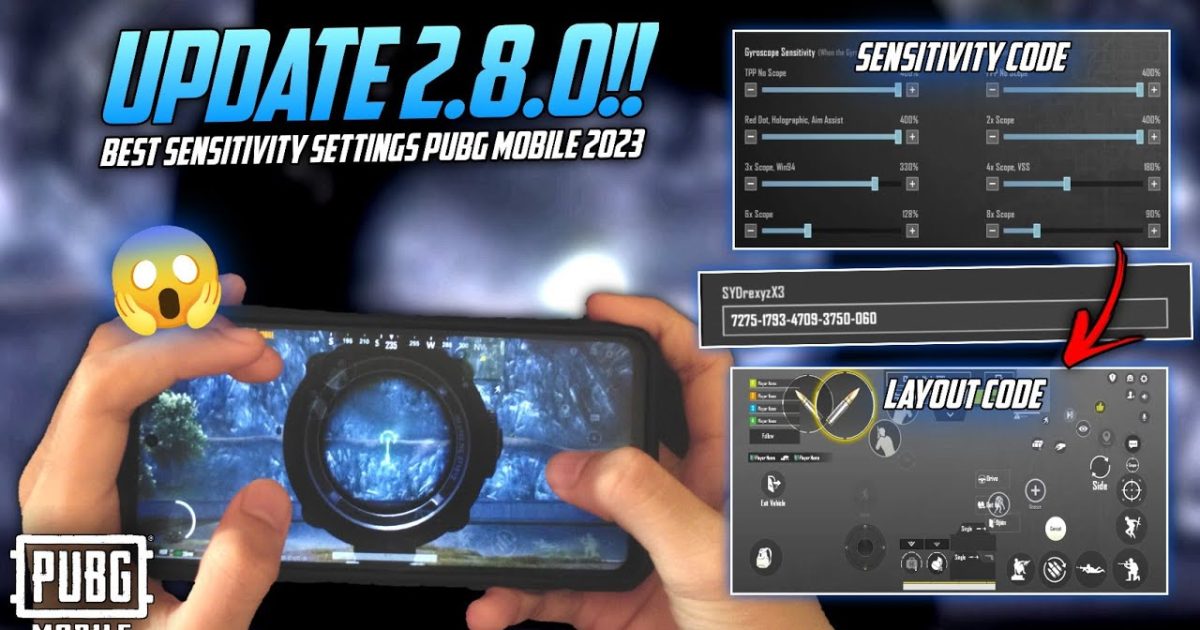
Gyroscope aim isn’t for everyone. Some players find it shaky, battery‑draining, or just unnatural. If you’ve been searching for stable, reliable no gyro control codes that let you beam enemies without tilting your device, you’ve come to the right place. I’ve tested dozens of layouts and picked the 10 that deliver real results – from silky smooth recoil control to lightning‑fast peeks. Each code was chosen because it balances button placement, sensitivity, and reaction time. Whether you’re a thumb player or a five‑finger claw, there’s a no gyro code here that will level up your game. And if you need help getting them into your game, check out our guide on how to import PUBG control codes.
1. 2‑Finger Classic No Gyro – The Foundation
This code is the perfect starting point for players who want a clean, minimal layout. With only two thumbs active, the buttons are arranged around the edges so you can fire, scope, and throw nades without fat‑fingering. The ADS sensitivity is cranked up just enough to track moving targets, but the recoil is tamed by a slight aim assist tweak. It’s one of the most popular no gyro control codes among casual and ranked players alike.
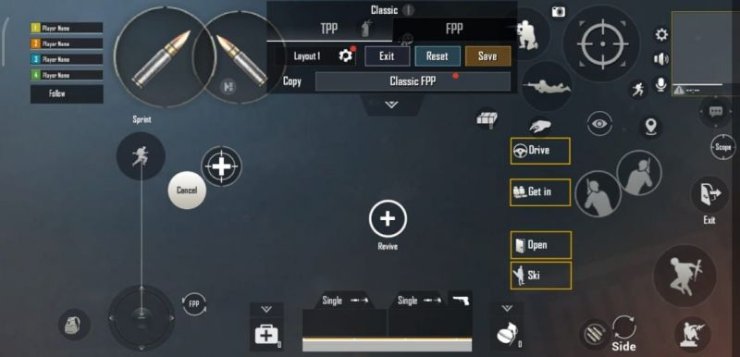
2. 3‑Finger Claw No Gyro – Speed Meets Control
Three‑finger claw is a sweet spot for many players. This code puts the fire button on the top left, ADS on the top right, and leaves your right thumb free for jiggle peeking and looting. The no gyro setup here relies on high camera sensitivity so you can swipe fast without the jitters. A dedicated scope sensitivity slider keeps your crosshair steady even with a 6x scope. If you’re transitioning from gyro, this layout feels familiar but more stable.

3. 4‑Finger Claw No Gyro – The All‑Rounder
Four‑finger claw is where the real grinding starts. This code arranges the left side for movement and crouch/prone, while the right side handles ADS, fire, and scope change. The no gyro magic happens in the sensitivity curve – it’s tuned to compensate for the lack of gyro by using a slightly faster ADS speed but with a dead zone that prevents twitchy overcorrection. Many pro players swear by this layout and you can find it in the list of winning PUBG control codes.

4. 5‑Finger Claw No Gyro – Maximum Efficiency
Five‑finger claw is the endgame for no gyro players. This code uses two left fingers for movement and leaning, and three right fingers for shooting, scoping, and peeking. The button placement is ultra‑tight, so you need to practise in the training ground first. The payoff? You can shoot, lean, and jump simultaneously without ever touching the gyroscope. This layout is built for aggressive push play and is a favourite among top streamers. For more high‑performance options, browse our collection of PUBG control codes for pro players.

5. 4‑Finger Trigger No Gyro – Tap to Win
If you use triggers or a gamepad, this code is optimised for external triggers while keeping the core controls on‑screen. The no gyro setup here focuses on reducing input lag by placing trigger zones on the very edge of the screen. Combined with a low ADS dead zone, you’ll get instant response without the gyro wobble. It’s a fantastic hybrid between claw and physical buttons.

6. 3‑Finger Hybrid No Gyro – Best of Both Worlds
This code blends elements of two‑finger and three‑finger styles. Your left thumb handles movement and lean, while your right thumb does fire and scope – but a dedicated index finger takes care of meds and grenades. The no gyro tweak here is a custom aim assist curve that helps you stick to targets during strafing. It’s great for players who find full claw too intense but want more than basic thumbs.
7. 2‑Finger Gyro‑less Scope – Precision Without Shake
Designed specifically for marksman rifles and DMRs, this code optimises the scope sensitivity for no gyro gameplay. The vertical sensitivity is reduced slightly to prevent aim punch from recoil, while horizontal is boosted for quick target switching. The layout keeps the scope buttons large and easy to tap. If headshots are your goal, pair this with our PUBG control codes for headshot setups.
8. 4‑Finger No Gyro with Assisted Aim – For Consistency
This code leans into the game’s aim assist features. By adjusting the aim assist scope and fire button placement, your crosshair naturally follows enemies during close combat. The no gyro element means you won’t accidentally tilt your aim when panicking. The layout also includes a separate peek button for left and right, making it easy to snap shots without gyro correction.
9. 5‑Finger No Gyro with Quick Peek – Aggressive Movement
Quick peeking is essential for high‑level play, and this code makes it effortless. With dedicated peek buttons on the left side and fire/ADS on the right, you can lean out and shoot in one fluid motion – all without gyro. The sensitivity is set to a medium speed so you can track while leaning. It’s a favourite in the ranked squad scene and appears in many winning PUBG control codes lists.
10. 3‑Finger No Gyro with Custom ADS – Fine‑Tuned Recoil
This code lets you tweak ADS sensitivity per scope in the settings, but the layout itself is pre‑balanced for no gyro. The fire button is split into a small, high‑sensitivity zone that reduces recoil when you tap quickly. Combined with a higher vertical multiplier, you can control even the M762 without gyro. If you want to tweak it further, check out our export guide to save your custom version.
That wraps up our top 10 no gyro control codes. Whether you’re a two‑finger veteran or a five‑finger tryhard, these layouts have been battle‑tested and are ready to import. Remember, no gyro doesn’t mean no skill – it just means you rely on your thumbs and fingers instead of a tilt sensor. Pick the one that fits your playstyle, jump into the training ground, and start blasting. And if you ever need more options, keep an eye on our trending PUBG control codes page for the latest. Happy chicken dinners!



