You’ve spent hours tweaking your PUBG Mobile control layout – the perfect claw grip, sniper scope sensitivity, button placements that feel like second nature. Then a patch drops, or you switch devices, and poof – your codes are gone. It’s a nightmare. But it doesn’t have to happen. I’ve rounded up 7 reliable methods to save your control codes so you can restore them in seconds. These are ranked by ease of use and reliability, from built-in game features to simple backup tricks. Whether you’re a casual player or a competitive grinder, at least one of these will save your bacon.
1. Use the In-Game Cloud Sync (If Available)
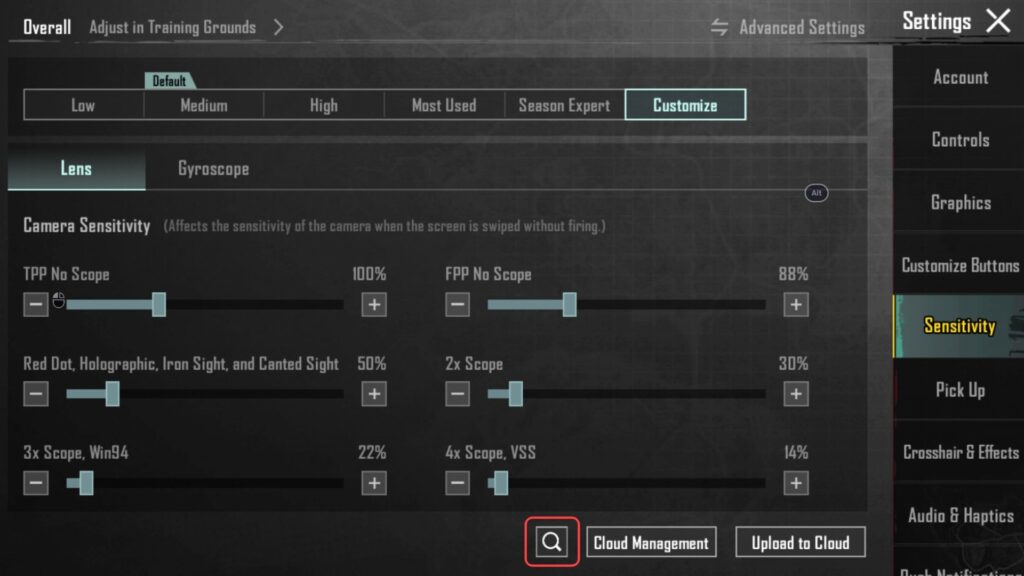
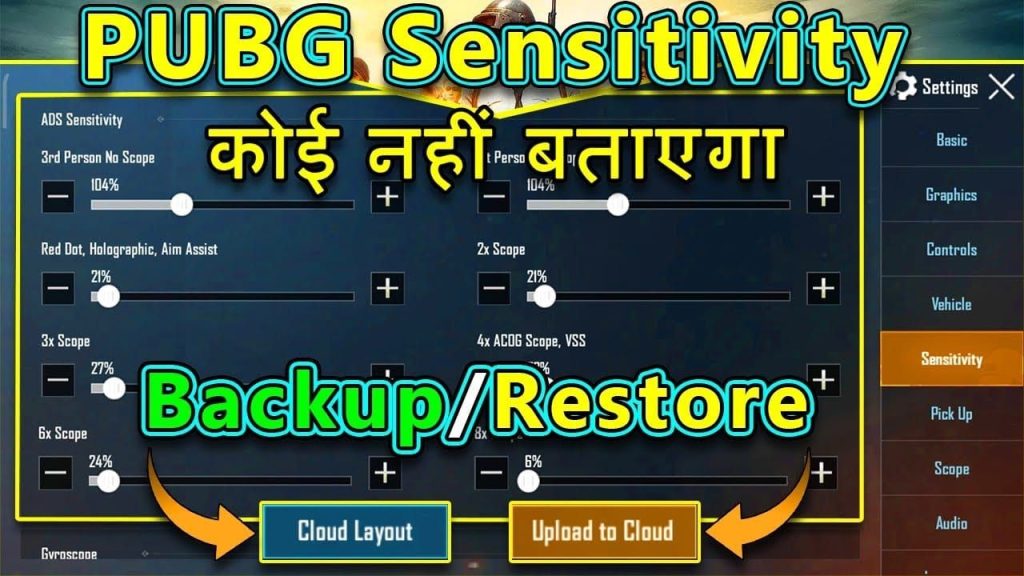
PUBG Mobile offers an official cloud backup for control layouts, but it’s tucked away. Go to Settings → Controls → Control Layout and tap the cloud icon. If you’re logged into your account (Facebook, Google, or Twitter), your layout can be saved to the cloud. When you reinstall or log in on another device, the game should restore it automatically. However, this feature has known sync issues – sometimes your codes won’t download properly. That’s why cloud sync is only step one; you need a backup plan.
2. Export Your Layout as a Code String
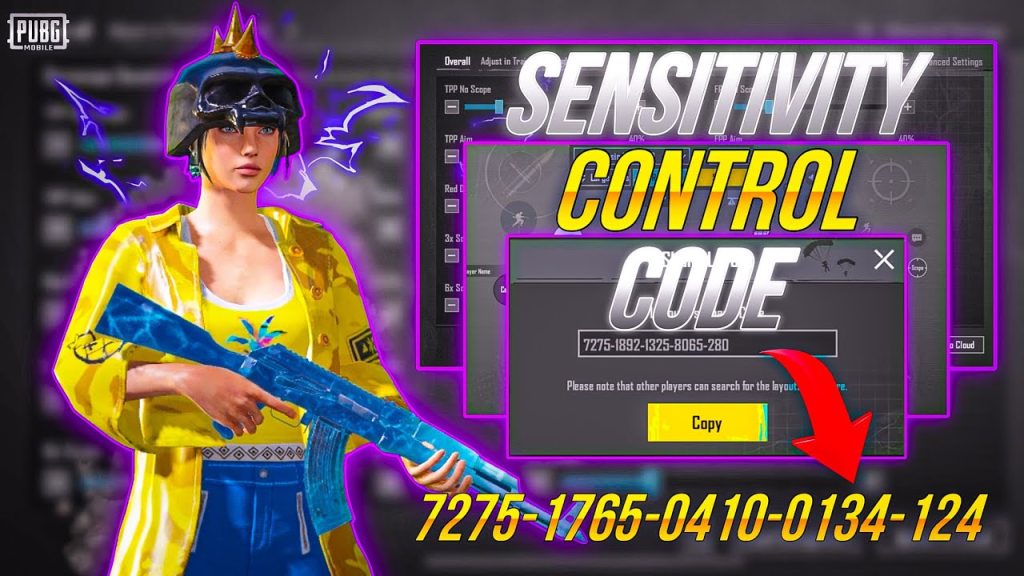
The most portable method is exporting your layout as a code string. In the control layout editor, tap the share button (usually an arrow or three dots). You’ll get a long alphanumeric code. Copy it and paste it into a notes app, email yourself, or save it in a text file. This code can be imported later by anyone – perfect for sharing with friends or restoring after a reset. Just make sure to label it (e.g., “5-finger gyro layout March 2025”) so you don’t end up with a mess of codes. If you’re new to importing, check our guide on how to import PUBG control codes.
3. Take Screenshots of Each Control Tab
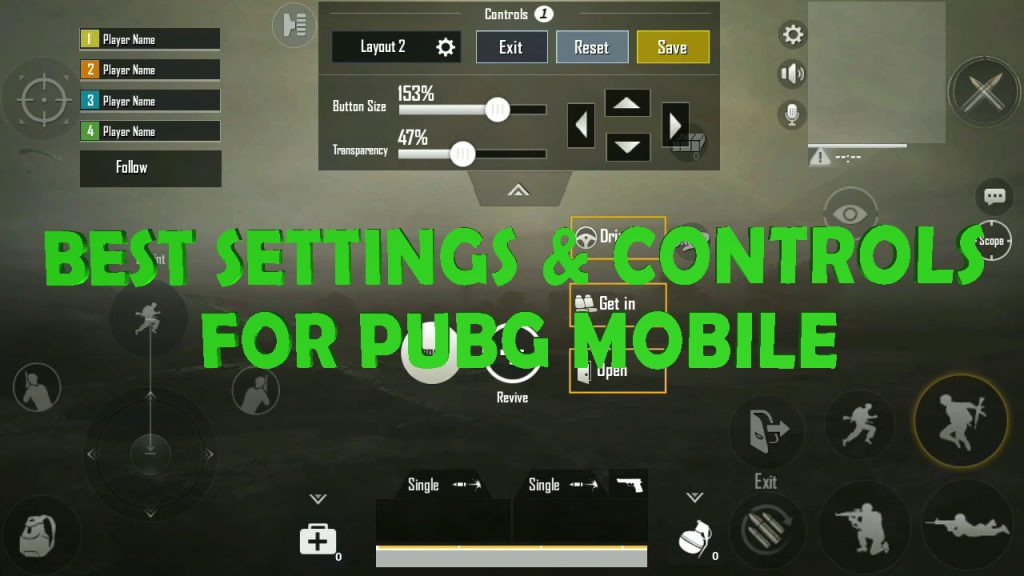
Sometimes codes become invalid after updates. A low-tech but bulletproof method is screenshots. Open your control layout editor and take screenshots of every tab: main layout, fire button, scope, movement, etc. Name them by device and date. If your code breaks, you can manually rebuild your layout by referencing the screenshots. It’s tedious but failsafe. Plus, it helps you spot changes if PUBG tweaks button dimensions in a new patch. Pair this with a cloud backup to cover your bases.
4. Use Third-Party Backup Apps
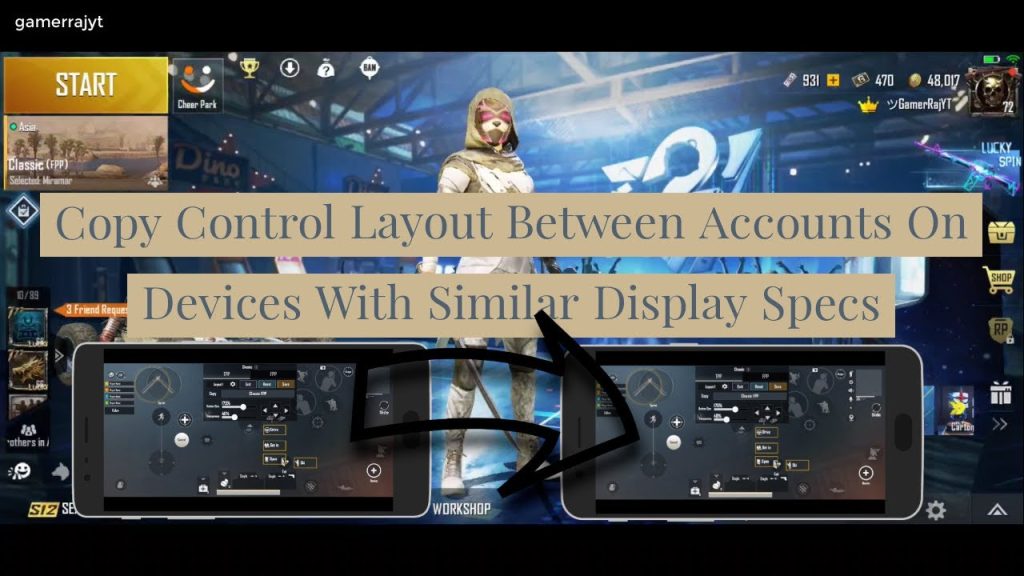
Android users can turn to apps like “PUBG Control Code Backup” or “Game Tuner” that save your settings externally. These apps read the game’s local config files and create a restore point. On iOS, file-level access is limited, but some cloud storage apps (like Dropbox) can store exported codes. Be cautious: only use trusted apps with good reviews to avoid malware. And always verify that the backup works before you clear your game data. For a list of apps that pros recommend, see our trending layouts post.

5. Manually Copy the Configuration File
If you’re tech-savvy, you can directly access PUBG Mobile’s config files. On Android, navigate to /Android/data/com.tencent.ig/files/UE4Game/ShadowTrackerExtra/ShadowTrackerExtra/Saved/Config/Android/ and find the UserSettings.ini or similar file. Copy the entire section related to control layout (usually under [ScalabilityGroups]). Paste it into a text file and save it. To restore, replace the file on your new device. This method works across Android devices but requires a file manager. On iOS, you’ll need a jailbroken device or a Mac with special tools – so this is mostly for Android players.
6. Share Codes with a Trusted Friend
A social backup: share your control codes with a friend who also plays PUBG Mobile. When you both update your layouts, exchange exported codes. If one of you loses theirs, the other has a copy. It’s like a buddy system but for HUDs. Just make sure you both label codes clearly. You can also create a private Telegram or Discord group dedicated to backing up codes. This doubles as a way to discover new layouts – maybe your friend’s code gives you an edge. For more layout ideas, check out the new meta control codes.
7. Use a Dedicated Code Repository Website
Sites like pubgcontrolcodes.xyz not only host thousands of player-made layouts – they also let you save your own codes for free. Create an account, submit your layout code, and it’s stored online. You can access it from any device. It’s the most centralized backup method. Plus, you can browse pro player layouts or trending codes to improve your game. The downside? You need an internet connection. But for most players, it’s a lifesaver. And if you ever run into invalid code issues, our troubleshooting guide has fixes.
8. Record a Video Walkthrough of Your Layout
For visual learners, recording your screen while you navigate each setting is a brilliant backup. Open your control layout editor and slowly scroll through each option, toggling settings on and off. Upload the video to a private YouTube playlist or cloud storage. If your codes vanish, you can watch the video and rebuild. This method also helps you remember subtle adjustments like button opacity or scope sensitivity that might not show in a static screenshot. It’s overkill for most players, but if you’re a perfectionist with dozens of tweaks, it’s worth it.
There you have it – 8 ways to keep your PUBG Mobile control codes safe. The best approach? Combine cloud sync (step 1) with an exported code string (step 2) plus a screenshot (step 3). That triple backup will survive updates, device changes, and even account sync glitches. Don’t wait until you lose your layout – take 10 minutes today to save it. Your future self will thank you when the next patch drops. And if you’re hungry for fresh layouts, check out our list of pro player layouts or trending codes to level up your game.



