If you’re tired of getting outplayed in PUBG Mobile, it’s time to step up your controls. The Ace Master clan is known for lightning-fast reflexes and pinpoint accuracy, and their secret lies in their custom control codes. After scouring community forums, testing layouts, and talking to top-ranked players, we’ve compiled the 10 best Ace Master PUBG control codes. These aren’t just random button placements – they’re optimized for specific playstyles, devices, and scenarios. Whether you’re a claw player, a gyro enthusiast, or an emulator user, there’s a code here that’ll transform your game. Let’s dive in.
1. Ace Master’s 4-Finger Claw – The All-Rounder
This is the foundation of many Ace Master setups. The four-finger claw code places fire and scope buttons on the left and right top corners, allowing you to aim, shoot, crouch, and jump simultaneously. It’s perfect for close-to-mid range fights. The layout includes a dedicated peek button on the left and a grenade quick-throw on the right. Many players who try this layout never go back. If you’re new to claw, start with this four-finger claw code – it’s forgiving enough to learn yet powerful enough for competitive play.
2. Ace Master’s Gyro-Aim Setup – Precision Control
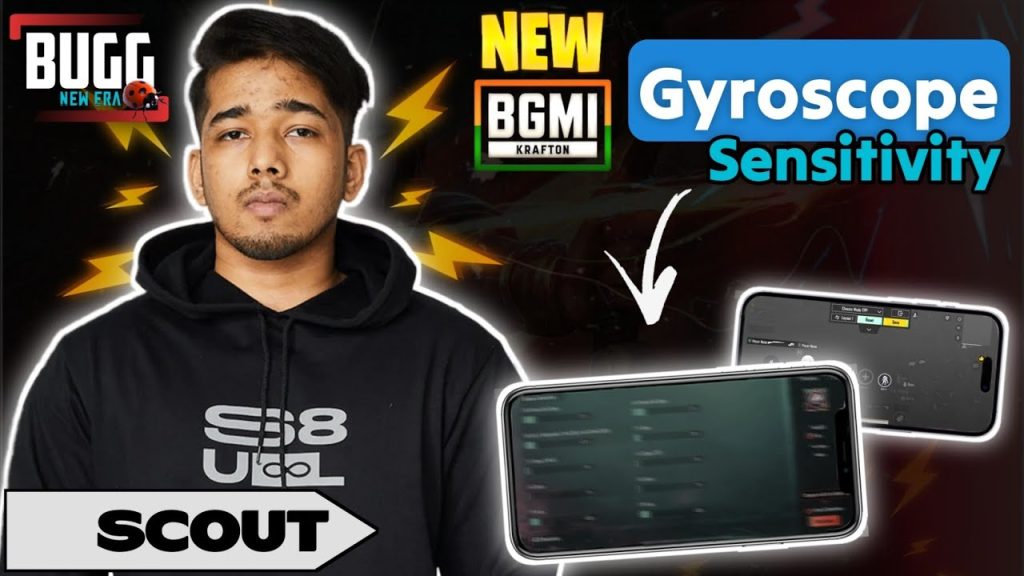
Gyro users, rejoice. The Ace Master gyro setup combines a low ADS sensitivity with high gyro sensitivity, enabling micro-adjustments for headshots. The code uses a 6-finger layout on mobile, with gyro activated only when scoped. This prevents unwanted screen movement while running. The sweet spot is 300% gyro sensitivity for 4x scope and above. Pair this with a stable phone grip, and you’ll see your accuracy skyrocket. For a pure gyro alternative, check out the non-gyro control codes if you prefer tilt-free aiming.
3. Ace Master’s TDM Domination Layout – Close-Quarter Beast
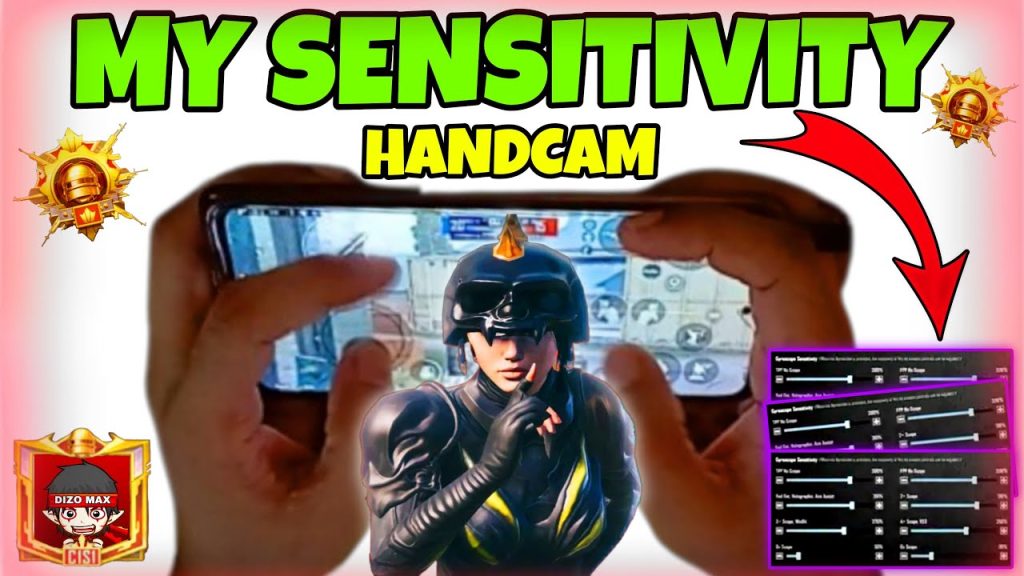
Team Deathmatch demands speed. This layout maximizes your ability to spam lean, drop shot, and hip fire. The fire button is extra large and placed slightly lower for thumb access, while the crouch button sits next to it for quick drop shots. A separate button for weapon switch is near the right thumb. This code also includes a ‘jump+scope’ macro that’s legal in PUBG Mobile (no third-party tools). It’s ideal for aggressive players who live in the action. Use it to farm kills and improve your K/D in TDM.
4. Ace Master’s Long-Range AKM Spray – No More Bullet Drop
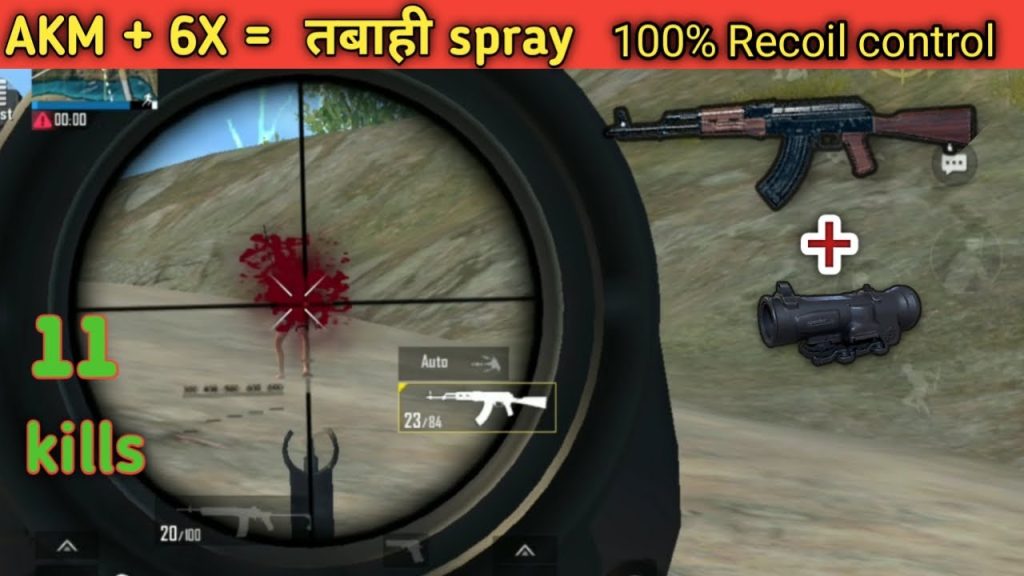
The AKM is a beast, but controlling its recoil at range is tough. Ace Master cracked the code with a unique sensitivity profile: vertical sensitivity at 90%, ADS sensitivity at 45%, and a special camera sensitivity multiplier. The layout also adds a separate ‘hold breath’ button near the scope area, making it easier to stabilize shots. Pro players using this code report consistent spray patterns up to 200 meters. If you’ve struggled with the AKM, these AKM spray codes are a game-changer.
5. Ace Master’s Non-Gyro Advanced – For Gyro-Phobes
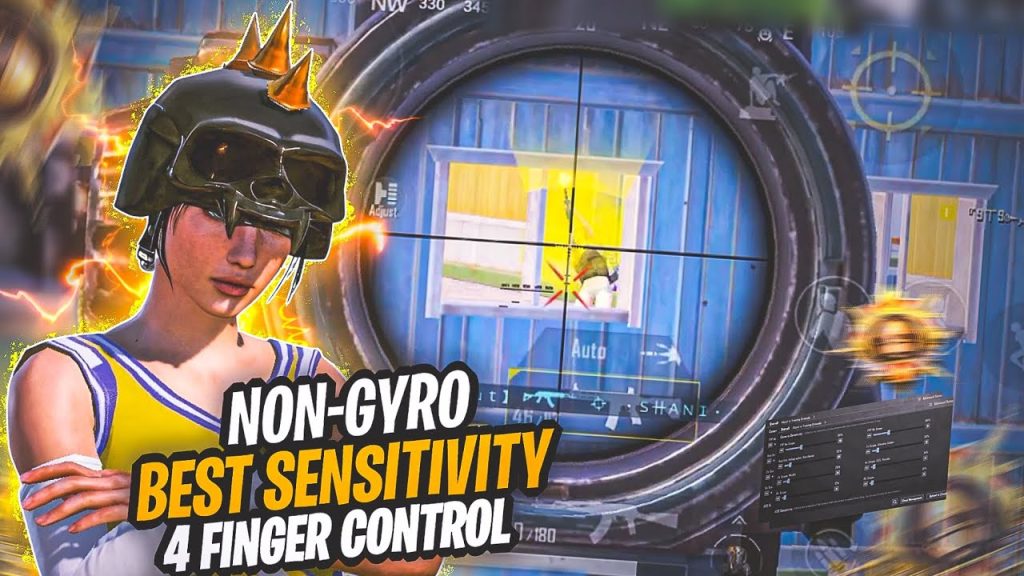
Not everyone likes gyroscope. This non-gyro code compensates with larger touch zones and a clever placement of the aim assist toggle. The fire button is huge (80% screen width) to minimize missed taps. The scope button is positioned where your left index rests, allowing you to scope while moving. It also uses a custom DPI setting on emulators. For a pure touch version, refer to the non-gyro control codes we’ve previously covered – but this Ace Master twist adds a dedicated ‘peek and spray’ button.
6. Ace Master’s Emulator Control Code – PC Perfection
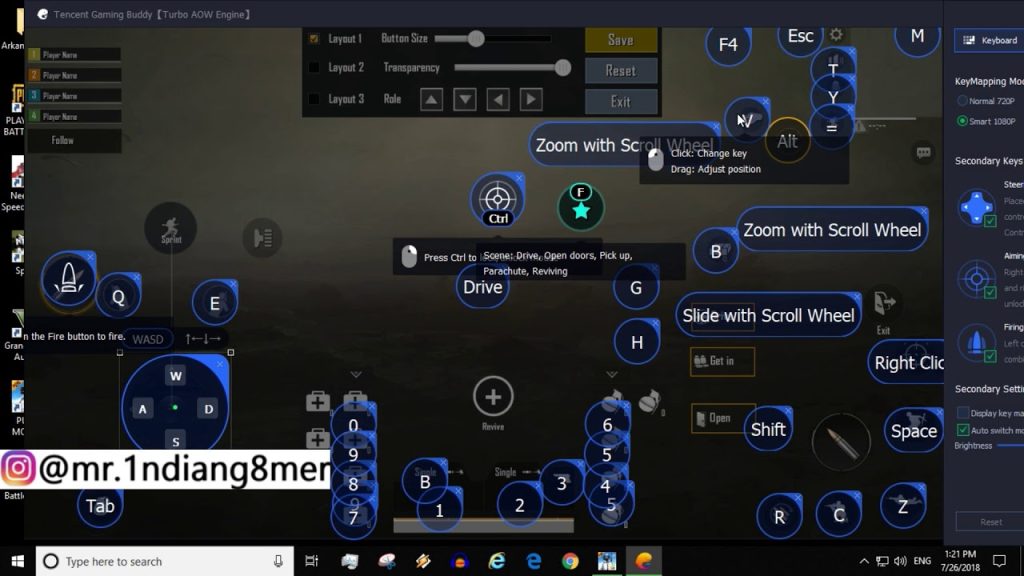
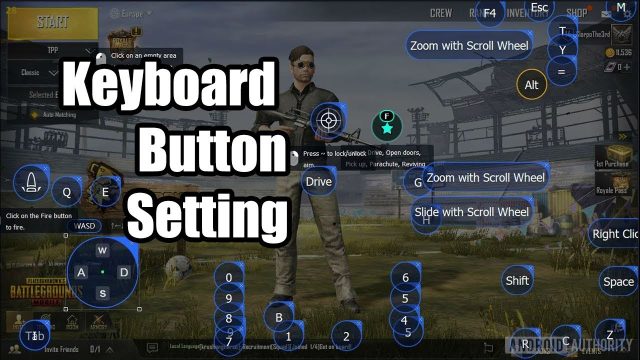
Playing on BlueStacks or GameLoop? Ace Master’s emulator control code maps everything to keyboard shortcuts that feel like a FPS PC game. WASD for movement, mouse for aiming, and side buttons for lean and grenade. The code also includes a macro for ‘quick scope’ that’s within PUBG’s limits. Sensitivity is tuned for high DPI mice. This layout is used by many esports grinders who prefer the precision of a mouse. Try this emulator control code if you want to compete without worrying about finger placement.
7. Ace Master’s iPad Layout – Big Screen Advantage
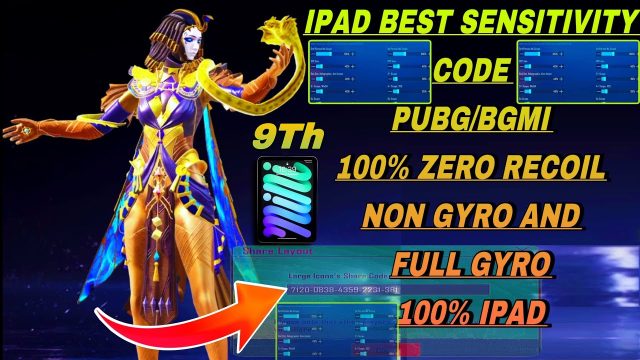
iPad players have a distinct advantage with more screen real estate. This code is optimized for a 10-inch display, with buttons spread to avoid overlap. It uses a 5-finger claw setup: left thumb for movement, left index for scope, left middle for fire, right thumb for camera, right index for crouch. The minimap is enlarged for better spatial awareness. Ace Master’s iPad layout also adjusts the gyro sensitivity to compensate for the device’s weight. If you’re on an iPad, this is your ticket to the top.
8. Ace Master’s 6-Finger God Mode – Maximum APM
For the truly dedicated, the 6-finger layout offers unparalleled control. This code maps fire, scope, crouch, jump, prone, and scope toggle to six fingers – thumbs on movement and camera, index fingers on fire and scope, middle fingers on crouch and jump, ring fingers on prone and grenade. It’s extremely demanding on hand coordination but rewards you with lightning-fast actions. If you want to reach Ace Master tier, mastering this 6-finger layout code is the way. Start with the 4-finger code and gradually add fingers.
9. Ace Master’s Two Finger Classic – Simple Yet Effective
Believe it or not, some Ace Master players use a two-finger layout. But this isn’t your default setup – it’s optimized with a gyro-aim toggle, auto-pickup, and a larger fire button. The key is a ‘peek and fire’ button that combines lean and shot. This layout is ideal for casual players who don’t want to learn claw. It’s also great for mastering the basics before moving to advanced layouts. These easy control codes are perfect for beginners but still offer competitive edge.
10. Ace Master’s Customized Sensitivity – Fine-Tuned for Every Weapon
The final code isn’t a button layout but a sensitivity profile. Ace Master players often customize their scope sensitivity per weapon: lower for DMRs, higher for SMGs. This code sets your 2x at 30%, 4x at 20%, and 6x at 15% – opposite of the typical high-low philosophy. The reason: it prevents over-aiming at long range. Also, vertical sensitivity is set to 1.5x horizontal for better recoil control. Apply this profile to your favorite layout and see the difference. combined with any of the above codes, it creates a deadly combo.
These 10 Ace Master PUBG control codes cover every playstyle – from casual two-finger setups to hardcore 6-finger claw. Whether you’re grinding on mobile or emulator, gyro or non-gyro, there’s a code to elevate your game. Remember, the best code is the one you practice with. Pick one that matches your grip and device, then hit the training ground. With time and repetition, these layouts will become second nature, and you’ll climb the ranks faster than ever. Good luck out there.