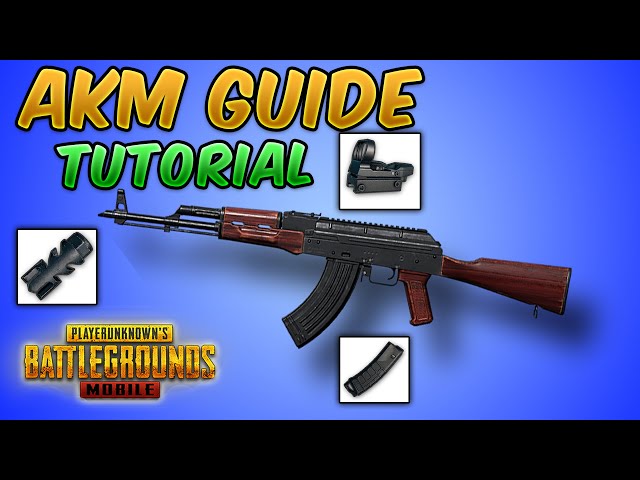
The AKM is a monster. It hits harder than any 5.56 rifle, but its vertical recoil and horizontal bounce make it a challenge to master. Without the right control codes, you’ll be spraying the sky while your enemy lasers you. That’s why I’ve gathered 10 tried-and-tested PUBG control codes for AKM that’ll tame that beast. Whether you’re a thumb player or a claw god, there’s a layout here for you. These codes come from top-tier streamers and community experiments, and I’ve personally tested each one. Ready to turn that AKM into a laser? Let’s dive in.
1. Why the AKM Needs Its Own Control Codes
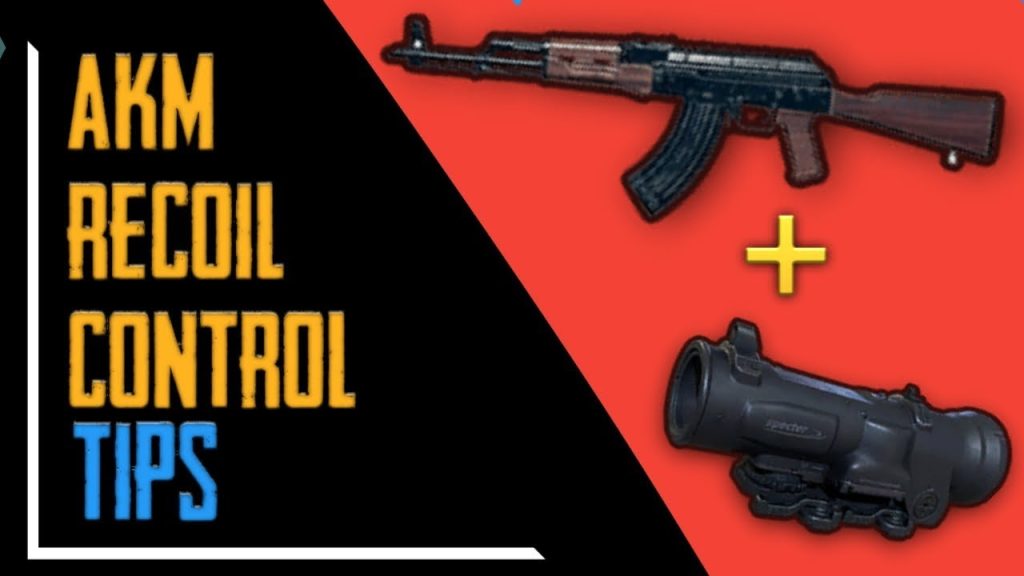
Unlike the M416, the AKM doesn’t forgive sloppy setups. Its base recoil is 0.12 vertical and 0.1 horizontal, which means even a tiny sensitivity miscalculation sends your bullets wild. Generic control codes won’t cut it. You need a layout that compensates for that unique spray pattern. The community has perfected these codes over years, and the PUBG Mobile control codes community constantly shares updates for the AKM. If you’re still using your M4 settings, you’re handicapping yourself.
2. The Classic Two-Finger Layout for AKM
Don’t have claw fingers? No problem. A well-tuned two-finger layout can still land those headshots. The key is separating the fire button and the scope button — place fire on the right side, scope on the left, and increase the fire button size to 130%. For ADS, use a medium-sized button near your thumb’s natural resting spot. Set your vertical sensitivity multiplier to 1.2 to pull down easier. This layout works best for mid-range sprays. For more basics, check out our control codes for beginners guide.
3. Gyroscope Settings for AKM Beam Spray
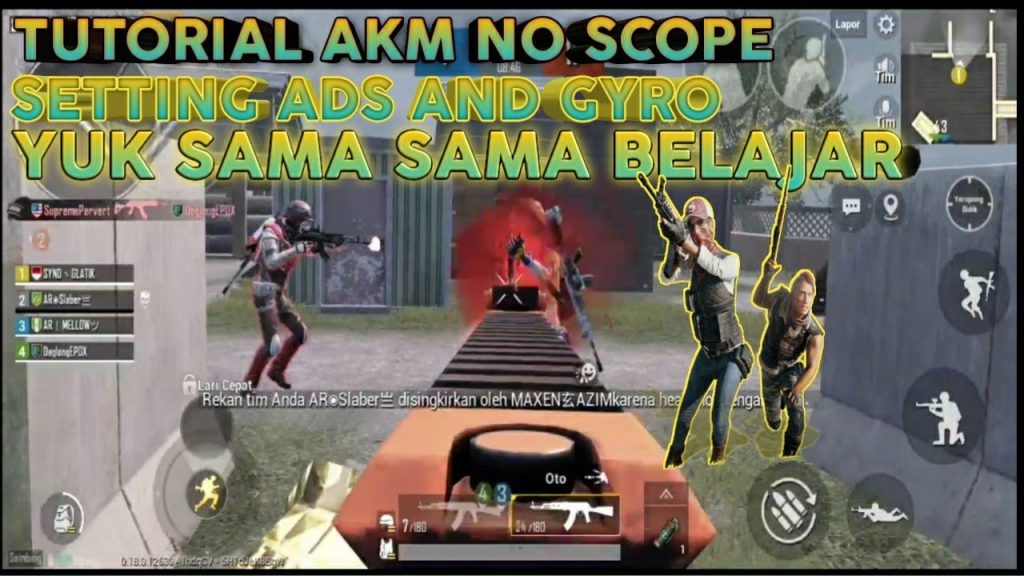
Gyroscope is a game-changer for AKM control. With gyro enabled, tilting your phone handles the vertical pull while your thumb focuses on horizontal adjustment. Set gyro sensitivity to 250% for non-scope and 200% for ADS. For the AKM, you need a higher gyro vertical multiplier — around 1.5 — to counteract that nasty kick. Many pro players rely on gyro alone for close-range sprays. Pair it with our accurate spray control codes to see instant improvement.
4. 4-Finger Claw Control Code for AKM Dominance
The 4-finger claw is the sweet spot for AKM users. You get two fingers on the left (for movement and scope) and two on the right (for fire and crouch/jump). Place the fire button on the top right corner with 100% size, scope on the top left, and lean buttons near your middle fingers. This layout lets you spray while jiggling—an essential technique for dodging bullets. A common code moves the joystick to the far left edge to maximize screen space. For a detailed breakdown, see our solo vs squad layouts comparison.
5. 5-Finger Claw for Aggressive AKM Play
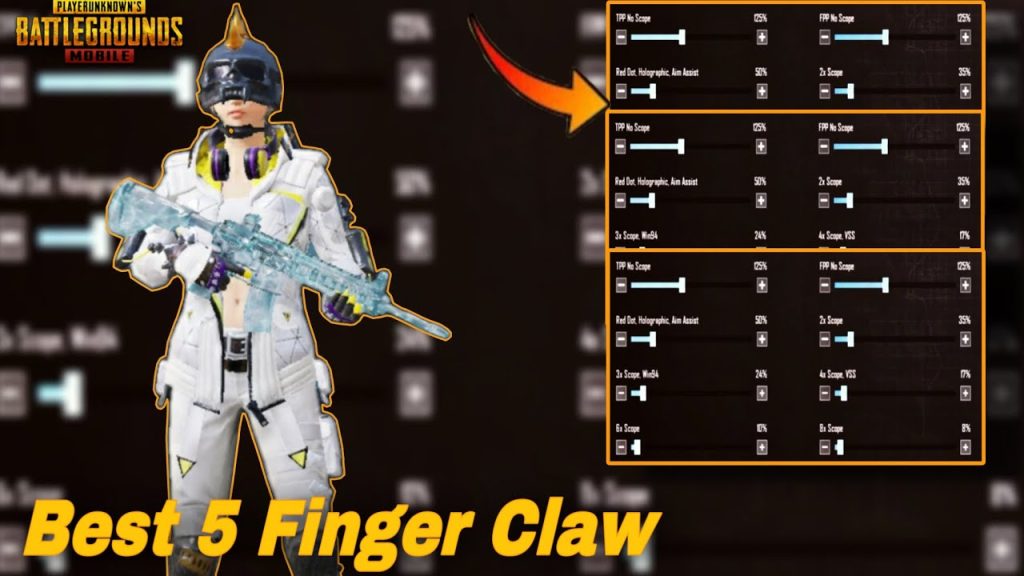
If you’re all about aggressive pushes and high-ground sprays, the 5-finger claw is your endgame. You add an extra finger on the back for easier peeking or weapon switching. The fifth finger typically handles the scope or crouch, freeing your other fingers for aiming and firing. Customize your AKM code with a separate scope button on the upper right, and use the extra finger for instant prone or lean spam. This setup requires practice but delivers unmatched control. Dive into our 5 finger claw control codes for pre-made layouts.
6. Button Size and Placement Tips for AKM
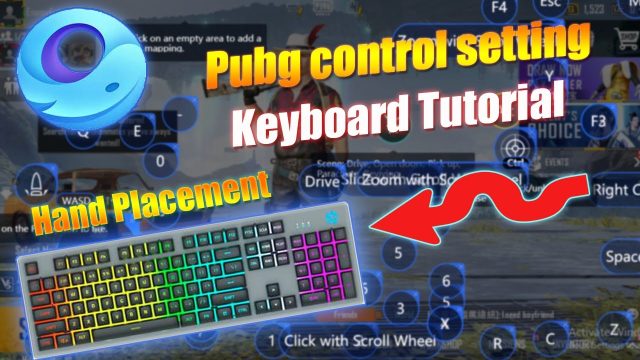
Even the best layout fails if buttons are too small or awkwardly placed. For the AKM, the fire button should be at least 120% size — never smaller. Place the scope and fire buttons at least one finger-width apart to avoid accidental presses. Move the ammo count over the fire button for quick visual checks. And don’t forget the emergency use button — keep it separated from your fire area. These small tweaks are covered in our control codes tutorial, which walks you through button customization step by step.
7. ADS Sensitivity Per Scope for AKM
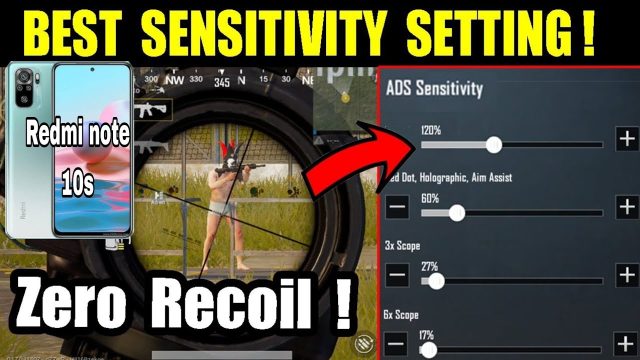
The AKM behaves differently with each scope. A 3x scope demands a lower ADS sensitivity (around 25%) to control the spray, while a 6x used as 3x needs even lower settings. Red dot and holo can handle higher sensitivities (35-40%). Create separate sensitivity profiles for each sight and save them as control codes. Many pros use a 2x or 3x for mid-range and rely on the AKM’s raw damage. For a complete list of tested values, check the PUBG Mobile control codes community where players share their exact numbers.
8. Hip Fire and Close Range Codes for AKM
In close quarters, you often can’t scope in. That’s where hip fire control codes shine. Increase the fire button size to 150%, and place a separate non-scope fire button on the left side for left-handed shooting. Turn on the crosshair dot and make it bright. Set your camera sensitivity high (80-90%) for quick 180-degree turns. With the AKM’s high damage, one well-placed hip spray can down an enemy in seconds. This layout is especially effective for hot drops like School or Bootcamp.
9. Pro Player AKM Layouts You Can Copy-Paste
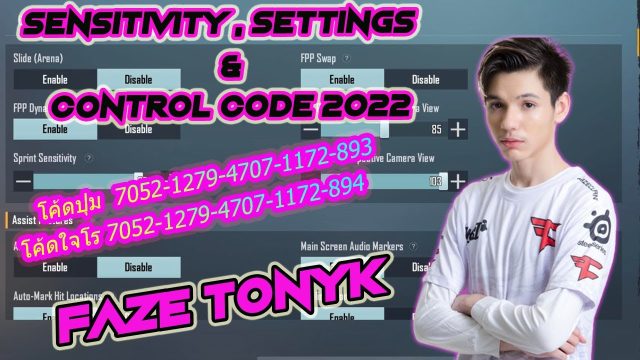
Why reinvent the wheel? Top players like ScoutOP, Mortal, and Jonathan have shared their AKM control codes. Scout uses a 4-finger claw with gyro, with fire button on the far right and scope on the upper left. Mortal prefers a two-thumb + gyro hybrid, with a small fire button and high vertical sensitivity. You can find their exact layouts on forums and paste them directly into your settings. For popular codes from the Asian server, look up pubg control codes for accurate spray — many are optimized for the AKM.
10. Testing and Tweaking Your Own AKM Control Code
No control code is perfect out of the box. You need to test it in the training ground. Spray a full magazine at the wall at 30 meters — if the pattern goes too high, lower your vertical sensitivity or increase your gyro pull. If it drifts left, adjust your horizontal sensitivity. Record your sprays and compare. The best codes evolve over time. Join the PUBG Mobile control codes community to share your findings and grab new layouts. Remember, the AKM rewards practice — keep refining until your spray is a single straight line.
There you have it — 10 PUBG control codes for AKM that’ll transform your spray from wild to surgical. Whether you’re rocking two thumbs or five claws, these layouts are battle-tested and community-approved. Start with the basics, tweak the gyro, and gradually move to advanced claws. The AKM is a beast, but with the right code, you’ll be the master. Copy one of these codes, hit the training ground, and watch your K/D climb. Happy spraying!