Let’s face it: PUBG Mobile control codes can look like a spaceship dashboard. But not every code needs to be packed with buttons. Whether you’re a casual player or a sweat trying to keep things simple, these easy PUBG control codes strip away the complexity without gimping your game. I’ve handpicked codes that focus on clean button placement, minimal overlap, and quick muscle memory. No 6-finger monstrosities here—just straightforward layouts that work on any device. Ready to simplify your HUD? Let’s dive in.
1. The Classic 2-Finger Layout
If you’re new or just prefer a lazy grip, the classic 2-finger layout is your jam. It uses only your thumbs for aiming, shooting, and moving. The code places the fire button big and centered, with the scope button close by. No fancy claw—just pure comfort. Use this code for a relaxed session where you don’t want to cramp your hands. Pair it with a good sensitivity and you’re golden. For a ready-to-go version, grab a 2 finger layout code that balances reach and response.
2. Simple 3-Finger Claw (No Sweat)
Three-finger claw often scares people, but this code keeps it basic. You add your left index for shooting, while your thumbs handle movement and aim. The trick is moving the fire button to the top left corner—easy to tap without shifting your grip. This gives you faster shots without the complexity of four fingers. Perfect for players transitioning from two fingers. No need to go full tryhard; just enjoy the extra speed.
3. Four-Finger Claw Made Easy
Four-finger claw sounds insane, but this code simplifies it. You use both index fingers for shooting and scoping, thumbs for movement and crouch. The layout uses large buttons with generous spacing, so you don’t accidentally tap wrong. It’s a great middle ground between high performance and ease of use. Copy this four finger claw control code if you want more control without the steep learning curve.
4. Gyro Assist – Zero Effort Aim
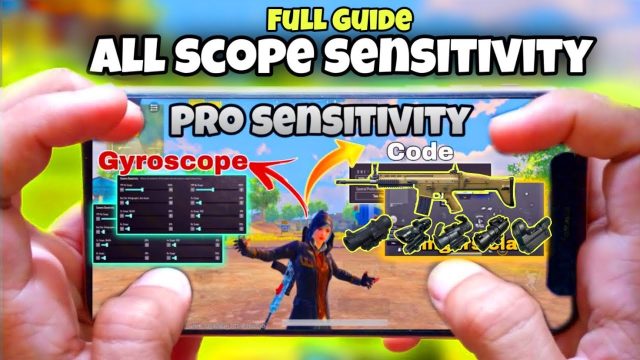
Gyroscope aiming can feel weird, but this code makes it a breeze. It sets low gyro sensitivity for scopes only, so you tilt your phone slightly to fine‑tune aim without wrestling with the screen. The code keeps ADS fire on the right thumb while gyro does the micro‑adjustments. You’ll land more headshots with minimal hand movement. Just enable gyro in settings and paste this code.
5. Non‑Gyro Aim – Pure Thumb Control
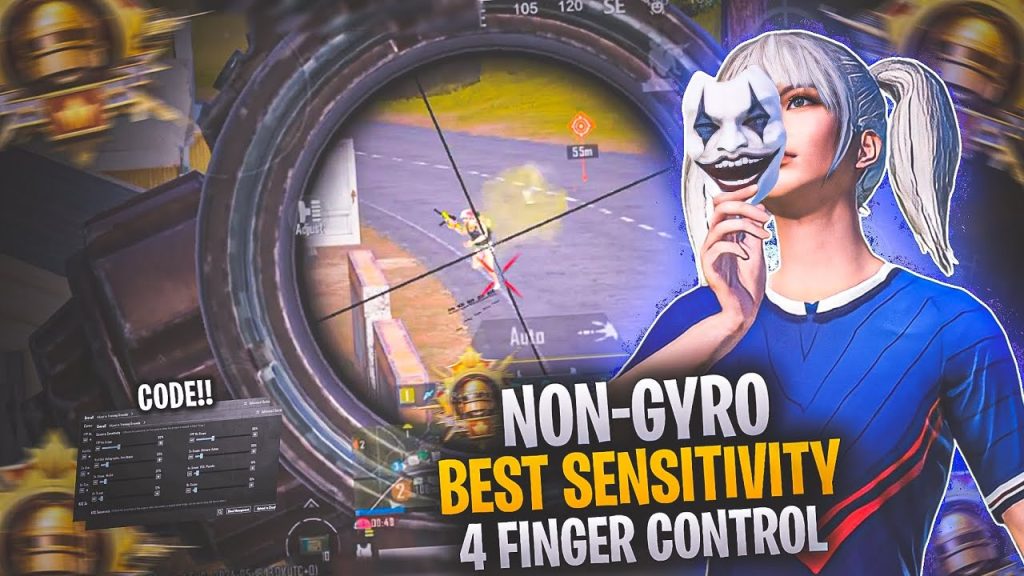
Not a fan of tilting your phone? This non‑gyro code relies entirely on thumb drags. The key is a lower ADS sensitivity and a generous deadzone to prevent shaky aim. The code arranges scope and fire buttons in a vertical line, making it easy to switch while aiming. Check out these non gyro control codes for a cleaner setup that doesn’t require gyro.
6. Hip Fire King Layout
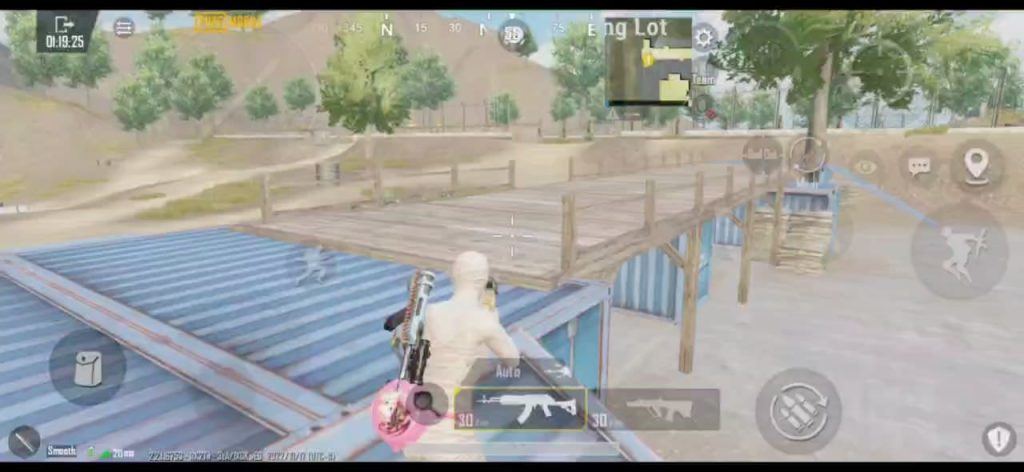
Close‑range fights are all about hip fire. This code puts the fire button dead center with a huge area, so you never miss a tap. Scope buttons are pushed to the edges, because you rarely ADS in CQC. The layout also moves the crouch button near your thumb for easy jiggling. It’s a no‑brainer for aggressive players who rush buildings.
7. Scope Peek with One Tap
Peeking and scoping at the same time is clunky with default buttons. This code adds a dedicated peek button that also scopes in one press—no need to hit separate keys. It’s a huge quality‑of‑life upgrade for cover shooting. The buttons stay small but responsive, leaving room for other controls. Perfect for players who love the MK12 or Mini14.
8. Emulator Keyboard Made Simple
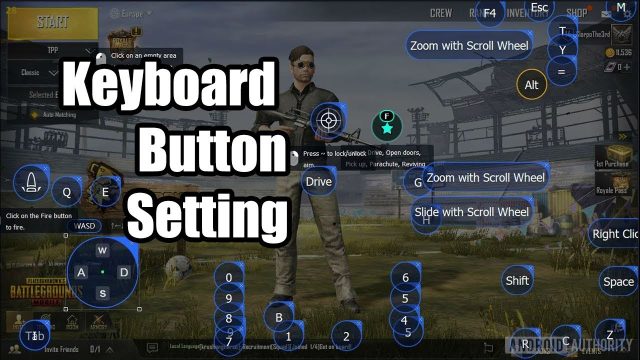
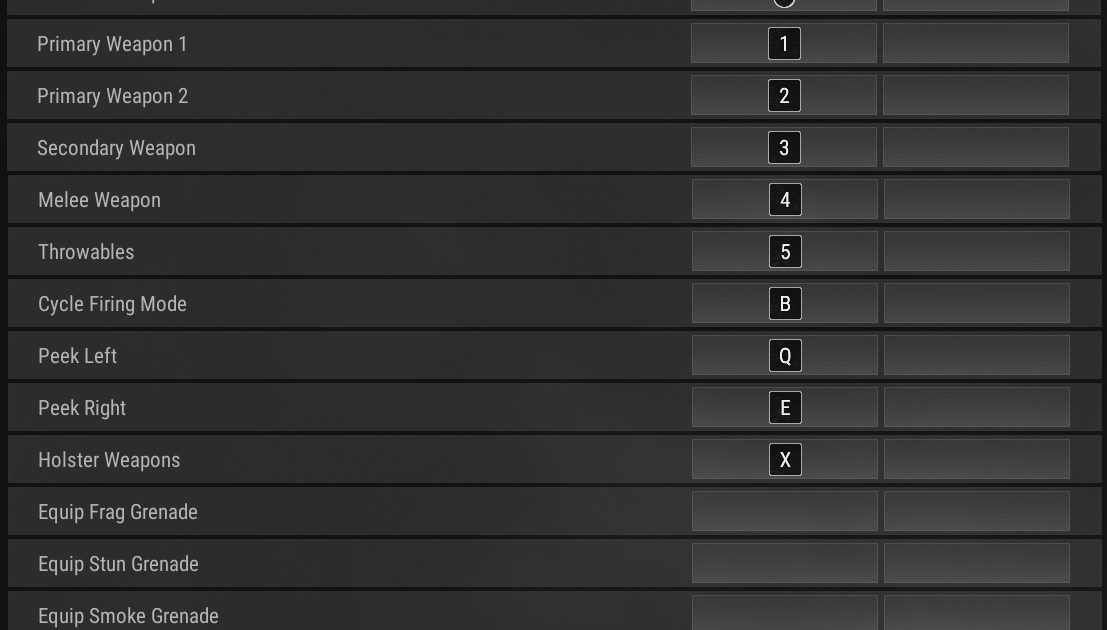
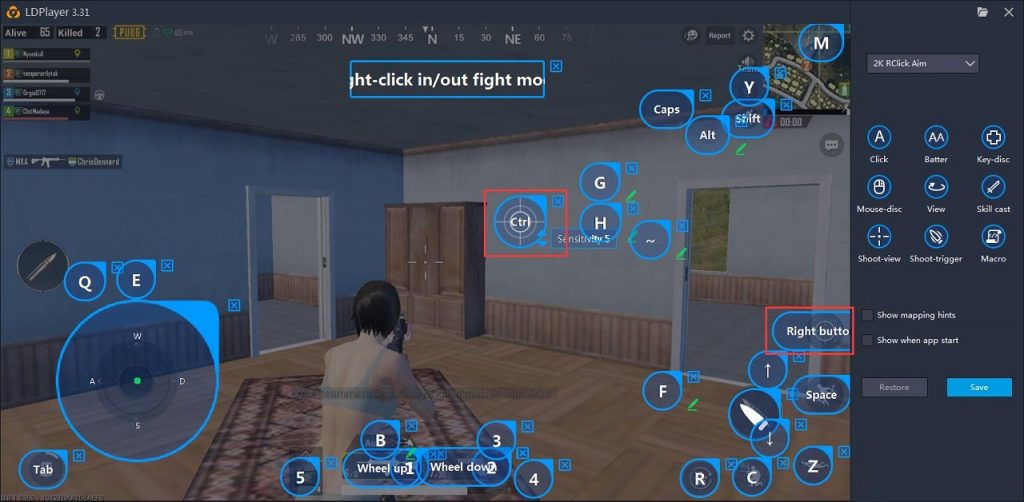
Playing on PC with BlueStacks? This emulator code mimics console‑like controls without a million keys. Movement on WASD, shoot on left click, scope on right click—but with intuitive tweaks like crouch on C and prone on Z. The code removes unused keys to keep your hand relaxed. If you’re tired of complex mapping, try this emulator setup code for a clean experience.
9. TDM Rush Setup
Team Deathmatch is fast and chaotic, so you need a layout that reacts instantly. This code reduces button size for grenades and meds, prioritizing fire and scope. It also places a quick‑peek button near your thumb for snapping corners. Use these TDM control codes to respawn and frag faster without fumbling.
10. Single‑Hand Mode – Chill & Play
Sometimes you need one hand for your coffee. This single‑hand mode code shrinks and clusters all buttons on the screen’s right side (or left, if you flip it). It uses a tap‑to‑shoot mechanic and puts scope, reload, and prone within thumb reach. You won’t win every fight, but it’s perfect for casual play or when you’re multitasking. It’s the ultimate lazy code.
There you have it — 10 easy PUBG control codes that prove you don’t need a PhD in button mapping to play well. Whether you stick with the classic 2‑finger layout or branch out into the four‑finger claw, each code is designed to be intuitive and forgiving. Try a couple, tweak them to your liking, and watch your movement and aim get smoother. Remember, the best code is the one that feels natural. Happy gaming!