Default control layouts in PUBG Mobile are fine for casual play, but if you’re serious about climbing ranks, you need a setup that matches your device, playstyle, and reflexes. Custom control codes let you import pro-level layouts instantly, saving you hours of trial and error. I’ve scoured communities, TikTok, and pro streams to find the most effective codes for 2025. Here are 10 custom PUBG control codes that cover everything from 4-finger claw to gyro aim, tablet setups, and even low-RAM optimization.
1. 4-Finger Claw Layout for Quick Peek and Fire
The 4-finger claw is the gold standard for mobile shooters. This custom code places your fire button on the top left, scope on top right, and movement/jump on the bottom. It lets you peek, aim, and shoot without lifting your thumbs. If you’ve been struggling with the claw transition, this layout is a great starting point. Check out our dedicated 4 finger layout code guide for a ready-to-import code.
2. 5-Finger Setup for Maximum Control
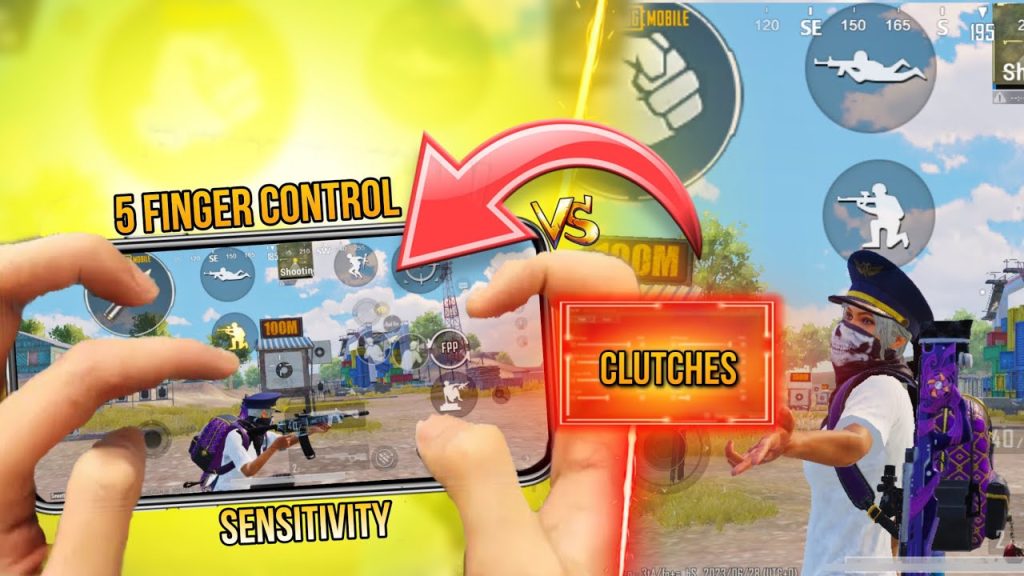
Going beyond four fingers? This 5 finger setup adds a dedicated lean button or a separate prone key. It’s aggressive – perfect for close-range fraggers who want instant crouch-peek combos. Import this custom code if you’re comfortable with claw and want that extra edge. We have a full breakdown of the 5 finger setup with codes that top streamers use.
3. Gyroscope-Optimized Layout for Laser Aim
Gyro control is a game-changer for recoil control. This layout is designed with minimal button clutter so your gyro can do the heavy lifting. The fire button is larger and positioned for easy tap while tilting. If you want beams at range, import this gyro control code. Pair it with the right sensitivity and you’ll never go back.
4. Tablet-Wide Layout for iPad Players
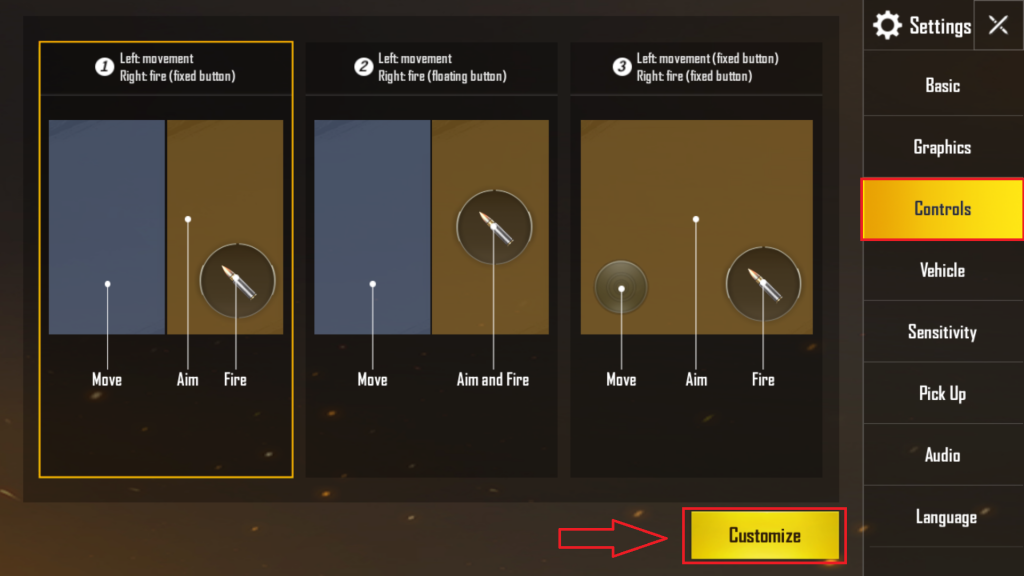
Tablets give you a bigger canvas, but stretching across the screen can be tough. This custom code spreads buttons to the edges, reducing thumb travel. It also enlarges the minimap and ammo display for better awareness. If you’re one of the many tablet players looking for optimized controls, this one’s for you.
5. Emulator Mapping for PC-Style Play
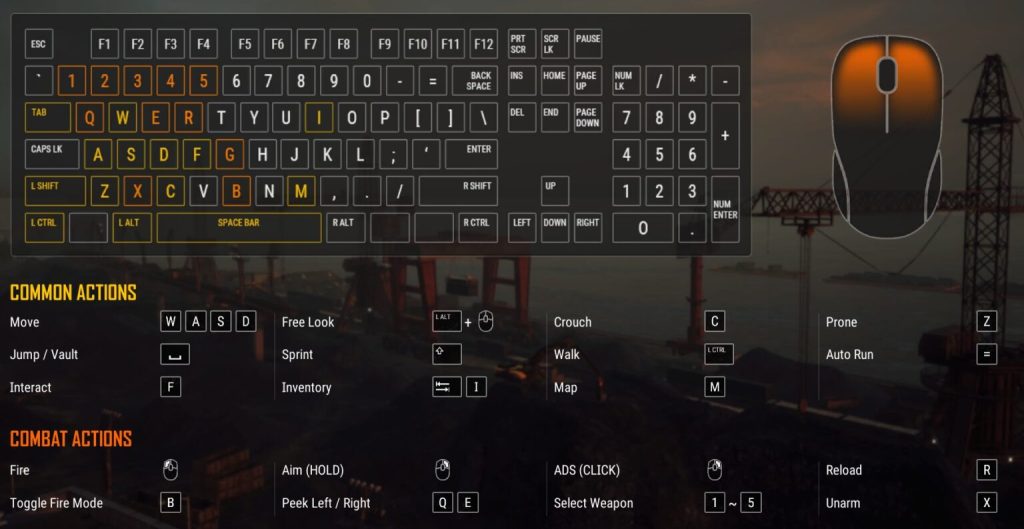
Playing on BlueStacks or Gameloop? This custom code mimics a PC layout, with WASD movement, mouse aim, and hotkeys for healing. It’s designed for emulator users who want precise aim without accidental touches. Import this layout and you’ll feel right at home.
6. Low-RAM Optimization for 3GB Phones
Not everyone has a flagship. This custom code reduces input lag by stripping unnecessary buttons and simplifying the HUD. It’s optimized for 3GB RAM phones, keeping frames stable even in busy fights. If you experience stutter, try this layout. We have a list of pubg control codes for 3gb ram phones that work great.
7. Stable Aim Layout for Snipers
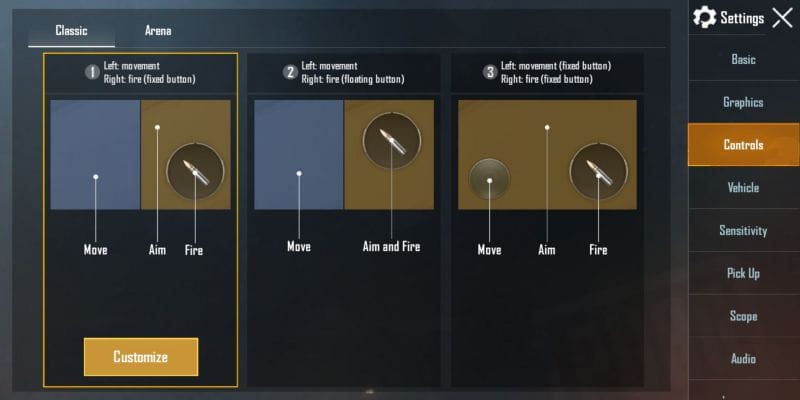
Missing shots because of shaky aim? This custom code places the scope button lower and increases the fire button size to reduce frantic tapping. It also adjusts the sensitivity of the 8x scope. If you consistently want stable aim, this layout is a must-try.
8. TDM-Focused Layout for Quick Reflexes
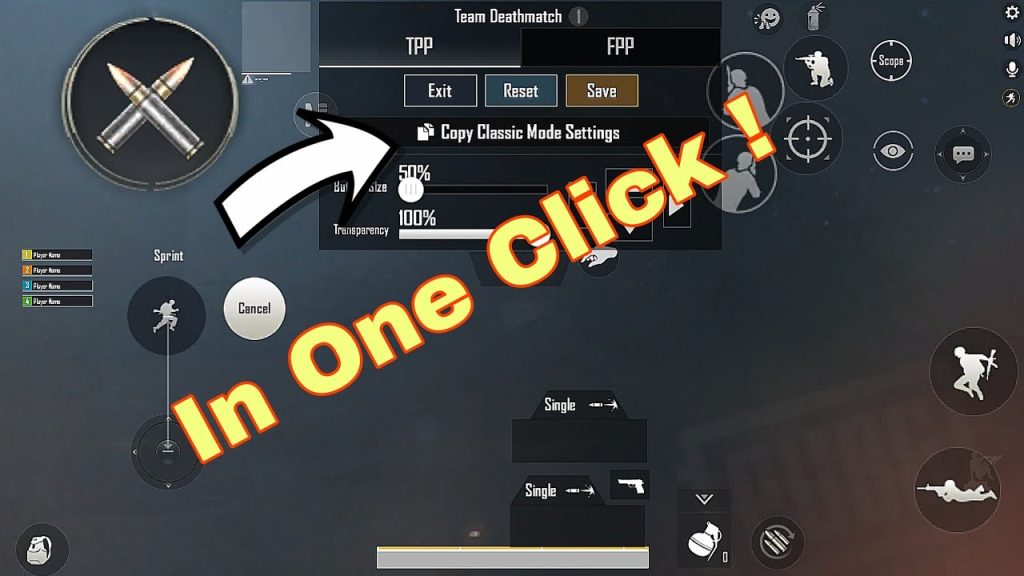
Team Deathmatch is all about speed. This custom code moves the reload, switch weapon, and heal buttons to your dominant side. The right-hand fire button is oversized for easy spam. It’s perfect for practicing close-quarter battles and warming up.
9. iPhone-Specific Layout for Smaller Screens
iPhones have smaller screens than many Androids. This custom code shrinks buttons just enough and repositions them to avoid accidental touches on the notch area. It’s also adjusted for the new dynamic island. If you use an iPhone, this layout will feel much more comfortable.
10. Fully Customizable Buttons Layout
Want total freedom? This code is a blank canvas with all buttons scattered – you can rearrange them as you like. It’s perfect for veterans who have already developed muscle memory but want a starting point. For more ideas, check out our guide on pubg control codes for custom buttons.
These ten custom PUBG control codes cover every major playstyle and device type. Whether you’re a claw player, a gyro enthusiast, or an emulator user, there’s a layout here that can improve your game. Remember: importing a code is just the beginning. Tweak the sensitivities and practice in the training ground to make it truly yours. Happy hunting!



