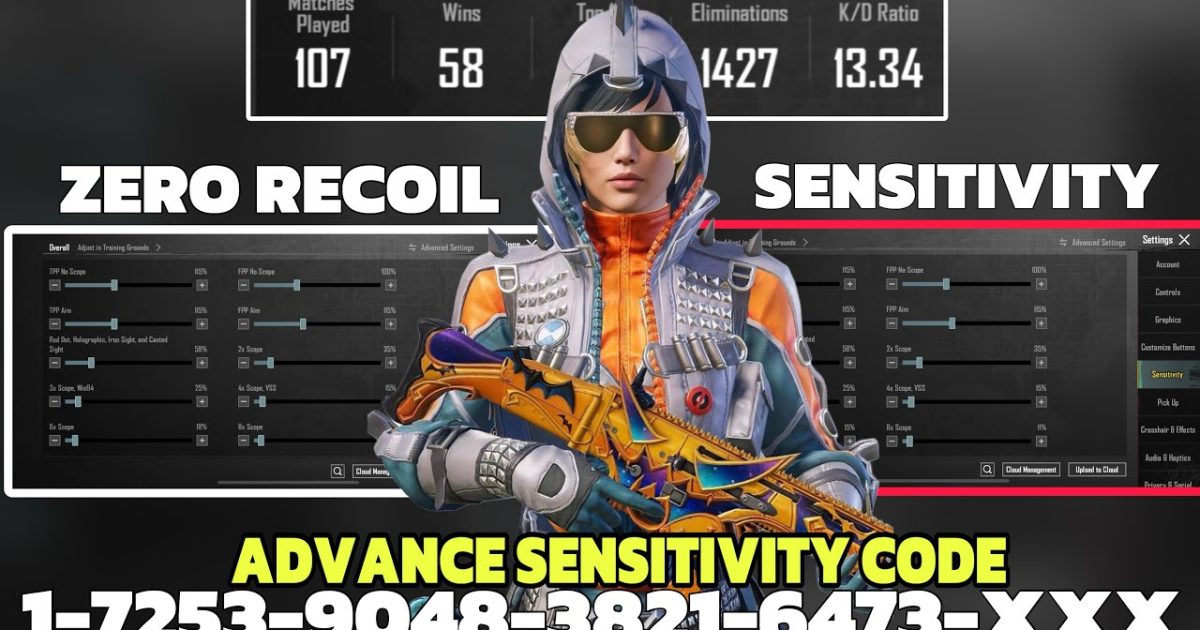
If you’re still tapping that screen to aim, you’re leaving kills on the table. Gyro control codes are the secret sauce that lets you flick, track, and spray like your thumbs are wired directly into the game. I’ve scoured the latest community forums, pro streams, and even those random Discord servers where players share their golden settings. These 10 codes are the ones that keep popping up—tested by real players in ranked lobbies. Whether you’re on a phone or an iPad, these codes will transform your gyro game. For even more precision, check out our stable aim codes and current season codes if you want to stay up to date.
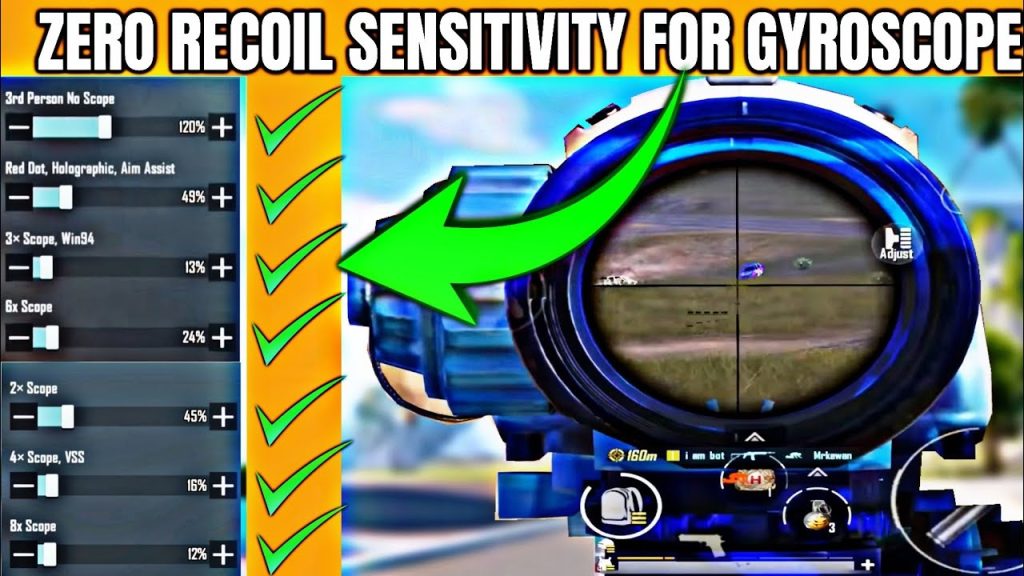
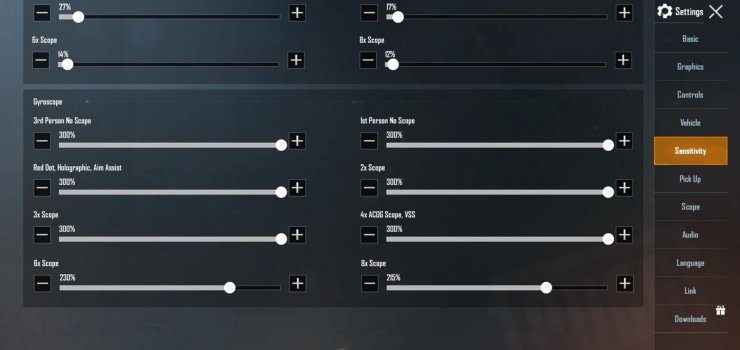
Full Gyro Sensitivity – 300% for Close Quarters Mayhem
This is the classic all-in code. Set your camera and ADS gyro to 300% for both TPP and FPP. Why so high? Because in close-range fights—think buildings, compounds, or hot drops—you need to snap onto moving targets without lifting a thumb. The gyro takes over, and 300% gives you a 1:1 response that feels like cheating. Pros use this as their baseline and then dial down for scopes. Pair it with a high sensitivity claw layout—maybe even one of those 5 finger codes if you’re feeling ambitious.
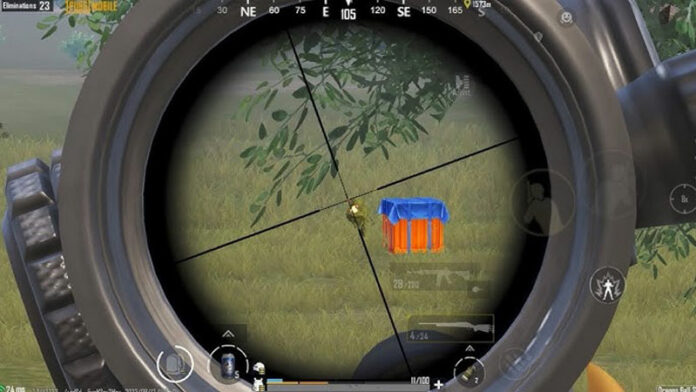
ADS Gyro Sensitivity – 100% for Medium Range Consistency
When you scope in, you don’t want the gyro to be too twitchy or too sluggish. 100% on ADS gyro gives you a natural feel—your physical tilts translate directly to crosshair movement. This is perfect for AR fights at 50-150 meters. You can track a running enemy smoothly without overcorrecting. Many top fraggers keep their ADS gyro at 100% for red dots and holographics, then adjust per scope. If you’re on a tablet, our iPad setup codes can help you optimize the screen real estate for gyro stability.
4x Scope Gyro – 30% for Lethal DMR Precision
The 4x scope is a workhorse, but high gyro sensitivity makes it impossible to hold a head glint. 30% is the sweet spot. It gives you enough movement to correct a spray with a Mini-14 or SLR without drifting off target. This code is almost universal among competitive players. Just tilt gently for micro-adjustments. You’ll be surprised how many more shots land once you lower that 4x gyro from default. For more scope tweaks, check out custom button codes that let you assign quick scope switches.
6x Scope Gyro – 20% for Long Range Sniping
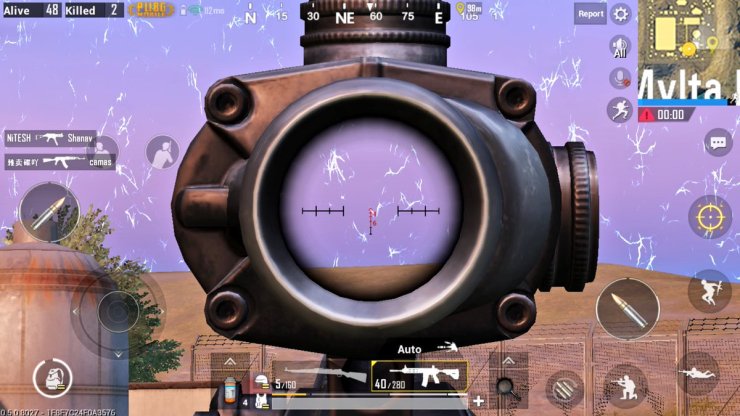
At 6x, every jitter costs you a kill. Drop the gyro to 20% to maintain a rock-solid crosshair. This is ideal for bolt-action rifles like the AWM or M24 when you’re holding a long angle. The low sensitivity lets you compensate for bullet drop and wind without fighting your own hand movements. Combine this with a low DPI on your device for even smoother tracking. If you prefer no gyro at all, our no gyro codes still give you excellent aim stability.
8x Scope Gyro – 15% for Maximum Stability
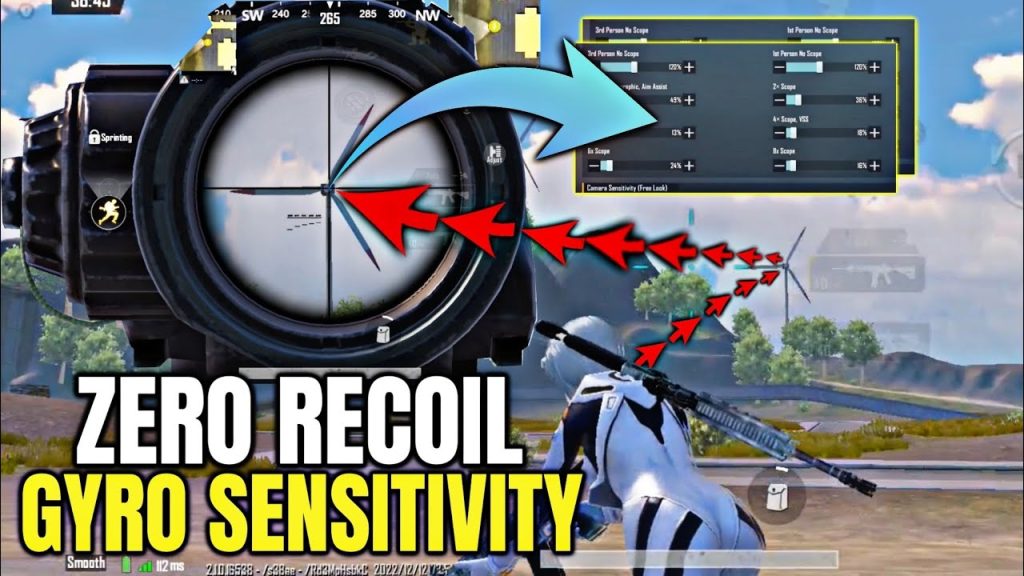
The 8x is a scope where even breathing becomes a problem. At 15%, you get just enough gyro input to fine-tune your aim on a stationary target. Any higher and you’ll sway like a palm tree in a hurricane. This code is a must for players who like to post up with an AWM and click heads from 400+ meters. Remember to also decrease your camera sensitivity for that scope to avoid accidental movement when not scoped.
TPP Aim Gyro – Off for Clean Hip Fire
In third-person perspective, hip fire is already accurate. Turning gyro off for TPP aim prevents your crosshair from jumping when you tilt your phone while moving. This is a pro tip—many players keep TPP gyro at 0% to break the habit of overshooting. It forces you to use your thumb for the initial aim and only rely on gyro when scoped. If you’ve ever wondered why you miss easy hip fire shots, this is the fix.
FPP Aim Gyro – On for Sharp Reflex Lobbies
First-person perspective benefits from gyro on for aim. Set FPP aim gyro to 100% or even 150% if you’re aggressive. FPP reduces your field of view, so gyro helps you react faster to enemies peeking around corners. This is especially useful in TDM matches or FPP-only events. The gyro makes your strafing aim smoother, and you’ll notice a difference in your spray transfer between targets.
Vehicle Gyro – Off for Smooth Driving
Nothing ruins a getaway like jerking the steering because you tilted your phone. Turn vehicle gyro off completely. Driving should rely on your thumb steering, not device orientation. This also prevents accidental camera movements when you’re a passenger shooting out. A simple code change that saves you from flipping your buggy into a tree.
Throwables Gyro – Off for Precision Grenades
When you’re cooking a grenade or aiming a smoke, you don’t want gyro interference. Turning throwables gyro off lets you line up your arc with pure thumb control. This is critical for window smokes or frag kills—a tiny gyro tilt can send your nade bouncing off target. Keep it off and you’ll win more tactical fights. Combine this with stable aim codes for a complete set of precision controls.
Parachute Gyro – On for Landing Accuracy
You might not think about it, but parachute gyro can make or break your landing. Set it to around 50%—enough to steer precisely without overcorrecting. This lets you glide into tight spots like rooftops or compound corners. Many experienced players turn it on because it gives finer control than thumb-only steering. Test it in a few matches; you’ll be landing on iron sights with more consistency.
Bonus: Quick Scope Switch with Gyro Off
A smart trick some pros use is to temporarily disable gyro when switching scopes (e.g., from 6x to red dot). You can bind a button in your control layout to toggle gyro on/off. This prevents disorientation during fast transitions. While not a code per se, it’s a workflow that many gyro masters adopt. For detailed layout ideas, browse our custom button codes and iPad setup codes.
That wraps up the 10 gyro control codes that can instantly level up your aim. Start with the full 300% base, then tweak each scope to your comfort. Every player is different—so don’t be afraid to adjust by 5% increments. The gyro is your best friend in PUBG Mobile, and these codes give you a head start. Want even more? Explore current season codes for the latest meta builds and no gyro codes if you prefer thumb-only. Happy fragging!



