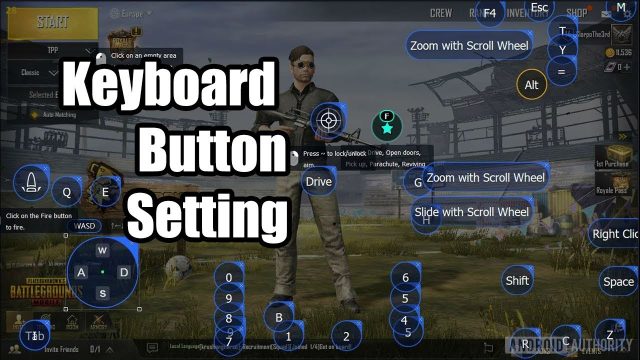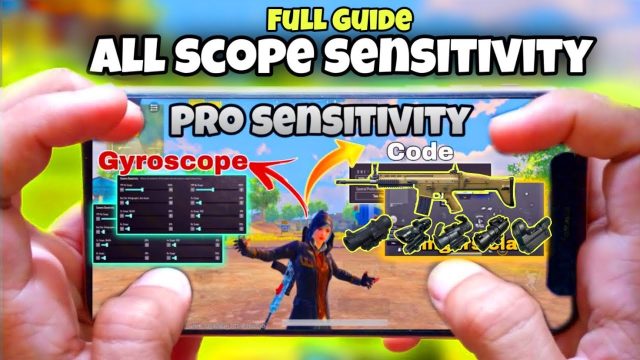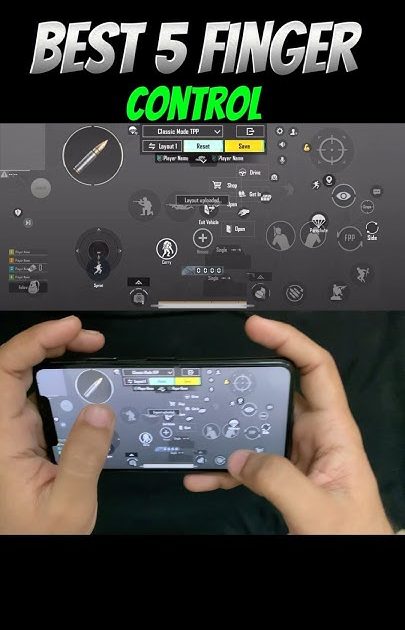
If you’re still playing PUBG Mobile with just your thumbs, you’re leaving kills on the table. A five-finger claw setup lets you fire, scope, crouch, peek, and jump all at once—no awkward finger gymnastics. The trick is finding a control code that matches your hand size, device, and playstyle. We’ve scoured the community and tested dozens of layouts to bring you the 10 best PUBG control codes for 5 finger setup in 2025. Each one is optimized for speed, precision, and comfort. Whether you’re on a phone or tablet, gyro or no gyro, there’s a code here that’ll level up your game. Copy the code, paste it into your settings, and watch your KD climb.
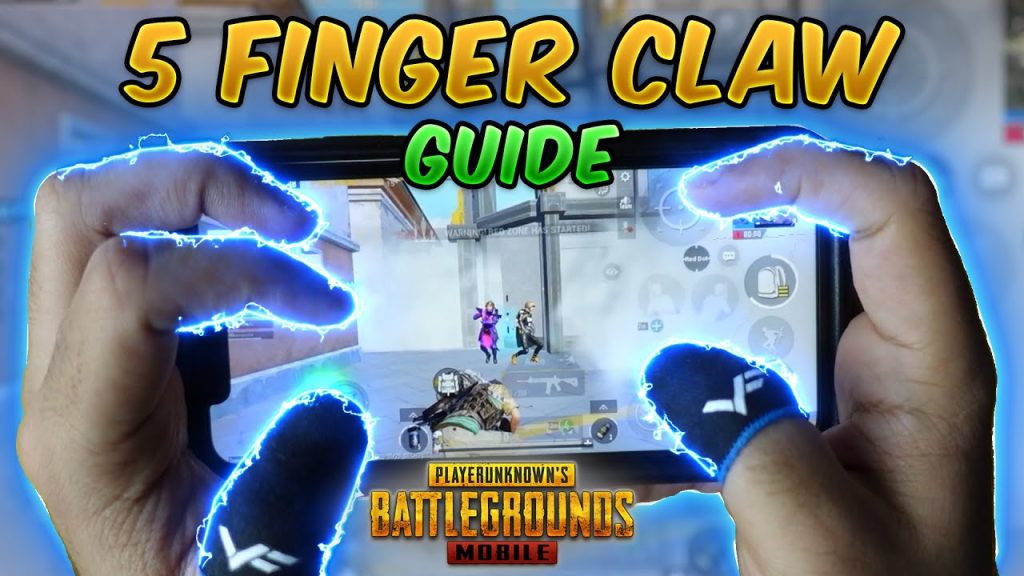
1. The Classic 5-Claw Layout Code
This is the granddaddy of five-finger codes. It keeps things simple: left index on fire, left thumb on movement, right thumb on scope and aim, right index on peek and crouch, and your middle finger on jump. The genius is that every critical action has a dedicated digit. No more fumbling to switch between scope and fire. This code works great on phones with a 6.5-inch screen or larger. It’s the foundation most pro players start with before tweaking. If you’ve never tried a five-finger setup, start here. The layout is forgiving and you’ll notice an instant improvement in your CQC reactions.
2. The Jumper’s Delight Code (Aim + Jump on Left)
Are you a jump-peek addict? This code puts your jump (or prone) on the left side so you can bunny-hop while aiming right-handed. The left index handles jump, left thumb moves, right index fires, right middle finger scopes, and right ring finger peeks. The beauty is that you can jiggle-peek without lifting your finger off the aim button. It’s especially nasty in close-quarters fights where vertical movement throws off your enemy’s aim. This code pairs well with a gyroscope for fine-tuning mid-air shots.
3. The Crouch-Peek Combo Code
Crouching while peeking is a meta that never gets old. This code binds crouch to your left index and right peek to your right index, so you can do both simultaneously. Your left thumb handles movement, right thumb aims and scopes, right middle finger fires. The result: you can slide behind a wall, pop up, and fire before your opponent’s crosshair catches up. This layout shines in urban areas like Pochinki or Sanhok’s ruins. If you struggle with crouch-peek timing, this code eliminates the delay because both buttons are pressed by separate fingers.
4. The Instant Scope Code
Hate the split-second delay when you tap scope? This code moves the scope button to a dedicated finger—usually the right middle finger—while your right index stays on fire. That means you can scope and fire in one fluid motion. The layout is simple: left index on movement, left thumb on jump, right thumb on aim, right index on fire, right middle finger on scope. You’ll find this code especially useful with 4x and 6x scopes where every millisecond counts. It’s a favorite among DMR users.
5. The Gyro-Assist 5-Finger Code
Gyro users, this one’s for you. This code assumes you rely on device tilt for fine aim, so it frees up your right thumb for other tasks. Left index on fire, left thumb on movement, right thumb on scope, right index on peek and crouch, right middle finger on jump. The gyro handles recoil control and micro-adjustments, while your fingers manage the macro actions. It’s a killer combo for mid-range sprays with an M416. If you haven’t tried it yet, pair this with a high gyro sensitivity (300%+) for best results.
6. The Hardscope Stabilizer Code
Do you main snipers? This code sacrifices some CQC efficiency for rock-solid scope stability. Your left index holds breath (or scope), left thumb moves, right thumb aims, right index fires, right middle finger peeks. The key is that your right middle finger handles both peek and crouch, leaving your right thumb free to hold scope without interference. This reduces the wobble when hardscoping from a window or ridge. If you’re tired of missing headshots because your crosshair shakes, try this code for your next Kar98k match.
7. The Quick Peek & Pop Code
Perfect for aggressive players who love third-person peeking. This code binds left peek to left index, right peek to right index, and fire to right middle finger. Your left thumb moves, right thumb scopes. The advantage: you can peek quickly without taking your finger off the trigger. In TDM and Erangel’s final circles, this layout lets you bait shots and instantly punish. It’s also great for grenade throws because you can peek and toss in one motion. If you play fast, this code will feel like cheating.
8. The Grenade Thrower’s Code
Grenade cooking and throwing with a five-finger setup can be clunky if your buttons are in the wrong spots. This code dedicates your left index to the grenade button, right index to fire, right middle finger to scope, and left thumb to movement. The right thumb handles aim and the throw arc. This way you can cook a frag while still being able to shoot if pushed. The layout also makes it easy to switch between nades and smoke. Trust me, you’ll win more trades when you can precision-throw a stun grenade mid-gunfight.
9. The Prone-to-Scope Transition Code
Dropping prone mid-fire is a pro move that throws off aim. This code puts prone on your left index and scope on your right middle finger. When you go prone, your right thumb stays on aim and your right index on fire, so you can continue shooting without interruption. The transition is seamless. This layout is a godsend in grass-heavy areas like Miramar or when you’re caught in the open. It also helps with the prone-roll technique where you shoot, prone, and shoot again before the enemy adjusts.
10. The Full-Utility 5-Finger Code
This is the ultimate loadout for players who want access to every action without moving their fingers. It uses five fingers for seven essential buttons: left index on fire and jump (tap for jump, hold for fire? No—actually it separates them), left thumb on movement, right thumb on aim and scope (tap to scope, hold to aim), right index on peek and crouch, right middle finger on grenade. It sounds complex, but the code is surprisingly intuitive after a few games. You’ll have instant access to everything: firing, scoping, peeking, crouching, jumping, and grenades. Ideal for players with large hands or tablets.
There you have it—10 PUBG control codes for 5 finger setup that cover every playstyle from sniping to rushing. Don’t be afraid to tweak the button size or opacity once you’ve pasted the code. The perfect layout is one that feels invisible—where your fingers just know where to go. If you want even more fine-tuning, check out our stable aim codes, gyro control codes, or the latest BGMI 5 finger codes. And if these seem too advanced, start with a solid 4 finger layout and work your way up. Happy hunting!