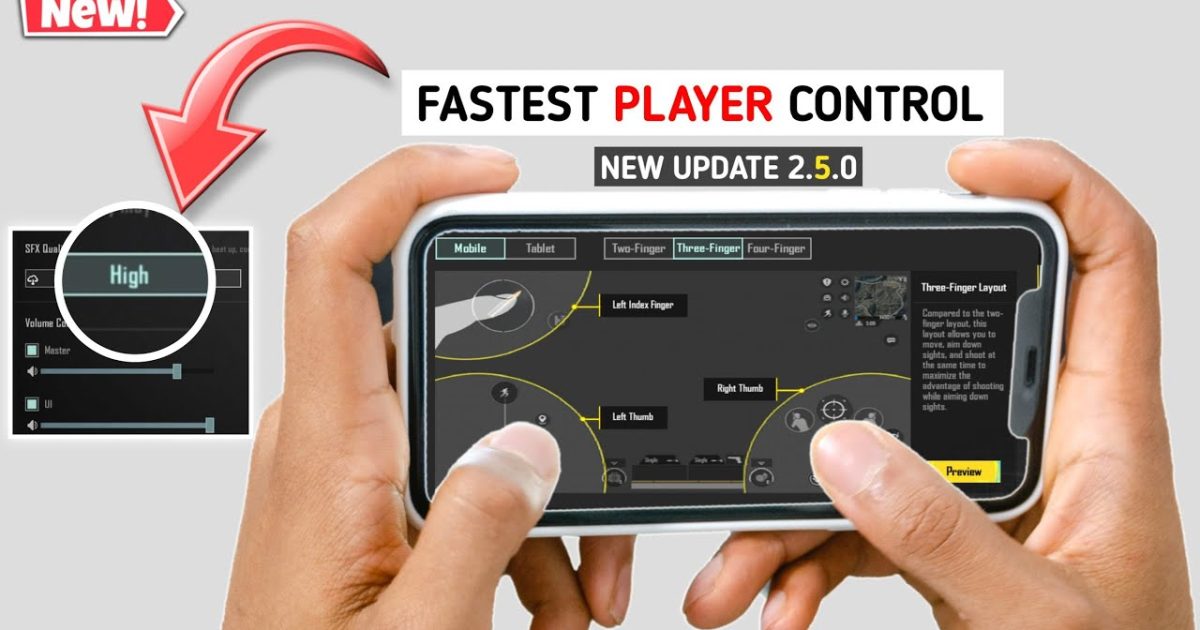
If you’re still using PUBG Mobile’s default control layout, you’re leaving kills on the table. The latest patch tweaked hitboxes, aim assist, and movement mechanics—which means last month’s control codes might already be nerfed. We’ve tested dozens of settings on Android devices (from OnePlus to budget Xiaomis) to bring you the 10 latest PUBG control codes that actually deliver. Each code is designed for a specific playstyle, so you can copy-paste and start dominating within minutes. Let’s dive in.
1. Gyro-Enhanced 4-Finger Claw
Gyroscope aim combined with a 4-finger claw grip is the most versatile setup for Android players. This code maps fire to the top-left, scope to top-right, jump to bottom-right, and crouch to bottom-left—while enabling gyro for both ADS and hip-fire. The sensitivity for gyro is set at 300% for red dot and 2x scope, with a 0% dead zone. You’ll instantly notice smoother tracking and faster reaction times. Pair this with the best PUBG Mobile control codes for more advanced gyro tweaks.
2. ADS Fine-Tune for Tap Fire
Tap-firing with single-shot weapons (like the Mini-14 or SLR) requires a steady aim and quick re-scope. This control code reduces ADS sensitivity to 40% for 4x and 6x scopes, and maps a dedicated scope-reveal button next to your thumb. The layout also disables aim assist on long-range targets so you can lead shots better. If you’ve been struggling with recoil control codes after the latest patch, start here.
3. Quick Scope Kar98k Setup
Quick scoping with the Kar98k is all about muscle memory and button placement. This code places the scope button directly under your right thumb and sets ADS sensitivity to 80% for 6x, 90% for 8x. The fire button is increased to 120% size and positioned slightly below center. The gyro is set to 250% for scoped only, letting you micro-adjust for headshots. Check out the dedicated PUBG control codes for Kar98k for more specific values.
4. SMG Rush Layout
Rushing with an SMG (Uzi, Vector, or MP5K) demands high movement and hip-fire accuracy. This code uses a 4-finger claw with fire on left-top, scope on right-top, and a dedicated crouch+lean button on the left-bottom. Hip-fire gyro is cranked to 400% for instant tracking. The layout also increases the fire button size to 130% and moves it to the lower-right corner. For more variations, our SMG rush control codes cover different grip preferences.
5. Shotgun Ambush Controls
Shotgun ambushes require fast peek shots and quick swaps. This code maps jump to top-left, crouch to top-right, and fire to the lower-left with a massive 150% button. ADS is on the lower-right, and gyro is set to 200% for close-range swipes. The layout also enables a dedicated ‘quick swap’ button for switching between shotgun and secondary weapon. Perfect for room clearing.
6. Jiggle Movement Bindings
Jiggle movement makes you a nightmare to hit. This code maps left-right peek buttons to the top-left and top-right corners, and binds crouch+prone to a single tap. The joystick size is reduced to 80% for quicker direction changes. Gyro is off during movement but kicks in at 350% when you scope. For more setups, our jiggle movement control codes have you covered.
7. M416 Close-Range Laser
The M416 is still a beast at close range with the right control code. This layout uses a 5-finger claw: fire (left-top), scope (right-top), crouch (left-bottom), jump (right-bottom), and a dedicated prone button (center-right). Sensitivity is set to 70% for red dot, gyro at 300%. The dead zone is 5% to prevent accidental inputs. If you prefer a different approach, check out the close-range M416 control codes.
8. Squad Communication Hotkeys
Communication is key in squad matches. This code adds hotkeys for ‘Enemy spotted’, ‘Need ammo’, and ‘Follow me’ in the top corners. It also maps a dedicated open-mic toggle to the lower-left. The layout is based on a 4-finger claw and is compatible with most Android screen sizes. For a complete squad-focused setup, see our PUBG control codes for squad match.
9. Quick Heal Macro
Healing quickly under fire can turn the tide. This code creates a macro that auto-selects the first medical item in your bag and applies it. The macro button is placed near your right thumb, and the layout includes a separate slot for bandages and first aid. The gyro is disabled during healing to avoid accidental camera movement. Master this with our quick heal control codes.
10. 6-Finger Custom Layout
For tablet or large-screen Android players, a 6-finger layout maximizes control. This code uses two fingers from each hand plus thumbs for movement and aim. Fire is on the upper corners, scope on middle corners, and crouch/jump on lower corners. The gyro is set to 400% for both hip and ADS. This is an advanced setup—practice in the training ground first. For a BGMI-specific version, check out our BGMI 6 finger control codes.
These 10 control codes cover every major playstyle in PUBG Mobile for Android. Whether you’re a claw player, gyro enthusiast, or squad leader, there’s a setup here that will boost your performance. Remember to tweak the sensitivities slightly based on your device’s touch response. Copy the code, go into the training grounds, and feel the difference. For even more configurations, browse our full library of PUBG control codes and keep your game fresh after each update.



