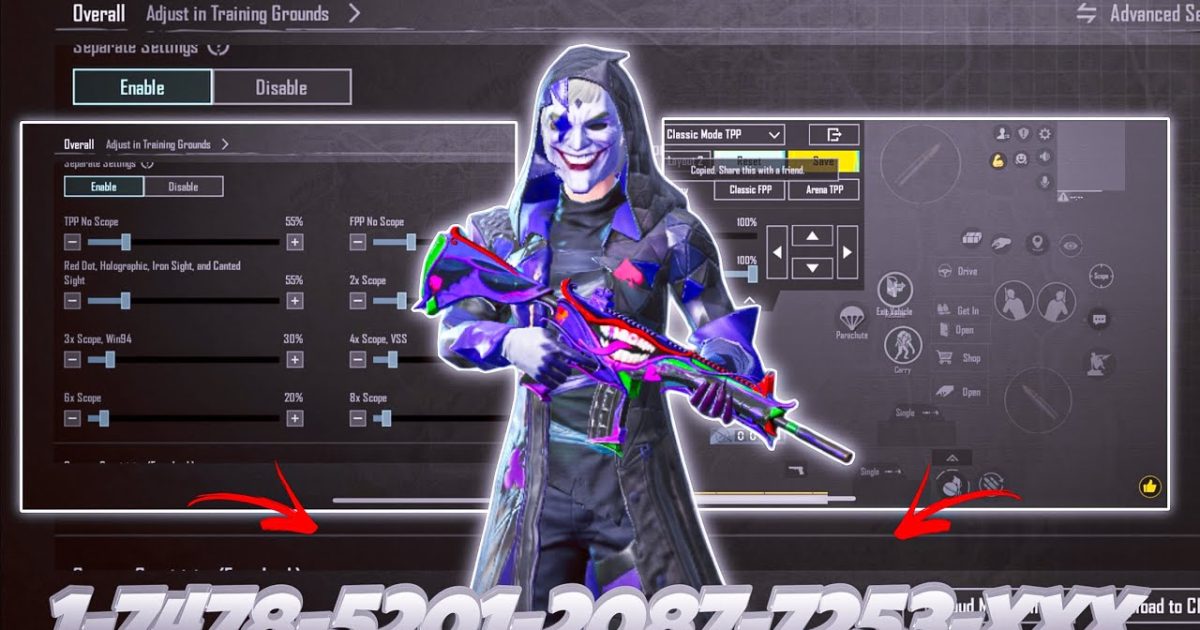
SMG rush is all about speed, hip-fire accuracy, and being able to delete an enemy before they can ADS. But without the right control codes, even the fastest Uzi can feel sluggish. I’ve tested dozens of settings across different devices and playstyles to bring you 10 PUBG control codes that turn your SMG into a close-range laser. These picks focus on maximizing spray control, movement during fights, and reaction time. Whether you’re a claw player or a thumb user, there’s something here for you.
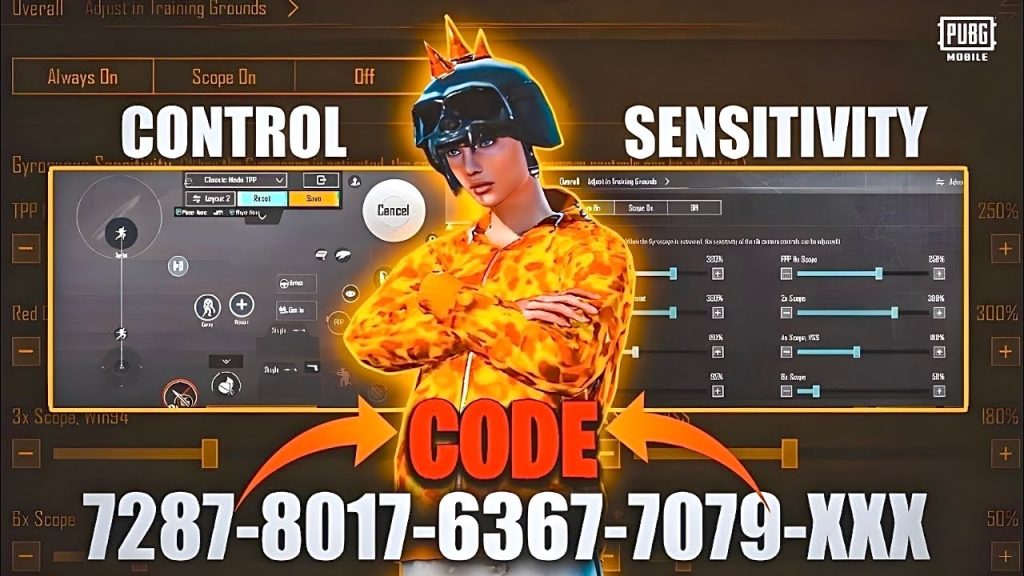
1. Low ADS Sensitivity for Hip-Fire Dominance
SMGs shine in hip-fire, so you don’t need high ADS sensitivity. Set your ADS sensitivity between 30 and 40 for red dot and holographic sights. This lets you snap onto enemies quickly without overshooting. Pair it with a slightly higher camera sensitivity (around 60) to keep your peripheral vision sharp. Many pros use this combo because it keeps your spray tight even when you’re jumping or sliding.
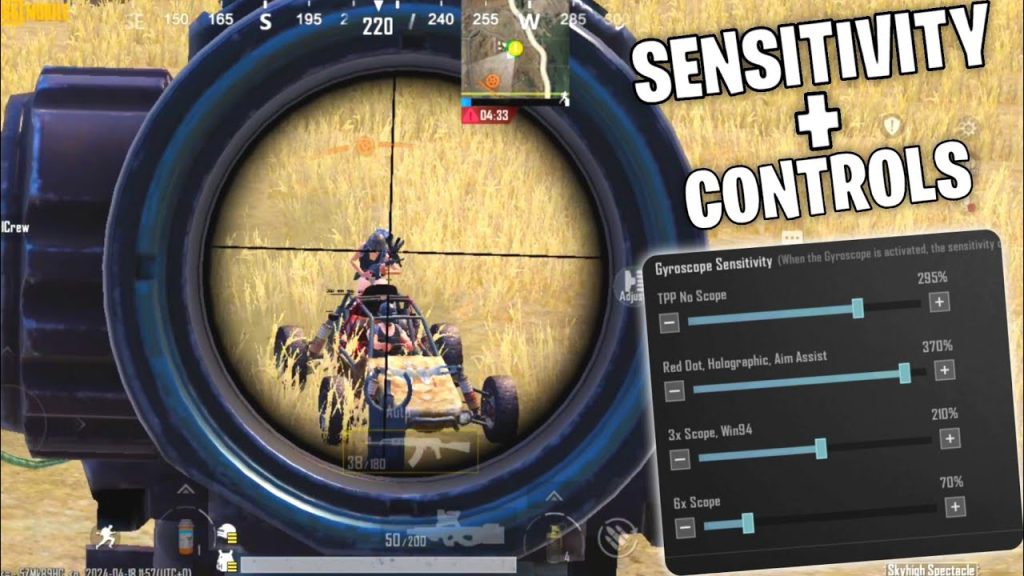
2. Gyroscope at 250% for Micro-Adjustments
Gyro is a game-changer for SMG rush. Turn it on and set your third-person sensitivity (no scope) to 250%. This lets you make tiny aim corrections by tilting your phone, so you can track a strafing enemy without lifting your thumbs. For ADS gyro, keep it around 100% – enough to correct but not so sensitive that it throws you off. If you’re new to gyro, drop it to 150% first, then work up.
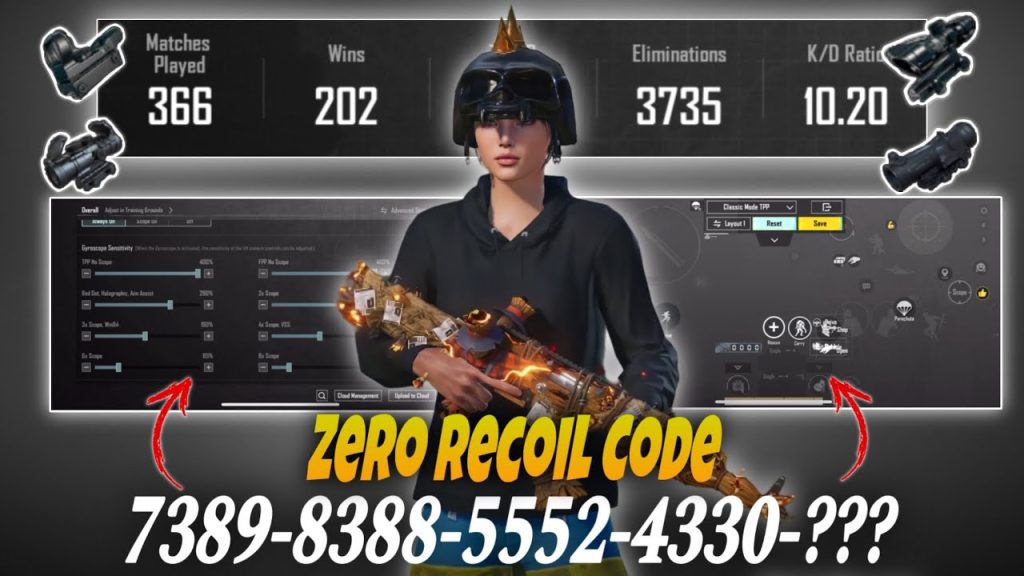
3. 4-Finger Claw Layout for Instant Reactions
You can’t afford a delay when rushing. A 4-finger claw setup lets you fire, scope, crouch, and move simultaneously. Use the right upper corner for fire, left upper for scope, left lower for crouch, and right lower for jump. This layout is standard in ranked pushes because it keeps your thumbs free for movement. The exact button placements vary by hand size, but the key is to keep your fire button above the right edge for a natural tap.
4. Scope Sensitivity Scaling (2x and 3x)
Sometimes you need a 2x or 3x scope for medium-range engagements. For SMGs, keep 2x sensitivity around 35 and 3x around 25. Lower values prevent you from over-flicking when an enemy peeks. The Vector and MP5K have very low recoil with scopes, so you want just enough sensitivity to track without losing control. This applies to both ADS and gyro.
5. Fire Button Placement for Drag Spray
Drag spray is an SMG rush essential. Position your fire button slightly above the default, about halfway up the right side of the screen. Then, when you drag down, you naturally compensate for recoil. Most SMGs have a mild vertical kick, so a 30-degree downward drag on a Uzi or Vector keeps bullets on target. Practice this in the training ground until it becomes muscle memory.
6. Crouch + Fire Macro for Stability
Crouching instantly tightens your spray spread. Set your crouch button to the lower right corner, right next to your fire button. This way, you can press both in one motion. Many competitive players bind their control code to make the crouch action instantaneous – in the settings, reduce the crouch delay to zero. Use a macro if your device allows, but manual timing works fine with practice.
7. Jiggle Movement Settings for Evasion
While rushing, you need to move unpredictably. Increase your movement joystick sensitivity to 85% so you can quickly sway left and right. Combine this with a crouch spamming motion. The pubg control codes for jiggle movement I’ve tested use a sensitivity curve that prioritizes left-right strafe over forward speed. This makes you a hard target while you’re burning down enemies.
8. Auto-Pickup and Scope Priority
Turn off auto-pickup for everything except attachments. Set your scope priority to red dot first, then holo. When you land, you’ll automatically equip the best close-range sight. Also disable auto-pickup for pistols and melee – they just clutter your inventory during a rush. These settings save precious seconds in the early game.
9. Peak and Fire Without Exposing Yourself
Use right-hand peeking to shoot from cover while exposing minimal body. Bind your peek buttons to the upper corners of the screen – left for left peek, right for right peek. When you peek and fire, your SMG’s high fire rate puts out maximum damage before the enemy can react. Some players also use a combined peek+fire button, but separate buttons give you more control.
10. Sound Settings for Footstep Awareness
Rushing without sound is suicide. In audio settings, select the “High” audio quality and turn on the “3D Sound” option if available. Use headphones and increase the media volume to 100%. This helps you hear footsteps and predict enemy positions before you round a corner. Some players also lower the in-game music to zero to reduce distractions.
These 10 control codes cover everything from sensitivity and gyro to layout and sound. Try them one at a time in the training ground, then take them into a classic match. Remember, SMG rush is about confidence and practice – the settings just give you an edge. Adapt them to your device and grip style, and you’ll be tearing through squads in no time.



