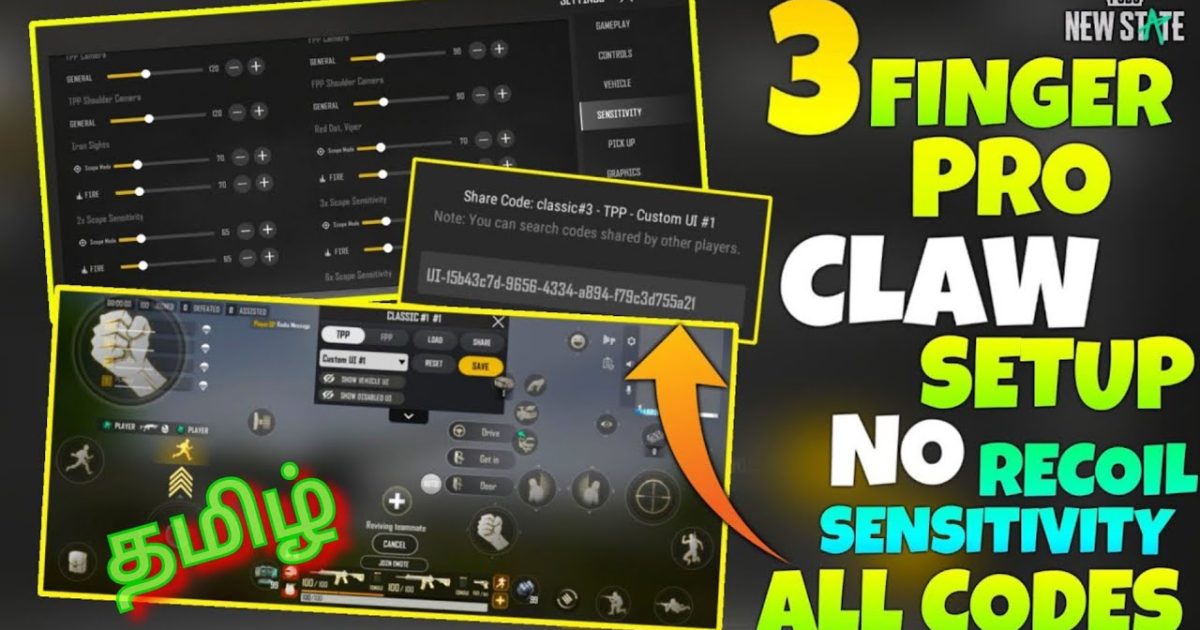
Switching from thumbs to a three-finger claw is one of the fastest ways to level up in PUBG Mobile. The extra finger lets you move, aim, and shoot simultaneously—no more fumbling with your thumb over the fire button. But finding the right layout code can be a nightmare. Too many buttons, wrong placements, or weird scopes can ruin your muscle memory. That’s why we’ve curated 8 tested 3 finger layout codes that balance comfort, speed, and control. These codes work for both Android and iOS, and we’ve included a mix of aggressive, balanced, and gyro-based setups. Ready to dominate? Let’s dive in.
1. Aggro Assault Code – For Rush Players
This layout prioritizes close-quarters combat. The fire button is placed on the top left, with the scope and crouch right next to it. Your right thumb handles the aim and lean buttons, while your left index finger fires—perfect for hip-fire spraying. The code also enlarges the minimap and removes unnecessary buttons like the auto-pickup. Paste this code if you love dropping into hot zones and taking every fight.
2. Gyro God Code – For Precision Aimers
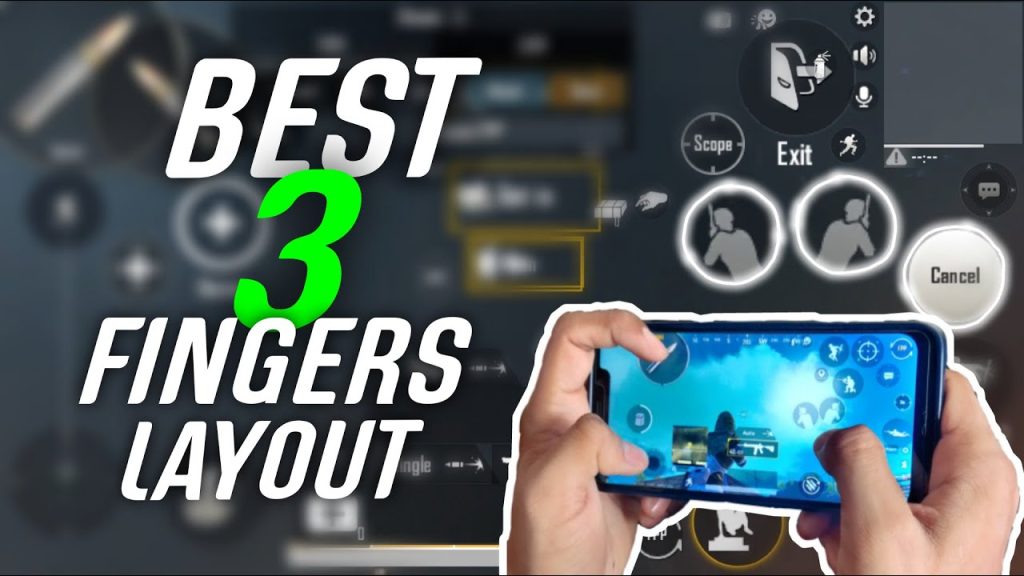
Gyroscope users rejoice: this layout puts the gyro-centric buttons front and center. The fire button sits on the upper right corner, so your left index finger controls movement while your right thumb fine-tunes aim with gyro. The code reduces button opacity to 40% to minimize visual clutter, letting you see more of the battlefield. It’s ideal for players who rely on gyro for long-range sprays. Pair it with the latest pubg control codes for ranked push to climb the tiers faster.
3. Balanced Core Code – All-Rounder Setup
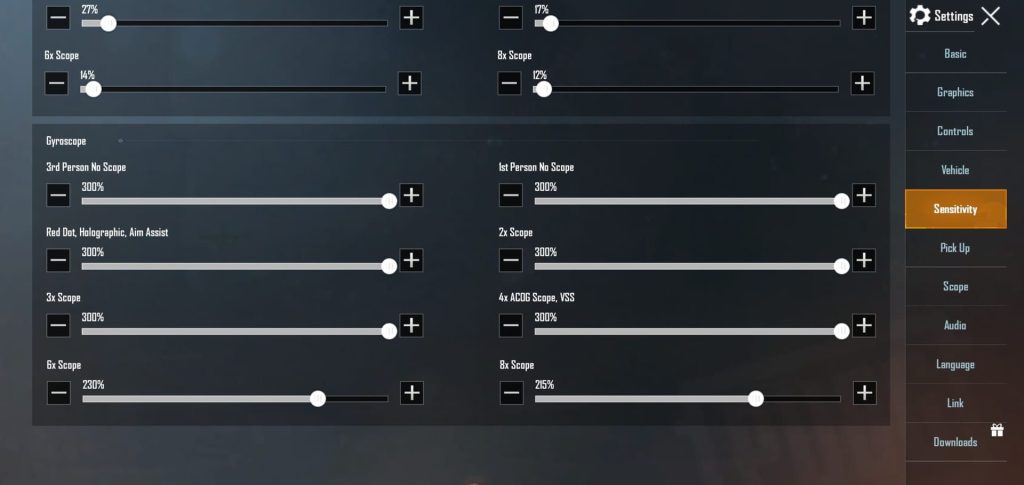
Can’t decide between rushing or sniping? This layout has you covered. The fire button is placed centrally on the left side, with the scope and lean buttons on the right. It keeps the default button sizes but adjusts spacing for a three-finger grip. The jump and crouch are mapped to the top edges for quick peeks. If you want a solid starting point for your 3 finger claw, this code is it. You can always tweak it later using the pubg control codes with layout settings for fine-tuning.
4. Minimalist Sniping Code – Clean Scope & Shoot
This layout strips everything down to the essentials. Only the fire, scope, lean, and movement buttons remain—no prone, no auto-pickup, no unnecessary icons. The fire button is a small circle placed on the left side, just above the movement joystick. Your left index finger taps to fire, while your right thumb handles scoping and leaning. The clean design reduces accidental taps and improves focus. Great for snipers who want a distraction-free HUD.
5. Pro Claw Code – Esports-Ready Layout
Inspired by tournament players, this code mirrors the layouts used in PMPL competitions. It features split fire buttons—one for hip-fire, one for ADS—both placed on the top left. The right side houses scope, inventory, and a dedicated prone button for drop shots. The button opacity is set to 30%, so your crosshair remains clear. If you’re serious about competitive play, this layout is a must-try. After importing, you can learn how to export pubg mobile control codes to share your own tweaks.
6. Lean & Spray Code – For Aggressive Peekers
This layout is built for players who love jiggling behind walls. The lean buttons are placed on the top right, easily reachable by your right thumb, while the fire button is on the left. The scope button sits just above the lean, allowing fast peeks-in-and-out. The code also increases the size of the prone and crouch buttons for drop shots. Perfect for those who want to master pubg control codes for lean and fire techniques.
7. Thumb-to-Claw Transition Code – For Beginners
Moving from two thumbs to three fingers is tricky. This code eases the transition by keeping the fire button on the right (thumb) but adding a scope button on the left. You start by using your left index only for scoping, then gradually train it to fire. The layout has larger buttons and wider spacing to accommodate clumsy taps. Once you’re comfortable, you can move to more advanced setups like the pubg control codes for claw players.
8. High DPI-Friendly Code – For Tablet Players
Tablet players often struggle with 3 finger layouts because of the larger screen. This code scales the buttons to 1.5x and positions them near the edges for comfortable reach. The fire button is on the left side, right above the joystick, while the right side holds the scope and lean. It works well on iPads and large Android tablets. If you prefer a more standard approach, check out the balanced pubg control codes for a tablet-friendly alternative.
There you have it—8 hand-picked 3 finger layout codes to transform your PUBG Mobile experience. Each code targets a specific playstyle, so pick the one that matches your game and start practicing. Remember, a layout code is just a template; feel free to tweak button sizes and positions until they feel like an extension of your fingers. For more codes and detailed guides, browse our collection of latest pubg control codes for ranked push. Now drop in, switch to that claw grip, and may your spray be ever laser-accurate.



