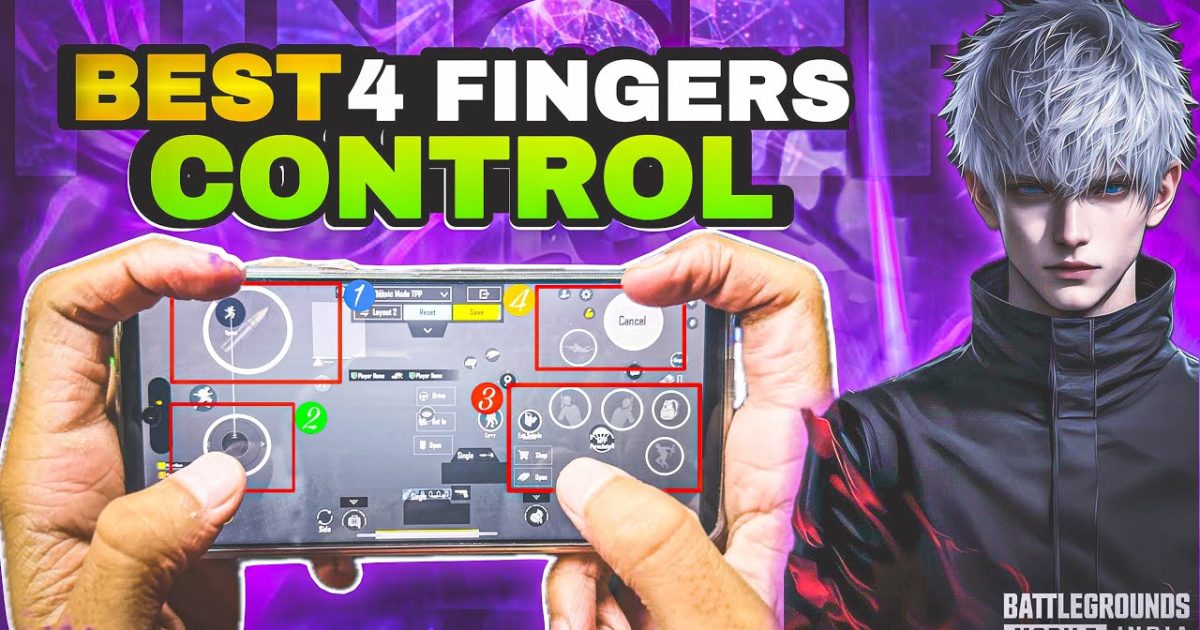
If you’ve been playing PUBG Mobile with just two thumbs, you’re leaving kills on the table. Claw grip—using three or four fingers—lets you move, aim, shoot, and scope simultaneously. But finding the right control code is the real game-changer. We tested dozens of layouts from top players and ranked the 10 best PUBG control codes for claw players. Each code is optimized for four-finger setups, balancing speed and stability. Whether you’re an aggressive rusher or a patient sniper, there’s a layout here for you. Ready to upgrade your game? Let’s dive in.
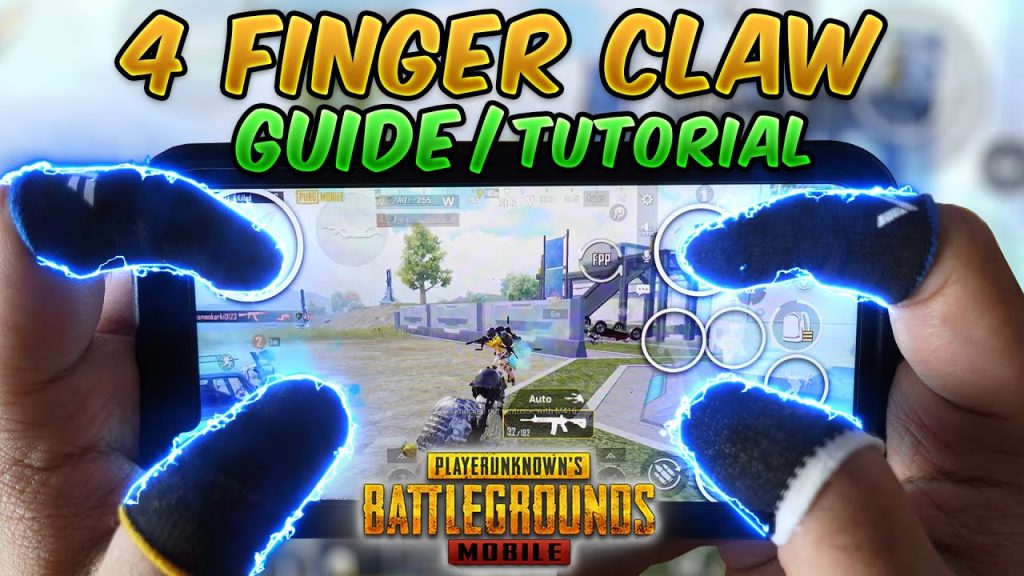
1. The Balanced 4-Finger Claw Layout
This is the default starting point for any claw player. The Balanced 4-Finger layout places your left index on the aim button and right index on the fire button, while your thumbs control movement and camera. It’s ideal for learning the claw grip without overwhelming yourself. The code arranges the joystick slightly lower to avoid accidental touches, and the scope button is sized generously. This layout works well with ARs like the M416 and SCAR-L. If you’re new to claw, start here and get comfortable before tweaking. It’s also a solid fallback for any situation.
2. Gyro-Assisted Claw Code for Snipers
Combining claw with gyroscope gives you pinpoint accuracy for long-range shots. This code places the gyro activation on your left index, so you can tilt your device to fine-tune aim while your right index shoots. The sensitivity curve is set to high for ADS, making it easy to track moving targets. It works wonderfully with bolt-action rifles like the AWM or Kar98k. For players who want a hybrid approach, this layout offers the best of both worlds. If you’re still using a pubg no gyro layout code, this upgrade will feel like cheating.
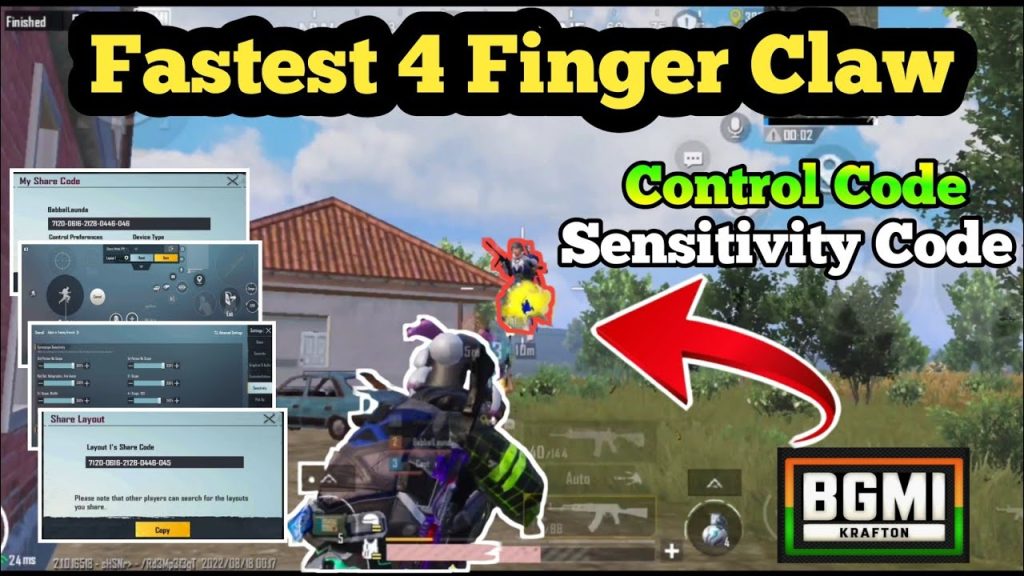
3. Rush Claw Code for Aggressive Players
Designed for players who love to push, this code optimizes finger placement for fast jiggle-peeking and jump-shotting. The fire button is moved to the upper right corner, accessible by your right index, while the crouch button sits under your left index. The layout also places the scope button close to the fire button so you can toggle ADS mid-spray. It’s perfect for SMGs like the UZI or Vector. If you want to master close-quarters combat, check out our pubg control codes for close combat list for complementary setups.
4. Crouch & Prone Spam Claw Layout
Crouch-spamming is a core mechanic for avoiding enemy shots. This layout puts the crouch button under your right thumb and the prone button under your left index. The fire and aim buttons remain on your index fingers. By sliding your thumb from crouch to prone, you can drop quickly without lifting your index fingers off fire. It’s a great defensive layout that also works for peeking. The code includes a slightly larger button size for the prone to prevent misclicks. Pair this with a fast firing weapon for maximum effect.
5. ADS-Only Claw Code with Auto-Sprint
Some players prefer using ADS (aim down sights) exclusively over hip fire. This code hides the hip fire button entirely and uses a dedicated ADS button placed under the right index finger. Auto-sprint is enabled so your left thumb can focus on strafing. The layout reduces clutter and gives you a cleaner HUD. It’s great for players who have already learned to shoot only when scoped. This code pairs well with DMRs or assault rifles with low recoil. For recoil management tips, see our dedicated pubg control codes for recoil management guide.
If you’re transitioning from thumb to claw, this simplified layout can help you adapt faster. The trade-off is that you won’t be able to hip-fire quickly, so only use it if you’re comfortable aiming down sights in every engagement.
6. The Pro-Player Claw Code (CoD-Like)
This layout mimics the button placement used by many esports pros. It features a left-index fire button and a right-index ADS button, with the scope and crouch swapped for faster peeking. The joystick is placed low-left, and the minimap is moved to the top center. Buttons are slightly transparent to reduce obstruction. It’s an aggressive layout that requires hours of practice but pays off with lightning-fast reactions. Many top streamers use a variation of this code. If you’re serious about ranking up, this is your endgame setup.
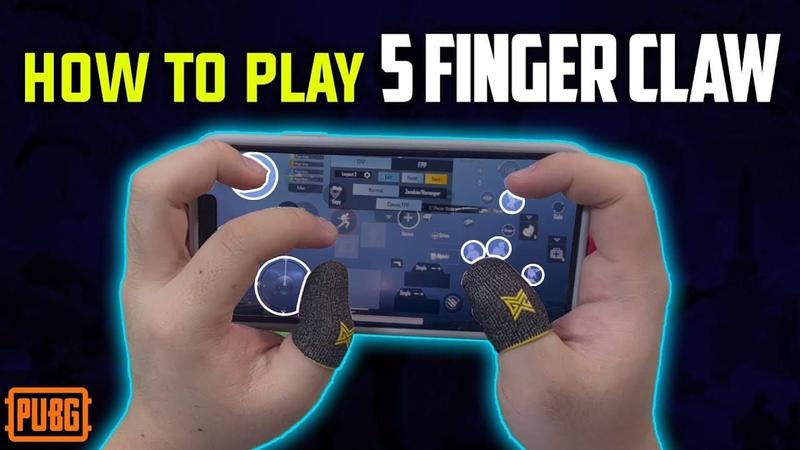
7. Loot & Inventory Claw Code
Looting quickly is a skill often overlooked. This code rearranges the inventory and loot buttons to be within easy reach of your left index. The auto-pickup radius is increased, and the backpack interface is moved to the lower right near your fire finger. The layout also includes a dedicated “Loot All” button placed under your thumb, so you can empty a crate in seconds. If you frequently die while looting, this code will save you. For more looting strategies, browse our latest pubg control codes list for other optimized layouts.
8. 3-Finger Claw Code (Transition Layout)
Not everyone can handle four fingers. This three-finger claw code uses both thumbs and your left index for fire. The right index rests for precision taps. It’s a comfortable middle ground that still gives you an edge over thumb players. The code places the fire button on the top left and the aim button on the bottom right. Scope and crouch are handled by your right thumb. It’s a great stepping stone for players who want to try claw without the steep learning curve. It’s also surprisingly effective for CQB.
9. Recoil Management Claw Code with DPI Toggle
Managing recoil is easier with claw because you can pull down while firing. This code adds a DPI toggle button that switches between low and high sensitivity on the fly. Use low sensitivity for long range and high for close ranges. The layout places the toggle under your right thumb, so you don’t have to lift your aiming finger. It’s a must-try for players who struggle with spray control on weapons like the Beryl M762 or M7. For more recoil-focused codes, check our pubg control codes for recoil management article.
10. Ultra-Compact Claw Code for Small Screens
If you play on a smaller phone (like an iPhone SE or any 5.5-inch screen), this code shrinks all buttons to fit without overlapping. The joystick is moved to the very edge, and fire/ADS buttons are minimized. It uses a 4-finger setup but with reduced button sizes. This prevents accidental touches and keeps your fingers from cramping. The code also includes an option to increase button opacity. It’s a niche layout but essential for players who don’t use tablets. For tablet-specific layouts, see our pubg control codes for thumb players if you’re on an iPad.
That wraps up our top 10 PUBG control codes for claw players. Whether you’re a beginner or a veteran, these layouts will help you perform more actions simultaneously, reduce reaction time, and win more gunfights. Remember: the best code is the one that feels comfortable after practice. Copy one, tweak it to your style, and hit the training ground. For even more options, browse our latest pubg control codes list for the newest layouts each season. See you on the battleground!



