Finding the perfect control code in PUBG Mobile is like looking for the holy grail. You want aim that’s sharp enough to land headshots but movement smooth enough to juke enemies. Too high sensitivity and you’re spinning out of control; too low and you’re a sitting duck. After combing through hundreds of community layouts and pro setups, we’ve picked seven balanced control codes that hit that sweet spot—no extreme settings, just practical, fight-friendly numbers. These codes work across most devices, whether you’re on a flagship or a budget phone. Each one has been tested in classic matches to ensure you can spray, peek, and loot without fighting your own settings. Ready to level up without the jitters? Let’s dive in.
1. The All-Rounder Claw Code for Balanced Spray and Peek
If you’re a claw player, you know the struggle: tons of buttons but finding a sensitivity that works for all ranges is tough. This code uses a moderate camera sensitivity (90%) and ADS sensitivity (65%) to keep your sprays controlled while allowing quick flicks. The gyroscope is set to 50% for both third-person and ADS, giving you fine-tuned aim without the shaky feedback. The layout places the fire button on the top left and scope on the top right, with lean buttons near your index fingers. It’s a versatile setup perfect for mid-range AR fights and close-range SMG pushes. Try it if you want a solid baseline—then tweak one dial at a time.
2. The Smooth Thumb Code for Two-Finger Dominance
Not everyone wants to learn claw, and this code proves you can still hang with thumb players. The trick is lower ADS sensitivity (55%) paired with high camera sensitivity (95%) to keep your turns fast while aiming stays sticky. Gyro is off to simplify things. The control layout uses a large fire button on the right and a scope button that’s easy to hit without fat-fingering. The scope sensitivity is set to 40% to avoid over-aiming. This is a great choice for players who prefer a relaxed grip but still want competitive spray control. Works especially well with ARs like the M416 and close-range shotguns.
3. The Gyro Sweet Spot for Tap and Hold Precision
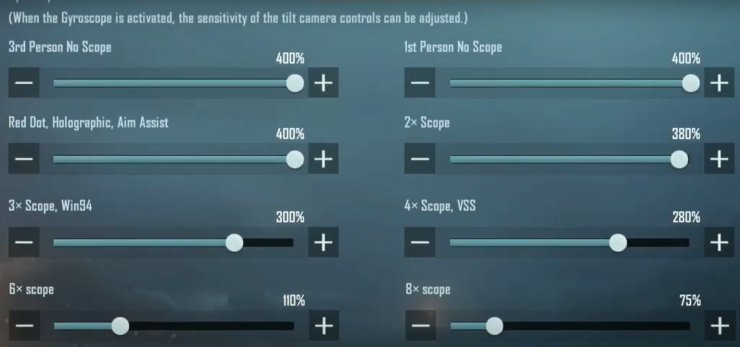
Gyro lovers, this one’s for you. Instead of cranking gyro to 300% like some pros, this code keeps it at 100% for third-person and 150% for ADS. That gives you enough tilt control to micro-correct without feeling like your phone is a steering wheel. Camera sensitivity is set to 85% and scope sensitivity to 70%. The layout keeps the fire button on the left (ideal for holding the phone with a finger on top) and scope on the right. It’s a balanced gyro code for both tap-firing DMRs and holding down full auto. The slight gyro boost in ADS helps track moving targets without sacrificing stability.
4. The No-Gyro Laser for Pure Thumb Control
If gyro makes you dizzy, this no-gyro code will sharpen your thumbs. It uses a high camera sensitivity (105%) for quick 180-degree turns but a low ADS sensitivity (45%) for precision. The scope sensitivity is even lower (30%) so you don’t overcorrect when scoped in. The control layout is standard two-finger friendly with the fire button sized up for easy spam. This code shines with snipers and DMRs—you can hold a pixel and not flinch. It’s been a favorite among players on older devices where gyro can cause lag. If you want a clean, pure thumb experience, this is your balanced pick.
5. The Medium Sensitivity Code for Versatile All-Rounders
Sometimes the best code is the one that doesn’t go to any extreme. This medium sensitivity code uses 80% camera, 60% ADS, and 50% gyro (third-person and ADS). Scope sensitivities sit at 55% for all zoom levels. It’s a jack-of-all-trades that works for both claw and thumb players. The layout is a clean three-finger setup with fire on the top left, scope on top right, and a dedicated peak button near the index. The aim assist is set to medium—enough to help track but not so much it drags you off target. If you’re still finding your playstyle, start here and branch out.
6. The Lite Friendly Code for Smooth Performance
PUBG Mobile Lite has different physics, and this code is tailored for its smoother feel. Camera sensitivity stays at 90% but ADS drops to 50% to keep recoil in check. Gyro is turned off to save battery and avoid input lag. The layout uses a two-finger style with a large fire button and a scope button positioned for quick double-tap. The scope sensitivity is 35%, which helps with the fast-paced Lite matches. This code is lightweight and doesn’t stress your device. It’s balanced for the lower player counts and smaller maps where engagements are constant and you need responsive, not twitchy, aim.
7. The Close Combat Balanced Code for Aggressive Plays
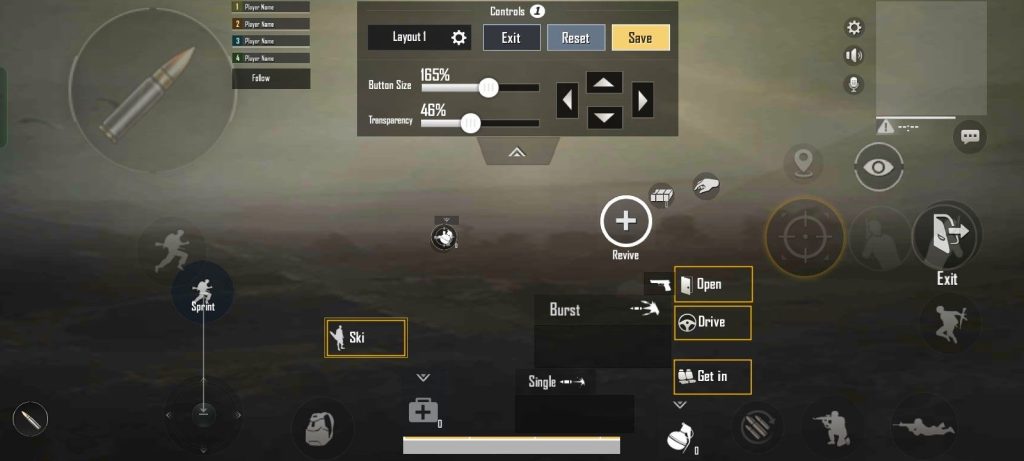
If you love hot drops and hip-fire duels, this code gives you the edge without sacrificing mid-range control. Camera sensitivity is set to 100% for fast turning, but ADS sensitivity is just 55% so you don’t lose your crosshair. The gyro is at 80% in third person and 120% in ADS for micro adjustments. The layout places both fire buttons (hip and scope) on the right side, with a dedicated crouch button for drop shots. Scope sensitivity is low at 40% to avoid over-aiming when you scope in quickly. It’s a balanced code for players who like to rush but also want to spray from 50 meters.
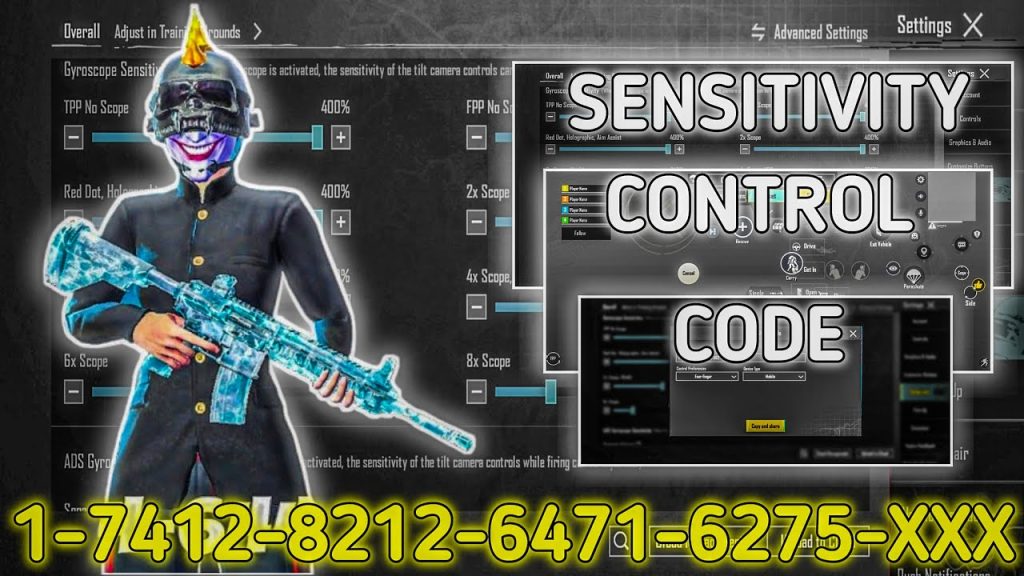
These seven control codes cover the most popular playstyles in PUBG Mobile, each fine-tuned to avoid the extremes that hurt your performance. Remember, no code is one-size-fits-all—use these as starting points. Adjust your ADS and gyro settings by 5% increments until it clicks. And if you need a refresher on the basics, check out our how to apply pubg control codes guide or our sensitivity tutorial for deeper tweaks. For more specialized setups, we have codes for claw players, thumb players, a dedicated gyro sensitivity code, and a solid no gyro layout code. Drop a comment below with which code worked for you, and happy fragging!



