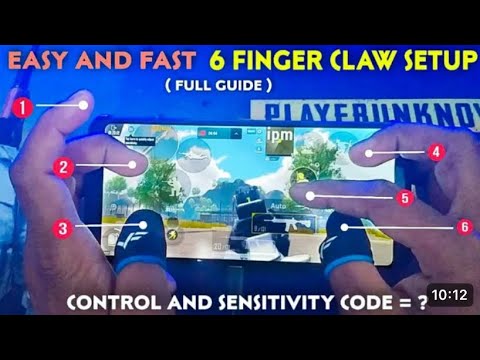
If you’re still playing PUBG Mobile with thumbs only, you’re leaving kills on the table. Six finger control is the pro-level setup that lets you move, aim, shoot, scope, lean, and crouch all at the same time. But getting the layout right is tough – that’s where control codes come in. We’ve tested dozens of 6 finger layouts from top-tier players and streamers, and these nine code sets are the ones that actually deliver. Whether you’re a gyro junkie or a quick scope fiend, there’s a setup here for you.
1. The Classic 6 Finger Claw Layout
This is the foundation every 6 finger player should start with. The classic claw layout places your index fingers on the top left and right of the screen (for scope and shoot), while your thumbs handle movement and aim. Your middle fingers take care of crouch and prone. The control code for this layout prioritizes a wide button spacing to avoid accidental presses. Many pros from the competitive scene swear by this setup, and you can tweak it with the latest competitive control codes to fine-tune your muscle memory.

2. Gyro-Enhanced 6 Finger Setup
Gyro lovers, this one’s for you. Combine six fingers with gyroscope aiming and you get insane recoil control and flick shots. The code here maps scope and fire to your index fingers while gyro sensitivity is cranked for fine aim adjustments. Your thumbs remain free for movement and leaning. If you’re coming from a 4 finger gyro setup, this layout will feel natural but gives you extra buttons for drop shotting and quick peeks. For a deeper dive, check out our dedicated gyro control codes post.
3. Quick Scope & Single Tap 6 Finger
DMR and sniper users, this code is built for you. It separates scope and fire into two distinct index finger taps, allowing lightning-fast single taps without interfering with your aim. The layout also includes a dedicated button for switching scope magnification. The key is that your thumb never leaves the movement joystick, so you can strafe while scoping. This is a favorite among aggressive DMR players and pairs well with the quick scope settings from our control codes review.
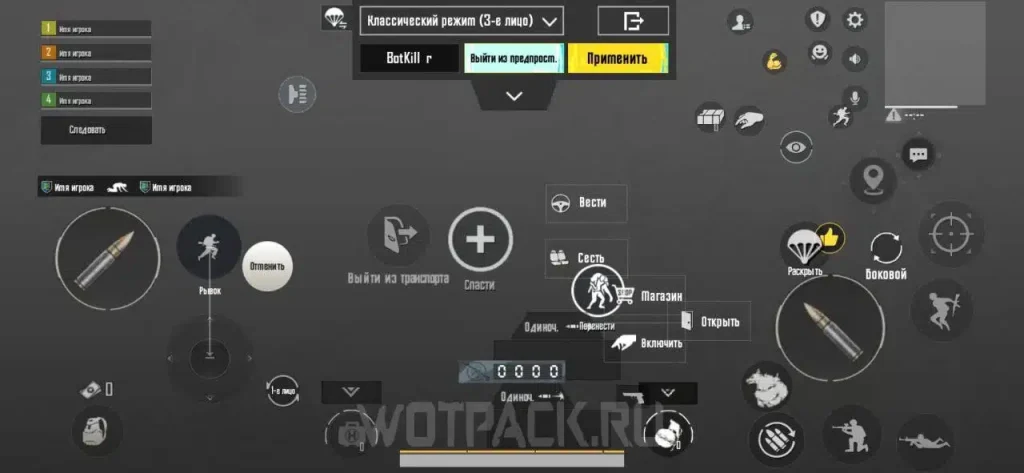
4. Drop Shot & Prone Spray 6 Finger
Want to go from standing to spraying from the ground in a split second? This control code maps prone to your left middle finger and drop shot (crouch then prone) to a combination of buttons. Your index fingers handle scope and fire, while your thumbs manage movement and aim. The layout reduces the delay between going prone and firing, so you can win those close-range duels. It’s a must-try for rush players – combine it with our rush player settings for maximum aggression.
5. Jiggle Peek & Lean 6 Finger
Jiggle peeking is a high-level technique where you lean in and out of cover while firing. This code maps lean left and right to your middle fingers, freeing your thumbs for movement and aim. Your index fingers handle scope and fire. The result is a fluid peek-shoot-peek rhythm that makes you a tough target. This layout shines in mid-range fights and is easy to adopt if you’re already familiar with thumb control codes.
6. Hip Fire & Movement 6 Finger
Close quarters combat is all about hip fire accuracy and movement. This control code sacrifices scope buttons for extra movement controls – a dedicated crouch jog, a vault button, and a quick turn left/right. Your index fingers handle fire and aim (but you won’t scope often), while your middle fingers manage movement modifiers. It’s chaotic but incredibly responsive once you get the hang of it. If you’re new to 6 finger, our beginner control codes will help you ease into this style.

7. DMR Tap & Reward 6 Finger
For the precision shooters who love the mini14 or SLR, this code optimizes tap firing. It separates scope and fire but also adds a button for quick magazine reload and a trigger for the reward (like emote or ping). The layout minimizes finger travel, so you can keep your crosshair on target between shots. Pair it with a high sensitivity to track moving enemies. This is a refined setup that builds on the basics of our control codes review.
8. SMG Rush 6 Finger
SMG players need speed: fast fire rate, quick reloads, and agile movement. This code maps fire to your left index, scope to right index, and has dedicated buttons for jump, crouch, and prone on your middle fingers. Your thumbs control movement and aim. The layout allows you to slide-cancel and jump-shoot effortlessly. It’s an aggressive setup perfect for hot drops and building fights. If you prefer a more balanced approach, check out our thumb control codes for alternatives.
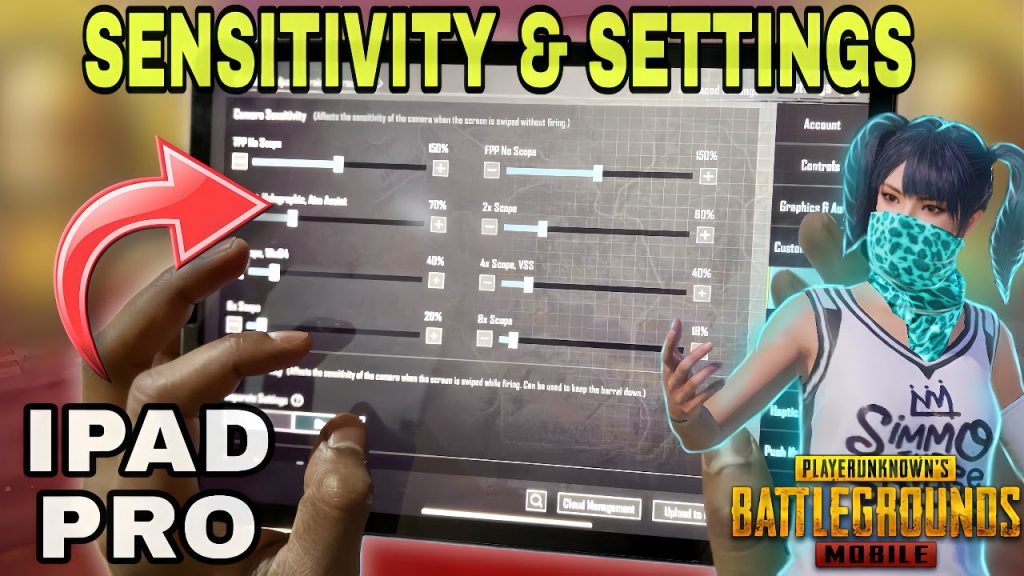
9. Custom ADS Sensitivity 6 Finger
This code isn’t a layout per se – it’s a set of sensitivity values that work best with a 6 finger claw. It includes separate ADS sensitivities for each scope, plus gyro sensitivity for fine aim. The code adjusts the button sizes and opacity to reduce clutter. Many pros keep two versions: one for close range and one for long range. You can copy this code directly and then tweak it. For a full breakdown of sensitivity numbers, see our control codes review.
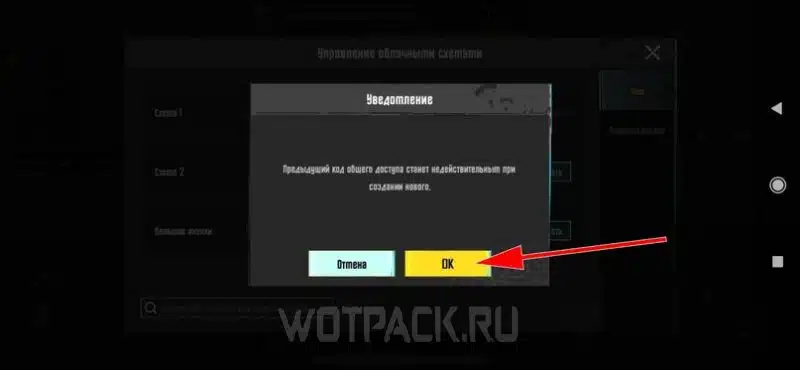
Mastering 6 finger control takes time, but with these codes you skip the trial and error. Start with the classic claw, then experiment with gyro or drop shot setups based on your playstyle. Remember to practice in the training ground before hopping into ranked. And if you ever run into issues applying codes, our guide on fixing control codes that won’t apply has you covered. Now get out there and dominate with six fingers.



