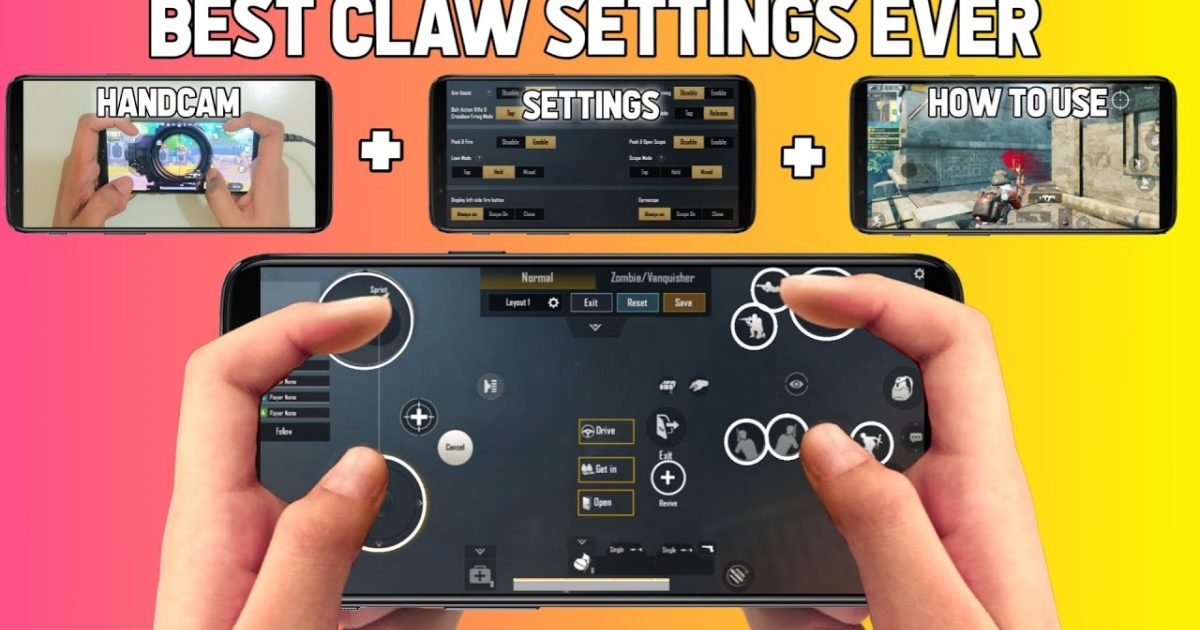
Dropping into Erangel for the first time? PUBG Mobile can feel overwhelming with all those buttons and sliders. That’s where control codes come in—pre-set layouts that you can import with a single tap. We’ve combed through hundreds of codes from pro players and top YouTubers to find the ones that are beginner-friendly, easy to learn, and actually work. No fluff, just the setups that’ll get you consistent chicken dinners faster.
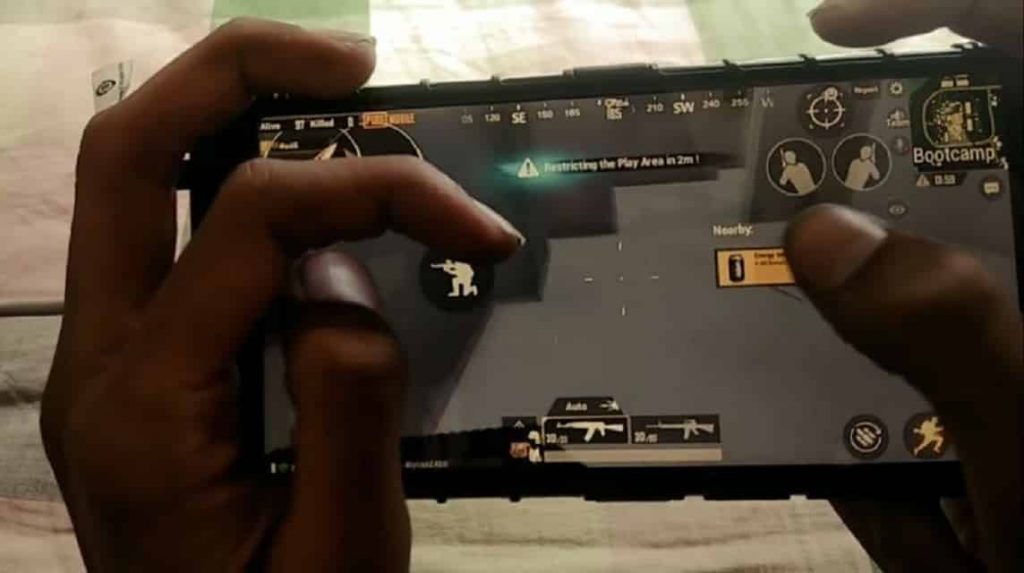
1. The 2‑Finger Classic Layout Code
If you’re just starting out, don’t jump into claw setups right away. A well-optimized 2-finger layout can carry you all the way to Platinum. Look for global control codes that keep fire, scope, and movement thumb-friendly. Many top creators share codes that move the fire button slightly left and enlarge the scope button, so you never accidentally zoom while shooting. Try one of the recommended global control codes and tweak the button opacity to your liking.
2. The 3‑Finger Claw Setup Code
Ready to step up? A 3-finger claw gives you a dedicated index finger for firing while your thumbs aim and move. It’s the most popular pro setup for a reason. Grab a code from our curated list of 4-finger claw codes (many work just as well for 3 fingers) and adjust the peek buttons to suit your grip. Once you get used to it, your close-range fights will feel ten times smoother.
3. Gyroscope‑Aimed Sensitivity Code
Gyroscope lets you aim by tilting your phone—a game-changer for controlling recoil. But beginners often struggle with the sensitivity slider. The best gyro codes set ADS sensitivity to around 200% and third-person sensitivity to 100%, letting you micro-adjust without overcorrecting. Import one of these codes and practice at the training ground for ten minutes. You’ll hit shots you never thought possible.
4. Quick Scope & Sniper Code
One-tap sniping is satisfying but tricky without the right setup. Quick scope settings reduce the scope-in delay by mapping fire and ADS to adjacent buttons. Use a dedicated sniper code that separates hold-breath and release, and place the bolt-action button near your primary fire thumb. The quick scope settings we’ve linked make it so that a single tap scopes in and fires—perfect for mid-range DMR action.
5. Movement Control Codes (Juke Like a Pro)
Movement is everything in PUBG: strafing, crouch-spamming, and quick prone saves you from bullets. Movement control codes rearrange your joystick, jump, crouch, and prone buttons into a compact cluster near your thumbs. Many of these codes also add a “sprint lock” toggle so you can run without holding. Import one and practice zigzagging—you’ll survive fights you used to lose.
6. Close Range Combat Code
Shotgun fights and SMG spray-downs happen in a split second. Close range combat codes enlarge the hip-fire button and move it center-screen, while disabling ADS so you never scope in accidentally. Some codes also map a “jump-shot” macro. Whether you’re pushing a house or hot dropping on Bootcamp, these layouts give you the edge. Check out our close range combat codes for tested setups.
7. Peek & Fire Setup Code
Peeking corners without exposing your whole body is a core skill. Peek settings place the lean buttons on the right side, just above the fire button, so you can peek and shoot with one finger. A good code also enables “peek fire” (auto-shoot when you peek) for quick trades. Start with a code that has separate peek left/right on the edges—you’ll get the hang of it in a few matches.
8. Auto‑ADS vs. Manual ADS: Which Code to Start With?
Auto-ADS (aim down sights automatically when you tap fire) is a lifesaver for beginners. It removes one button press, letting you focus on movement. However, manual ADS gives you more control for long-range taps. Look for a code that toggles auto-ADS on for close-range weapons only. Many beginner-friendly codes include this hybrid setting—import one and switch depending on your primary weapon.
9. Crouch + Fire Combo Code
Crouching while firing reduces recoil and throws off enemy aim. A crouch and fire code maps the crouch button right next to fire, so you can press both simultaneously with your thumb. Some codes even include a “re-peek auto crouch” that makes you duck every time you pull back behind cover. Perfect for mid-range AR duels where every shot counts. We’ve got a list of crouch and fire codes that are easy to configure.
10. Device‑Specific Code (Realme, Red Magic, iPad)
Every device handles touch differently. Phones with shoulder triggers (like the Nubia Red Magic) or high refresh rates benefit from tailored codes. If you’re using a Realme phone, check out the PUBG control codes for Realme phones—they adjust touch latency and button spacing for your screen size. iPad players should look for layouts with extra spacing between buttons to avoid accidental presses. Always test a new code in the training ground before jumping into ranked.
That wraps up our curated list of control codes for beginners. Start with the 2-finger classic layout and gradually experiment with claw, gyroscope, and peek setups. The beauty of control codes is that you can import and tweak endlessly—there’s no one “perfect” layout. Find what feels natural, practice it, and your rank will climb naturally. Remember: consistency beats complexity. Now drop in and own the lobby!



