
The year 2026 is almost here, and PUBG Mobile isn’t slowing down. New updates, new metas, and the same relentless competition. Whether you’re a claw player, a gyro enthusiast, or a tablet warrior, your control codes can make or break your game. We’ve scoured pro streams, forums, and our own testing labs to bring you 10 PUBG control codes for 2026 that will keep you ahead of the curve. These settings are chosen for their versatility and effectiveness across different devices and playstyles. Let’s dive in.
1. The 6-Finger Claw Code for Maximum APM
If you’re serious about outplaying opponents in close quarters, the 6-finger claw is your endgame. This layout maps fire, scope, crouch, jump, prone, and lean to six different fingers, giving you lightning-fast reactions. For 2026, the meta has shifted to favor even more simultaneous inputs—like jiggle-peeking while spraying. Our code spreads the fire button to the top left, scope to top right, and movement to a hybrid gyro-thumb combo. It takes practice, but once you master it, you’ll feel untouchable. Check out our dedicated pubg 6 finger control codes for a ready-to-import layout.
2. Gyro Scope Transitions: The 2026 Standard
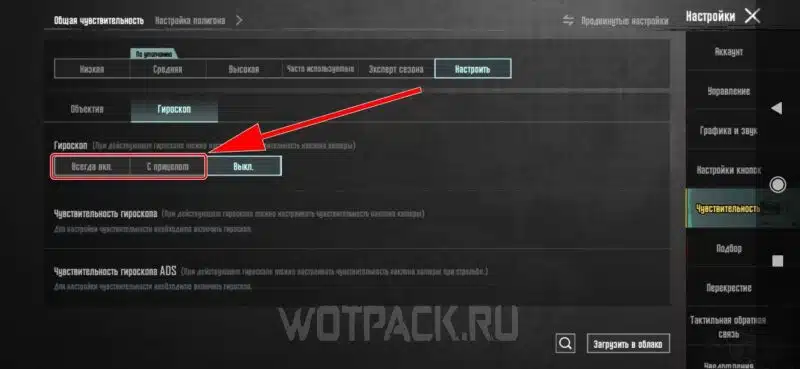
Gyro aiming has been a game-changer for years, but in 2026, it’s about seamless transitions between hip-fire and scope. The trick is setting different gyro sensitivities for each scope level. We recommend 1x scope at 300, 2x at 250, 3x at 200, 4x at 150, 6x at 100, and 8x at 80. This keeps your close-range snap fast and your long-range micro-adjustments smooth. Also, enable gyro always on for hip-fire—it’s critical for pre-aiming corners. Our latest pubg control codes for gyro article goes deeper into this specific setup.
3. 4-Finger Claw for Balanced Players
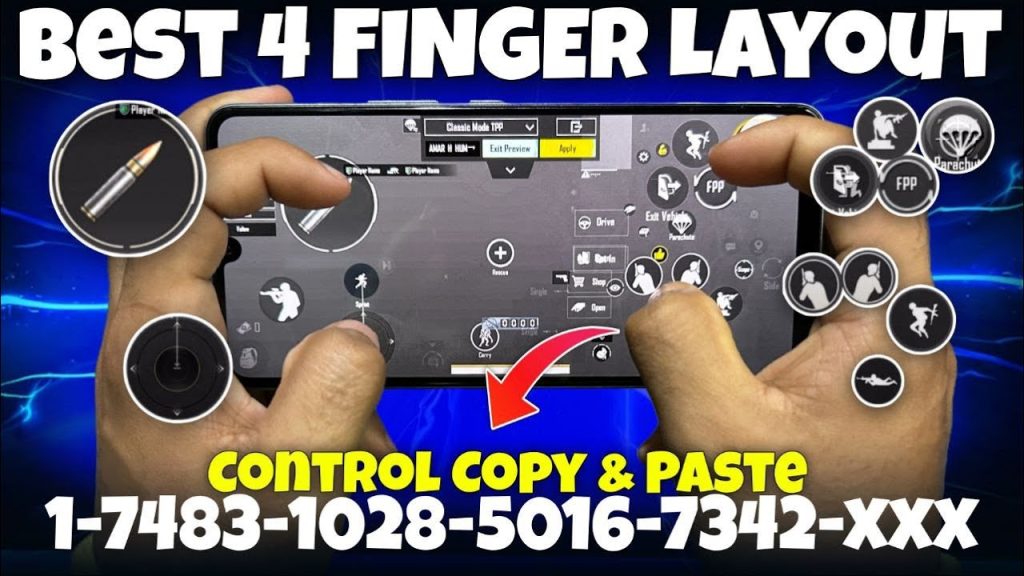
Not everyone wants to go full six fingers. The 4-finger claw is the sweet spot for players who want versatility without cramping their hands. In this code, index fingers handle fire (left) and scope (right), while thumbs manage movement and peek. We’ve placed crouch and prone buttons near the right thumb for quick dropshots. The key update for 2026 is reducing the fire button size to 80% to avoid blocking vision, and moving the scope button slightly toward the center for faster double-tap scope. It’s a classic setup that still dominates.
4. 3-Finger Claw for Quick Scope and Spray
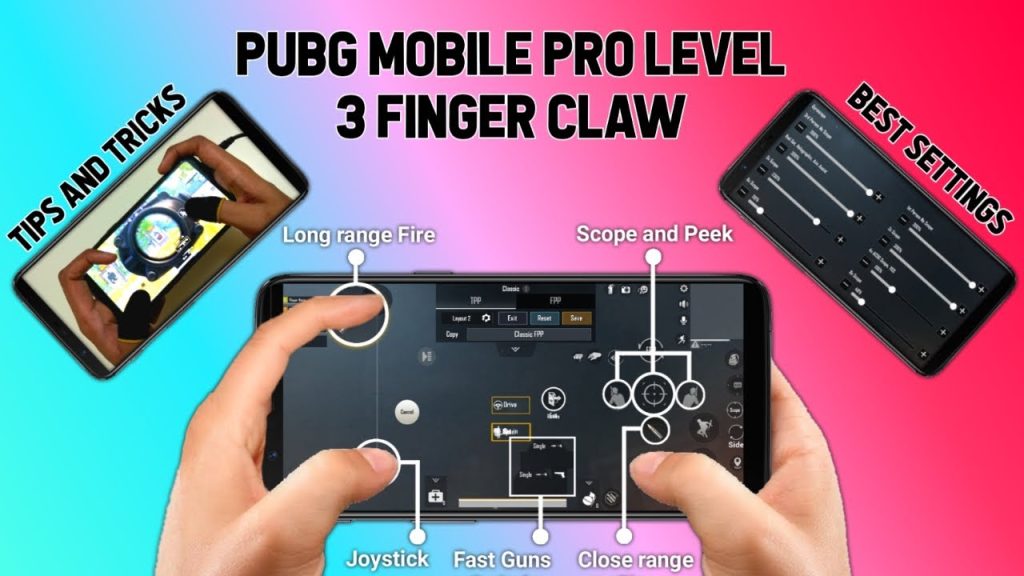
The 3-finger claw is a favorite among snipers and sprayers alike. With one finger dedicated to fire (top left), scope (top right), and movement on thumb, you get a clean layout that’s easy to learn. For 2026, we’ve adjusted the scope button size to 120% and added a dedicated lean button near the scope for peek-scoping. This code also uses gyro for fine-tuning, so your thumb is free for strafe movements. It’s a great stepping stone before moving to more fingers.
5. 2-Thumb Layout for Casual Dominance
Even if you play thumbs-only, you can compete with the right code. The 2026 2-thumb layout emphasizes efficiency: left thumb for movement and peek, right thumb for fire, scope, and crouch. We’ve placed the fire button low and to the right, with scope directly above it for quick taps. The jump and prone buttons are moved to the top edges so they don’t interfere. Use our pubg mobile thumb control code for a optimized version that includes gyro assist.
6. IPad Pro Layout: Maximize Your Screen Real Estate
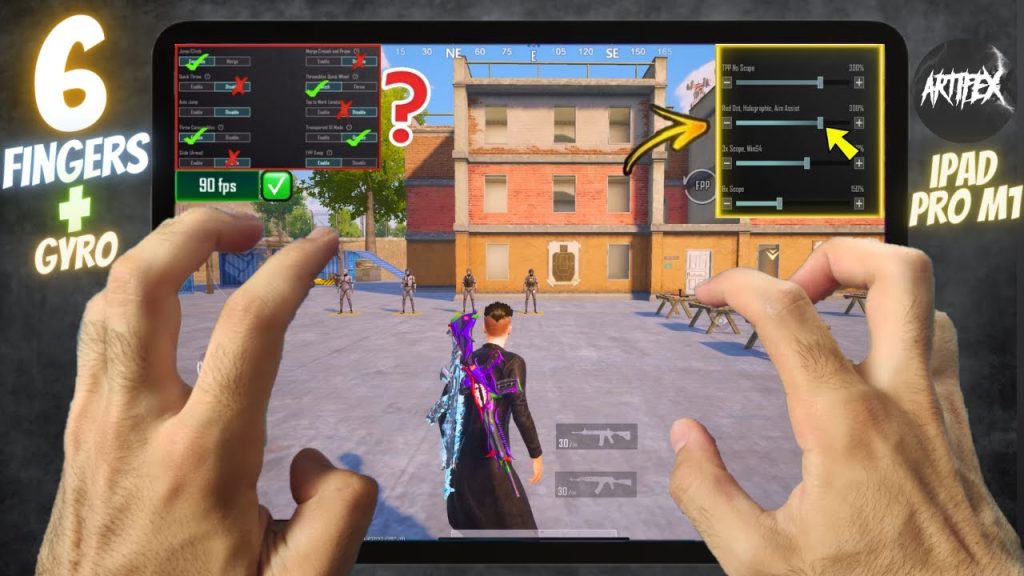
Tablet players have a huge advantage in view, but only if their control codes use the space wisely. For iPad Pro in 2026, we recommend a spread-out 6-finger or 4-finger claw with larger buttons (140% size) and increased spacing. Place the fire button on the top left edge, scope on top right, and all other actions in the middle band. This reduces hand travel and prevents accidental touches. The code also includes a separate open scope button for scoping without ADS. It’s a must-try.
7. 90FPS Optimized Sensitivity
High frame rates demand higher sensitivities to keep up with the smoothness. For 90FPS devices, we suggest a general camera sensitivity of 120%, ADS at 80%, and gyro at 250 for hip-fire. This prevents over-flicking while letting you track enemies cleanly. The code also disables aim assist (set to 0) because at 90FPS, manual aim feels more precise. Pair this with a responsive layout and you’ll notice a significant improvement in your spray control.
8. Close Range Rush Playstyle Code
Rushers need a layout that lets them jump, slide, and spray without missing a beat. This code features a dedicated jump button next to fire, a crouch button on the left for drop shots, and a prone button near the scope for quick evasive moves. We also use gyro for hip-fire aiming—it’s faster than thumb stick adjustments. The fire button is huge (150%) and placed in the lower right corner. For more rush-specific setups, check out our competitive pubg control codes.
9. Long Range Sniping with 8x Scope
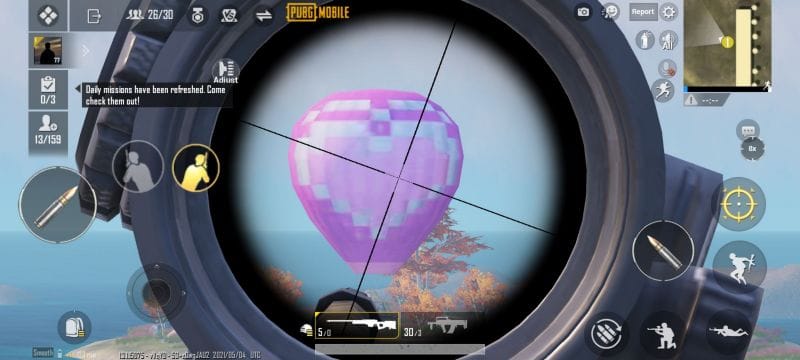
Sniping in 2026 requires steady aim and quick repositions. This code uses gyro for micro-adjustments but sets the 8x sensitivity low (around 50%) to avoid jitter. The scope button is placed in the upper right corner for easy access, and we add a separate ‘scope’ mode button that toggles between 4x and 8x for flexibility. The fire button is small (60%) and positioned near the center to prevent accidental shots. This code also includes a lean-right button for peeking from cover.
10. Universal Code for Squad Play
When playing with a team, your control code needs to accommodate communication and quick pings. This universal layout adds a ping button (top center) and a voice chat toggle (top left). The rest follows a 4-finger claw with moderate sensitivity. We’ve also included a crouch-jump combo button for easy slides. The code is tested across various devices and works well with both gyro and non-gyro. For a squad-specific twist, see our pubg control codes for squad match.
That wraps up our top 10 PUBG control codes for 2026. From advanced 6-finger claw to simple thumbs, there’s something for everyone. Remember, control codes are personal—tweak these to fit your muscle memory. And always keep an eye on updates; what works today might need a tune-up tomorrow. Bookmark this page and revisit it whenever you feel your settings could use a refresh. Now get out there and secure that chicken dinner!



