Tired of getting outgunned in PUBG Mobile because your controls feel clunky? Control codes are the secret sauce that top players use to fine-tune their layouts for maximum efficiency. We’ve scoured the community, tested dozens, and picked 10 of the best control codes for different playstyles and devices. Whether you’re a claw master, a gyro enthusiast, or a tablet warrior, there’s a code here to boost your game. Let’s dive in.
1. 4 Finger Claw Code for Aggressive Peekers
The 4 finger claw setup is a staple for players who want to keep their thumbs on the move and their index fingers on the triggers. This code optimizes button placement so you can jiggle peek, lean-shoot, and drop shot without breaking a sweat. It’s perfect for close-quarters combat and building fights. You can find a solid 4 finger layout code to copy and tweak for your own style.
2. 5 Finger Setup Code for Ultimate Control
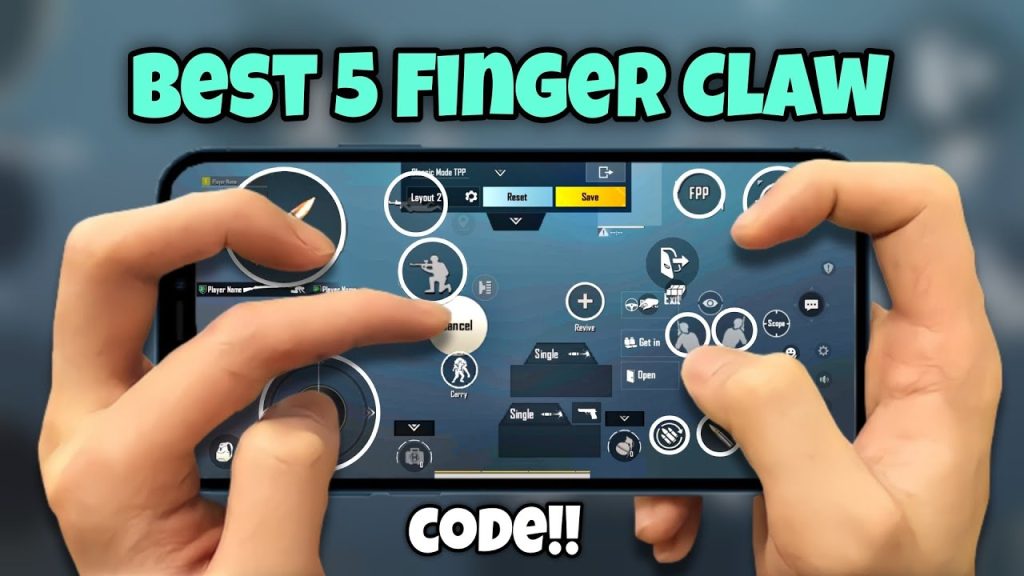
If you want to unlock every movement and action simultaneously, a 5 finger setup is the way to go. This layout lets you prone, jump, crouch, scope, and fire all at once. It’s demanding on finger coordination but rewards with unmatched speed. A popular 5 finger setup code you can import right into your game and start practicing with.
3. Gyro Control Code for Precision Aiming
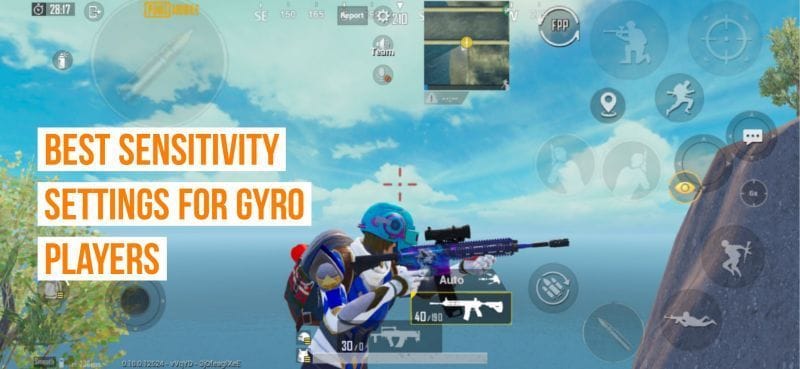
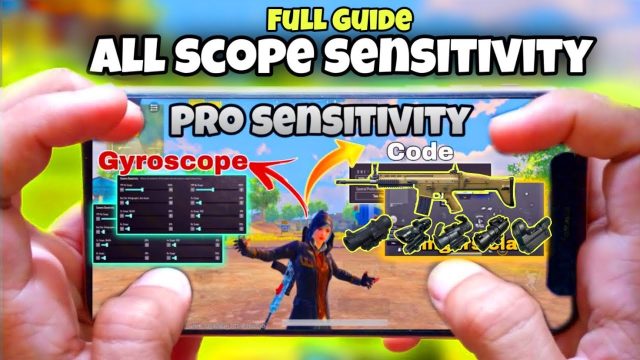
Gyro aiming gives you mouse-like precision by tilting your phone. This gyro control code adjusts the sensitivity and button layout to make micro-adjustments a breeze. Great for snipers and anyone who wants to fine-tune their crosshair without lifting a finger. Just enable gyro in settings and paste this code.
4. No Gyro Code for Stable, Jitter-Free Aim
Not everyone likes gyro—some find it jittery or hard to control. These no gyro codes are designed for steady aim using only your thumbs. They emphasize large, well-spaced buttons and optimized sensitivity for consistent tracking. If you’re a traditional thumb player, these no gyro codes will tighten your spray and improve your long-range fights.
5. 3 Finger Layout Code for Balanced Play
The 3 finger layout is a sweet spot between simplicity and efficiency. It uses the left index for shooting, freeing your right thumb to focus on movement and scoping. Perfect for players transitioning from 2 thumbs to claw. Import one of these 3 finger control codes and instantly feel the difference in your reaction time.
6. iPad Control Code for Maximum Screen Real Estate
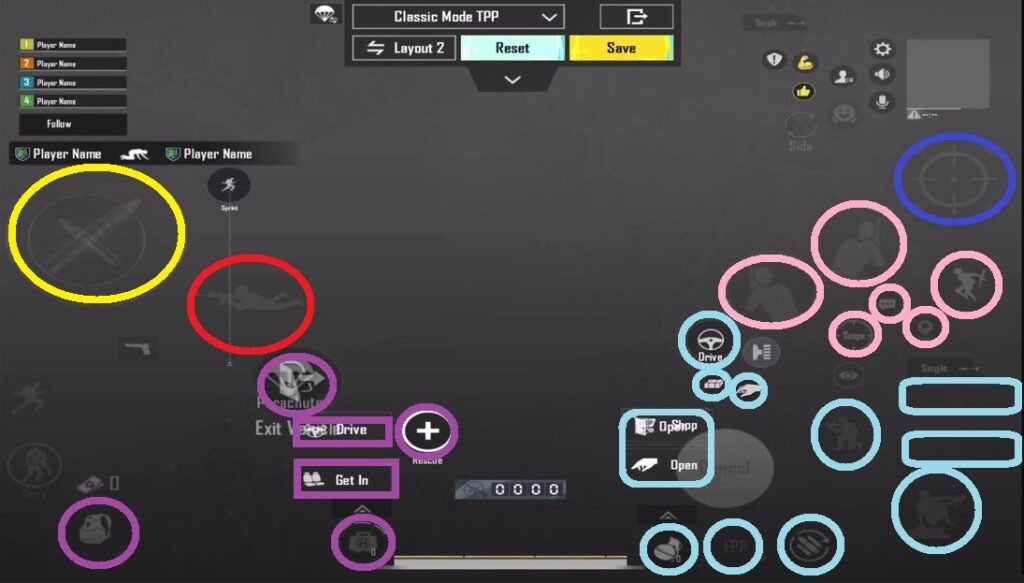
Playing on an iPad gives you a huge display, but default controls often waste that space. These control codes for iPad spread buttons across the entire screen, making use of every inch. You can keep your fingers on the edges while having easy access to all actions. Perfect for 4-6 finger claw on a big screen.
7. Tablet Control Code for Palm Grip Players
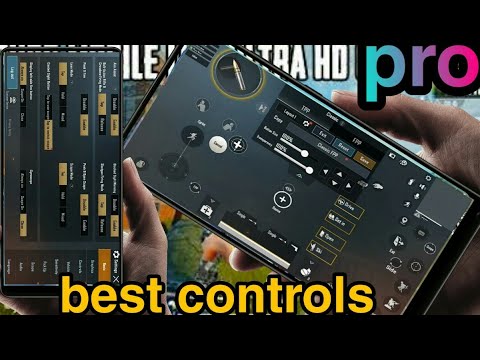
Tablet players have different ergonomics than phone users. This code is optimized for palm grip or hybrid claw, with larger buttons and adjusted spacing to avoid accidental presses. It’s a must-try if you play on a tab and feel cramped by default settings. The tablet community swears by these layouts.
8. TDM Control Code for Fast-Paced Action
Team Deathmatch demands rapid respawns and chaotic fights. This TDM control code centers your buttons for close-quarter engagements, with grenades and heals at your fingertips. It reduces the distance your thumbs travel, so you can snap onto enemies faster. Import it before your next arena session.
9. Stable Aim Code for Long-Range Domination
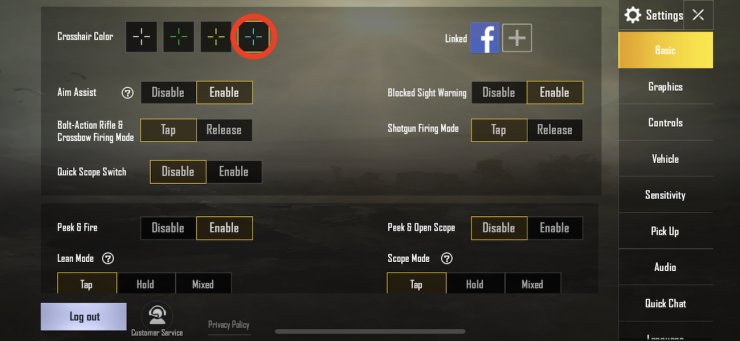
If you’re tired of your crosshair dancing during spray transfers, try a stable aim code. These layouts minimize button clutter and optimize sensitivity settings for smooth recoil control. They’re especially effective with DMRs and ARs at range. Give these stable aim codes a shot if you want to beam enemies from 300 meters.
10. Grenade Control Code for Tactical Utility
Grenades can turn the tide if you can throw them quickly and accurately. This grenade control code places the throw button near your fire button, with a dedicated peak key for cooking. It also moves the swap grenade type button to a comfortable spot. Master your nades with this layout.
There you have it—10 PUBG Mobile control codes covering every major playstyle and device. Remember, copying a code is just the start; take a few minutes to adjust button sizes and transparency to fit your hands. Hop into the training ground, test each code, and stick with the one that feels like an extension of your fingers. See you on the battleground!