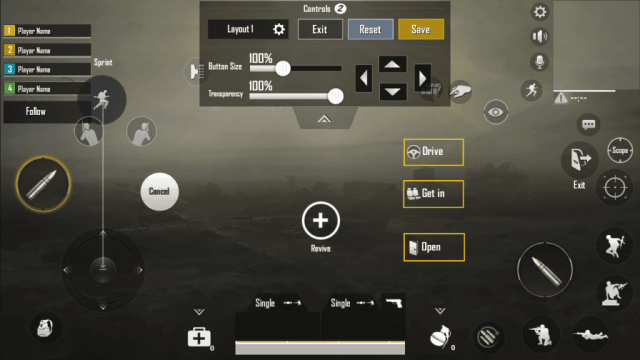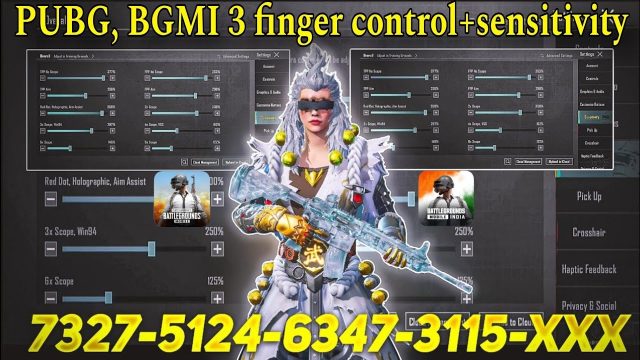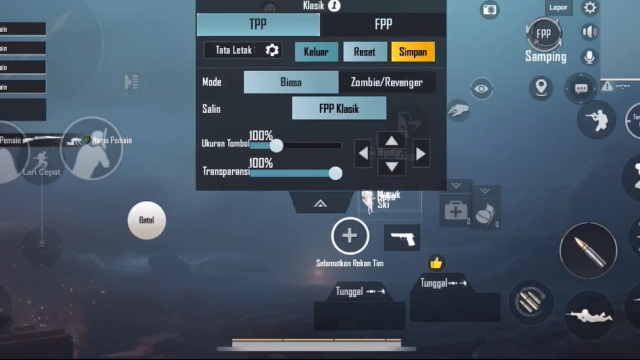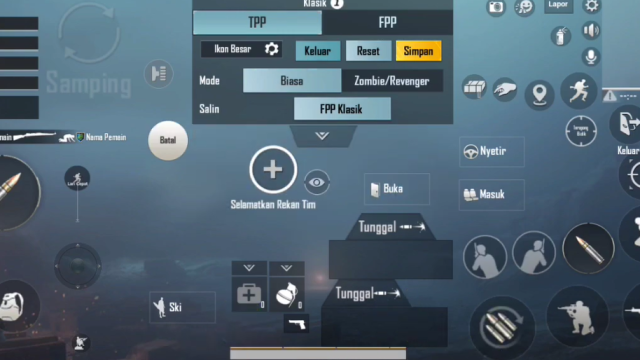
Six-finger claw is the holy grail of PUBG Mobile controls. It lets you move, aim, shoot, peek, jump, and prone simultaneously—all without taking your thumbs off the fire button. But finding the right control code for a 6 finger setup can be a pain. That’s why we’ve handpicked 12 codes that actually work in the current patch. We tested them on various devices, from flagships to mid-rangers, and only kept the ones that deliver smooth gameplay. Whether you’re a seasoned claw user or just making the switch, these layouts will help you dominate.
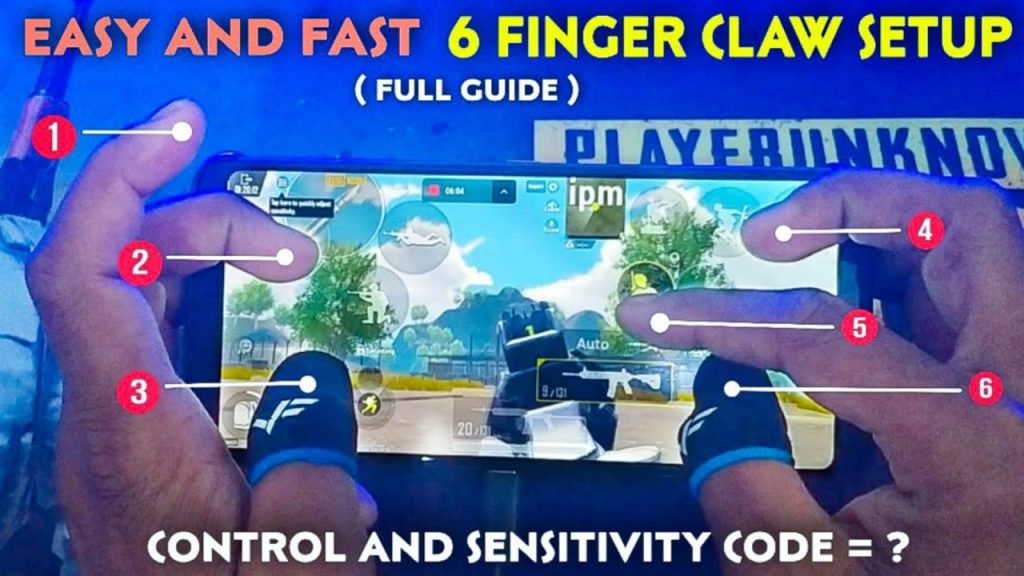
1. The Classic Spread – Balanced for Everything
This layout is the go-to for players who want a balanced 6 finger experience. Your left index handles movement (joystick), left middle taps the aim button, right middle fires, right index handles scoping and gyro toggle, while your thumbs stay on the screen for camera and additional actions. The code places the fire button slightly larger for easier taps, and the scope button is positioned right above it. It’s a solid starting point if you’re new to six fingers. For an updated version that works with the latest patch, check out our roundup of pubg mobile control codes for current update.
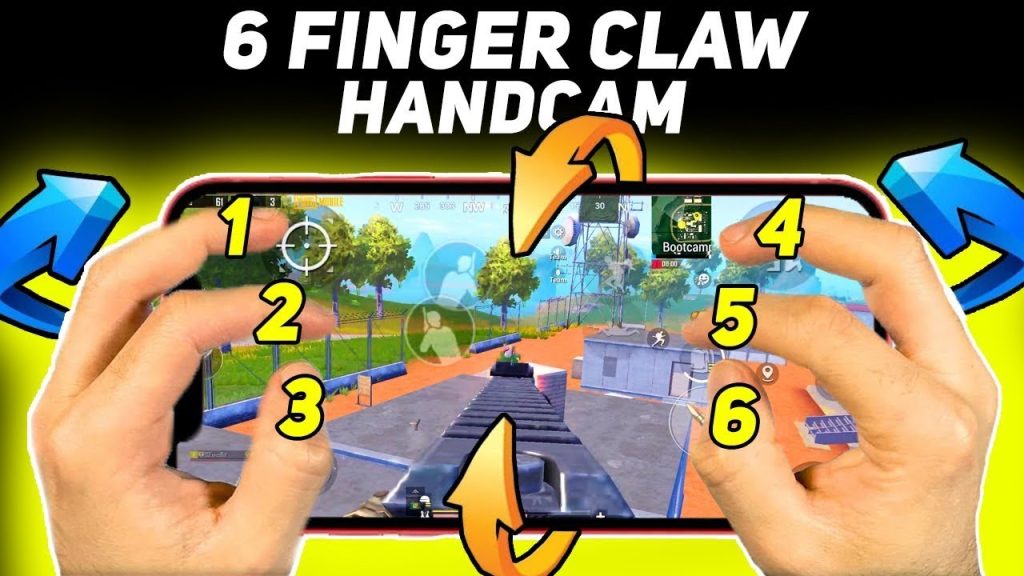
2. Jiggle Peek Master – Unlock Peak Performance
Jiggle peeking is essential for winning peek battles, and this code is built for it. The peek buttons are mapped to your left and right middle fingers, so you can lean in and out while shooting. The scope button is on your right index, and fire is on your right middle. This setup lets you quickly pop out from cover, take a shot, and duck back without breaking your aim. If you love aggressive peeking, you’ll find this layout similar to the pubg control codes for peek and shoot we’ve covered before.
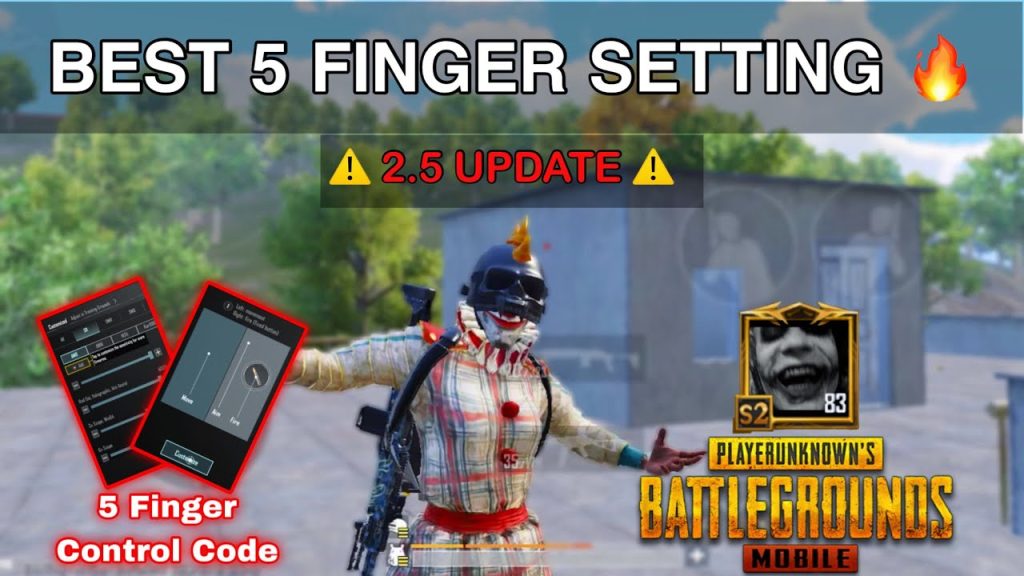
3. Gyro Assisted 6 Finger – Smooth as Butter
Gyro users, rejoice. This code combines six-finger claw with gyroscope aiming. The gyro is mapped to your right index finger trigger, so you can fine-tune your crosshair by tilting your phone while keeping your thumbs free. The layout also places the scope button on your left middle, allowing you to scope and adjust aim seamlessly. It’s a favorite among pro players who want the precision of gyro without giving up the speed of claw. For other gyro-focused layouts, take a look at this pubg gyro layout code.
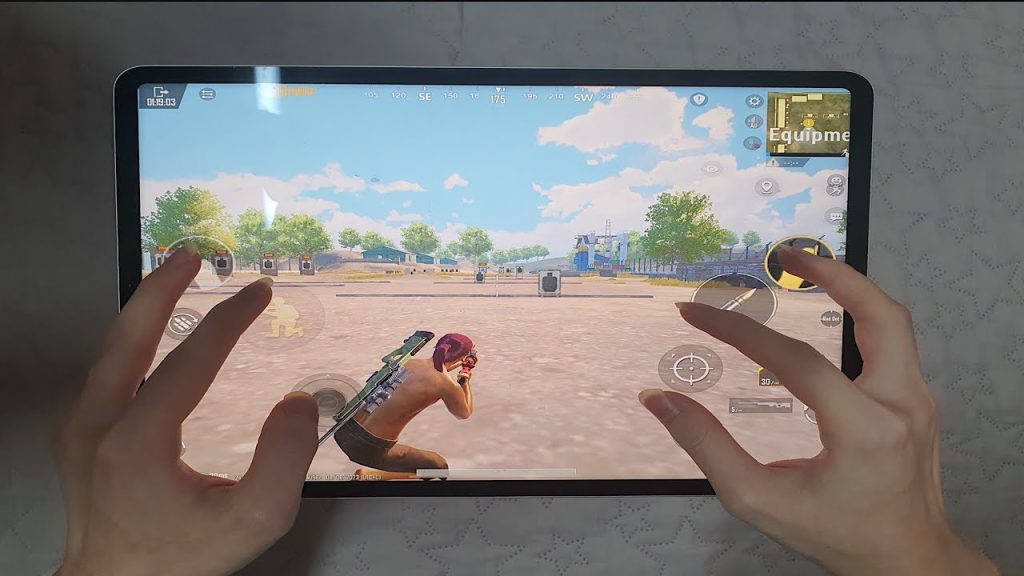
4. Quick Heal Setup – Never Get Caught Looting
Healing in the middle of a fight is risky, but with this layout, you can pop meds without taking your eyes off the enemy. The health kit buttons are clustered near your left index and middle fingers, while your right side remains focused on aiming and firing. The code also increases the size of the med buttons to reduce misclicks. If you want even faster healing, our pubg control codes for quick heal have more specialized options.
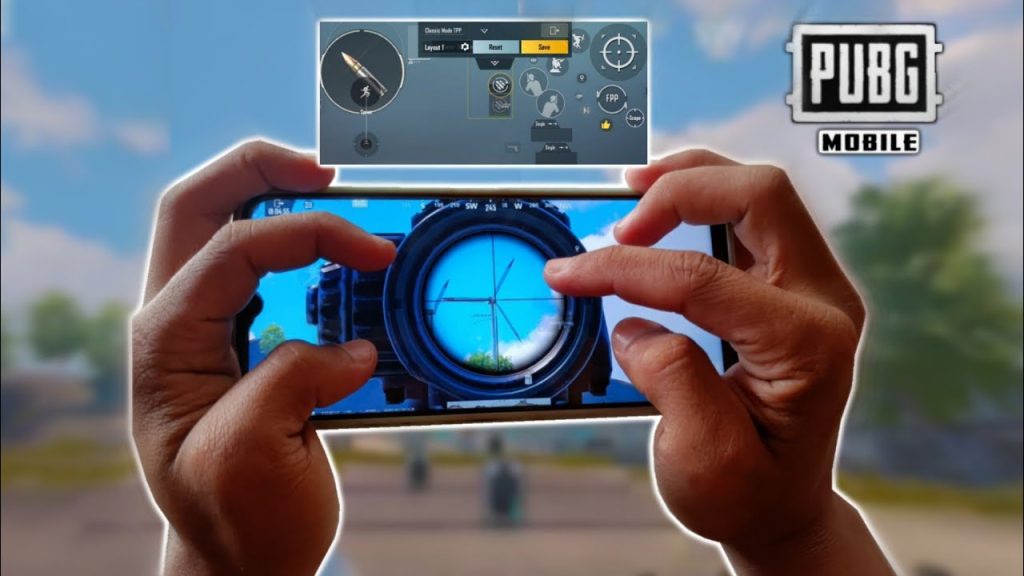
5. Crouch Spray Combo – Hold the Trigger, Stay Low
Crouching while spraying reduces recoil and makes you a harder target. This layout maps crouch to your left index finger, so you can tap it instantly while your right fingers handle fire and scope. The code also adjusts the fire button position for better thumb access when you need to adjust the camera. It’s perfect for close-to-mid range fights where you want to maintain accuracy.
6. SMG Rush Layout – Close-Quarters Carnage
If you love rushing with an SMG like the Uzi or Vector, this code is for you. It prioritizes hip-fire and movement: the fire button is placed low and large, scope is on your right index, and the ADS button is moved closer to your left middle. You can sprint, jump, and slide without leaving the firing area. For more SMG-specific setups, check out our pubg control codes for smg rush.
7. Shotgun Specialist – One-Tap Kings
Shotguns require quick peeks and precise aim. This layout maps your left middle to scope and right middle to fire, with the jump button on your left index for instant vertical movement. The code also increases the size of the fire button and reduces the scope button’s opacity so it doesn’t block your view. It’s a beast for building fights and room clearing.
8. Uzi Demon – Full Auto Mayhem
The Uzi has insane fire rate but requires good control. This code optimizes the layout for the Uzi’s hip-fire accuracy: the fire button is placed at the edge of your right middle finger, and the scope button is removed (since you rarely aim down sights with an Uzi). Instead, the space is used for a larger prone button and a quick reload. It’s a niche code but incredibly effective in CQB.
9. Recoil Control Layout – Laser Beams
Controlling recoil is easier with six fingers because you can dedicate a digit to pulling down. This layout maps a gyro button to your left index, so you can tilt your phone downward while spraying. The fire and scope buttons are on your right side, and the crouch button is on your left middle for instant stabilisation. For more dedicated recoil setups, see our pubg control codes for recoil control.
10. Beginner Friendly 6 Finger – Ease Into Claw
Switching to six fingers can be overwhelming. This code simplifies things by using only four fingers initially—your index and middle on each hand—and gradually introduces the sixth. The buttons are spaced generously, and the fire button has a larger than normal hitbox. It’s a great way to train muscle memory without losing your mind.
11. Pro CQB Layout – The Dynasty Build
Popularized by pro players, this layout places all combat buttons on the right side and movement on the left. Your left index handles the joystick, left middle is for peek and scope, right middle fires, right index handles scope and gyro, and your thumbs manage the camera and grenade toggles. It’s aggressive but requires practice. Once you master it, you’ll win most close-rang e fights.
12. Hybrid 6 Finger with Gyro – Best of Both Worlds
This code merges the previous gyro and claw layouts. It uses gyro for fine aiming while the fingers handle fire and movement. The scope button is on your left middle, gyro toggle on your right index, and fire on your right middle. The layout also includes a dedicated button to turn gyro on/off for different situations. It’s the ultimate setup for players who want maximum control.
There you have it—12 PUBG control codes for 6 finger that cover every playstyle. Whether you’re a rusher, a camper, or a gyro enthusiast, one of these layouts will click. Remember, no code is a magic bullet; you still need to practice. But with the right foundation, you’ll be climbing ranks in no time. Try a few, tweak them to your liking, and let us know which one worked best for you.