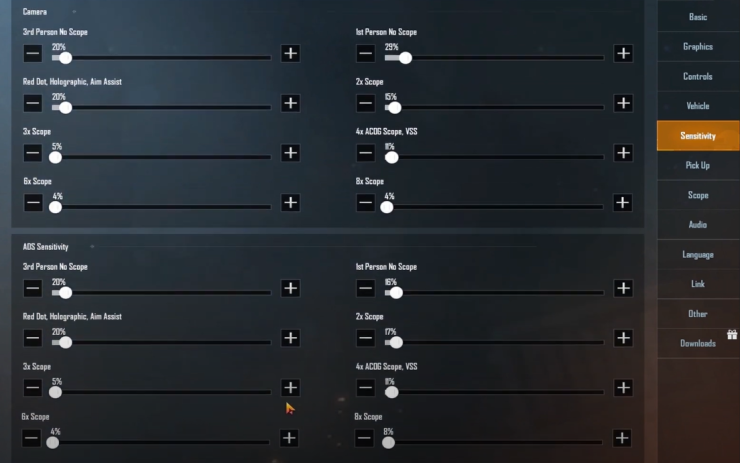
Let’s be real—PUBG Mobile’s default controls and ADS settings are garbage. You’re not going to win chicken dinners with that sluggish aim and cluttered layout. That’s why I’ve combed through pro player setups, tested dozens of control codes, and dialed in the perfect ADS sensitivities to bring you this list. Whether you’re a claw player, gyro enthusiast, or just want a smoother experience, these 10 tips will transform your gameplay. Each item was chosen based on real performance in matches and community feedback. Ready to level up? Let’s dive in.
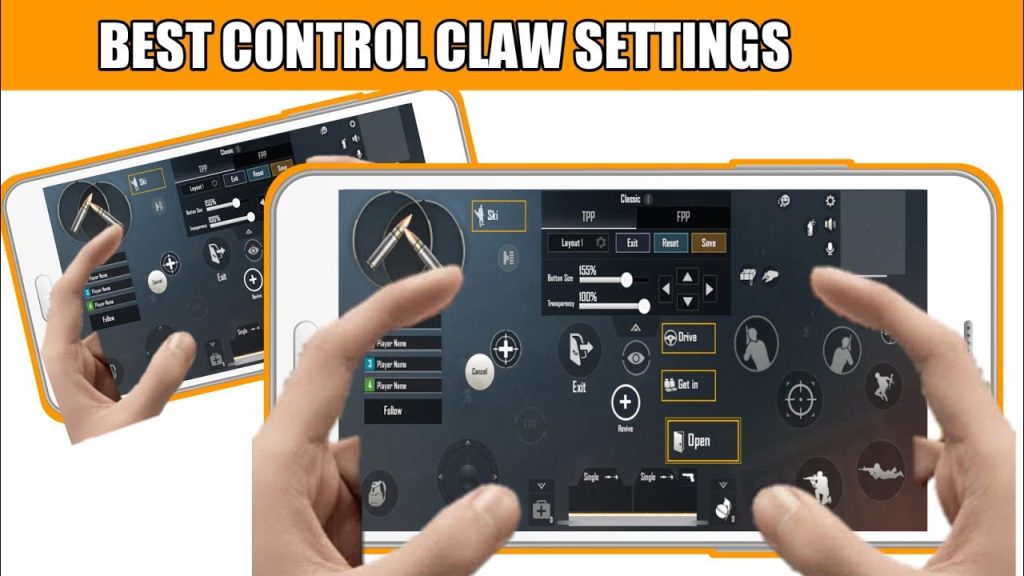
1. 4-Finger Claw Control Code with Custom ADS Sensitivity
The 4-finger claw layout is the gold standard for serious players. It frees up your thumbs for aiming and shooting while your index fingers handle scope, crouch, and jump. But the magic happens when you pair it with a fine-tuned ADS sensitivity. I recommend a control code that places the fire button on the top left, scope on top right, and crouch/jump on the left/right edges. Then set your ADS sensitivity to 30–35 (depending on your device). This lets you spam shots while staying mobile. If you’re new to claw, check out these control codes for beginners to get started.
2. Gyroscope ADS Settings for Pinpoint Accuracy
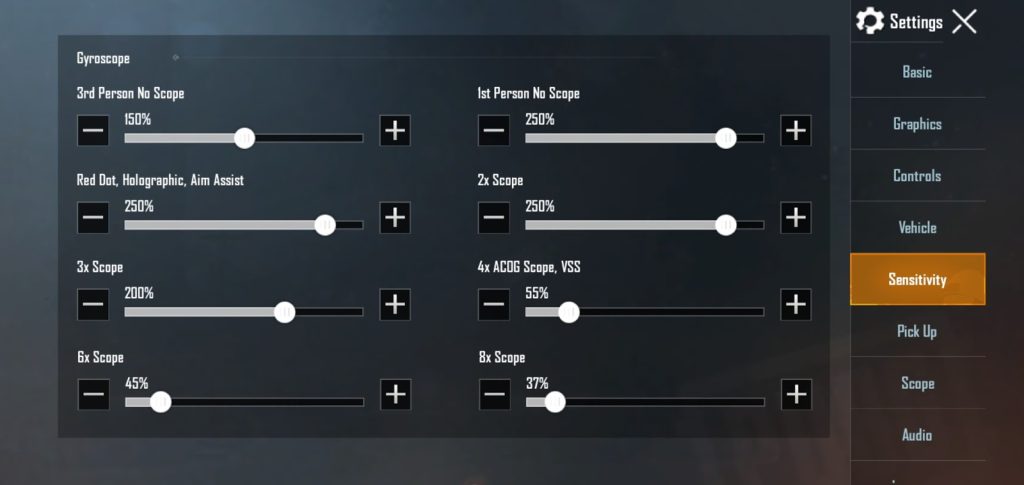
Gyroscope is a game-changer for mid-to-long range fights. By tilting your device, you make micro-adjustments that thumbs can’t match. For ADS, set your gyro sensitivity to 100% for 2x and 3x scopes, and around 80% for 4x and 6x. That way you can track moving targets smoothly without overcorrecting. Combine this with a control code that keeps the scope button handy—like a 3-finger layout with gyro—and you’ll win peeks you used to lose. Just remember to calibrate your gyro in the training ground first.
3. 3-Finger Setup with Peek and ADS
Not everyone can get comfortable with 4 fingers. A 3-finger setup is still competitive if you optimize your peek and ADS. Place your left index on the peek buttons (set to hold mode), right thumb on fire, and left thumb for movement. For ADS, put it on the right side so you can tap it with your right thumb while firing. A control code with peek settings that works well is the one used by many pros—it maps peek to the same hand as scope for quick lean-shots. This layout pairs beautifully with an ADS sensitivity around 40% for all scopes.
4. Scope Sensitivity: Fine-Tuning 2x, 4x, and 6x
Your scope sensitivity isn’t a one-size-fits-all number. For close-range scopes like red dot and 2x, keep it high (around 45–50%) to snap onto enemies. For 4x and 6x, lower it to 25–30% to avoid overshooting. Many players forget to adjust per scope—they use a global ADS sensitivity and wonder why they miss. A good control code will let you assign separate sensitivity multipliers. Experiment in the training ground with different scopes on moving targets. Once you find the sweet spot, your accuracy will skyrocket.
5. Hip Fire vs. ADS: Separate Sensitivities
One of the biggest mistakes is using the same sensitivity for hip fire and ADS. Hip fire needs to be fast for 360-degree checks and close encounters—set it around 80–90%. ADS should be slower for precision. This separation is crucial for players who use control codes with sensitivity, where the layout already divides fire modes. A popular trick is to set hip fire sensitivity high but keep ADS at 30–40%. That way you can flick to an enemy and then fine-tune when scoped. Test this difference and you’ll feel the improvement instantly.
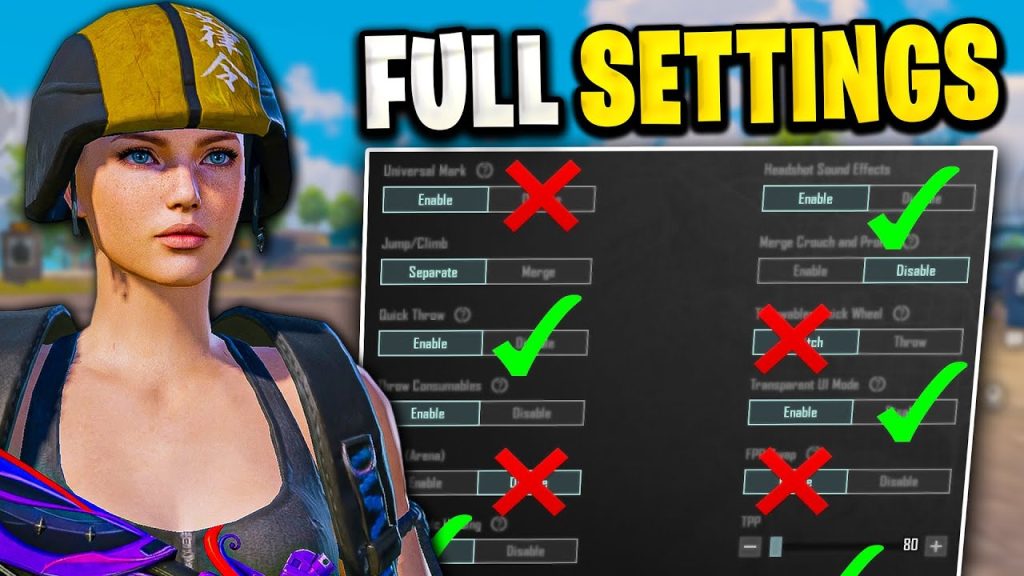
6. Custom Control Code for Quick Scope
Quick scoping isn’t just for sniper rifles—it works with DMRs too. The key is having a control code that places the aim button right next to the fire button so you can tap both in rapid succession. I use a layout that puts aim on the left thumb and fire on the right thumb, with scope toggle instead of hold. Set your ADS sensitivity to 50% for single-shot weapons to stay agile. For DMRs, lower it to 35% to land follow-up shots. These quick scope settings are taken from top YouTubers who dominate in close quarters.
7. ADS Settings for SMG vs. AR
SMGs and ARs have different recoil patterns and engagement ranges. Your ADS settings should reflect that. For SMGs (like UMP or Vector), set ADS sensitivity to 40–45% to track fast targets. For ARs (like M416 or AKM), lower it to 30–35% to control recoil. A smart control code will let you switch between the two without changing your entire layout. Pro players often use the same code but adjust the per-weapon sensitivity in the settings. Don’t be afraid to tweak these until each weapon feels natural.
8. 5-Finger Layout with Separate ADS Button
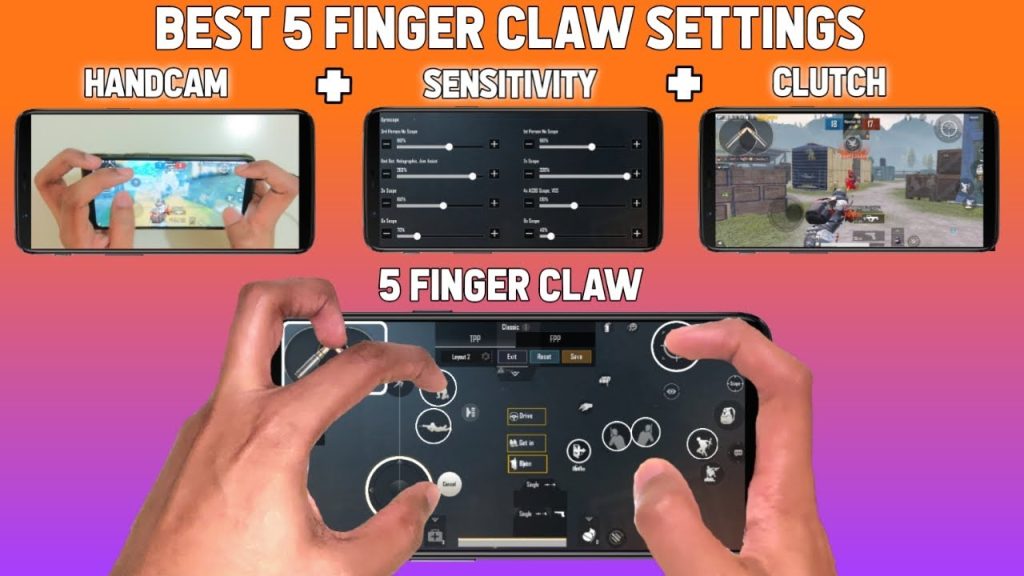
If you’re on an iPad or have large hands, the 5-finger layout gives you unparalleled control. Use two fingers on the left (movement, crouch, prone) and three on the right (fire, scope, lean). The key is having a separate ADS button—not a scope toggle—so you can choose when to aim. This allows for faster hip fire transitions. Set your ADS sensitivity to 35% and use the extra fingers for gyro. It takes practice, but once you master it, you’ll dominate at all ranges. See our 6-finger layout code for inspiration on button placement.
9. Sensitivity Multiplier for ADS While Moving
Most players don’t realize that moving while ADS affects your sensitivity. PUBG Mobile has a hidden mechanic that reduces sensitivity when you strafe. To compensate, increase your ADS sensitivity by 10% when you’re actively moving in training mode. Some control codes include a crouch and fire settings that help maintain accuracy while on the move. Pair this with a sensitivy multiplier (found in advanced settings) and you’ll hit shots even while sprinting. Test it out and see your CQC improve.
10. Pro Player Control Codes and ADS Settings (Compilation)
If you want a shortcut, copy the settings from top pros like Scout, Jonathan, or Mortal. Their control codes are publicly available—they often share layouts with 4-finger claw, gyro on, and per-scope sensitivity. For example, Scout uses an ADS sensitivity of 32% for all scopes, while Jonathan prefers 28% for 4x and 35% for 2x. The common thread? They all use a consistent control code that minimizes finger travel. Use these fast aim settings as a baseline, then adjust to your grip. Remember: even pros tweak their settings every season.
There you have it—10 PUBG control codes and ADS settings that will sharpen your aim and movement. Whether you’re rocking a 4-finger claw or a simple 3-finger layout, the key is to experiment and find what clicks. Don’t just copy paste; spend time in the training ground. And if you’re into close quarters combat, don’t miss our close range control codes for shotty duels. Happy grinding, and see you in the top 10!



