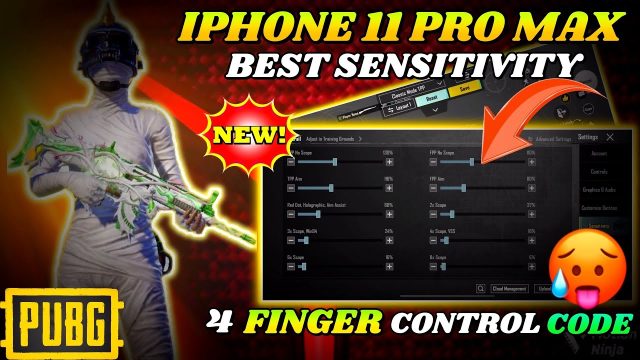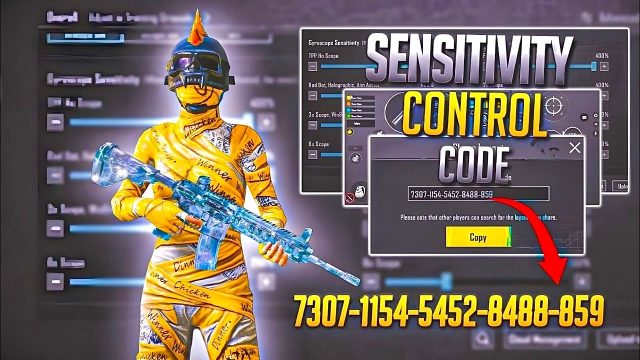
Let’s face it: PUBG Mobile control codes aren’t one-size-fits-all. What works like a charm when you’re soloing against 99 others might get you wiped in a squad wipe attempt. Why? Because solo and squad demand totally different priorities. In solo, you only rely on yourself — every button layout, sensitivity tweak, and HUD size is tailored to your reflexes. In squad, you’ve got teammates to cover your back (and call out enemies), so your control code needs to balance individual performance with communication and teamwork. After testing dozens of control codes from top players and content creators, I’ve narrowed down the 7 key differences between solo and squad layouts. Whether you’re a lone wolf or a team player, this guide will help you pick the right code and even tweak it for your style.
1. HUD Layout: Minimalist vs. Feature-Rich
Solo players typically rock a clean, uncluttered HUD. They hide the mini-map unless needed, move the health bar to the edge, and keep all buttons small. The idea is to maximize screen real estate so you can spot enemies quicker and have a clear view while looting. Squad codes, on the other hand, often feature larger buttons for essential callouts (like “Enemy spotted” or “I’m in trouble”) and keep the mini-map visible full-time to track teammate positions. If you’re switching from solo to squad, expect a busier screen — but that tactical info is worth the clutter.
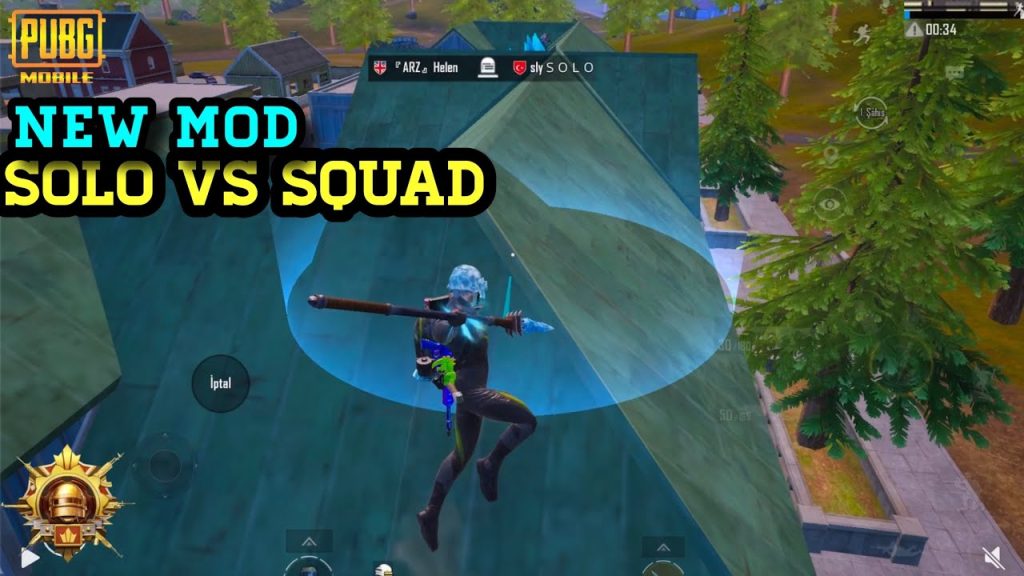
- Solo: Smaller icons, hidden mini-map, focused on peripheral vision.
- Squad: Larger communication buttons, always-on mini-map, more visible teammate markers.
2. Button Size and Placement: Precision vs. Accessibility
When you’re solo, every millisecond counts. Your fire button, scope button, and lean keys are usually positioned closer to the center of the screen so you can react without moving your thumbs far. Button sizes are often medium to small to avoid accidental taps. Squad control codes, however, prioritize quick access to healing, grenades, and mark buttons. They often enlarge the jump and crouch buttons because you’ll need to climb rocks or hide behind cover while your teammates cover you. Some squad layouts even add a separate “revive” button if you play with a dedicated medic role.
3. Scope Sensitivity: Self-Sufficient vs. Team Support
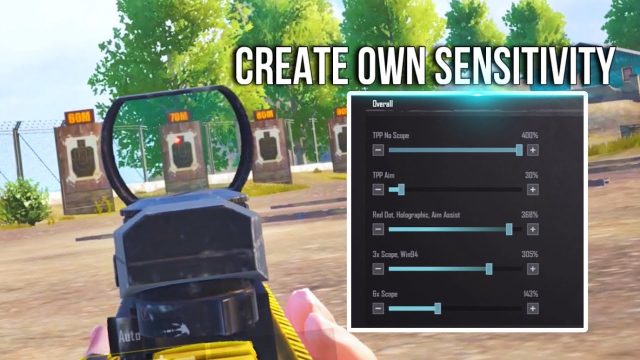
In solo, your scope sensitivity needs to be versatile — you’re sniping one minute, spraying an assault rifle the next. That’s why solo codes often use a gyroscope with low general sensitivity but high ADS sensitivity for each zoom level. Squad players, especially those who play as a designated marksman or support, might opt for a more standardized sensitivity profile so they can quickly share weapon setups with their team. Many squad pros prefer lower 4x and 6x sensitivity to maintain stability when firing at mid-range while teammates push.
A good squad control code makes it easy to ping enemies while keeping your crosshair steady. Solo codes just need to keep you alive.
Pro player feedback on PUBG Mobile forums
4. Gyroscope Settings: Precision vs. Consistency
Gyro is a game-changer for solo players who want pinpoint control without clutter. Many solo codes use gyro for fine-tuning spray and recoil control — you’ll see high gyro sensitivities for scopes above 4x. Squad codes, however, often dial back the gyro or leave it off entirely. Why? Because when you’re communicating and moving as a unit, consistent aiming muscle memory matters more than micro-adjustments. If your squad rotates frequently between vehicles and buildings, a gyro-heavy setup might throw off your aim after a sudden call to get out.
5. Peek and Fire Controls: Independent vs. Team-Focused
Solo players live by the lean-and-peek mechanics. Every good solo control code has dedicated peek buttons mapped to comfortable spots — often on the left and right edge of the screen — because you’re constantly peeking corners alone. Some even use combined peek-and-fire buttons (like a single tap to lean and shoot). Squad codes, on the other hand, often separate lean from fire because you’ll need to hold an angle while your teammate flanks. This allows you to communicate your actions: “I’m peeking left, covering that window” without accidentally firing.
6. Vehicle Controls: Solo Agility vs. Squad Coordination
When you’re solo, vehicle controls are all about speed: you want the driver seat button big and the handbrake easy to reach so you can drift and escape. Solo codes often place the “switch seat” buttons (to shoot from passenger seat) near the center. Squad codes, however, feature larger “accelerate” and “brake” buttons because you’re often driving while teammates shoot from other seats. Many squad pros also add a dedicated “get out” button with a wider touch area — no one wants to fumble an exit when the car gets stuck.
7. Communication and Ping Buttons: The Squad Superpower
This is the single biggest difference. Solo control codes rarely have dedicated ping or quick-chat buttons — those slots are wasted for a lone player. Squad codes, on the other hand, allocate prime real estate to pinging enemies, marking loot, and calling out “I need ammo” or “Enemy spotted.” Top squad layouts even include a “danger” ping button near the aim button so you can mark threats without lifting your thumb. If you’re copying a code meant for squads, expect up to five extra communication buttons near the mini-map.
8. Inventory and Loot Management: Solo Speed vs. Squad Sorting
Solo players need lightning-fast loot management: tap a loot box, drag items, and close — all in under a second. That’s why solo codes often enlarge the “take” button and use automatic pickup where possible. Squad codes, however, favor manual sorting so you can assign roles: “You take the AR, I’ll take the DMR.” They often keep the inventory panel size moderate and add a “drop” button near the center for quick item sharing. Some advanced squad layouts even map a dedicated “request item” button for vocal communication.
9. Movement Buttons: Solo Jukes vs. Squad Formations
Solo movement is all about juking and quick stance changes — crouch, prone, jump, and slide buttons are sized for rapid toggles. Many solo codes put crouch and jump on the left side near the movement joystick. Squad codes, meanwhile, prefer moderately sized movement buttons because you’ll often be running in a formation. The “prone” button is often moved farther away to prevent accidental drops when you’re following a teammate. Solo codes also tend to increase the joystick area for fine movement around cover.
10. Audio and Minimap Settings: Solo Awareness vs. Team Intel
Solo players rely heavily on sound cues and mini-map scanning. That’s why solo control codes often increase the minimap size and keep it placed centrally — you need to see footsteps and vehicle markers instantly. Squad codes typically keep the minimap smaller but always visible, because you also have your teammates’ callouts. Many squad players turn off the minimap rotation lock so they can keep north up, which helps when calling out enemy positions relative to your squad’s vector.
11. Drop Hotkeys and Markers: Solo Versus Squad Coordination
When dropping from the plane, solo players just need a quick “auto-pilot” toggle or a marker for their own landing spot. Squad codes, however, require a drop marker that’s easy to set and visible to the entire team. Many squad layouts map the drop marker to a double-tap on the map or a dedicated button near the top-right corner. Solo codes don’t even bother — you’ll rarely see a separate drop marker button in a solo layout.
12. Final Verdict: Which Control Code Should You Use?
At the end of the day, your control code should match your playstyle — not your game mode. If you’re a solo player who loves to communicate and coordinate, a squad code with extra ping buttons will actually help you in random squads. And if you’re a squad player who prefers to rely on your own skills, a solo code with minimal clutter can work too — just add a few communication buttons. Start with a pre-made code from our library (check out our beginners guide to control codes for how to import them) and tweak from there. The perfect layout is the one that feels natural when the zone is closing and you’re down to the last circle.
For solo modes, try our 3 finger layout codes — they’re compact and great for mobile. For squad play, our classic mode control codes include all the communication buttons you’ll need. If you want to improve your peeking, grab our lean and fire control codes. And don’t forget — if you drive a lot in squads, our vehicle control codes will keep your team safe. Finally, for competitive ranked play, check out our ranked push control codes — they’re designed for both solo and squad scenarios.