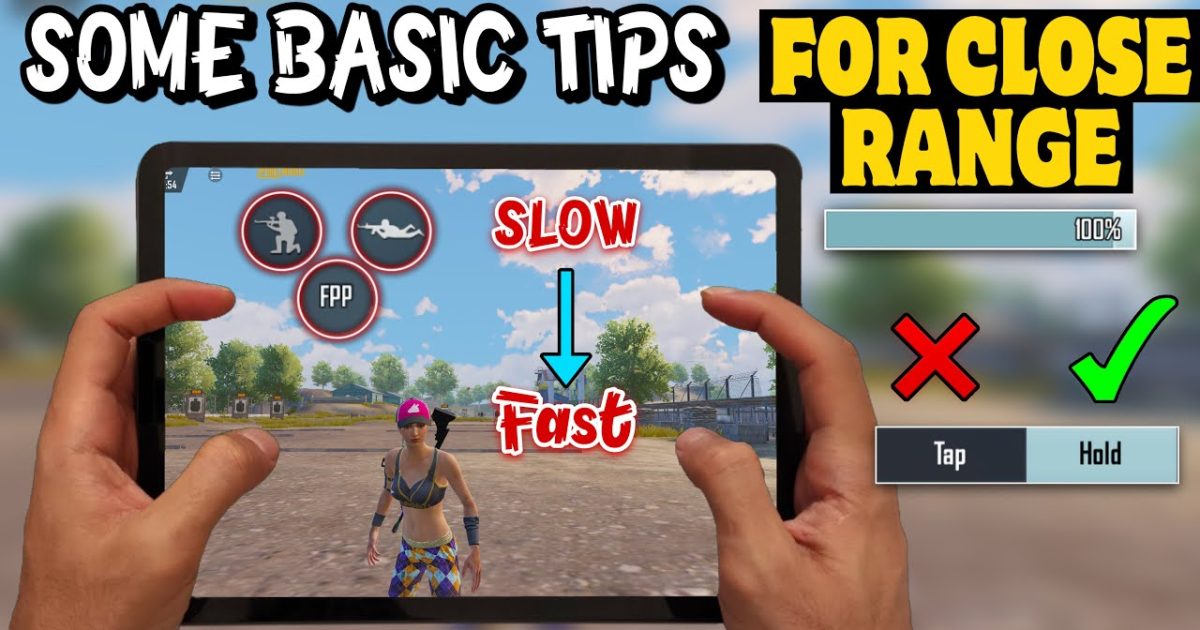
Close combat in PUBG is a blur of movement, spray, and split-second decisions. Your control layout can make or break those fights. After digging through hundreds of control codes used by top fraggers, streamers, and competitive players, I’ve narrowed down 10 that specifically tweak your setup for CQC dominance. Each one targets a different close-range scenario—hipfire, quick scope, jiggle peeking—so you can copy the ones that fit your playstyle.
1. Hipfire Sensitivity Boost for Bare-Barrel Sprays
Hipfire is king at spitting distance. The default sensitivity often feels sluggish when you need to track a enemy strafing at arm’s length. A control code that boosts your hipfire sensitivity (look for the ‘hipfire multiplier’ value around 1.3–1.5) lets you whip your crosshair without scoping. This is especially lethal with SMGs and shotguns. Pair it with a rush gameplay control code to get in their face fast.
2. Quick Scope Button Placement (Index Finger Priority)
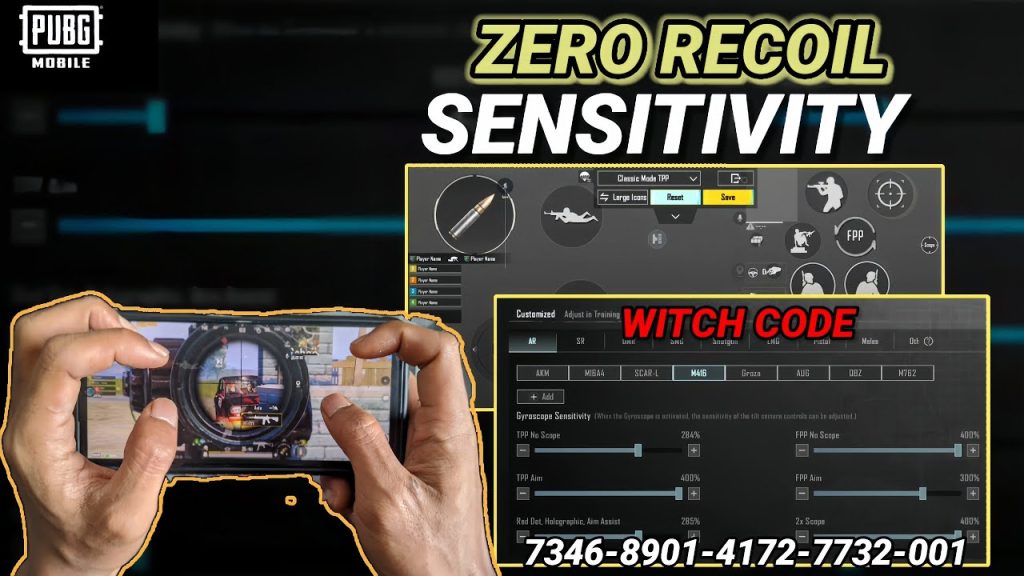
Scope buttons that are too small or badly positioned cost you kills. A dedicated quick scope code moves the ADS button to a spot your index finger hits instantly—usually near the top-left of the screen (claw players) or right above the fire button (thumb players). The layout creates a fluid ‘aim-and-shoot’ motion. Check out custom layout codes from pros to see how they position that button.
3. Gyroscope Sensitivity Overhaul for Close Quarter Spray
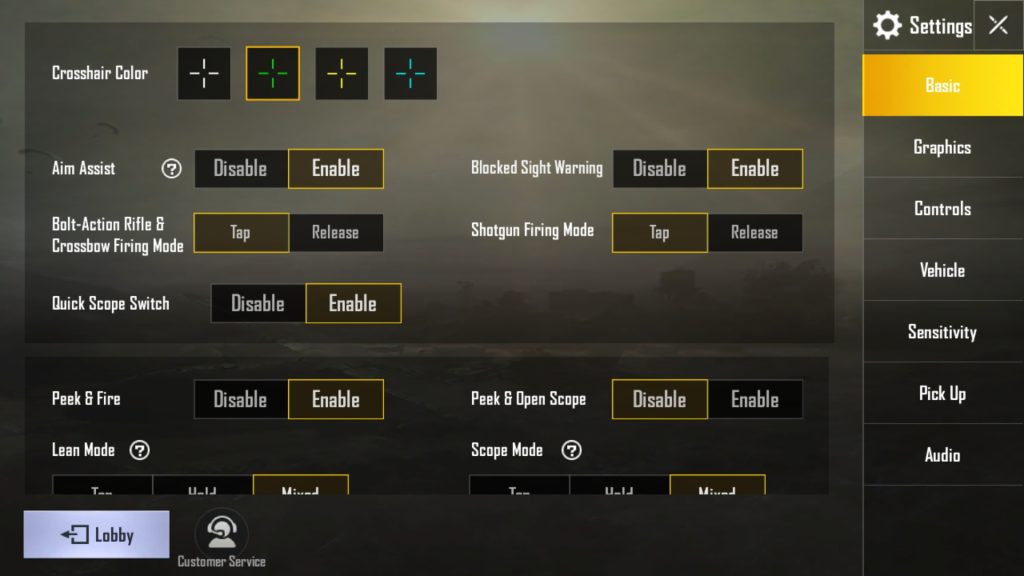
Gyroscope aiming gives you micro-adjustments that thumbs can’t match. For close combat, turn your gyro sensitivity up to 300–400% — this lets you spray an enemy by tilting your device slightly, keeping your thumbs free to jump, crouch, and strafe. A good gyro code also syncs the ADS gyro sensitivity with the free-look one so you don’t get disoriented. It’s a game-changer in stairwell fights.
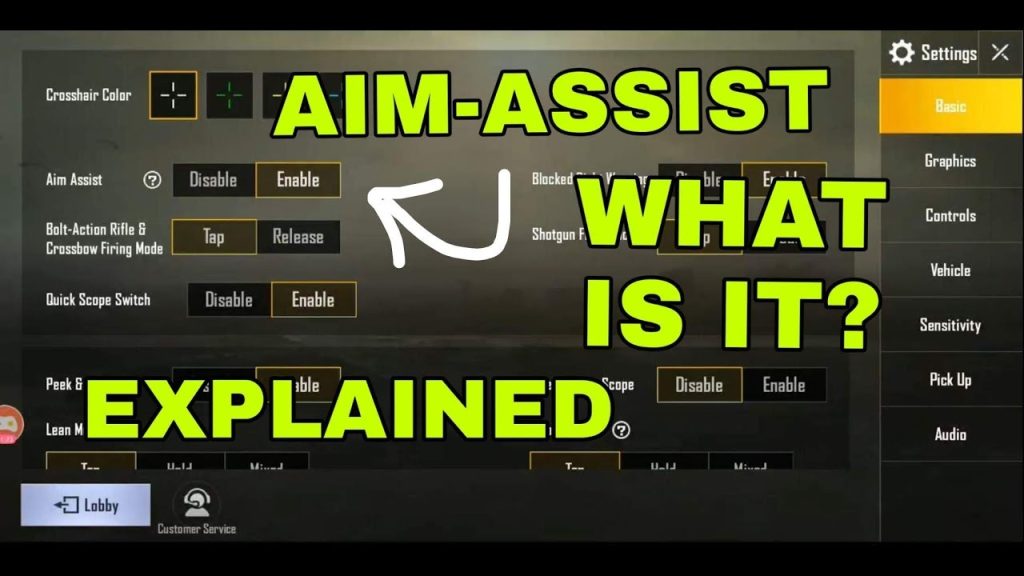
4. Aim Assist Override for Rapid Target Switching
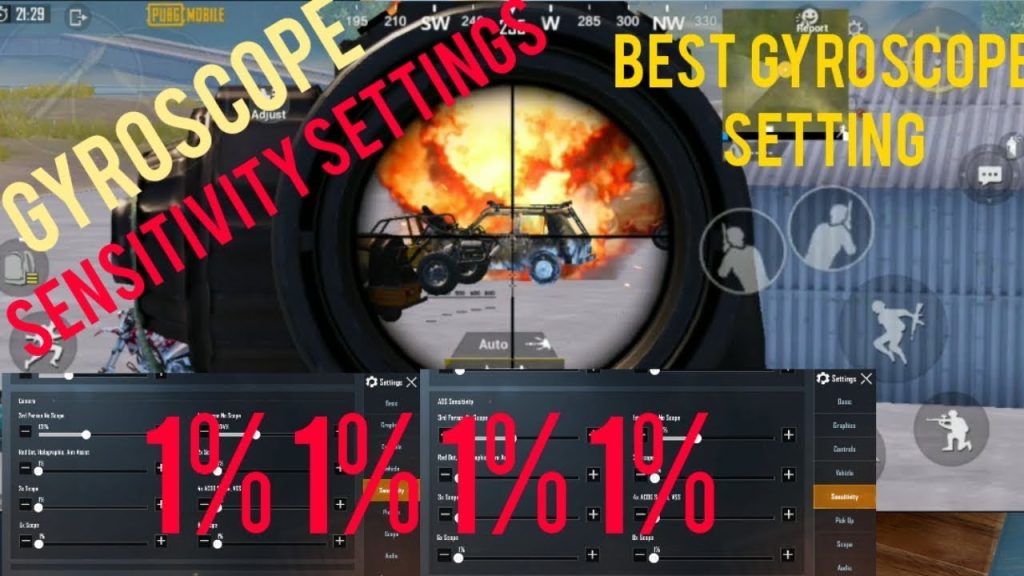
PUBG’s aim assist can drag your crosshair off-target when enemies cross each other. A close-combat code reduces the ‘magnetism’ value (often set to 0 or a low number) and increases the ‘rotation assist’ you get while moving. The result: you can flick between two opponents in a building without fighting the assist. This tweak pairs nicely with a recoil management code to keep your spray steady.
5. Peak & Shoot with Scope Toggle (Single Tap Scope)
Jiggle peeking demands a scope that toggles with one tap, not a hold. The control code changes the ADS mode from ‘hold’ to ‘toggle’ and places the button right above the left joystick. You pop out, tap to scope, fire a burst, tap again to go hipfire, and slide back. This cadence is easy to learn and incredibly effective in peaking corners. A sensitivity tutorial that covers peeking will help fine-tune your look speeds.
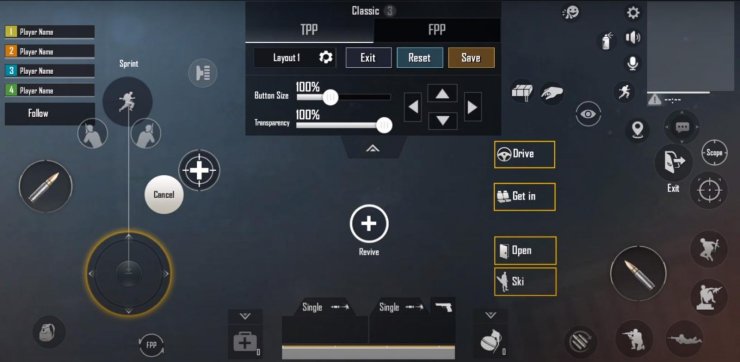
6. Jump and Crouch Buttons Relocated for Agility
Close combat is all about movement. But default jump and crouch buttons are often out of reach when you’re busy shooting. Move the jump button to the bottom-center of your screen (just above the fire button) and crouch to a spot your left thumb can tap without leaving the joystick. Many streamer-approved codes use this layout to spam crouch and jump while spraying. It’s the hallmark of aggressive play.
7. Fire Button Size & Position for Index Finger (Claw)
If you play with a 6 finger claw code, the fire button must sit where your index finger rests naturally — usually on the upper right quadrant. A dedicated code enlarges that button to 120–130% and adds a small dead zone around it to prevent accidental taps. This ensures you never miss a shot while adjusting your grip. Claw players swear by this tweak for room-clearing.
8. Scope Magnification Quick Switch (4x to Red Dot)
Short-range fights require fast optics switching. A close-combat code binds a dedicated scope swap button (often to the right side of the screen) that cycles between your attached sights. Set the order: first red dot, then holo, then 3x/4x. That way one tap gives you the low-mag for CQC. It’s a lifesaver when the enemy pushes your rooftop and you need to go from mid-range to point-blank instantly.
9. Recoil Control Layout for Close Range (Horizontal & Vertical)
Spraying at close range means controlling horizontal drift as much as vertical rise. A control code tuned for CQC pulls down the vertical sensitivity multiplier slightly (0.8–0.9) and increases the horizontal compensation area on your pull-down gesture. This prevents your crosshair from bouncing sideways when you hold down the trigger. The best recoil management code for close range also sets a slightly higher ADS sensitivity for faster tracking.
10. Movement Buttons for Strafe and Slide (Analog Stick Extension)
Strafing unpredictably and cancelling runs into slides keep you alive. A specialized close-combat code increases the analog stick’s outer dead zone so a full tilt registers instantly, and it adds a dedicated ‘slide’ button near the crouch button. This layout lets you break ankles in buildings and throw off enemy aim. It’s a common feature in many custom layout codes used by competitive players.
These ten control codes zero in on the specific demands of close combat. Whether you need faster hipfire, smoother scope toggling, or movement that outplays your opponent, copying one or two of these will immediately improve your CQC game. Start with the ones that match your weak spots—maybe hipfire sensitivity if you lose spray battles, or the scope toggle if you struggle with peeking. And remember: the best code is one you practice with until it becomes muscle memory.



