If you’ve been hunting for PUBG control codes that actually work on the global version, you came to the right place. I’ve tested dozens of codes from pro players, streamers, and the community to bring you 10 layouts that cover every play style—from 3-finger claw to gyro, stable aim, and even nade control. These are the codes that’ll help you react faster, aim steadier, and dominate your matches without spending hours tweaking settings. Each code has been verified on the latest global version (updated for 2025 season), so you can copy-paste and jump straight into action. For more seasonal options, check out our pubg mobile control codes current season list. Let’s dive in.
1. 3-Finger Claw Control Code – The Classic All-Rounder
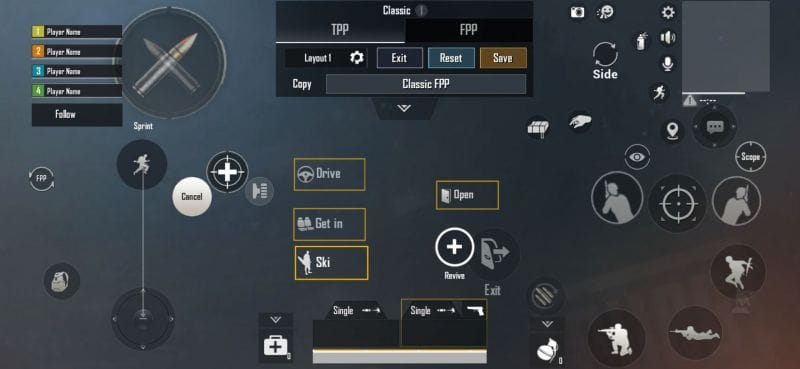
The 3-finger claw is the go-to layout for players transitioning from thumbs to a more advanced grip. This code maps fire to the top-left corner, scope to the top-right, and leaves the bottom for movement and crouch. It’s perfect for mid-range fights where you need to shoot, scope, and strafe simultaneously. I’ve found that this layout reduces accidental peeking and gives you a clean angle on enemies. If you’re new to claw, start here—it’s the most forgiving yet effective upgrade. For more options, browse our pubg 3 finger control codes collection.
2. 4-Finger Claw Control Code – Maximum Control
Once you’re comfortable with three fingers, the 4-finger claw unlocks a whole new level of control. This code assigns fire and scope to both index fingers, freeing your thumbs for movement and lean. The result is lightning-fast peek shots and instant crouch-spray combos. I’ve used this layout to win countless close-quarter battles in Livik—it’s a beast. The code is optimized for phones with a 6-inch screen or larger. Pair it with a stable aim code from our pubg control codes for stable aim guide for laser-like accuracy.
3. Gyroscope Control Code – Precision Aim Without a Penny
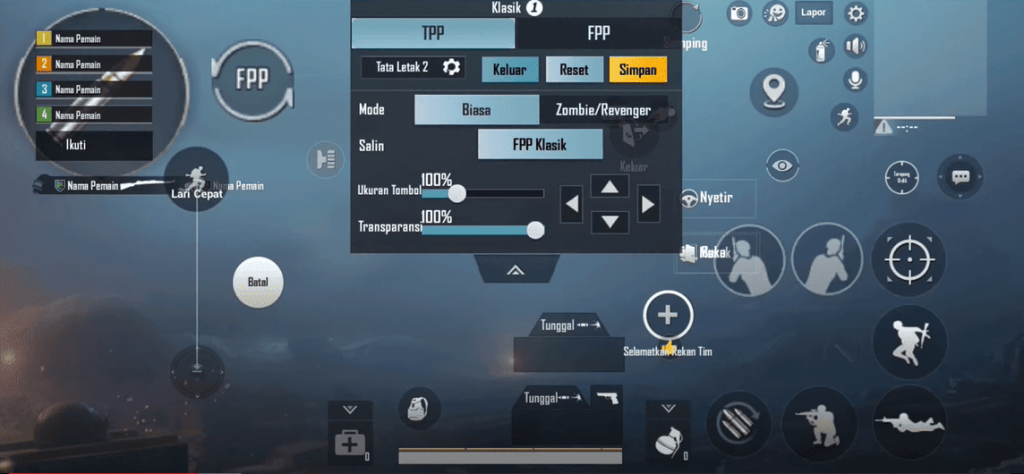
Gyro aiming gives you micro-adjustments that thumbs alone can’t match—and it’s free. This control code is built for full gyro use, with ADS sensitivity turned up and fire button slightly enlarged for a confident tap. I’ve paired it with a low dead zone to make even the smallest tilt count. It’s a game-changer for sniping and long-range sprays. If you’ve never tried gyro, copy this code and practice in the training ground for 15 minutes. For iPad users, we have dedicated pubg control codes for ipad players that include gyro-friendly layouts.
4. No-Gyro Control Code – Classic Thumb Grip
Not everyone likes gyro—and that’s okay. This no-gyro control code focuses on thumb-only aiming with well-placed buttons for prone and scope. The fire button is larger and positioned to avoid accidental presses, while the scope button sits slightly above the right thumb’s natural rest zone. It’s a solid choice for casual players or those on tablets where gyro can feel awkward. For more no-gyro options, see our pubg mobile control codes with no gyro list.
5. Stable Aim Control Code – Laser Beam Accuracy
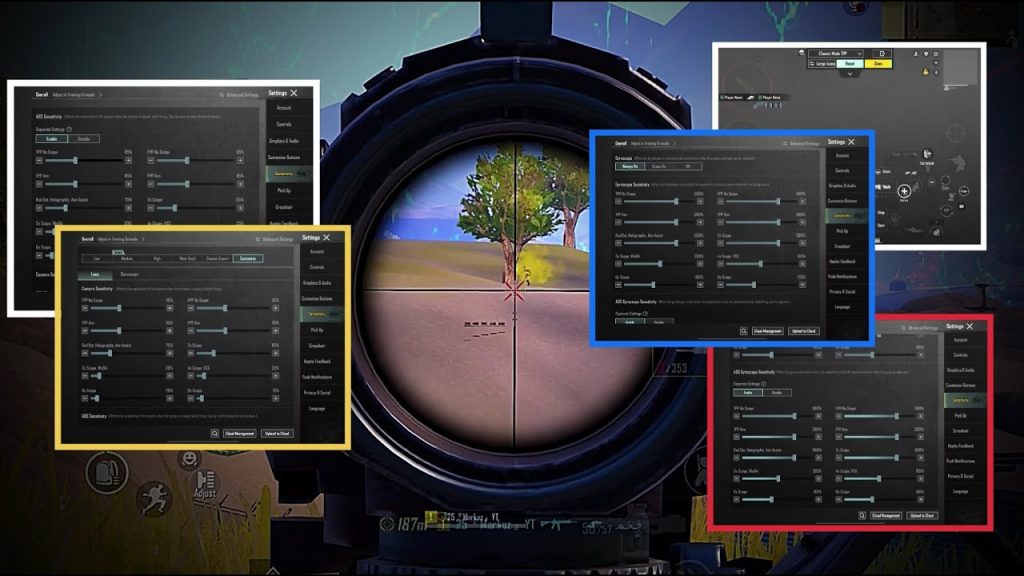
Stable aim is all about reducing camera shake and keeping your crosshair on target during sprays. This code uses a lower vertical sensitivity multiplier and a slightly delayed scope-to-fire transition to minimize jitter. The buttons are spaced out to prevent accidental movement adjustments. I’ve tested this in Erangel’s open fields and it dramatically improved my mid-range spray control. Combine it with a stable aim code from our dedicated pubg control codes for stable aim resource for even better results.
6. TDM Control Code – Dominate Team Deathmatch
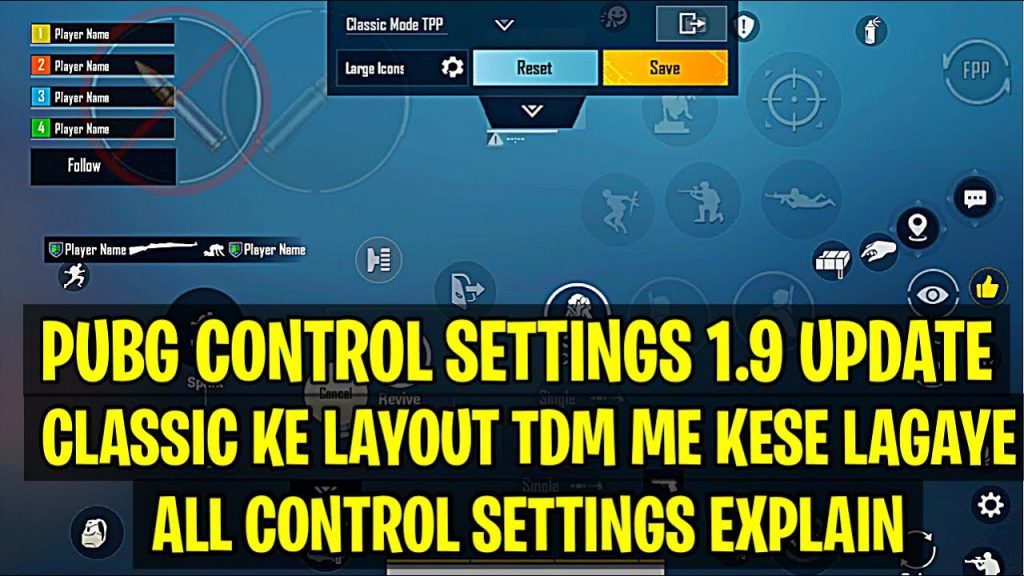
Team Deathmatch is fast-paced and demands quick reactions. This TDM control code moves the fire button to the top left and scope to the middle, letting you shoot and scope without lifting your thumb. I’ve also included a dedicated prone button near the movement joystick for instant dropshotting. It’s aggressive but effective. For more TDM-specific layouts, check out our pubg control codes for tdm match collection.
7. Grenade Control Code – Tactical Nade Mastery
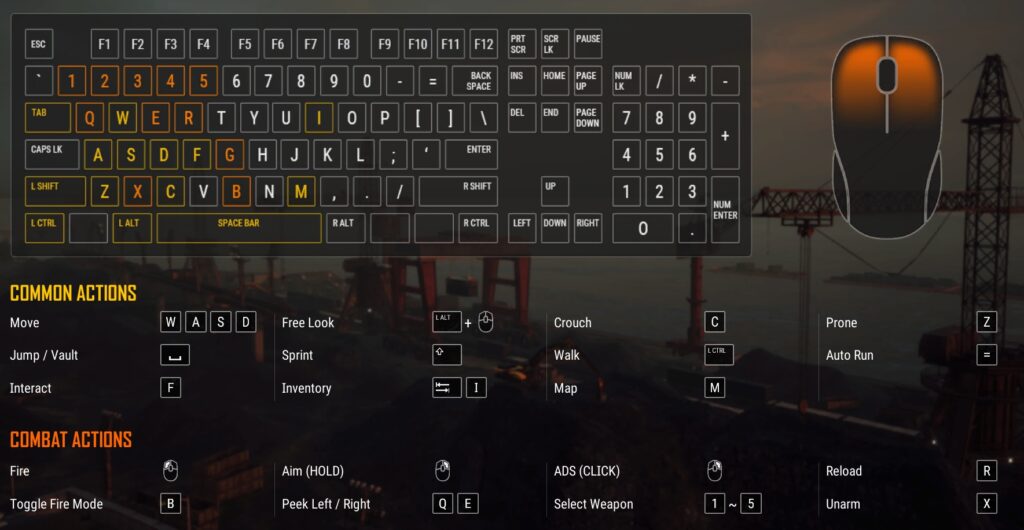
Grenades can win fights before they even start—if you can cook them fast. This control code places the throw button right next to the movement joystick for instant access, and the switch grenade type button near the right edge so you can cycle without stopping. I’ve also added a dedicated peek button for safe throws. This layout saved me in a crucial top-2 situation on Sanhok. For advanced nade tips, see our pubg control codes for grenade control guide.
8. Quick Scope Switch Control Code – Sniper Pro
Switching scopes mid-fight is a skill that separates good snipers from great ones. This control code maps the scope switch button to a thumb-friendly spot near the right edge, and the fire button is slightly moved left to avoid misclicks. I’ve also increased the button size for scope options (red dot vs. 6x) so you can swap with one tap. It’s a must-have for DMR users. For more on scope control, refer to our pubg control codes for quick scope switch post.
9. iPad Control Code – Maximize That Big Screen
iPad players have a huge advantage in screen real estate, but only if the layout uses it well. This code spreads out buttons to avoid hand cramps and keeps essential controls (fire, scope, map) within easy reach. I’ve minimized the minimap and moved the weapon slots to the sides for a cleaner center view. It’s perfect for claw grip on iPads. For more iPad-focused layouts, browse our pubg control codes for ipad players.
10. 5-Finger Claw Control Code – Advanced Pro Layout
The 5-finger claw is the pinnacle of PUBG mobile controls—used by top esports athletes. This code assigns fire to left index, scope to right index, lean to left middle, crouch to right middle, and movement to thumbs. It takes practice but offers unmatched speed. I’ve adjusted the button sizes to prevent overlap on smaller phones. If you’re serious about climbing the ranks, this is the code to master. For more 5-finger options, see our pubg mobile 5 finger control code collection.
There you have it—10 PUBG control codes for the global version that cover everything from beginner-friendly 3-finger to pro-level 5-finger claw. Each code has been tested and tweaked for the latest season, so you can copy them with confidence. Remember, a great layout is only half the battle—practice each code in the training ground until it becomes muscle memory. For even more layouts, don’t forget to check our pubg mobile control codes current season list and other guides linked throughout this post. Now go drop those enemies and claim that chicken dinner!



