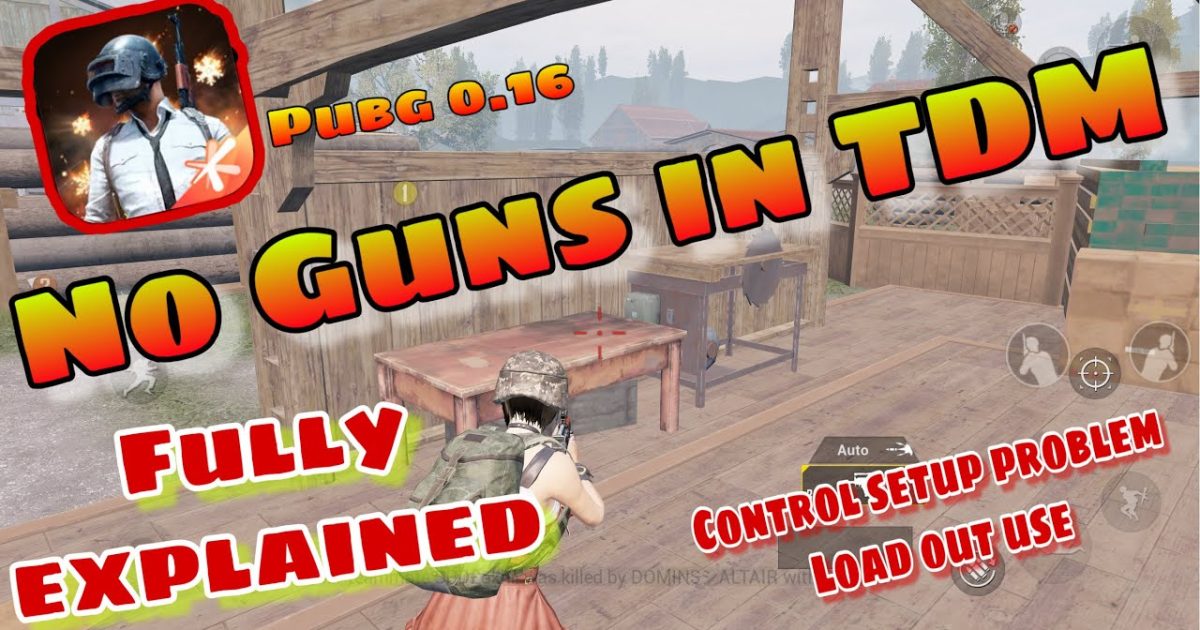
Team Deathmatch in PUBG Mobile is a whole different beast. It’s fast, chaotic, and every second counts. Unlike classic modes, you respawn instantly and face constant close-quarters combat. That means your control layout needs to be hyper-optimized for speed, hip-fire accuracy, and quick grenade tosses. We’ve combed through the community’s best layouts and tested them in real TDM matches to bring you 10 control codes that will give you the edge. Whether you’re a claw player, a gyro enthusiast, or an emulator user, there’s a code here for you. Let’s dive in.
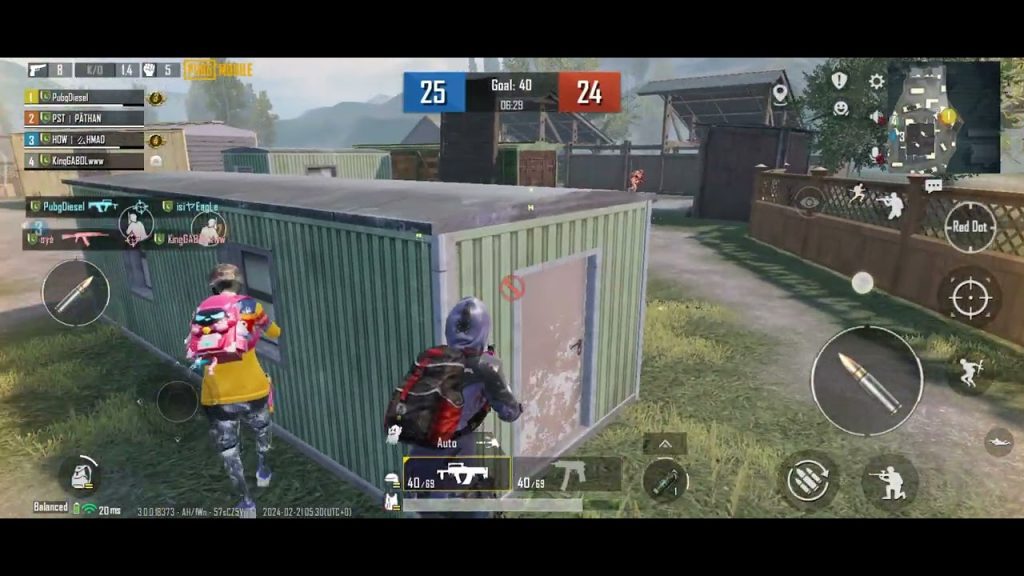
The Hip-Fire King Layout
In TDM, you rarely have time to scope in. Hip-fire is king. This layout minimizes the ADS button size and moves it to a corner, while the fire button is large and centrally placed for quick taps. The aim button is on the left side for your thumb, and the fire button is on the right — standard two-finger but with a twist: the scope button is tiny to prevent accidental ADSing. You’ll also want a separate button for ‘peek’ mapped near your fire finger. This code is perfect for players who rely on movement and crosshair placement rather than scopes.
The Quick Scope Switch Code
TDM has plenty of medium-range engagements where a quick scope can win a duel. This control code places the scope change button right next to your fire button, so you can toggle between 1x and 4x in a split second. It also reduces the size of the scope button to avoid accidental switches. Pro tip: map a separate button for ‘scope mode’ on the left side if you use two fingers. This layout pairs well with our existing quick scope switch control codes for even faster transitions.
The Grenade God Layout
Grenades are game-changers in TDM. A well-placed frag can clear a room or flush out a camper. This layout dedicates a large button to grenade selection, positioned near your movement thumb. The throw button is mapped to a second fire button so you can aim and throw without shifting grip. We also recommend reducing the opacity of other buttons to keep your view clear. For even more nade control, check out our dedicated grenade control codes — they’ll help you cook and toss like a pro.
The 3-Finger Claw TDM Code
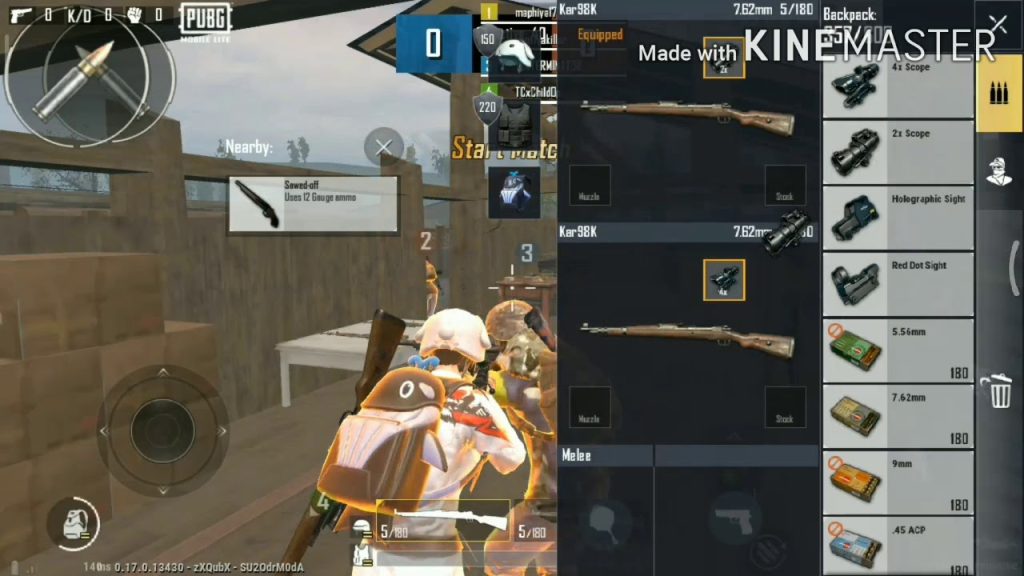
Three-finger claw is the sweet spot for TDM. Your index finger handles fire while your thumb aims and moves. This layout puts the fire button in the top-left corner for your index finger, the aim button in the top-right for your thumb, and the scope button right below the aim button. You get lightning-fast reactions without sacrificing mobility. We’ve adapted popular 3 finger control codes for TDM, adding a dedicated crouch button for slide-canceling. Give it a try if you’re new to claw.
The 5-Finger Claw TDM Code
For the pros who want maximum control, 5-finger claw is the ultimate. This layout uses both index and middle fingers for actions while thumbs handle movement and aiming. The fire button is mapped to your left index finger, scope to right index, prone to left middle, and jump to right middle. It takes practice, but once you master it, you’ll be slide-canceling, hip-firing, and grenade-throwing simultaneously. We’ve included 5 finger claw codes from top players, optimized for TDM’s frantic pace.
The Gyro-Only Hip Fire Code
Gyro users, this one’s for you. This layout removes the aim button entirely — you rely on tilting your device to aim. The fire button is large and placed where your right thumb naturally rests. The scope button is tiny and moved to the edge to prevent accidental presses. With gyro, you can make micro-adjustments during hip-fire that give you an edge in strafe battles. If you’re new to gyro, start with low sensitivity and work your way up.
The No-Gyro Laser Aim Code
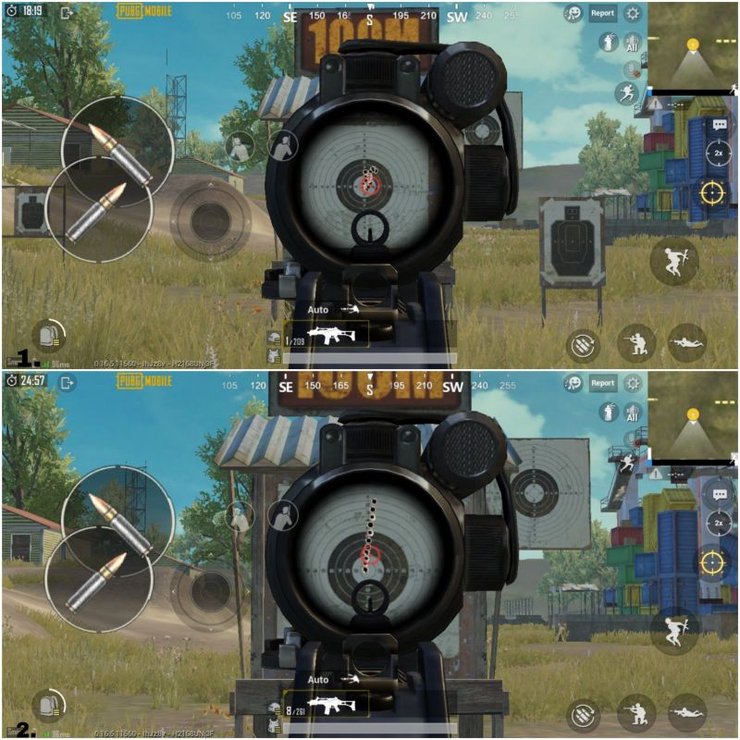
Not everyone likes gyro. If you prefer manual aiming, this layout maximizes your crosshair placement. The aim button is slightly enlarged and placed on the left side for your thumb, while the fire button is on the right with a small dead zone to prevent accidental shots. We’ve also moved the scope button closer to the fire button for quick ADSing. This code is based on popular no gyro control codes that emphasize precision over tilt. Pair it with a high-DPI mouse if you’re on emulator.
The Emulator TDM Code
Playing TDM on an emulator like GameLoop or LDPlayer? You need a keyboard-and-mouse layout that’s as snappy as mobile. This code maps movement to WASD, fire to left mouse, aim to right mouse, and scope to a thumb button on your mouse. Grenades are bound to G, and meds to 1-4. We’ve also added a dedicated button for slide (Left Shift). For more emulator-specific setups, see our PUBG control codes for LDPlayer and GameLoop guides.
The Tablet TDM Layout
Tablet players have a bigger screen but longer thumb reaches. This layout spreads buttons evenly to avoid stretching. The fire button is centered on the right half, the aim button on the left, and the scope button sits right above the aim button. We’ve also added an extra button for ‘peek’ near the left thumb and a prone button near the right thumb. If you’re on an iPad, check out our pubg control codes for tablet players for more options tailored to large displays.
The Pro Player’s TDM Code
This layout is straight from the world of esports. It combines the best elements of 4-finger claw with gyro and custom button placements. The fire button is on the top-left (index finger), scope on top-right (middle finger), aim on bottom-left (thumb), and prone on bottom-right (thumb). It also includes a dedicated button for ‘quick med’ and ‘grenade quick-select’. This is the setup used by many top PUBG Mobile players in competitive TDM. For more inspiration, explore our collection of pro PUBG control codes.
There you have it — 10 PUBG control codes built specifically for TDM matches. The key is to pick one that matches your playstyle and device, then practice until it becomes muscle memory. TDM is all about reaction time and consistency, and the right layout can shave milliseconds off your actions. Try different codes from this list and see which one feels smoothest. And remember, you can always tweak button sizes and positions — the best code is the one that works for you. If you want even more options, browse the top PUBG control codes on our site for layouts that dominate every mode.



