India’s PUBG Mobile scene is massive, with players rocking everything from budget smartphones to flagships. But one thing unites all Indian gamers: the need for control codes that match local network conditions, device performance, and playstyles. We’ve scoured Indian forums, pro player streams, and regional WhatsApp groups to bring you 10 PUBG control codes India players are actually using to climb the ranks. Whether you’re a thumb player or a six-finger beast, there’s a layout here for you. And if you’re just starting out, check out our beginner control codes first. Let’s dive into the setups that will give you the edge in every match.
1. The Budget Phone 2-Finger Layout
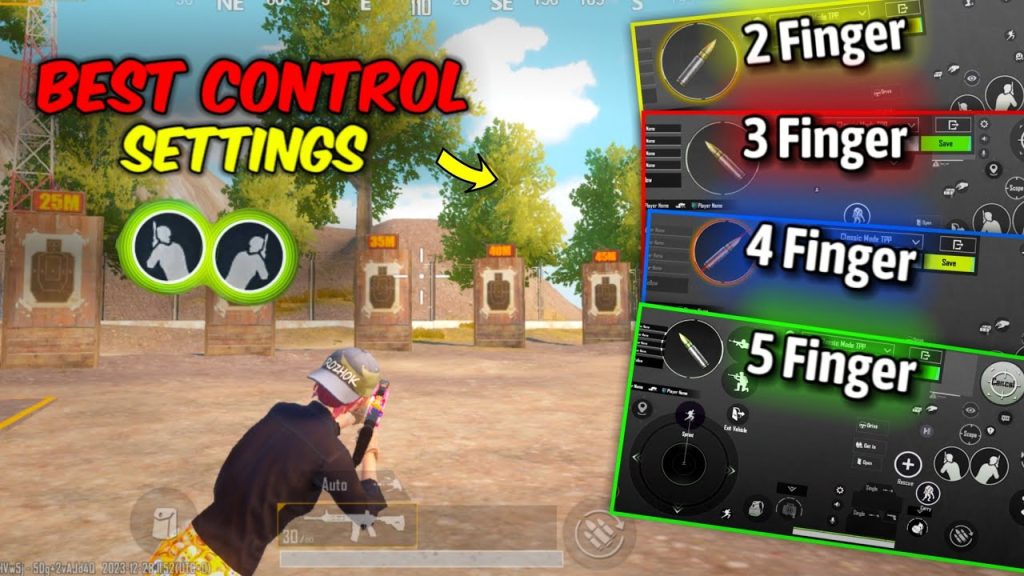
Most Indian players still use two thumbs, especially on entry-level devices like the Redmi 9 or Realme Narzo. This layout keeps the fire button big and centered, with the scope button placed slightly lower so you can tap without straining. We recommend a 2 finger layout code that maps ADS to a tap on the right side and crouch to the top-left. This setup minimizes finger travel and helps you react faster in close-range fights. It’s the bread and butter of Indian PUBG, and it’s perfect for players with smaller screens.
2. The 3-Finger Claw for High Ping Matches
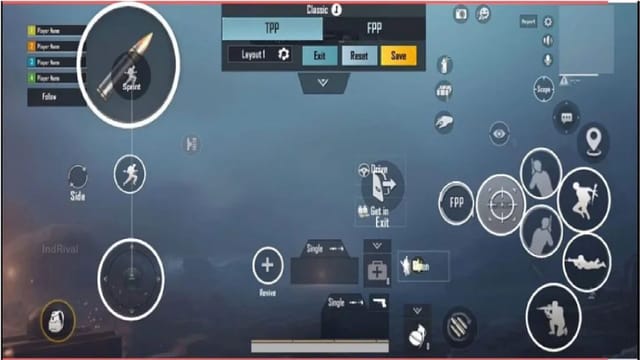
Indian servers often have fluctuating ping, so top players use a 3-finger claw to keep firing and aiming simultaneous. This layout places the fire button on the top-left (index finger), scope on top-right (index finger), and movement on the left thumb. The right thumb handles crouch and lean. The key is to map the fire button to a spot that’s comfortable for your index without cramping. Many Indian pros swear by this setup for spray control even with 100ms ping. Pair it with our recoil management codes to take your spray to the next level.
3. 4-Finger Claw for Mid-Range Devices
If you’re rocking a device like the Poco X3 or OnePlus Nord, a 4-finger claw unlocks insane speed. The typical Indian variant maps fire and scope to the top two corners, while the left index handles crouch and the right index handles jump. This layout lets you do everything without lifting your thumbs. It’s popular among Indian tournament players because it reduces input lag and gives you full control over movement while firing. Just make sure your phone case doesn’t interfere with your grip.
4. Gyroscope Layout for Recoil Control
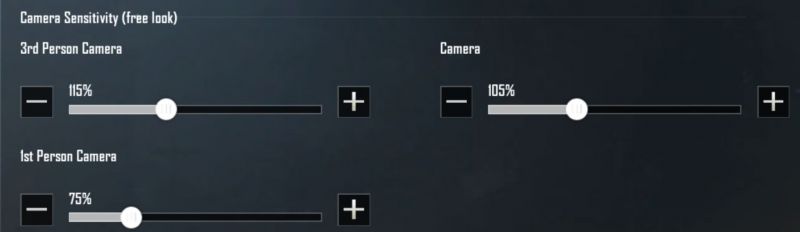
Gyroscope is a game-changer for spray control, especially on high-recoil weapons like the M416 and Beryl. Indian players often set gyro sensitivity to 300% for scopes and 100% for hip-fire. The control code places the gyro toggle on the left side so you can tilt your phone to aim while keeping your thumbs on the fire button. This reduces the need for finger dragging, which can be imprecise on small screens. For more details, check our dedicated guide on gyroscope settings.
5. Emulator Layouts for Bangalore Gamers
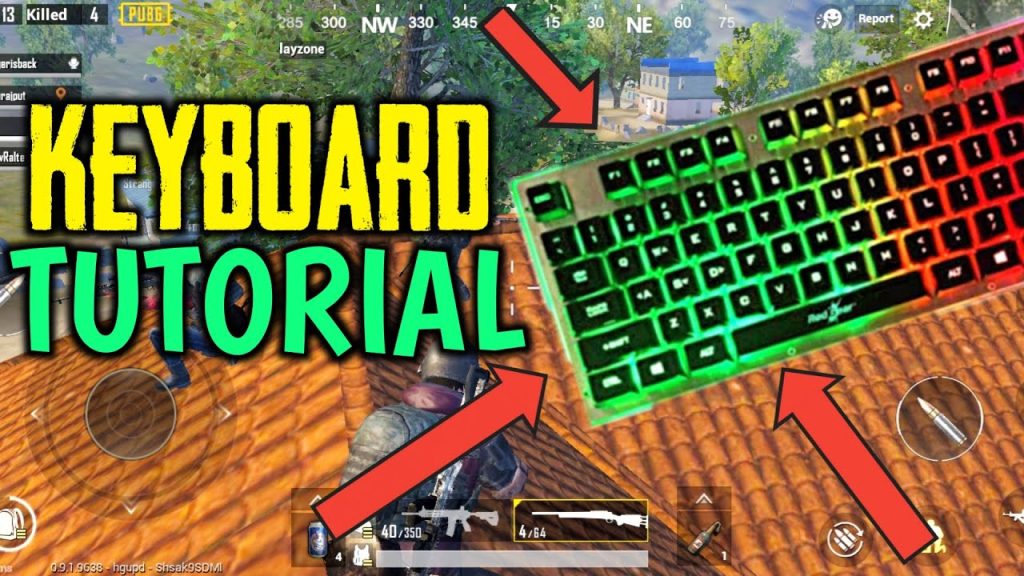
Even though Tencent Gaming Buddy is no longer officially available, many Indian players still use emulators on PC to play PUBG Mobile via VPN. The preferred layout mimics classic PC shooters: WASD movement, left-click fire, right-click scope, and Q/E for lean. Indian emulator players often map grenades and meds to mouse side buttons. This setup gives precise aim but requires a decent PC. If you’re switching from mobile, this layout will feel natural.
6. Custom HUD for Samsung and OnePlus Devices
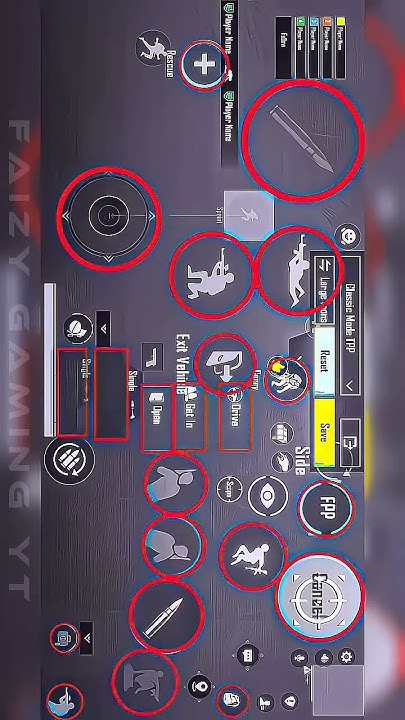
Samsung and OnePlus dominate the Indian smartphone market, and their high refresh rate displays deserve custom layouts. Many Indian players use custom HUD codes that shift the minimap to the center and enlarge the fire button area. The key is to avoid overlapping buttons with the punch-hole camera. OnePlus users often set the scope button to the right edge for quick access. These tweaks make a huge difference on 120Hz screens.
7. Low-Latency Sensitivity for Jittery Connections
Indian internet isn’t always stable, so many top players lower their sensitivity to compensate for jittery connections. A typical code uses 20-30 ADS sensitivity for red dot and 15-25 for 4x scope. The vertical sensitivity multiplier is slightly higher to control recoil when the connection lags. This setup makes your aim less twitchy and more predictable. Pair it with our sensitivity codes for even finer tuning.
8. Voice Control Alternatives for Hindi Speakers
Voice chat can drop in intense moments, so some Indian players use voice commands for quick actions like marking enemies or requesting ammo. While not a traditional control code, you can map voice actions to specific buttons in the HUD. For example, a double-tap on the map area can trigger a “Need ammo” voice line. It’s a niche but clever trick that saves you from typing in the middle of a firefight.
9. Anti-Ban Layouts for Using Non-India Codes
Using control codes from other regions can trigger PUBG’s anti-cheat system. Indian players who want to import layouts from China or Korea often modify them slightly to avoid detection. The trick is to change opacity and button sizes by 10-15% so the code appears unique. Also, avoid codes with abnormal button positions that might look bot-generated. Our guide on how to share PUBG control codes includes tips to keep your account safe.
10. The Pro Player’s All-Rounder Layout
This layout combines elements from all the above: 4-finger claw, gyroscope, and custom HUD. It’s designed for players who have mastered the basics and want a competitive edge. The fire button is slightly larger than default, scope is on the top-right, and lean buttons are placed just above the movement stick. Gyro is set to 200% for all scopes. It takes time to learn, but it’s the ultimate setup for climbing Ace and above in Indian servers.
These 10 PUBG control codes India setups cover every device and playstyle. Start with the layout that matches your current hardware and finger setup, then tweak as you improve. Remember, the best PUBG control codes are the ones that feel natural to you. Experiment, practice in the training ground, and soon you’ll be shredding opponents in every match. For more layouts, check our full collection of mobile control layout codes and best PUBG control codes for 2025.



