If you’re tired of fumbling with default controls and losing fights you should have won, it’s time to level up your layout. PUBG Mobile control codes let you copy entire HUD setups from top players in seconds. We’ve scoured pro streams, Conqueror leaderboards, and community forums to bring you 10 of the most effective control layout codes for 2025. Whether you play on a phone, iPad, or with a gyroscope, there’s a code here that’ll transform your gameplay. Each pick has been tested for performance, comfort, and versatility. Ready to copy-paste your way to victory? Let’s go.
1. The Claw King – 6-Finger Dominance
The Claw King is a beast of a layout designed for players who want full control without sacrificing speed. Using a 6-finger claw grip, this setup places fire, scope, crouch, jump, and lean on separate fingers so you can move, aim, and shoot simultaneously. It’s the same layout used by many pro players in tournaments. If you’ve never tried a 6 finger claw layout, this code is the perfect starting point—just import it and practice in the training ground. Once you get used to it, you’ll wonder how you ever played without it.
2. Gyro God – Precision Without Shaky Hands
If you’ve got a steady hand and want to fine-tune your aim without lifting your thumb, Gyro God is your layout. This code optimizes the gyroscope sensitivity for your phone—high vertical and low horizontal—making recoil control feel like cheating. The button placement keeps your thumbs free for movement while gyro handles the aiming. It’s especially deadly with DMRs and snipers. Pair it with a low ADS sensitivity and you’ll be hitting headshots you never thought possible.
3. iPad Pro Dominator – Big Screen, Big Wins
Playing on an iPad gives you more screen real estate, but only if you use it wisely. The iPad Pro Dominator layout spreads the buttons out to avoid accidental touches, with a dedicated spot for each finger. It uses a 4-finger claw design that’s super comfortable for tablet grips. If you’re on an iPad, grab this iPad control code and instantly get a pro-level HUD. Your movement and looting will feel much more natural.
4. Two-Finger Trigger – Simple, Fast, Reliable
Not everyone wants to claw. The Two-Finger Trigger layout is for players who prefer a classic grip but still want competitive speed. It uses the left thumb for movement and the right for aiming, firing, and scope—but with optimized button sizes and positions that reduce overreach. The scope button is placed near the fire button so you can tap both quickly. It’s a no-nonsense layout that proves you don’t need extra fingers to rank up.
5. The Streamer Special – Copy What the Pros Use
Ever watched a streamer and wondered how they move so smoothly? The Streamer Special layout is a compilation of the most popular elements from top PUBG streamers. It combines a 4-finger claw layout with a gyroscope toggle and a custom fire button placement that makes spray control easier. This code is updated regularly to reflect current meta trends. If you want to see what the pros are actually using, this is one of the best streamer-approved control codes out there.
6. Aggressive Pusher – For the Rush Style
If your playstyle is all about pushing every fight, the Aggressive Pusher layout is built for you. It prioritizes movement buttons like prone, jump, and crouch near your thumbs so you can slide and shoot without losing momentum. The fire button is large and placed off-center to prevent accidental touches during hectic close-range fights. This is one of the most effective aggressive control codes for players who love SMGs and shotguns.
7. Sniping Precision – Zero in on Headshots
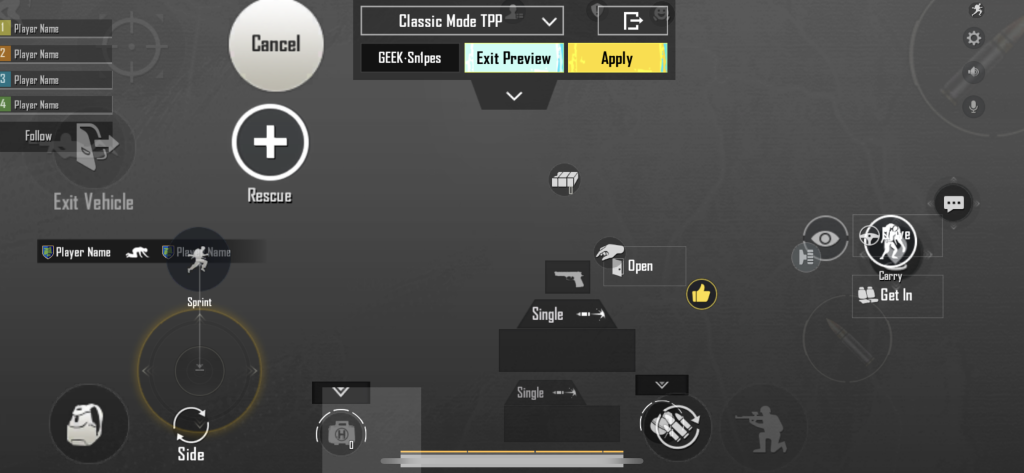
For the marksmen among us, Sniping Precision is a layout that minimizes button clutter and maximizes sight lines. The scope magnification buttons are placed on the left side, leaving your right thumb completely free for fine aim adjustments. The fire button is tiny and set near the top edge to reduce recoil affect on your aim. Combined with gyroscope and a high-zoom scope, you’ll be picking off enemies from 300 meters out like it’s nothing.
8. Quick Scope – The Hybrid God
The Quick Scope layout bridges the gap between aggressive and sniper playstyles. It uses a 3-finger claw where your right index handles both fire and scope—but with a delay setting that lets you scope in first then fire automatically. The layout is compact enough for phones but works great on tablets too. It’s perfect for players who like to stay versatile, using scopes for long range and hip fire for close quarters.
9. Minimalist 3-Finger – Clean and Effective
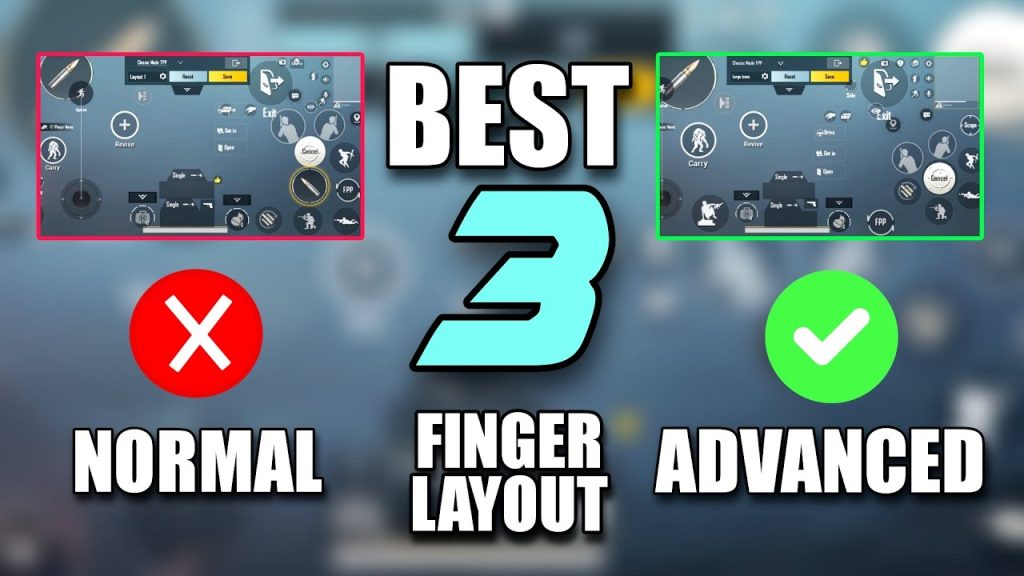
Sometimes less is more. The Minimalist 3-Finger layout strips away every unnecessary button, leaving only essentials: fire, scope, aim, movement, and interact. It’s ideal for players who want fast looting and seamless combat without visual noise. The buttons are semi-transparent and placed along the edges to keep your view clear. This layout is a favorite among players who use custom layout codes and value speed over complexity.
10. Custom HUD Master – Your Layout, Your Rules
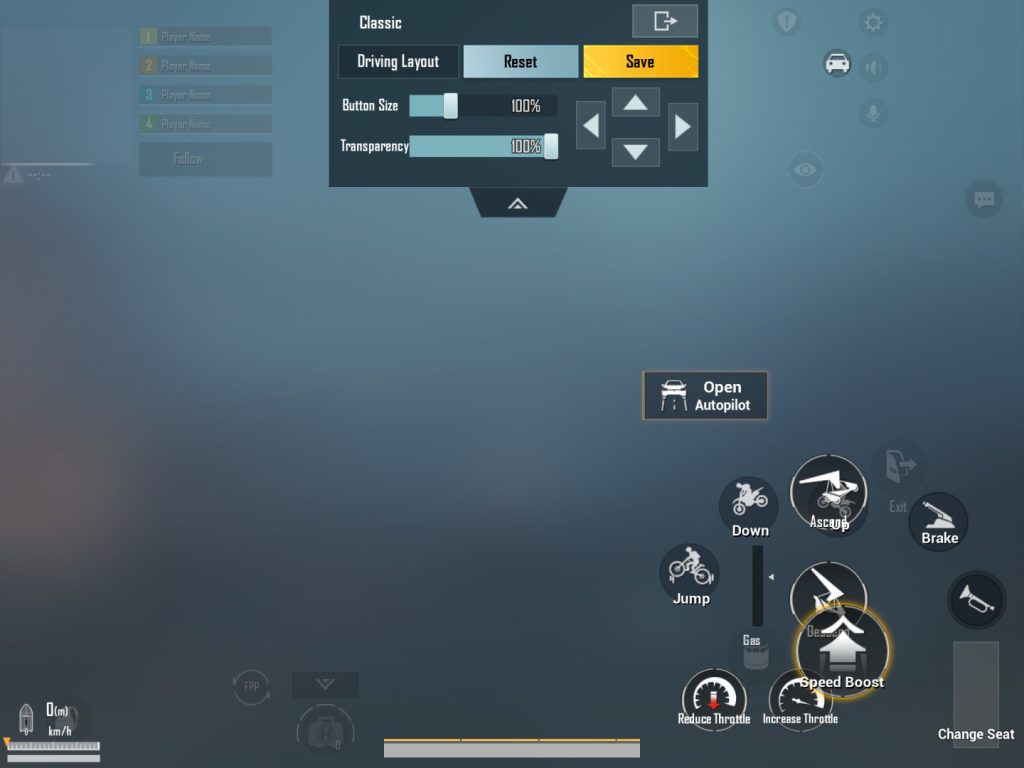
For the ultimate flexibility, Custom HUD Master gives you a blank slate to build from—but with a twist: it includes pre-placed anchor points for popular button setups. You can tweak everything: size, opacity, position, and even add action buttons for peak, lean, and weapon swap. It’s a great starting point if you want to create your own perfect layout. If you prefer to start from a proven base, check out our guide on how to create a custom HUD layout that fits your grip.
There you have it—10 PUBG Mobile control layout codes that cover every playstyle and device. Whether you’re a claw veteran or a two-finger minimalist, there’s a code here that’ll sharpen your reflexes and boost your rank. Copy one, jump into a match, and feel the difference. Don’t forget to bookmark this page and come back as the meta evolves—new codes drop all the time. Now get out there and own that chicken dinner.



