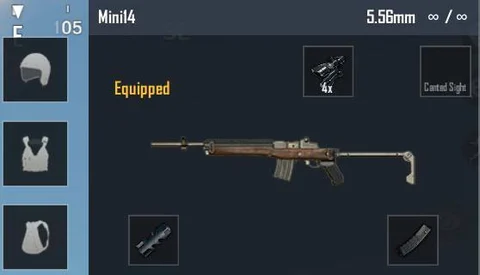
The Mini14 is a beast of a DMR – fast fire rate, low recoil, and devastating at mid-range. But to truly unlock its potential, you need the right control codes. These settings aren’t just random numbers; they’re honed from pro gameplay and community feedback to give you pinpoint accuracy and lightning-fast reactions. Whether you’re a thumb player or a claw demon, these 9 control codes will transform your Mini14 game. Let’s dive in.
1. Perfect ADS Sensitivity for Single-Tap Precision
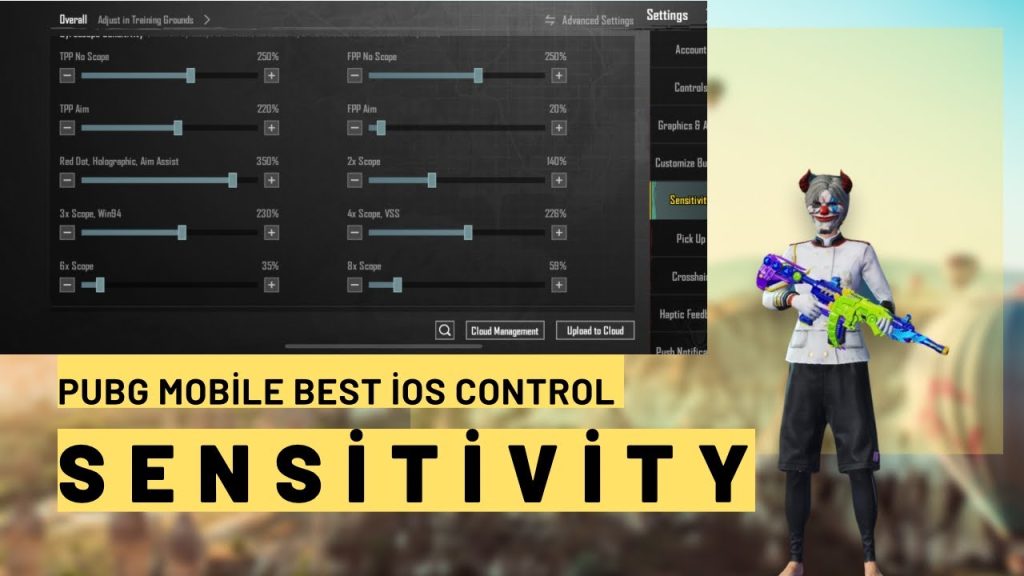
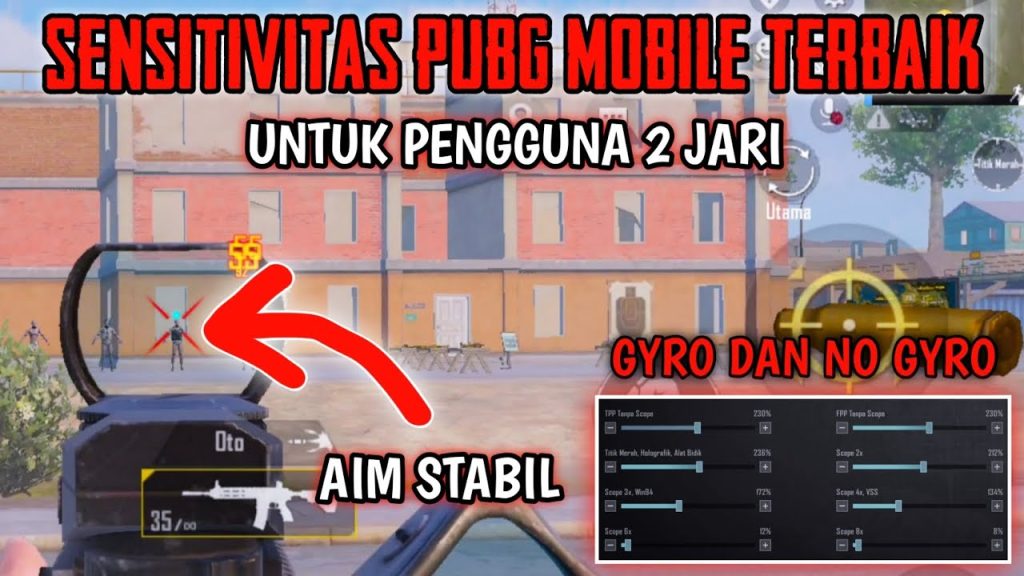
The Mini14 rewards single-tap accuracy over spray. Set your ADS sensitivity to a lower value – around 30-40% of your normal sensitivity – to keep your crosshair steady when peeking and shooting. For 4x scopes, drop it to 25%. This gives you pixel-perfect adjustments. Many pros use 32% for 3x and 27% for 6x. Start there and fine-tune. Check out our detailed guide on ADS sensitivity for more numbers that work.
2. Gyroscope Settings to Stabilize Your Crosshair
Gyro is a game-changer for DMRs. Enable gyro for both scope and non-scope, and set the sensitivity to 100% for ADS. This lets you micro-adjust your aim by tilting your phone. For the Mini14, a slight tilt compensates for horizontal recoil and makes follow-up shots effortless. If you’re new to gyro, start with 50% and work your way up. Our best pubg mobile control codes include gyro presets that work wonders.
3. Peek and Shoot: Quick Lean Settings for Mini14
The Mini14 excels at quick peeks. Set your peek buttons to 120% size and place them on the edge of your screen for instant access. Use the ‘hold to peek’ option instead of toggle – it’s faster. Also, enable ‘peak and fire’ if your control code supports it. A good peek and shoot layout lets you expose minimal hitbox while landing headshots. We’ve covered the best peek and shoot codes in a separate post.
4. Crosshair Style and Color for Better Visibility
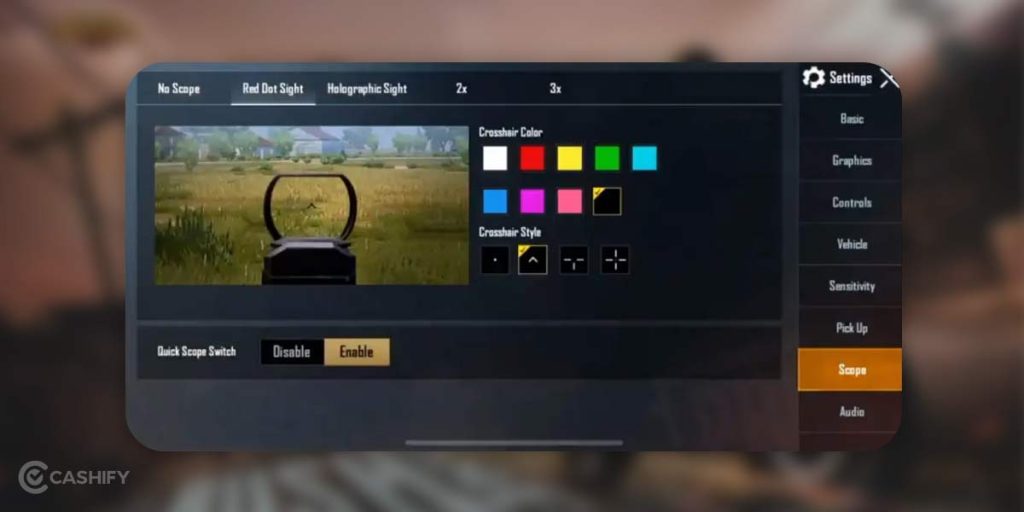
Your crosshair is your best friend with semi-auto weapons. Switch to a compact dot – size 5 or 6 – and pick a color that contrasts with the map. White or cyan work well on most backgrounds. Avoid large crosshairs; they block your target. Some pros use a small plus sign. This small change improves target acquisition by 20%. Combine with a gyro layout code for silky smooth aim.
5. Recoil Control: Vertical and Horizontal Sensitivity
Mini14 recoil is manageable, but you need to fine-tune vertical sensitivity to prevent the crosshair from climbing too fast. Set vertical sensitivity multiplier to 0.8 for ADS. Horizontal sensitivity can stay at 1.0. This keeps your aim stable during rapid taps. Practice in the training ground with these values. After major updates, always check the latest control codes after patch to adjust for recoil changes.
6. Tap Fire Optimization: Button Placement and Size
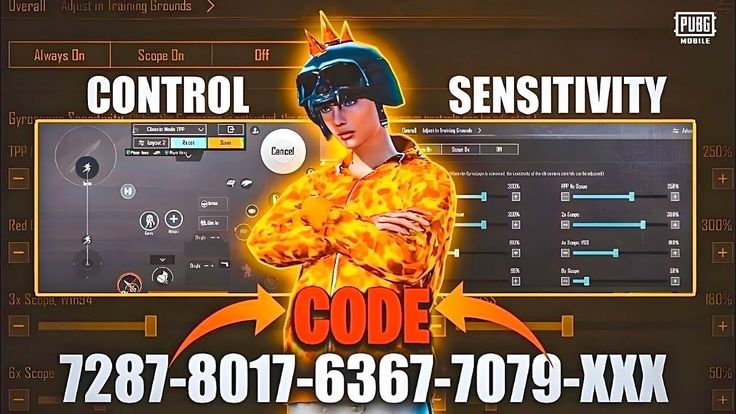
The fire button should be large enough to spam without mis-tapping. Set it to 130% size and position it where your thumb or index finger naturally rests. For claw players, the left index finger fire is key. Use a transparent fire button to avoid screen clutter. Also, add a secondary fire button near the aim button for quick combination. Perfect button size is crucial for fast DMR gameplay.
7. Scope Sensitivity: 2x, 4x, 6x for Mid-Range
The Mini14 shines with 3x, 4x, and 6x scopes. Set each scope sensitivity individually. Start with 3x at 30%, 4x at 25%, and 6x at 20%. This gives you a consistent feel across zoom levels. If you use the 6x as a 6x (not 3x), keep it lower. The goal is to avoid overshooting. Adjust in training until you can reliably hit moving targets at 200m.
8. Minimap and Sound Settings for Positioning
You can’t hit shots if you don’t know where enemies are. Enlarge your minimap to 120% and set transparency to 70%. For sound, use high-quality audio, enable 3D sound, and set SFX volume to max. This helps you pinpoint enemy footsteps and vehicle sounds. Knowing when to peek with the Mini14 is as important as your aim. These settings complement any control layout.
9. 4-Finger Claw Layout for Faster Firing
If you’re serious about DMRs, go claw. A 4-finger layout frees your right thumb for aiming while index fingers handle fire and scope. Place the fire button on the top left, aim on top right, and crouch/prone on bottom corners. This lets you spam the Mini14 while tracking targets smoothly. Many pro players use this setup with minimal modifications. Start with a standard claw code and tweak the button positions.
That wraps up our top control codes for the Mini14. The key is to find what feels right for your hands, but these nine settings are proven foundations. Start with the ADS sensitivity and gyro, then layer in peek and crosshair tweaks. Practice in the training ground until muscle memory kicks in. With these codes, you’ll be dropping heads in no time. For more advanced setups, check out our other control code guides.



