Getting your ADS sensitivity right is the difference between spraying into the abyss and laser-beaming enemies. But with so many control codes floating around, it’s hard to know which ones actually work. I’ve tested dozens of PUBG control codes that pair perfectly with specific ADS sensitivities. These picks are based on my own gameplay and feedback from top-tier players. Whether you’re a thumb player or a six-finger claw god, there’s something here for you.
The Classic Thumb Setup with Balanced ADS Sensitivity
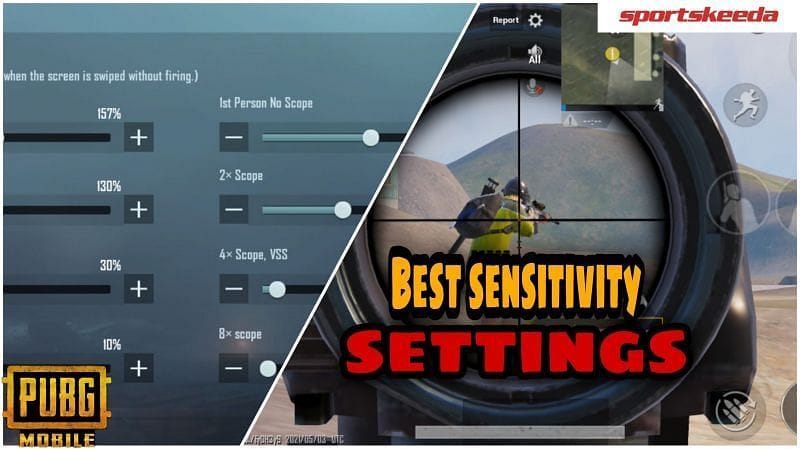
For two-thumb players, this code keeps things simple while maximizing control. The layout positions the fire and scope buttons in the lower right, leaving your left thumb free for the joystick. ADS sensitivity is set to 30% – sweet spot for both close and mid-range. Gyro is enabled at a low 10% for micro-adjustments. It’s the same setup many pros used before claw took over. If you’re coming from other shooters, this will feel natural. Pair it with our best control codes for a complete overhaul.
4-Finger Claw: The All-Rounder with Custom Scope Sensitivity
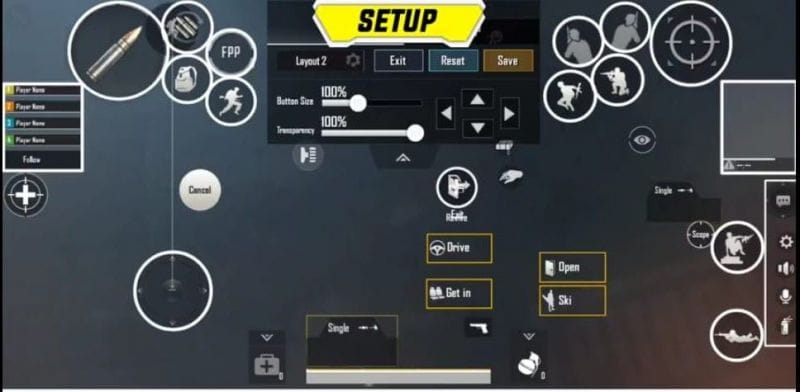
This layout separates shooting and scoping onto your index fingers, freeing your thumbs for movement and jumping. The code maps ADS to the left index and fire to the right index. For scope sensitivity, I recommend 40% for red dot and 25% for 4x scope. This balance lets you track moving targets without overshooting. Many players combine this with our ADS settings for even finer control. It’s a versatile setup that works in any situation.
Gyroscope Mastery: Vertical Control at Its Finest
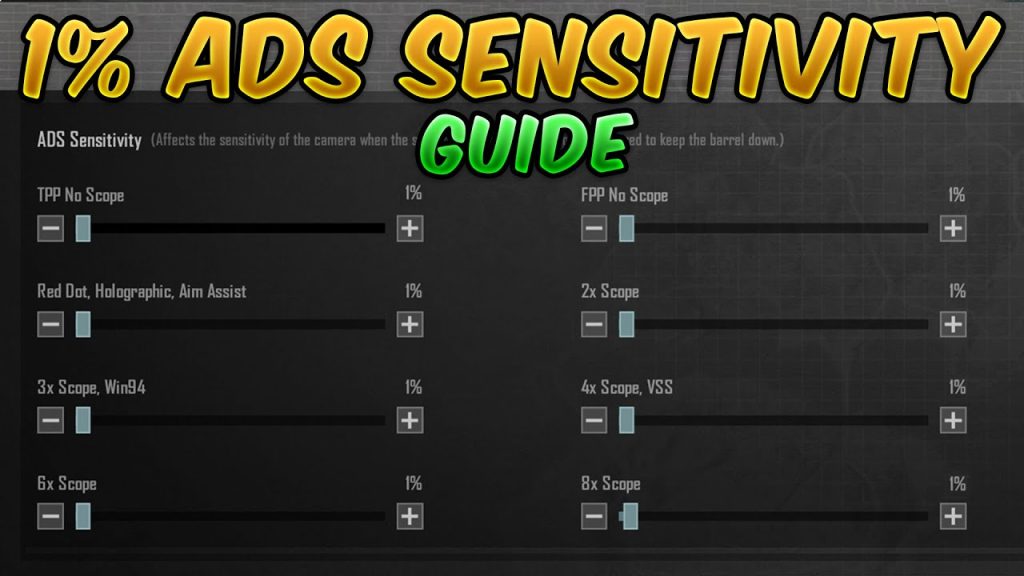
If you rely on gyro, this code tilts your aim for impeccable recoil control. The trick is to keep ADS sensitivity low (20%) while cranking gyro sensitivity high (e.g., 200%). That way, spinning your phone translates directly to crosshair movement. The layout includes a dedicated gyro toggle button so you can switch on the fly. For more on this, check out our gyro settings guide. It’s perfect for mid-range lasers.
SMG Rush: High Sensitivity Aggression for Close Quarters
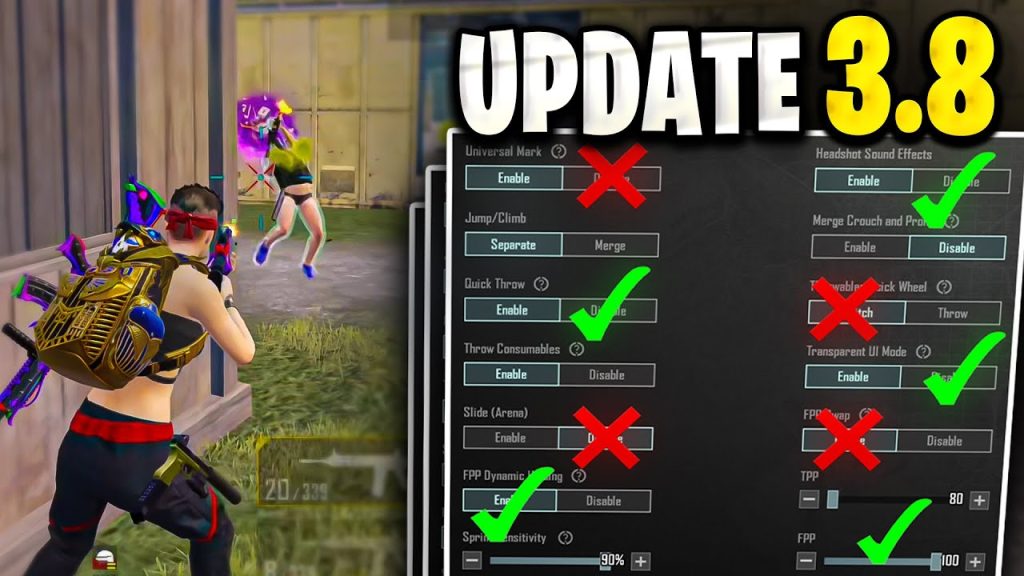
For close-range hip fire and quick ADS snaps, this code sets ADS sensitivity to 80% or higher. The layout puts peek, fire, and scope within a thumb’s reach. With SMGs like the Uzi, you’ll be snapping onto targets instantly. The downside? You might overshoot at range. Use it with a high-DPI mouse or just on mobile. To dial in your recoil control, see our recoil control tips.
Sniper’s Delight: Low Scope Sensitivity for Pinpoint Accuracy
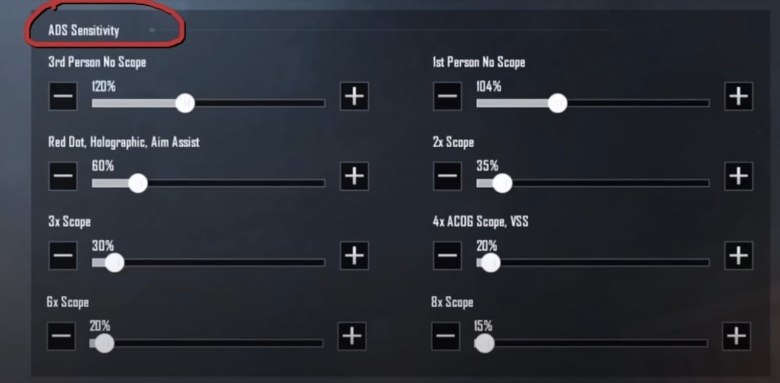
Snipers need fine aim, so this code reduces scope sensitivity to 10% for all scopes above 4x. The layout adds a dedicated sniper scope button separate from regular ADS. Combined with a stable aim (or gyro), you’ll hit those one-shot kills consistently. For up-to-date codes, check our latest control codes for Android.
Quick Scope: The Hybrid That Blends Speed and Precision
This code is for players who love DMRs and want to quick scope without sacrificing hip fire. ADS sensitivity is moderate (50%) but gyro is high for micro-corrections. A toggle button switches between hip and scope, letting you snap out of ads instantly. It’s a bit tricky initially, but once mastered, you’ll dominate mid-range. Beginners can start with our control codes for beginners and work up.
6-Finger Claw: The Pro’s Choice for Maximum Efficiency
For the elite, this code spreads controls across six fingers, allowing simultaneous movement, scoping, shooting, and proning. ADS sensitivity is tailored per scope: 30% for red dot, 15% for 6x. With practice, you’ll outmaneuver almost anyone. It requires a custom key mapping, which we cover in our best control codes article. This is endgame for mobile players.
Recoil Control Code with Dynamic ADS Sensitivity
This code uses a dynamic ADS sensitivity curve that changes based on the weapon’s recoil pattern. For example, it lowers sensitivity during the first few shots of an M416 spray, then ramps up. The layout includes a dedicated recoil control toggle. It’s a more advanced setup, but if you already have solid recoil control, this will take you to the next level.
No single code works for everyone, but these options cover the most popular playstyles. Try each in the training grounds and tweak the ADS sensitivity until it feels natural. For more settings, check out our other control code guides.



