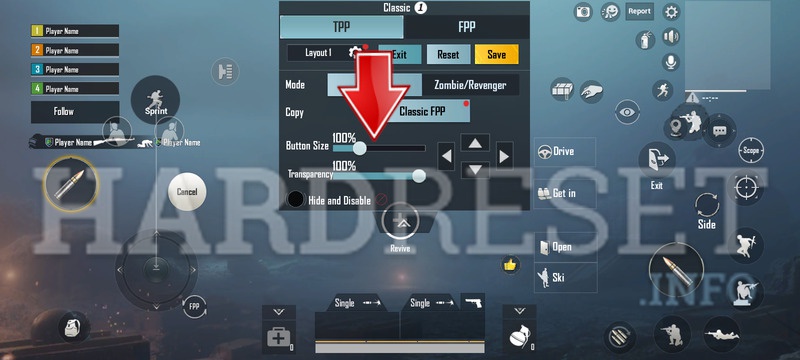
Button size can make or break your PUBG Mobile performance. Too small and you miss taps; too big and they overlap. That’s why we’ve curated 10 PUBG control codes with carefully tuned button sizes. Each code is optimized for a specific playstyle, from claw to gyro, and tested on various devices. Just copy and paste the code to instantly transform your HUD. If you’re new to custom layouts, check out our guide on control layout codes for more basics.
1. Claw Master 2025 – 120% Button Size for Four-Finger Claw
This code is built for 4-finger claw players who want every button big and easy to hit. The fire, scope, and crouch buttons are scaled to 120% of the default size, while the movement joystick remains at 100%. The layout places all action buttons on the upper corners so your index fingers don’t stretch. It’s ideal for devices with 6-inch or larger screens. If you’re transitioning from a 3-finger setup, these button sizes will feel roomy and forgiving.
2. Thumb Precision – Compact Buttons for Two-Thumb Players
Designed for pure thumb players, this layout shrinks most buttons to 80% size to reduce overlap. The fire button is placed lower and slightly to the right, with the scope button directly above. All secondary actions (heal, map, grenades) are pushed to the edge with 70% scale. This ensures your thumbs can tap fast without accidentally hitting adjacent controls. It’s a solid choice for small phones and beginners, and pairs well with the 3-finger layout codes we’ve reviewed.
3. Gyro Aim King – Oversized Fire and Scope for Gyro Users
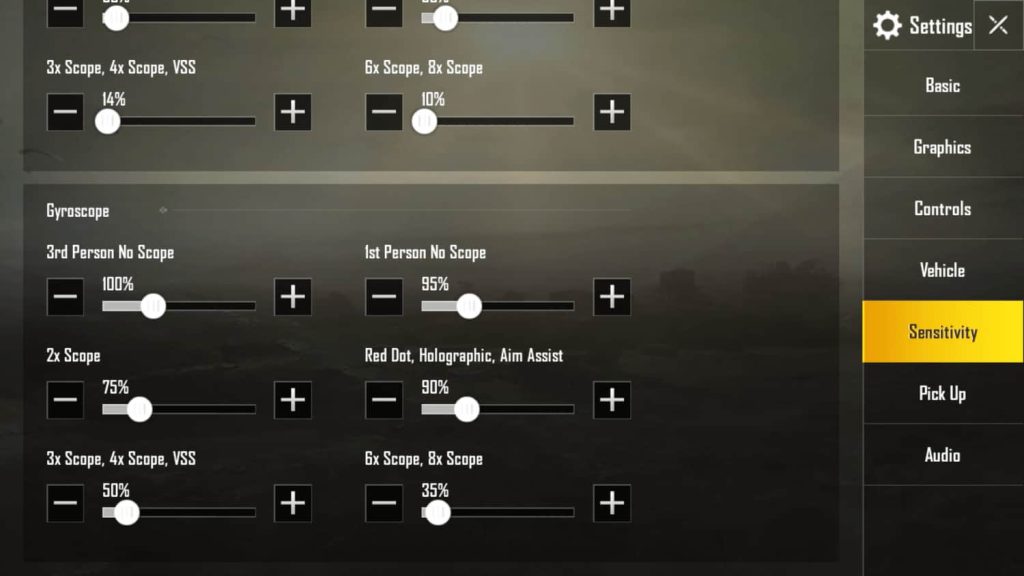
Gyroscope players rely on tilt for aim, so button precision matters. This code enlarges the fire and scope buttons to 150% and places them close to center for quick thumb access. The movement joystick is set to 90% and moved slightly left to avoid accidental tilts. All other buttons are reduced to 60% and tucked away. If you’re using iPhone control codes that support gyro, this layout will feel natural and responsive.
4. Butterfly Claw – Symmetrical 90% Buttons for Even Grip
Named for the symmetrical placement of fire and scope on both sides, this code uses 90% button sizes across the board. It’s designed for players who use all four fingers in a relaxed claw grip. The left side handles movement and scope, the right side handles fire and aim. The balanced size reduces fat-fingering while keeping everything visible. Works great on tablets and large phones. For device-specific tuning, check our device compatibility guide.
5. 4-Finger Pro – Mixed Sizes for Speed and Accuracy
This advanced 4-finger layout uses variable button sizes: fire at 130%, scope at 100%, crouch at 110%, and jump at 80%. The idea is to make the most-used buttons larger while keeping others compact to save screen real estate. The result is a HUD that feels quicker and more intuitive. It’s been tested on multiple Android flagships and works well with the 3-finger layout codes if you want to start simpler.
6. 5-Finger Elite – Ultra-Compact with 70% Buttons
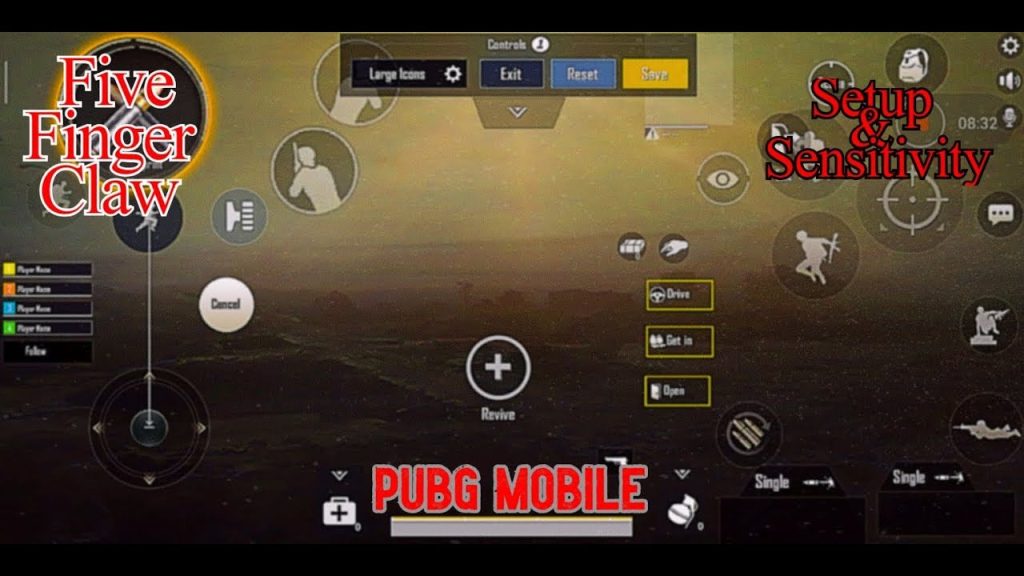
For players who use five or six fingers, every pixel counts. This code shrinks all buttons to 70% and stacks them densely on the edges. The fire and scope are still prominent (90%) but moved to the very corners. It frees up the center for gyro aiming and peeking. Expect a steep learning curve, but once mastered, your speed will be unmatched. If you’re coming from a four-finger setup, we also have peek and shoot codes that complement this layout.
7. 3-Finger Fast – Balanced 100% Buttons for Transitioning
A simple 3-finger claw layout with all core buttons at 100% size. The only adjustment is moving the fire button to the top-left and the scope to top-right, leaving the middle free for the right thumb’s movement. This is the perfect starter layout for players moving from thumbs to claw. It’s compatible with most devices and can be a stepping stone to more complex setups. See our gyro layout codes if you want to add tilt aiming.
8. Crouch Spray – Oversized Crouch Button for Crouch-Spraying
Crouch-spraying requires fast, repeated taps on the crouch button while firing. This code enlarges the crouch button to 140% and places it right next to the fire button (also at 120%). All other buttons are pushed to the edges at 70%. The result is a spray-friendly layout that lets you crouch-spam without lifting your thumb. It’s especially effective on phones with smaller screens. For more spray techniques, check our peek and shoot codes.
9. Peek & Shoot – Side Buttons at 110% for Quick Peeking
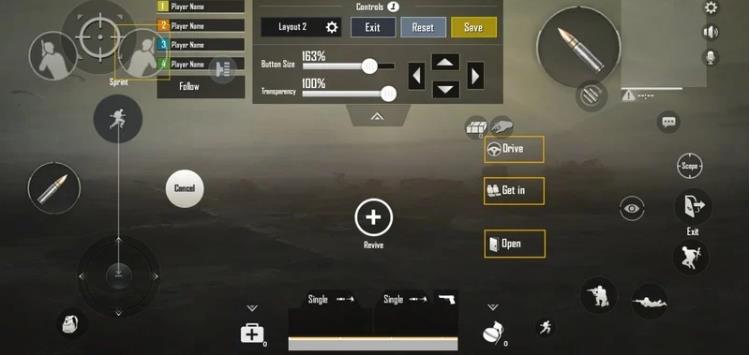
Peeking is critical in mid-range fights, and this layout makes it easier. The peek left and right buttons are enlarged to 110% and placed on the lower left and right corners of the screen. The fire button is at 100% and centered between them. This allows your thumbs to peek and shoot rapidly. The scope and jump buttons are set to 80% to avoid interference. Ideal for aggressive players who love to jiggle-peek.
10. Quick Heal – Giant Heal Buttons for Emergency Meds
Ever died while fumbling for a med kit? This code makes the heal button a massive 150% and places it in the lower center of the screen. First aid, bandages, and boost buttons are scaled to 120% and arranged in a row. The combat buttons are reduced to 80% and moved to the upper corners. The trade-off is worth it for players who prioritize survival. Pair this with a fast thumb setup for the best results.
No matter your grip style or device size, there’s a control code here for you. Try them out, tweak the opacity, and find the button sizes that feel natural. Remember, consistency is key – stick with one layout and practice until it’s muscle memory. For more codes and updates, explore our other guides on 3-finger layout codes, iPhone control codes, and more.



