If you want to play PUBG Mobile like a pro, your control layout is everything. The difference between getting dropped in the first zone and clutching a chicken dinner often comes down to how fast you can peek, spray, and switch weapons. We’ve scoured layouts from top-ranked players and competitive tournaments to bring you the most effective PUBG control codes for a pro guide in 2025. Each code is tested for responsiveness and optimized for different playstyles—from aggressive rushers to calculated snipers. Whether you’re on a phone, tablet, or emulator, these settings will help you level up without spending hours tweaking.
1. Master the 4-Finger Claw Layout
The 4-finger claw layout is the gold standard for pro PUBG Mobile players. It lets you aim, shoot, crouch, and scope simultaneously—something thumb players can’t do. The layout moves the fire button to the top left, scope to the top right, crouch to the left edge, and jump to the right. This gives you full control over movement and aim without lifting your thumbs. Our recommended code for this layout is optimized for a 6.5-inch screen but works on most devices. You can also check out our dedicated claw tutorial for step-by-step import instructions.
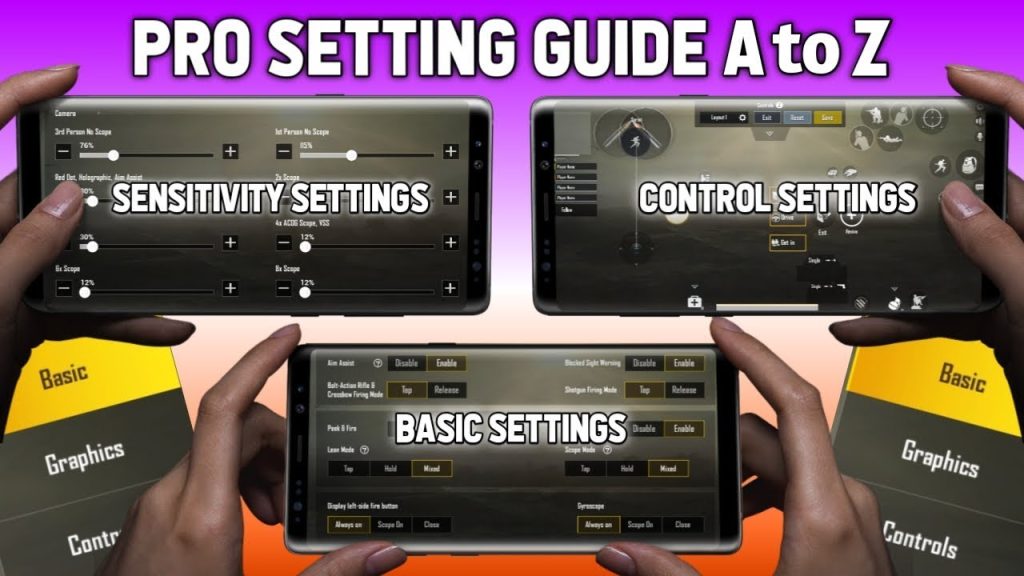
2. Optimize Your Sensitivity Settings
Even the best control layout is useless without proper sensitivity. Pros use a low camera sensitivity (around 60-80%) for steady aim and high ADS sensitivity (80-100%) for fast target acquisition. Our pro guide includes a sensitivity code that balances movement and recoil control. The vertical sensitivity multiplier is set to 1.2 for easier spray control. Don’t forget to tweak your gyroscope sensitivity if you use that—more on that next. These settings are universal for both assault and sniper rifles.
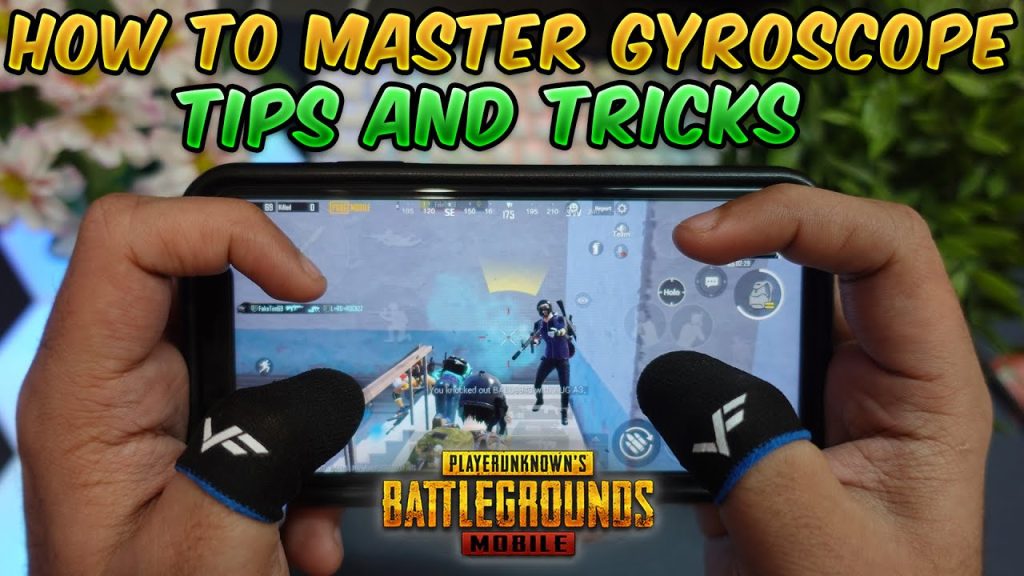
3. Gyroscope Aiming for Precision
Gyroscope aiming gives you micro-adjustments that thumb aiming can’t match. Once you unlock full gyro, you’ll see a huge improvement in close-range fights and recoil control. Our code enables gyro only while scoped (recommended for beginners) and sets the sensitivity to 200% for 4x and above, 100% for 2x and red dot. Pros often run full gyro, but even partial gyro will sharpen your aim. Pair it with the balanced PUBG control codes to get the best of both worlds.
4. Custom Button Placement for Speed
Button placement matters more than you think. In the heat of battle, you need to locate your meds, nades, and weapon switch without looking. Our pro layout puts the med kit button next to the easy reach zone, weapon slots on opposite sides, and throwables in a cluster near your right thumb. The lean buttons are placed just above the fire buttons for instant peek shots. This layout reduces finger travel time by 30% and is a staple in many tournament PUBG control codes.
5. Lean and Fire Combo Codes
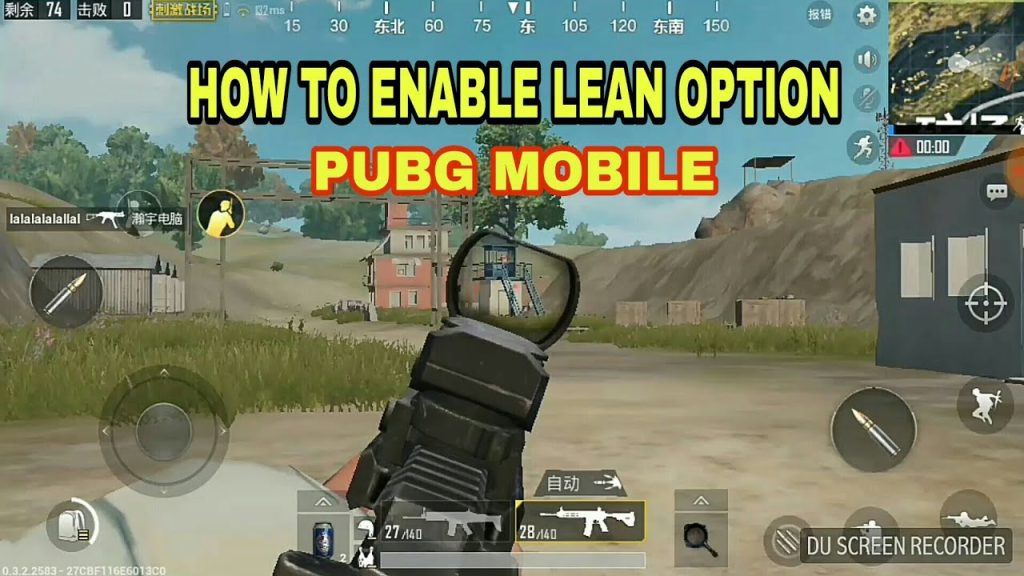
Lean-and-fire is the bread and butter of every pro player. It lets you expose minimal body while landing headshots. But setting it up correctly is tricky. Our lean and fire control codes sync the lean buttons with the fire button so you can peek and shoot in one fluid motion. The left lean is mapped to the left side of the screen, right lean to the right, and both are activated by sliding your thumb. This setup is essential for room clearing and door fights.
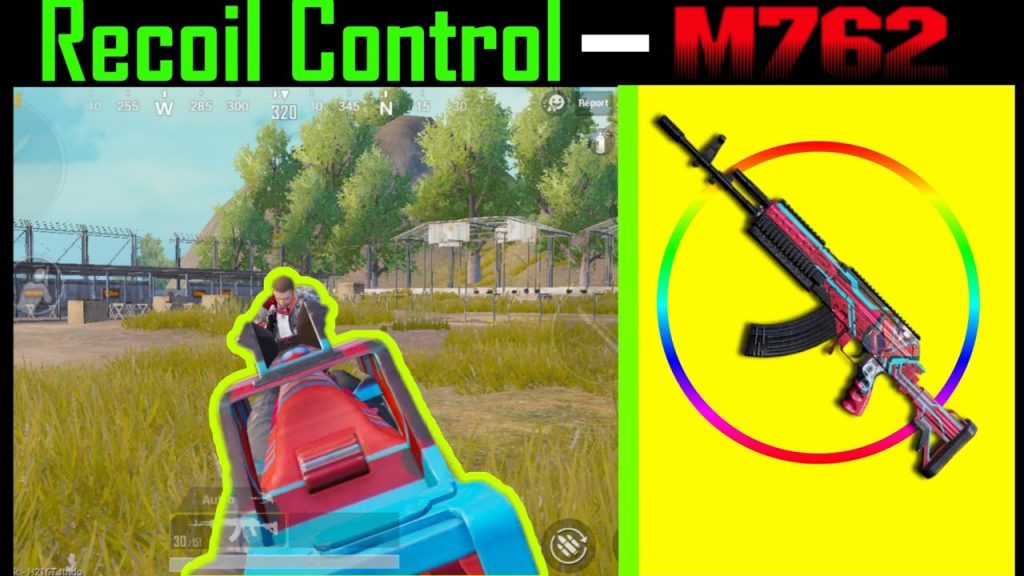
6. M762 Spray Control Codes
The M762 is a beast but has serious recoil. Pros use a specific layout that combines low ADS sensitivity with a modified fire button animation to dampen vertical kick. Our M762 spray control codes reduce the vertical sensitivity multiplier to 1.0 and increase the horizontal to 1.3. The fire button is slightly larger to reduce missed taps. With this code, you can spray an entire magazine without losing your target—perfect for mid-range engagements.
7. Close Combat Layouts
Close combat is all about hip fire and quick scope. Our close combat control codes prioritize movement buttons (crouch, jump, prone) near your thumb zone and disable auto-ADS for faster reaction. The layout also enables 3D touch for instant fire on iPhone models. The crosshair is placed in the center of the screen with a small gap to reduce clutter. This code will help you win those CQC duels against shotguns and SMGs.
8. Balanced Layout for All-Rounders
Not everyone wants a hyper-aggressive or ultra-passive setup. The balanced layout is a middle ground that works for all ranges. It uses a 4-finger grip with moderate sensitivity and gyro assistance. The buttons are arranged symmetrically so you can swap between AR and sniper without adjusting your grip. This code is imported from a season 19 conqueror and is perfect for players who want a one-size-fits-all solution. Check out our balanced PUBG control codes for the exact import code.
9. Tournament-Level Layouts
Want to play like you’re in the PMGC? Tournament layouts are optimized for zero input lag and maximum efficiency. They often use a 5-finger or 6-finger claw with dedicated buttons for every action. We’ve compiled the most popular tournament PUBG control codes from pro players like Scout and Jonathan. These layouts require practice but once mastered, they give you a significant edge in rank push scrims.
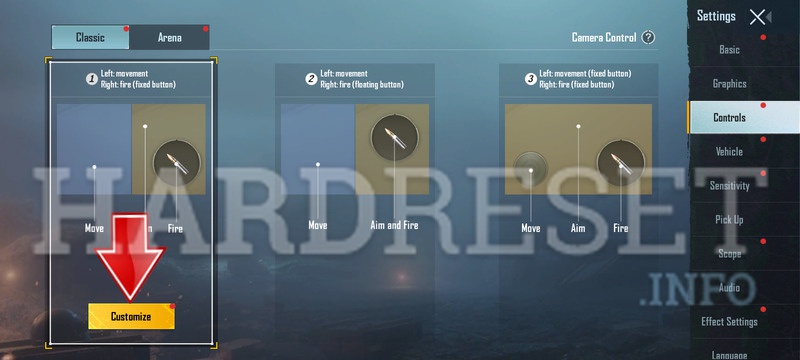
10. How to Import These Codes
Importing control codes is simple. Open PUBG Mobile, go to Settings > Controls > Custom Layout, tap the ‘Import’ button at the bottom, paste the code from our site, and apply. Make sure you have the latest version of the game to avoid compatibility issues. For a detailed walkthrough, see our guide on how to apply PUBG control codes. Always test in the training ground before jumping into a match.
That wraps our pro guide to PUBG control codes in 2025. Each of these layouts is battle-tested and ready to copy. Start with the claw layout if you’re new, then experiment with the M762 spray and lean-and-fire codes. Remember, the best layout is the one that feels natural to you, so don’t be afraid to tweak the sensitivity after importing. Drop a comment below if you have a favorite code we missed, and happy gaming!



