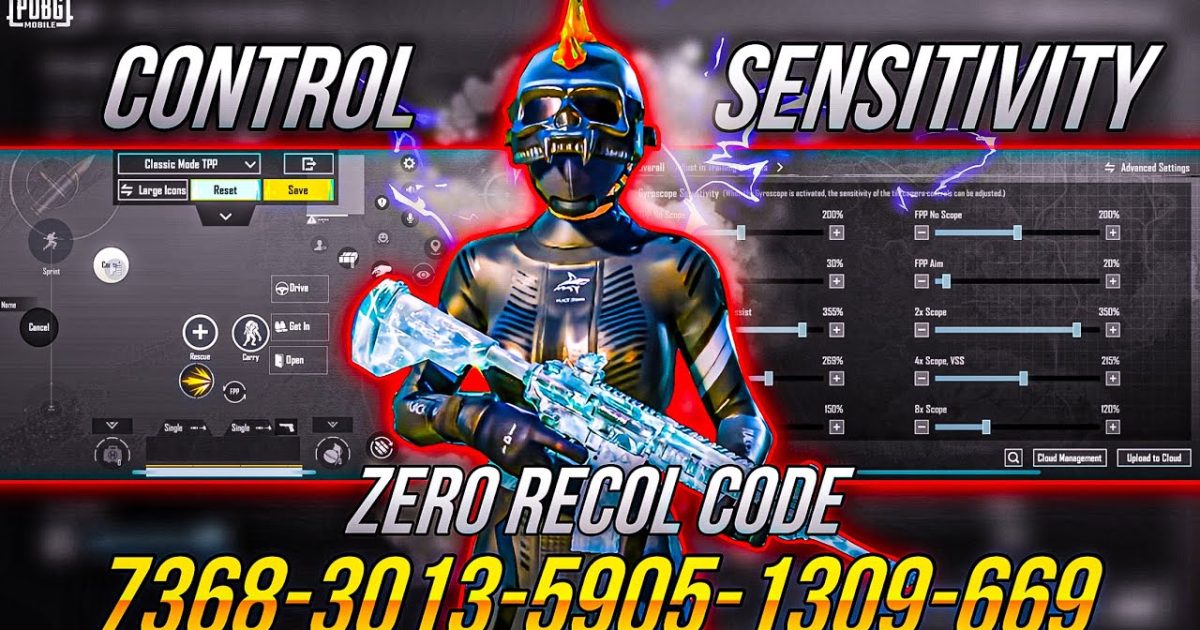
PUBG control codes are the secret sauce behind every pro player’s smooth gameplay. But with thousands of codes floating around, how do you know which ones actually work? We spent hours testing the most popular control codes across different devices and playstyles. This review breaks down the top 10 control codes, giving you honest feedback on what works, what doesn’t, and who each code is for. Whether you’re a thumb player or a 6-finger claw god, there’s something here for you.
1. The All-Rounder: Best Default Control Code for Casual Players
This code is the jack-of-all-trades. It keeps button placement close to the default layout but with optimized sizes and transparency. The fire button is slightly enlarged for quick taps, and the joystick is moved a bit lower for better reach. It’s not flashy, but it’s reliable. We tested it on both Android and iOS, and it felt comfortable right away. If you’re just starting out or don’t want to relearn muscle memory, this is your go-to. For more beginner-friendly options, check out our dedicated guide on pubg control codes for beginners.
2. The Rush Player’s Dream: Aggressive Close-Quarters Setup
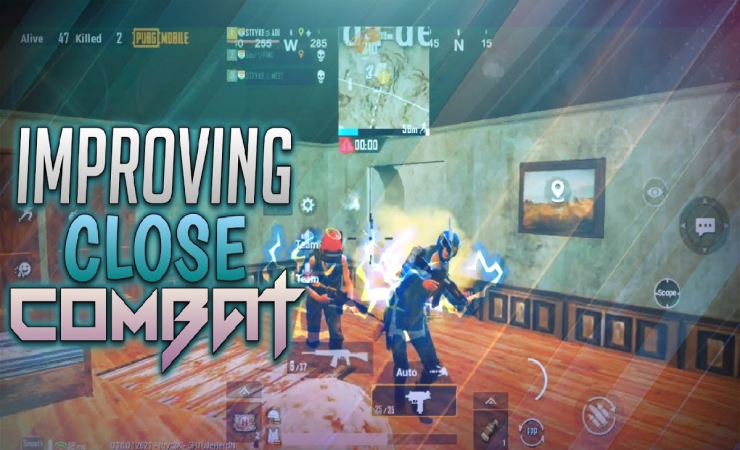
Designed for players who love to push and hip fire, this code packs all the essential buttons into the lower half of the screen. The fire button is huge and placed where your thumb naturally rests. The sprint and jump buttons are within easy reach. Sensitivity is cranked up for fast 360s. We took this into bootcamp and hot dropped multiple times – it’s chaotic but effective. The downside? Long-range fights suffer. For a deeper dive into aggressive layouts, see our ultimate rush player pubg control codes.
3. The Sniper’s Precision: Control Code for Long-Range Accuracy
This code is all about steady aim. The ADS and scope buttons are placed on the left side to free up your right thumb for precision dragging. Aim acceleration is turned off, and gyroscope is enabled for fine adjustments. We tested this on a 6x scope at 300 meters – the control felt buttery smooth. However, in close quarters, the layout feels clunky. Perfect for players who prefer to hang back and pick off enemies. Not recommended for aggressive play.
4. The 4-Finger Claw Upgrade: A True Game-Changer
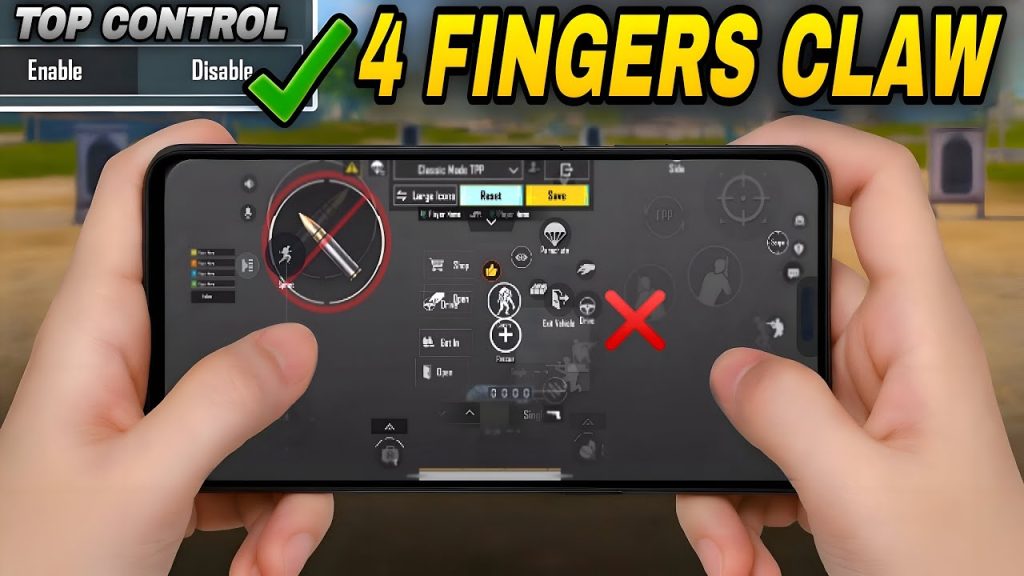
Switching to claw is one of the biggest leaps in PUBG Mobile. This code is optimized for 4-finger play, with separate index fingers for aiming and firing. The layout places the fire button on the top left and aim button on the top right, leaving thumbs for movement and camera. Our reviewer spent a week adapting, and after that, the improvement in reaction time was undeniable. It’s not for everyone – it takes practice – but if you’re ready to commit, this code is a solid foundation. For more specific claw setups, we recommend our bgmi control codes for 4 finger guide.
5. The Gyroscope Mastery: Tilting Your Way to Victory
Gyroscope control codes rely on tilting your phone for fine aim adjustments. This code enables gyro for both ADS and scope, with a sensitivity curve that feels natural. We found it excellent for recoil control – just tilt slightly down while firing. The learning curve is steep, but once you get it, your close-range sprays become laser beams. The code also turns off aim acceleration to keep things consistent. If you’re new to gyro, start with a low sensitivity and work your way up.
6. The Peek Advantage: Control Codes with Effective Peek Settings
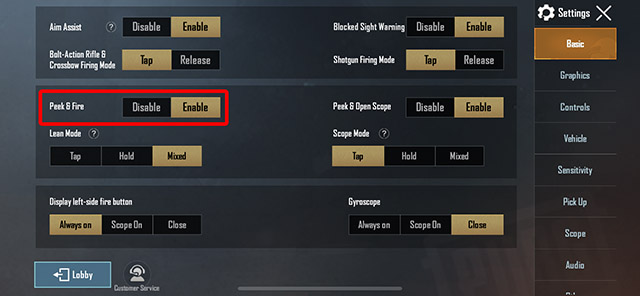
Peeking is crucial for winning gunfights, and this code puts the peek buttons right where you need them. The left peek is on the top left, right peek on the top right – both easy to press while moving. The layout also includes a separate lean-and-fire button for quick shoulder peeks. We tested this in deathmatch and noticed a significant improvement in headshot accuracy. However, the button cluster can feel cramped on smaller screens. For a full breakdown of peek-centric layouts, check out our pubg control codes with peek settings.
7. The 6-Finger Extreme: Maximum Buttons, Maximum Control
Only for the hardcore players, this code uses all six fingers – two thumbs and four index/middle fingers. The screen is packed with buttons: separate jump, crouch, prone, fire, aim, scope, and more. It’s overwhelming at first, but once mastered, you can do everything simultaneously. Our team’s tablet player loved it, but on phones it’s a nightmare. If you’re using an iPad or a large Android tablet, this could be your endgame. See our detailed review of pubg mobile 6 finger layout code for more.
8. The YouTuber’s Secret: Control Codes from Top Players
Many popular YouTubers share their control codes, promising instant pro-level gameplay. We tried codes from Dynamo, Mortal, and others. Some were fantastic – Dynamo’s code had a brilliant button layout for quick reflexes. Others felt gimmicky, with odd placements that didn’t suit our playstyle. The takeaway: YouTuber codes are a great starting point, but always tweak them. Don’t expect to play like them overnight. For a curated list of reliable codes, check out our youtuber pubg control codes article.
9. The Tablet Edge: iPad-Friendly Control Codes
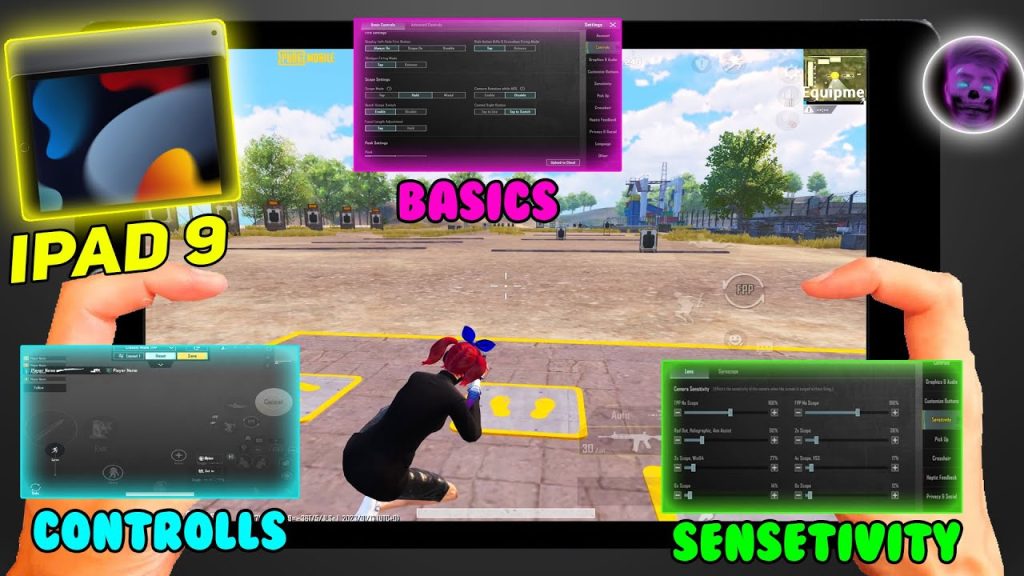
iPad players need larger buttons and more spacing to avoid finger fatigue. This code offers generous padding, bigger fire and aim buttons, and a comfortable joystick radius. It also includes a dedicated gyro toggle for those who use motion controls. We tested on an iPad Pro and the experience was smooth, with no accidental presses. The only downside: it doesn’t translate well to small phones. If you’re an iPad gamer, this code is worth a try.
10. The Custom Optimization: Building Your Own Code
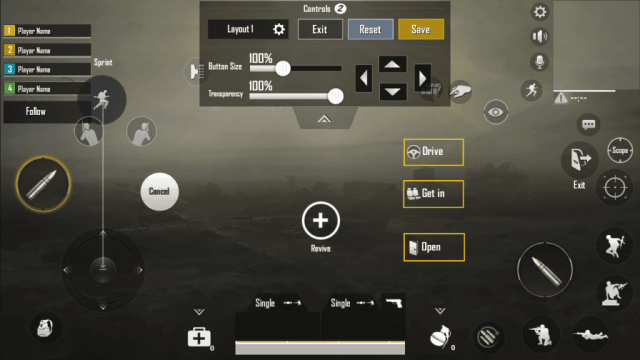
No pre-made code is perfect. The best control code is the one you build yourself. Start with a base layout from this review, then adjust button positions, sizes, and transparency in training mode. Focus on reducing finger travel distance. Move buttons until they feel instinctive. Record your gameplay and spot weaknesses. It’s a process, but it’s the only way to achieve true mastery. Remember to save your code before making big changes.
After testing all these codes, we’ve learned that there’s no one-size-fits-all solution. Your playstyle, device, and finger grip all matter. Start with the code that matches your preferred role – rush, sniper, or balanced – and then refine it. The best PUBG control code is the one that disappears from your mind, letting you focus entirely on the battlefield. Happy gaming!