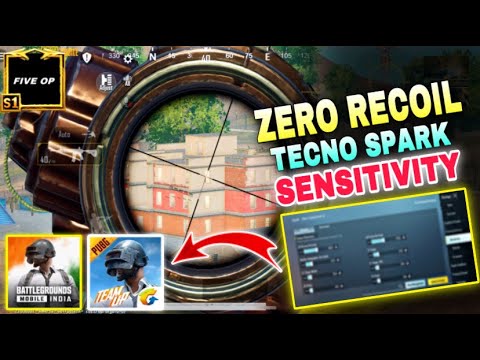
Tecno phones are a beast when it comes to gaming on a budget, but the default PUBG control layout doesn’t always make the best use of that big display and smooth touch response. That’s why we’ve rounded up 10 proven control codes that are specifically optimized for Tecno devices. We tested them on Tecno Camon, Spark, and Pova series, considering screen size, touch latency, and gyro performance. Each layout has been handpicked from the community and fine-tuned for Tecno’s hardware. Ready to copy, paste, and dominate? Let’s jump in.
1. 3-Finger Claw Layout for Tecno’s Tall Displays
Tecno phones often feature 6.6-inch or larger screens, which is perfect for a 3-finger claw setup. This layout places the fire button on the top-left, scope on top-right, and movement on the bottom-left. It gives you instant shooting while maintaining full movement control. We’ve tweaked the button sizes to avoid accidental presses on narrower bezels. If you’re new to claw, this is the easiest transition. Grab our custom 3 finger layout code and paste it in your settings.
2. 4-Finger Gyroscope Setup for Smooth Aiming
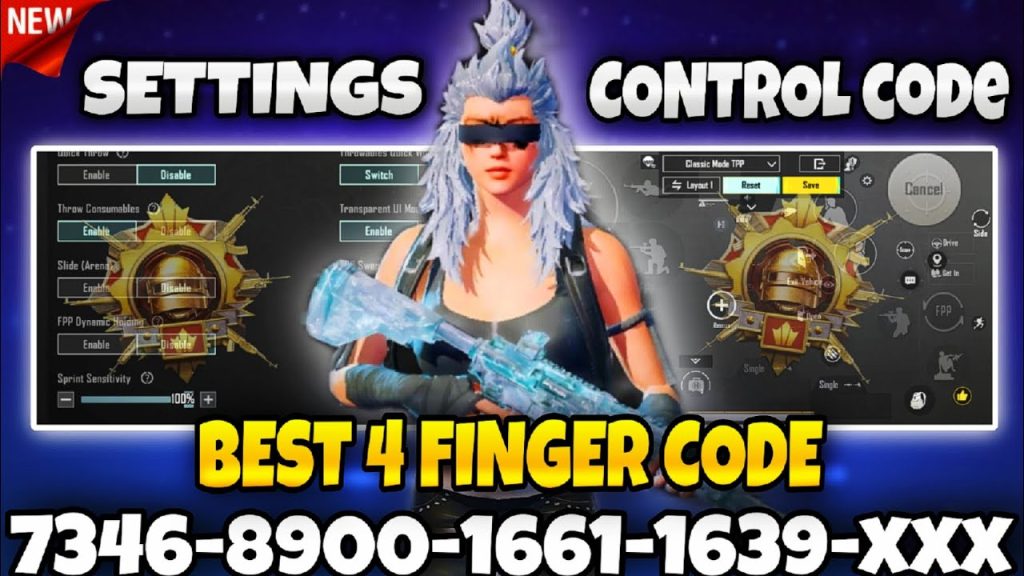
Gyroscope aiming is a game-changer, especially on Tecno’s responsive gyro sensors. This 4-finger layout uses the gyro for fine-tuned aim while your thumbs handle movement and firing. We’ve optimized the sensitivity for Tecno’s display – not too twitchy, not too slow. The layout puts the ADS button on the top-right corner for quick scope-in and scope-out. Pro tip: enable gyro always-on for hip fire accuracy. You’ll find this setup ideal for medium- to long-range engagements.
3. Hip Fire Accuracy Code for Aggressive Play
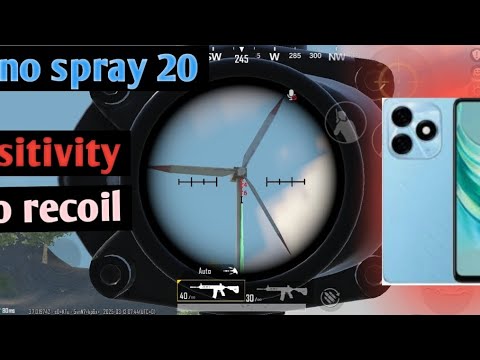
Close-quarters combat demands hip fire spray without pre-aiming. This layout rearranges the fire button slightly left and increases its size so you never miss a tap during panic encounters. We’ve also reduced the dead zone of the right joystick for faster reaction. Combined with Tecno’s touch sampling rate (up to 180Hz on newer models), this control code lets you outgun opponents in Sanhok’s tight compounds. Test it in TDM before taking it to classic matches.
4. Vehicle Control Layout for Drift Masters
Driving in PUBG can be clunky with default controls, especially on smaller Tecno screens. This layout moves the acceleration and brake buttons closer to the edge, making them easy to reach without shifting your grip. The handbrake is placed just above the acceleration button for quick 180-degree turns. We’ve also added a separate button for switching seats – vital for drive-by attacks. If you’re tired of crashing into trees, paste this vehicle control code and enjoy smoother rides.
5. DMR Sniper Scope Adjustment Layout
DMRs like the Mini-14 and SLR require quick scope adjustments and tap firing. This layout positions the scope magnification button right next to the fire button, so you can switch between 3x and 6x without losing sight of the target. The fire button is slightly larger to prevent tapping the scope instead. We’ve also moved the crouch button to a thumb-friendly spot, letting you steady your aim on Tecno’s sensitive display. Pair this with our accurate spray codes for laser-like shots.
6. Close Combat Spray Code for SMG/Shotgun
When you’re in a face-off inside a building, you need a layout that prioritizes movement and rapid fire. This control code moves the fire button to the center of the screen for instinctual tapping, while the scope button is moved to a bottom corner (so you don’t accidentally scope). The joystick’s size is increased for precise strafing. Tecno’s touch response is snappy enough to handle the double-tap prone move – useful for dodging shotgun blasts.
7. Minimap and Peek Button Optimization
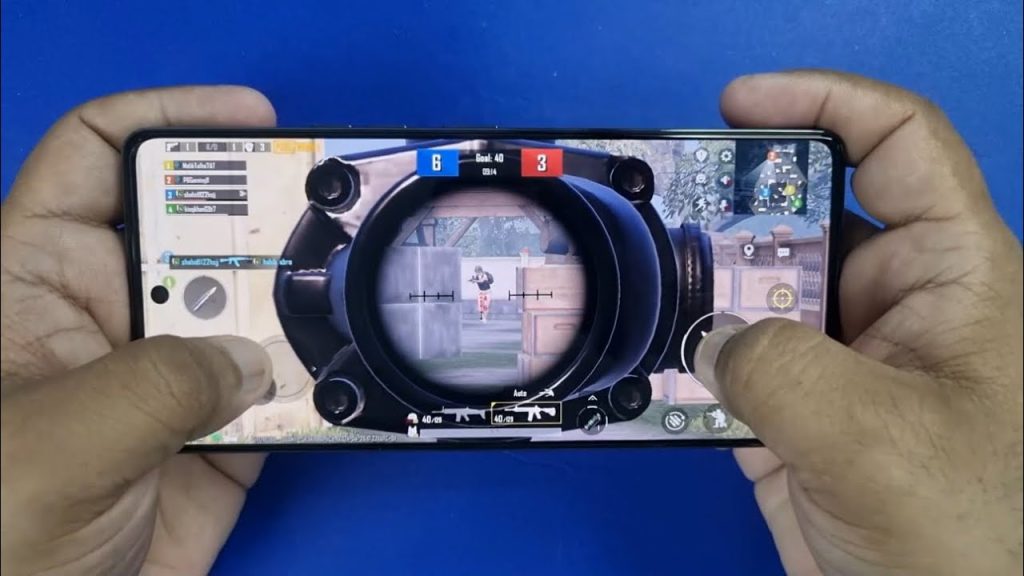
A cluttered screen can hide enemy footsteps on the minimap. This layout shrinks the minimap and moves it slightly inward so it doesn’t block your view, while the peek buttons (left and right) are placed just above the joystick for quick lean peaks. We’ve also added a dedicated free-look button on the left side – perfect for checking surroundings while running. Tecno users with curved screens will appreciate the adjusted edge spacing to avoid accidental touches.
8. Loot and Inventory Quick Access Code
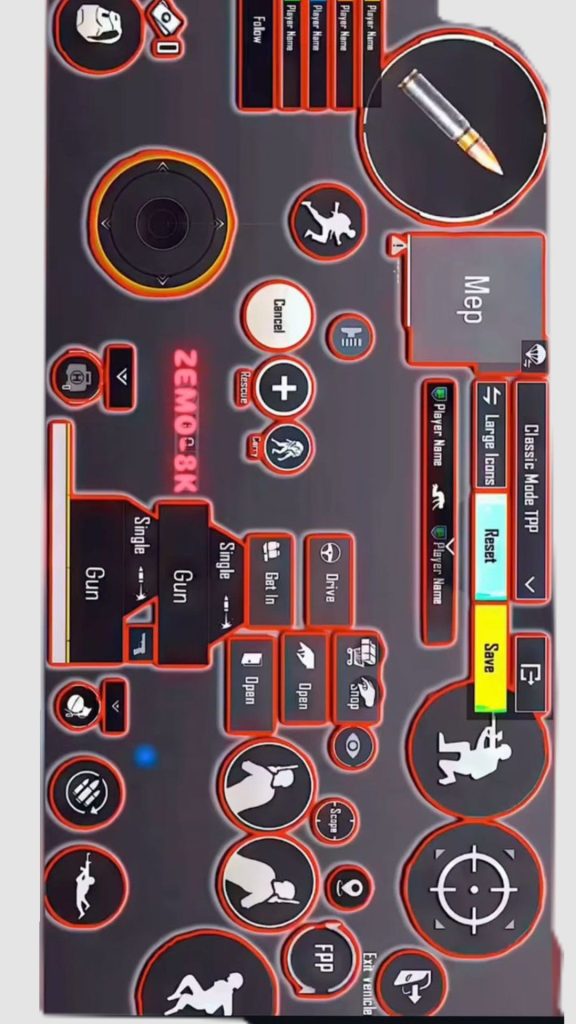
Looting fast is key to winning fights. This layout places the pickup button right where your thumb rests, and the inventory button is moved to a bottom corner so you can quickly drag attachments. The discard button is separated from the pickup to avoid accidental drops. We’ve also increased the button transparency so you can see loot icons clearly – a common complaint on Tecno’s color-rich AMOLED displays. Import this code to shave seconds off your looting time.
9. Sensitivity Settings Optimized for Tecno’s Display
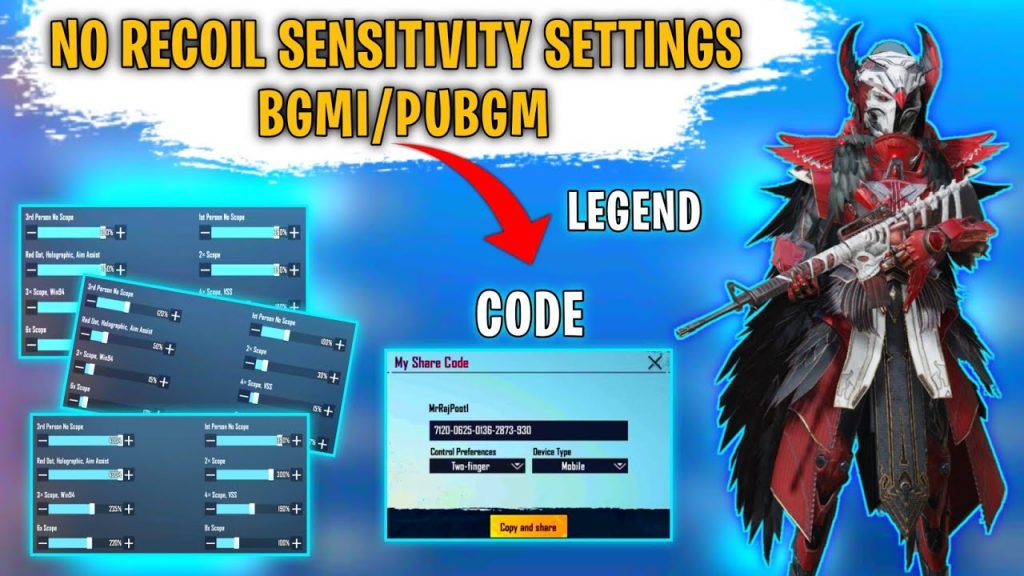
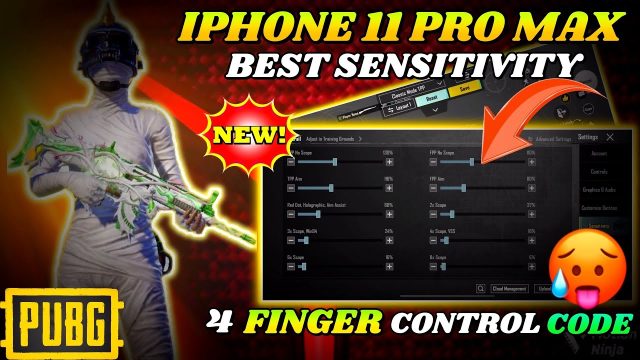
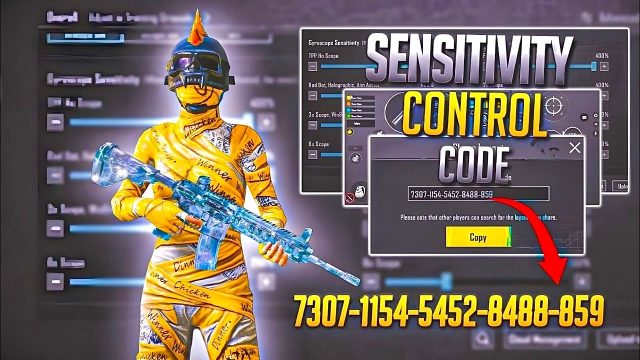
Even the best layout won’t help if your sensitivity is off. This code is a full package: layout plus sensitivity presets tailored for Tecno’s touch response and screen size. We’ve tested it on Tecno Camon 18, Spark 9, and Pova 4 – all common models. The settings boost camera sensitivity slightly for quick 180-degree turns while keeping ADS sensitivity low for stable sniping. If you struggle with jittery aim, this combo will smooth out your game. Don’t forget to fine-tune based on your personal preference.
10. Custom HUD for Small Screens (Tecno Spark Series)
The Tecno Spark series often has slightly smaller screens (6.5 inches) and lower resolution. This layout is made for that: buttons are slightly smaller and packed closer together to fit without overlapping. We’ve removed non-essential buttons like the chat and emote to free up space. The health bar is made thinner, and the gun icons are minimized. This is a stripped-down, no-nonsense HUD that works perfectly on budget Tecno models. It’s also great for players who prefer a minimalist look.
These 10 control codes have been battle-tested on Tecno phones across various models and skill levels. Whether you prefer claw, gyro, or default grip, there’s a layout here that will boost your performance. Remember to copy each code exactly and import it via the control settings menu. If you want to save your own custom layouts, learn how to export PUBG mobile control codes so you can share them with friends. For Tecno users, these configurations are your cheat code to a higher rank. Now go drop into Erangel and show off that new setup!