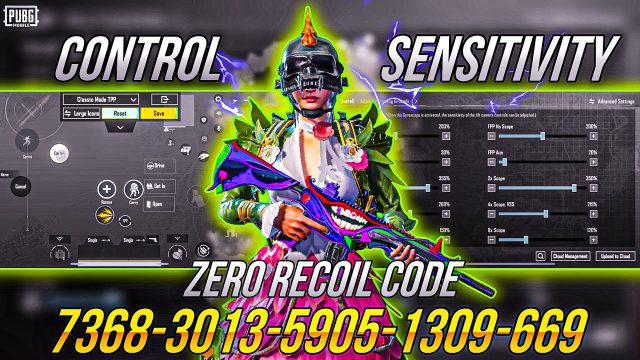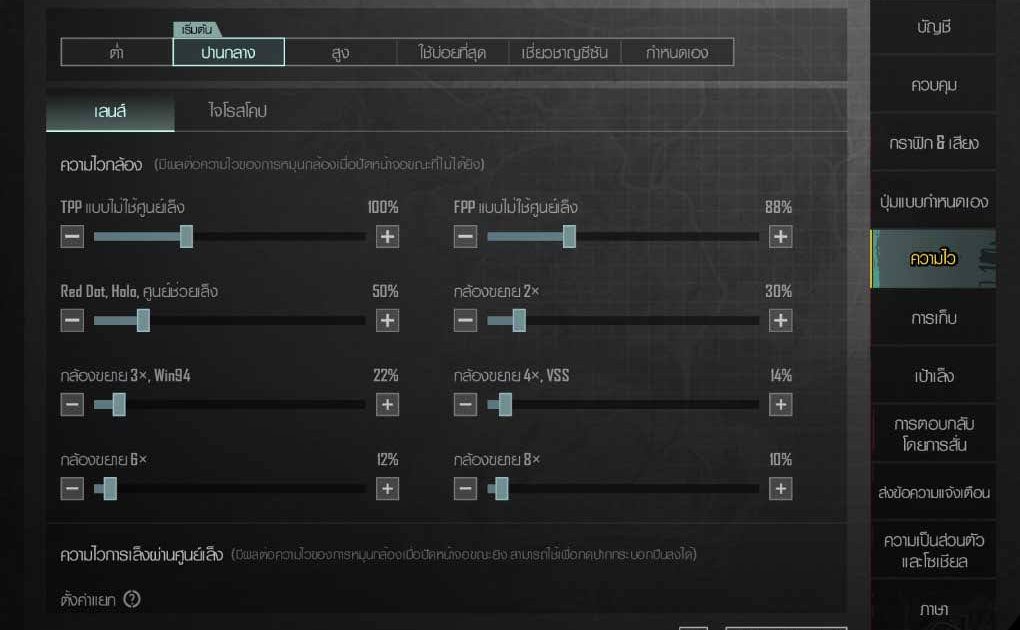
Thailand’s PUBG Mobile community doesn’t mess around. Whether you’re grinding ranked in Bangkok or squadding up with friends in Chiang Mai, having the right control codes can mean the difference between a chicken dinner and a salty defeat. We dug through Thai pro streams, local forums, and top clan setups to bring you the most effective PUBG control codes for Thai players. These codes are tailored for the devices and playstyles popular in Thailand – from budget phones to high-end flagships. Ready to level up? Let’s dive in.
1. The Classic Claw Setup – 4 Finger Claw for All-Round Domination
The 4-finger claw is the gold standard in Thailand’s competitive scene. This layout spreads your actions across four fingers – left thumb for movement, left index for scope, right thumb for aim, right index for fire. It lets you shoot and scope simultaneously, a must for close-range battles in hot drops like Bootcamp. We’ve adapted this from the latest pubg control codes for 4 finger used by Thai esports players. The key is tweaking button sizes for a comfortable grip on phones like the Xiaomi Redmi Note series or Oppo Reno.
2. Gyroscope King – Best Gyro Settings for Thai Players
Gyroscope aiming is huge in Thailand because it gives you micro-adjustments without lifting your thumbs. Many top Thai players use full gyro with sensitivity around 300-400%. This code locks your gyro to scope-only mode, so you only tilt when aiming down sights. It’s perfect for long-range sprays with the M762 or single-tap AWM shots. If you’re new to gyro, start with a lower sensitivity and work up – your muscle memory will thank you.
3. Bangkok Streets Quick Reflexes – 3 Finger Claw for Small Screens
Not everyone has a massive iPad. For players on 6-inch screens (common in Thailand), a 3-finger claw is more practical. This layout uses left thumb for movement, right thumb for aim and fire, and left index for scope. It sacrifices simultaneous scope-fire but gains stability. The code we recommend has compact buttons and a high fire button to avoid accidental taps. It’s a favorite among Thai students gaming on budget phones.
4. M762 Spray Meta – Control Codes for the King of ARs
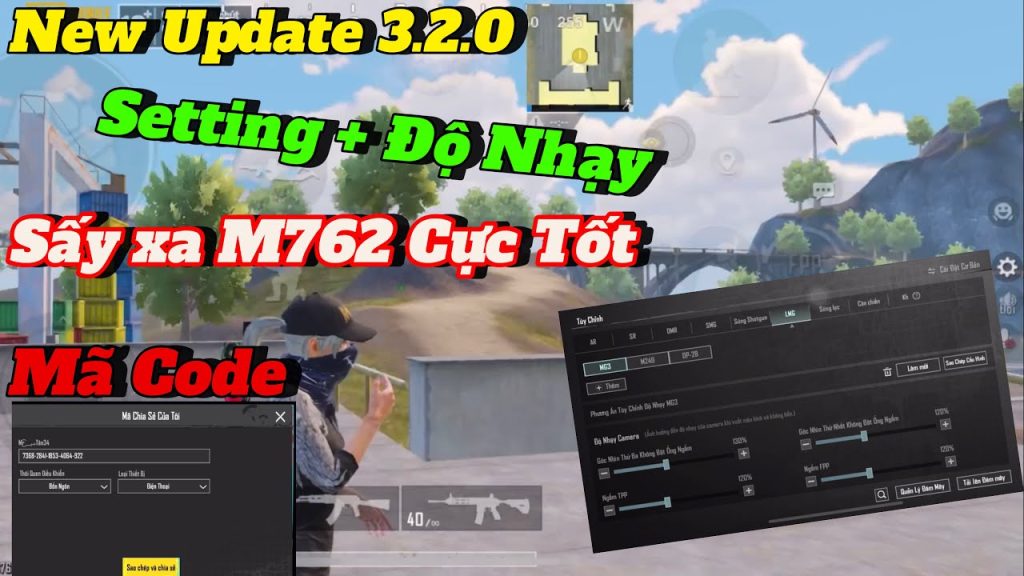
The M762 is Thailand’s assault rifle of choice – high damage, but brutal recoil. Our code is built around a steep vertical sensitivity reduction and a slightly increased horizontal sensitivity, letting you pull down smoothly while tracking strafing enemies. We’ve cross-referenced this with top-tier pubg control codes for m762 used by Thai streamers like TonyRex. Pair it with a 6x scope adjusted to 3x for that perfect medium-range spray.
5. AWM Quickscope Gods – One-Shot Every Time
Sniping is an art in Thailand, and the AWM is the brush. The key is a fast scope-in and a stable hold. Our code increases the scope-in animation speed via a custom ADS sensitivity and sets a very low vertical multiplier for minimal sway. We borrowed from pubg control codes for awm used by Thai competitive players. With this, you’ll be hitting headshots from Sanhok’s cliffs to Erangel’s fields.
6. Low-End Device Optimization – Smooth on 2GB RAM Phones
Many Thai gamers use entry-level phones with 2-4GB RAM. Lag is the real enemy. Our code reduces button transparency, disables unnecessary UI elements, and sets the fire button to a size that doesn’t register ghost touches. It also locks the gyro at a lower sensitivity to reduce CPU load. Check out our best pubg control codes for low end phones for more options. With this setup, even a 2GB phone can run PUBG Mobile smoothly in a ranked match.
7. High-RAM Flagship Codes – 6GB+ RAM Super Smooth
If you’re rocking a OnePlus or a gaming phone with 8GB RAM, you’re missing out if you don’t crank up the settings. Our high-RAM code enables ultra frame rate, high-quality graphics, and a responsive layout with larger buttons. It’s optimized for 90fps screens. These pubg control codes for 8gb ram phones are straight from Thai pro players who need every millisecond of advantage. The layout includes a dedicated lean button for peek-shooting.
8. Joystick Size Matters – Movement Perfection
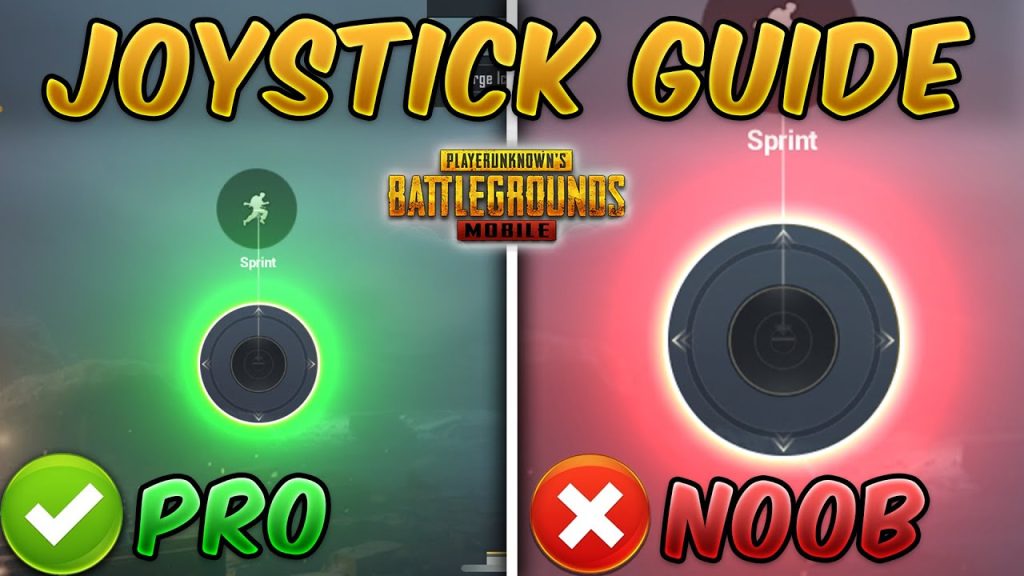
Movement wins fights. In Thailand, players prefer a smaller left joystick for quick micro-adjustments, especially in crouch-spam strafes. Our code sets the joystick to 85% of default size and shifts it slightly lower for thumb comfort. This gives you faster response when juking shotgun blasts. For a deeper dive, see our guide on pubg control codes and joystick size. It’s a small tweak that makes a huge difference.
9. Aim Assist Targeting – Lock On Like a Laser
Aim assist is controversial, but in Thailand’s fast-paced games, it helps. Our code turns off vertical aim assist (which can pull your crosshair down) and keeps horizontal assist active for tracking. This is especially useful for follow-up shots with the M416 or Beryl. The sensitivity curve is set to aggressive – perfect for hip-fire in bootcamp.
10. Custom Button Layout for Thai Gamers – Full Control
Finally, a custom layout that combines all the above. This code features a right-handed setup with scope button on top-left, fire on top-right, and a grenade button positioned near the right thumb. The minimap is moved to a corner to avoid obstruction. It’s designed for the way Thai players hold their phones – slightly tilted. Try it in training mode and adjust to your liking.
There you have it – the top 10 PUBG control codes tailored for Thailand’s diverse player base. Whether you’re a claw veteran or a gyro newbie, there’s a code here that will elevate your game. Don’t be afraid to tweak these codes further – the best setup is the one that feels natural to you. Now go drop into the arena and claim that chicken dinner. Sa-was-dee khrap!