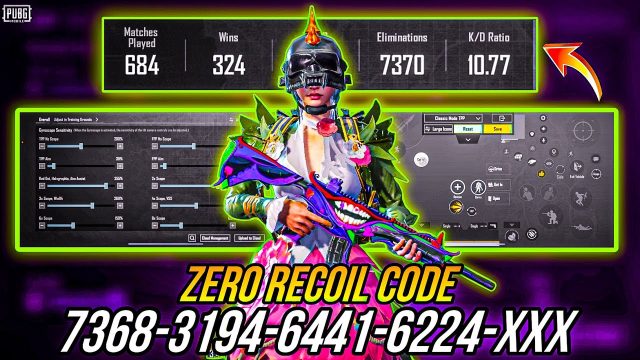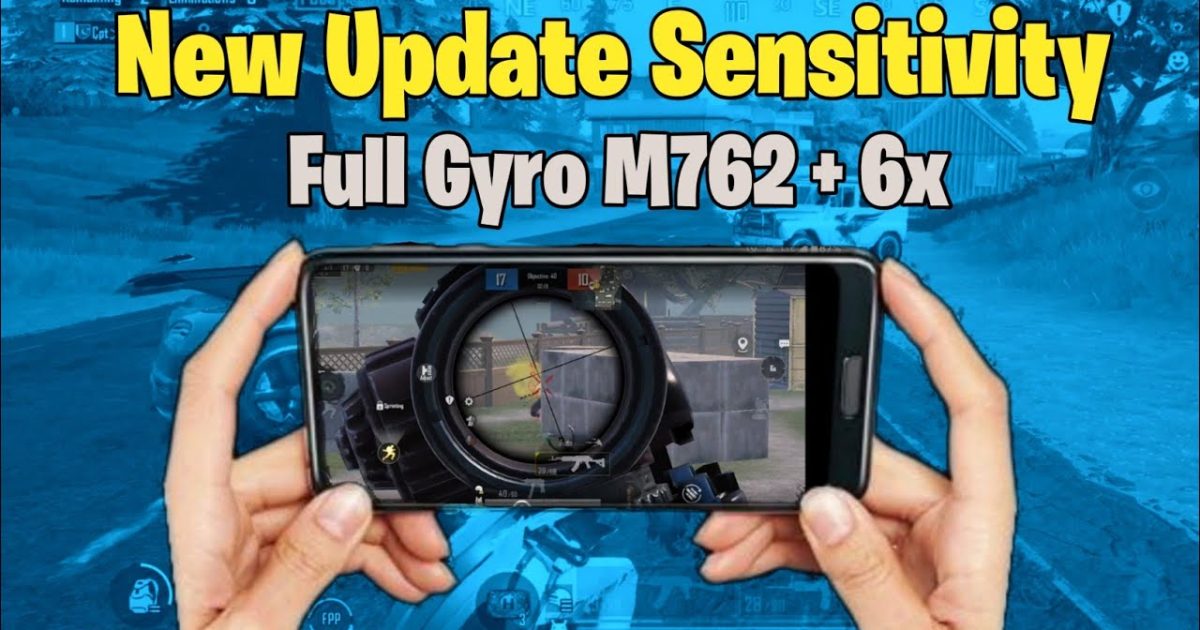
The M762 is a beast in PUBG Mobile – hits like a truck but kicks like a mule. Without the right control code, you’ll be spraying bullets to the moon. That’s why we’ve gathered 10 tested control codes that tame this AR’s vertical recoil, improve your spray, and help you win more gunfights. Whether you’re a claw player, gyroscope user, or on an emulator, there’s a layout here for you. We picked these based on pro player preferences, community feedback, and our own testing. And if you ever need to update your control codes, we’ve got you covered. Let’s dive in.
1. The 4-Finger Claw Setup for M762 Spray Control
Four-finger claw is the gold standard for mobile shooters, and the M762 demands it. This layout places your fire and aim buttons on the top left and right corners, freeing your thumbs for movement and gyro. The key is a tight fire button size (around 40%) and a high ADS sensitivity (80-90%) to counter the M762’s first-shot recoil. Pair it with a 4x scope for mid-range sprays and you’ll beam enemies before they react.
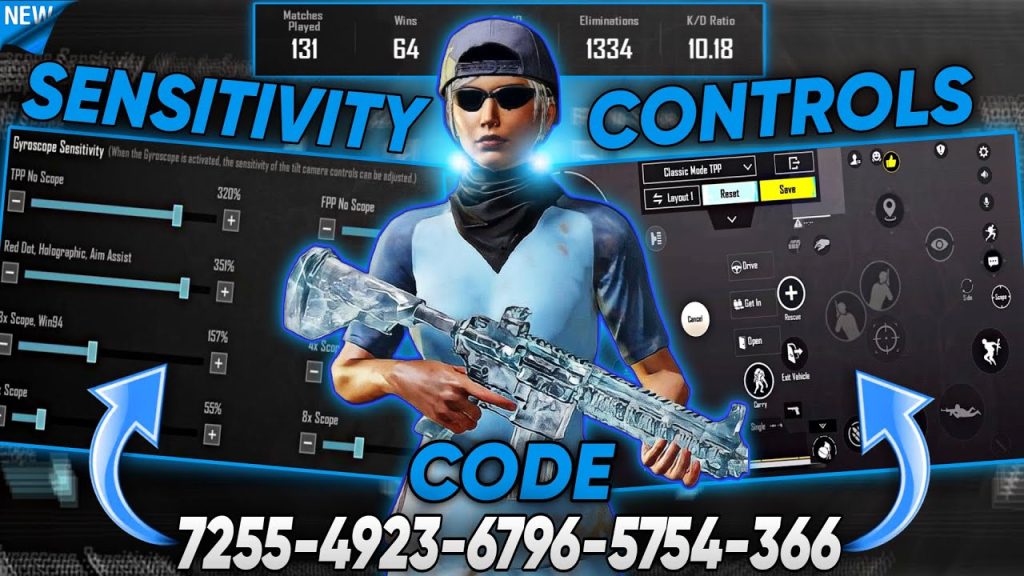
2. Gyroscope Sensitivity Tweaks for M762 Vertical Recoil
Gyro users, rejoice! The M762’s vertical recoil is easily managed with a high gyro sensitivity (300%+) when ADS. This code maps your fire button to the right thumb while keeping gyro active for fine-tuning. Tilt your device downward slightly while spraying to keep the crosshair on target. Pro tip: Enable gyro only when scoped to avoid accidental movement while looting.
3. ADS Sensitivity Settings That Tame the M762
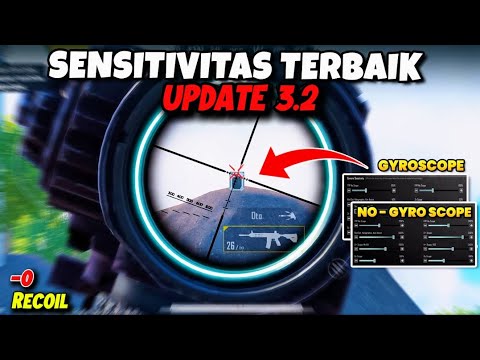
The M762’s recoil pattern is mostly vertical, so your ADS sensitivity should be higher than your regular sensitivity. Many pros use a 1.5x ADS multiplier (e.g., camera sensitivity 100%, ADS 150%). This code reduces the button clutter and puts the scope switch right next to the fire button for quick transitions. It’s especially effective with a 3x scope for that perfect balance of zoom and spray control.
4. iPad Layouts for M762: Big Screen, Better Control
iPad players have the advantage of screen real estate, but only if you use it wisely. These iPad control codes for the M762 spread out the buttons to avoid accidental presses while keeping the fire button within thumb’s reach. Use a larger fire button (60%) and lower ADS sensitivity (70%) to compensate for the bigger screen’s motion. The extra space also allows for a dedicated lean button – perfect for corner peeks with the M762.
5. Low-End Phone Control Codes for M762: Minimalist HUD
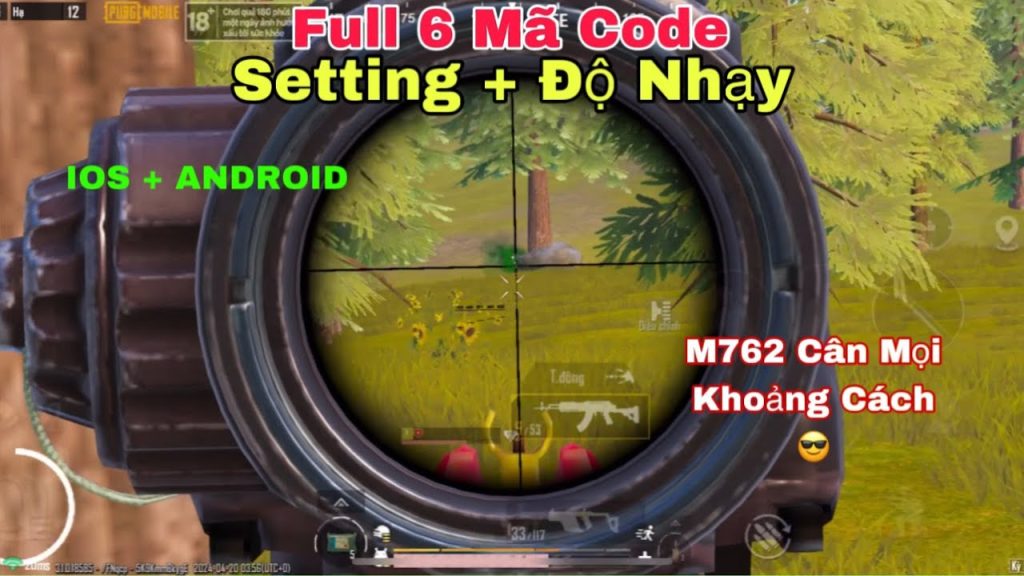
Playing on a 2GB RAM phone? The M762 can still be deadly with the right low-end phone control codes. This layout removes all unnecessary buttons (emote, vehicle buttons) and reduces graphics to smooth. The fire button is placed at the bottom-right corner for easy tapping, and the ADS button is slightly above it. Use a red dot or 2x scope only – higher zooms will lag your frame rate and mess with your spray.
6. Six-Finger Claw Code for M762: Pro-Level Spray
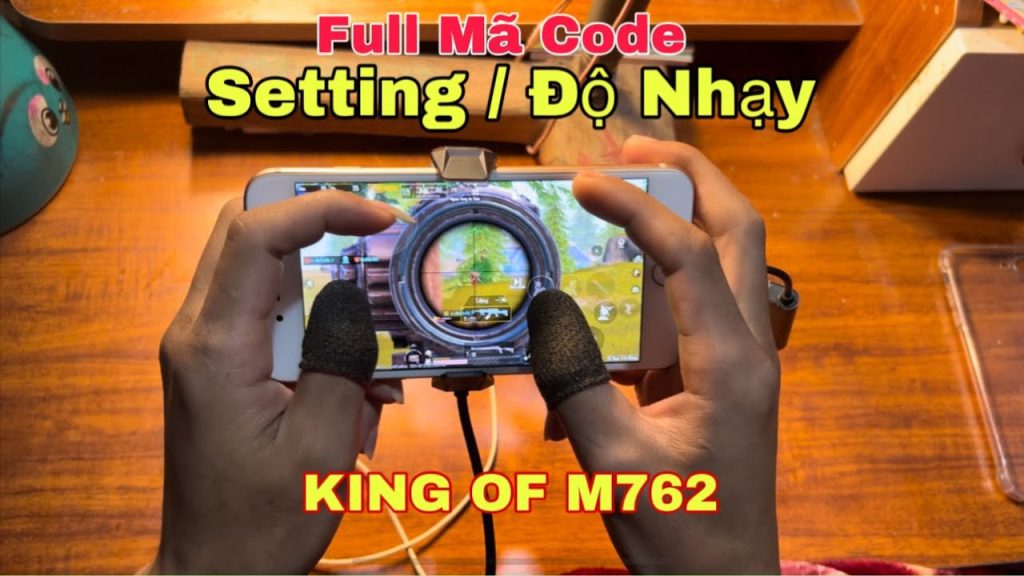
If you’re serious about competitivenes, six-finger claw layouts give you unmatched control. For the M762, this code uses index fingers for aim and fire, middle fingers for lean left/right, and thumbs for movement and scope. The result? You can jiggle-peek and full-spray without lifting a finger. We’ve included a popular six-finger claw layout that pros use to dominate close-range fights with the M762.
7. Emulator Control Codes for M762: Keyboard & Mouse
Playing on BlueStacks? The M762 becomes a laser with keyboard and mouse – but only if your key binds are optimized. These emulator control codes map fire to left click, ADS to right mouse button, and lean to Q/E. The sensitivity is lower (around 30-40 in-game) to match mouse DPI. This layout also includes a dedicated crouch key on space for quick sprays while sliding. Perfect for those who prefer PC-like control.
8. Long-Range Tap-Firing Control Codes for M762
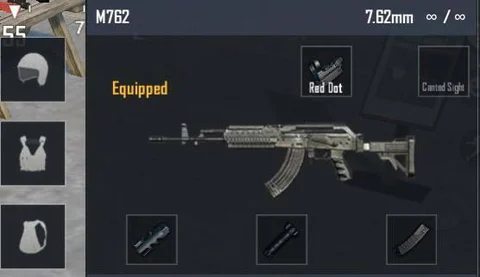
The M762 isn’t just for close-range sprays – it’s a versatile DMR-style weapon at range if you tap-fire. This control code rearranges your fire button into a single-tap pattern (tap, reset, tap) and uses a 6x scope (zoomed down to 3x). The gyro sensitivity is lowered to 100% for precise micro-adjustments. Practice this layout in training ground to master the M762’s tap-firing rhythm.
9. Aim Assist Control Codes for M762 Tracking
Aim assist can either help or hinder your M762 game. This control code is designed to work with aim assist control codes – it adjusts the aim assist bias to ‘medium’ and places the scope button near the center to avoid triggering aim assist on the wrong target. The fire button is slightly larger to ensure your taps register during fast CQCs. It’s a balanced code for players who want a little help without losing control.
10. Weapon Switching Code for M762 + Secondary
Swapping between your M762 and a DMR or SMG needs to be seamless. This control code uses a two-button weapon switch (weapon swap and quick switch for specific slot) placed on the right side between the fire and scope buttons. The buttons are semi-transparent to avoid visual clutter. Practice switching in the heat of battle and you’ll never get caught reloading at the wrong time.
These 10 control codes cover every playstyle for the M762. Whether you prefer gyro, claw, or emulator, there’s a layout here that will help you control its recoil and dominate your matches. Remember to test each code in training mode before taking it into ranked, and don’t forget to update your control codes regularly as the game updates. Find the one that clicks, practice your spray, and watch your K/D climb.