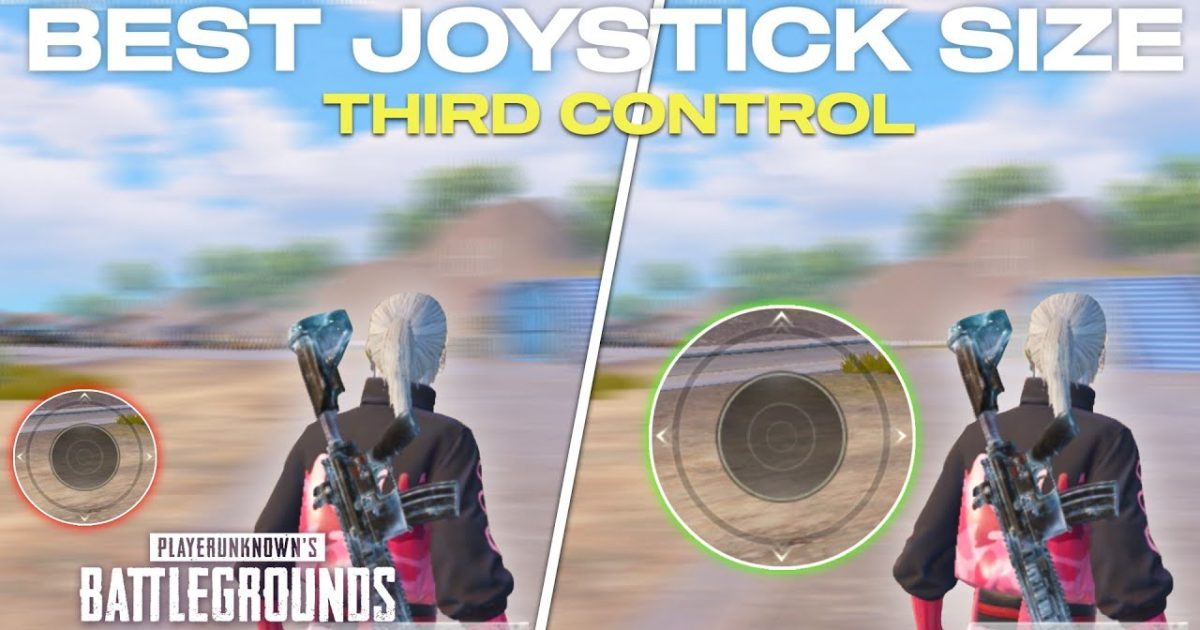
You’ve probably spent hours tweaking your sensitivity, but have you ever touched your joystick size? It’s one of those underrated settings that can make or break your movement. Whether you’re jiggle-peeking, sliding, or tracking an enemy, the size of your joystick determines how precise your inputs are. In this post, we’re diving into PUBG control codes that are optimized for specific joystick sizes — so you can find the perfect balance between speed and control.
Why Joystick Size Matters More Than You Think
Your joystick size directly affects how much finger movement is needed to reach the edge of the dead zone. A larger joystick gives you finer control because you have more physical travel distance for the same input. A smaller joystick lets you flick faster but can make micro-adjustments harder. The key is matching the size to your playstyle. If you’re using a 2 finger setup, a medium-to-large joystick often feels more stable, while claw players might prefer a smaller one for quick direction changes.
The Perfect Movement Joystick Size for Different Grips
For thumb players, a joystick size around 120-140% of default provides a good mix of responsiveness and control. Claw players, who have more fingers on screen, can get away with 100-120% because their other fingers handle aiming. If you’re a gyro user, your movement joystick can be smaller since you rely on tilt for aim correction. Experiment with the control codes provided later to instantly apply these sizes without manual scaling.
Aiming Joystick Tweaks for Precision
The aiming joystick (the right one) has a different job. For precise shots, especially with DMRs or snipers, a larger aiming joystick (130-150%) helps you make tiny adjustments. Pair this with aim assist control codes to keep your crosshair on target. For close-range spray with an M762, a medium aiming joystick (110-120%) allows faster flicks while still controlling recoil. Our M762 spray control codes include optimal joystick sizes for that exact weapon.
Gyroscope Users: How Joystick Size Affects Gyro Aim
If you use gyro, your joystick size becomes even more critical. A large joystick can cause over-correction when combined with phone tilting, while a tiny joystick might feel too twitchy. Most gyro players prefer a movement joystick at 100-110% and an aiming joystick at 120-130%. This way, the gyro handles fine aim while the joystick handles initial direction. Use the control codes guide to find pre-made layouts that balance both.
Claw vs. Thumb: Choosing Joystick Size for Your Playstyle
Claw players benefit from smaller joysticks because they have more fingers doing different tasks. For a three-finger or four-finger claw, set your movement joystick to 100% and aiming joystick to 110%. Thumb players need larger targets — go for 130% on movement and 140% on aiming. The 2 finger setup control codes we’ve linked include pre-tested sizes for thumb users who want consistency.
How to Adjust Joystick Size Using Control Codes
You don’t have to manually drag the joystick edges every time. Instead, import a control code that already has the sizes dialed in. First, copy the code from a trusted source. Then, open PUBG Mobile, go to Settings → Controls → Custom Layout, tap the import button, and paste the code. We’ve written a step-by-step guide on importing control codes that covers the entire process. After importing, you can still tweak the joystick size by tapping the gear icon on each joystick.
Best Control Codes for Large Joystick (Stable Movement)
If you prefer stable, deliberate movement — great for peeking and long-range fights — look for codes with a large movement joystick (140% or more). These layouts often pair with a medium aiming joystick to keep recoil manageable. Try codes tagged for “stable” or “tactical” layouts. We recommend using weapon switching control codes that also feature large joysticks so you can quickly swap between weapons without losing control.
Best Control Codes for Small Joystick (Quick Flicks)
For aggressive, close-quarters play, a small movement joystick (90-100%) allows instant direction changes. Combine this with a small aiming joystick for lightning-fast 180s. These codes are popular among pro players who use high sensitivity. Check the esports-oriented codes in our control codes guide – many are built around small joysticks for maximum speed.
Testing Your Joystick Size – How to Find Your Sweet Spot
Don’t just pick a size and forget it. Hit the training ground and test: try strafing, tracking a moving target, and switching directions. If you feel overextended, decrease the size. If you feel jerky, increase it. Record your gameplay to see if your crosshair overcorrects. The goal is a joystick that feels like an extension of your thumb. Once you find it, save that control code for future use.
Common Mistakes with Joystick Size in Control Codes
One big mistake: using the same joystick size for both movement and aiming. They serve different purposes, so don’t be lazy. Another: ignoring the dead zone. If your joystick is too large but your dead zone is small, you’ll get unintended movement. Always adjust both together. Also, avoid copying codes without understanding the size rationale. Our aim assist control codes always specify the intended joystick size, so read the description before importing.
Finding the right joystick size isn’t a one-size-fits-all deal. It’s about matching your hardware, grip, and playstyle. Use the linked control codes as starting points, tweak from there, and soon you’ll be moving like a pro. Remember, small adjustments can have a huge impact on your gameplay, so take the time to dial it in.



