
If you’re tired of fumbling with two thumbs, the 3-finger claw setup is the gateway to smoother movement, faster peeks, and insane recoil control. But finding the right layout code is trial-and-error. That’s why we tested dozens of codes from pro players and community favorites, focusing on compatibility, sensitivity, and button placement. Here are 10 3-finger layouts that actually work in the latest update. For more options, check out our current update control codes and best PUBG mobile control codes.
1. Gyro-Assisted 3-Finger Code for Silky Aim
This layout leverages gyro for fine-tuning your aim while keeping your index finger on the fire button. The code places the scope button top-left and the fire button top-right, so your thumb handles movement and your middle finger handles lean. It’s perfect for players who want to combine the precision of gyro layout codes with the speed of claw. Use this if you struggle with spray control at mid-range.
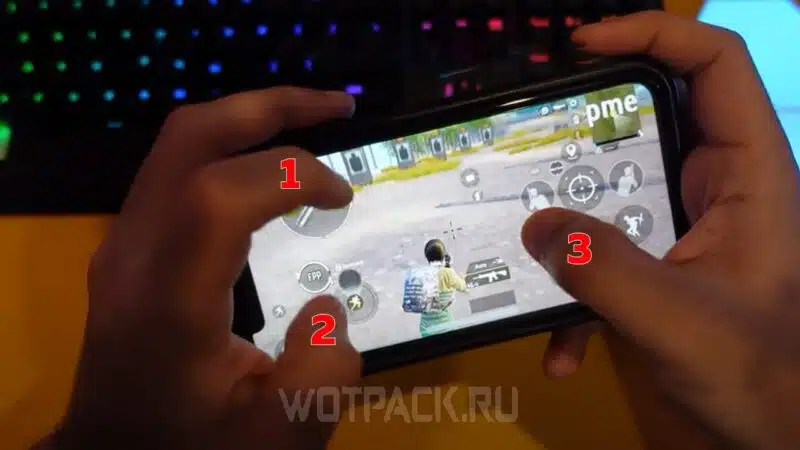
2. Peek & Shoot Master Code
A favorite among aggressive players, this code maps peek buttons to the left side and shoot to the right index finger. You can instantly peek and fire without lifting your thumb off the movement joystick. It’s a variation of the peek and shoot codes we’ve highlighted before, but optimized for three fingers. Expect faster peeking and less time exposed.

3. Quick Scope & Strafing Code
Designed for sniper and DMR users, this code puts the scope button under your left index finger and the fire button under your right index. The thumb remains free for strafing and crouching. The result? You can quick-scope and strafe simultaneously, making you a hard target. If you’re into pro PUBG control codes, this one is a must-try.
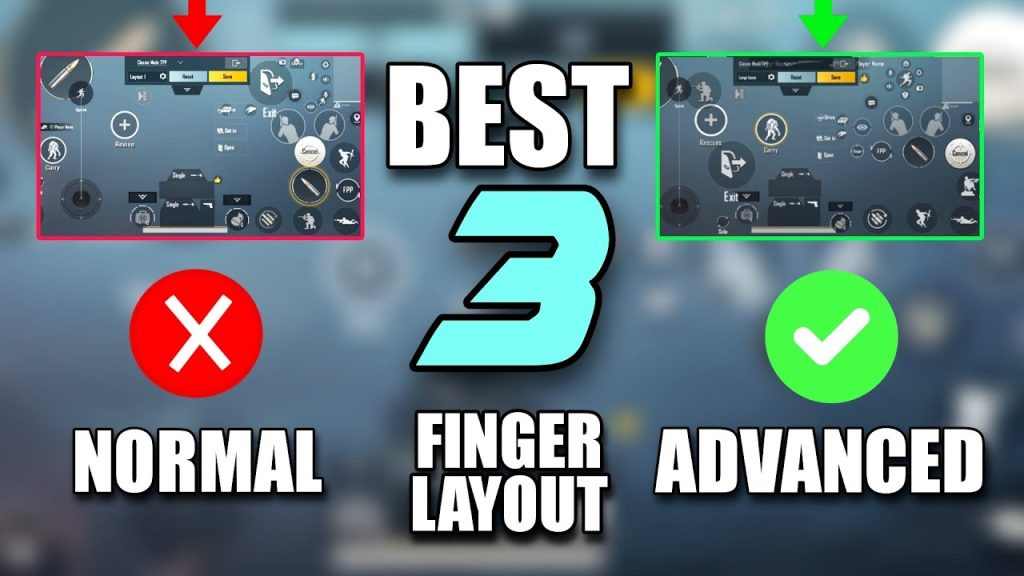
4. Jiggle Movement Code
Jiggle movement is key to winning close-range fights. This code moves the joystick area smaller and places the jump and crouch buttons within easy reach of your thumb. Your index fingers handle fire and scope. The code also tweaks sensitivity for quick direction changes. Perfect for SMG rushes. See our claw layout codes for similar setups.

5. Hip Fire Monster Code
When you’re in CQB, hip fire accuracy matters. This code removes the scope button entirely during hip fire and dedicates both index fingers to shooting and crouching. Your thumb focuses solely on crosshair placement. It sounds simple, but the code optimizes button opacity and size so you never fat-finger the wrong action. Combine with gyro for best results.
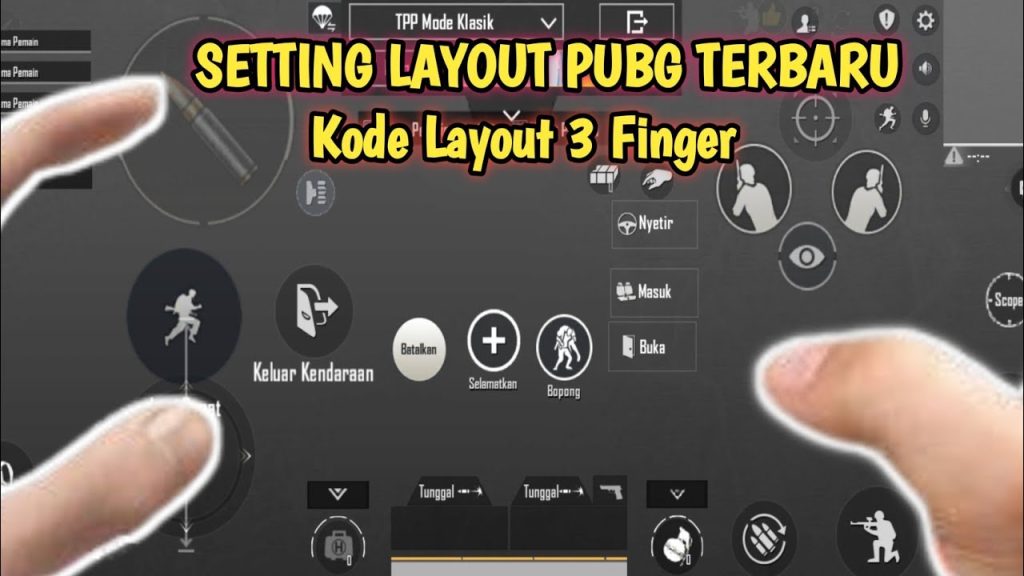
6. Long Range Tap Code
For players who prefer single-tap DMRs, this layout shifts the fire button to the left index finger and the scope to the right thumb. Your right index is free for leaning. This setup reduces shot delay and helps you maintain sight alignment. It’s a niche layout but deadly in the hands of a patient player. You can find similar codes in our 6-finger guide, but trimmed to three.
7. SMG Rush Code
Aggressive SMG players need fast access to prone, jump, and sprint. This code places those buttons on the right side of the screen, easily pressed by your thumb while your index fingers manage shooting and scoping. The code also adjusts ADS speed for close-quarters. It’s a favorite among Indonesian players, as seen in our Indonesia-specific codes.
8. Auto Pickup & Quick Heal Code
Looting and healing quickly can save your life. This layout enlarges the auto-pickup area and moves the heal buttons to the left side, activated by your left index. Your right index stays on the trigger. The code also disables item pickup confirmation to speed things up. If you want more efficiency, check our quick heal codes for other variations.
9. No-Gyro CQB Code
Not everyone likes gyro. For pure thumb and finger control, this code maximizes button real estate. The scope and fire buttons are larger and placed near the edges, while the prone and crouch buttons are in the center. It’s a straightforward layout that prioritizes muscle memory. Perfect for players transitioning from 2-finger to 3-finger claw. You can adapt it from our thumb setup codes.
10. Balanced All-Rounder Code
This code is your daily driver. It balances every aspect: fire, scope, movement, leaning, and utility. The buttons are arranged in an intuitive triangle pattern that feels natural after a few matches. It’s compatible with most devices and works well with or without gyro. If you’re not sure where to start, this is the one. And remember, always test codes in the training ground first. We’ve compiled more pro PUBG control codes if you want to explore.
Picking the right layout code is personal, but these 10 are battle-tested and ready to copy. Try a few, tweak the sensitivities, and see which one feels like second nature. Don’t forget to check out our other control code guides for more setups, like the gyro layout codes and peek and shoot codes we mentioned. Game on!



