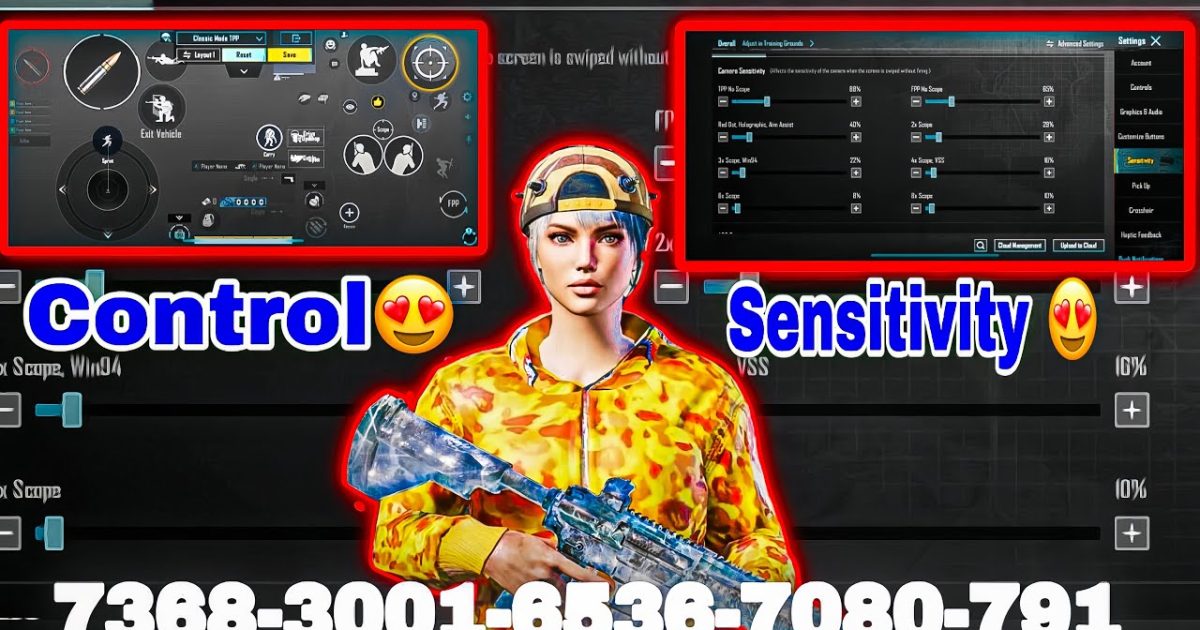
Want to play like a PUBG Mobile pro? It’s not just about reflexes — it’s about the control codes. Top players spend hours fine-tuning their settings to gain that split-second advantage. We sifted through pro streams, tournament replays, and community forums to bring you seven professional PUBG control codes that actually work in 2025. Each one targets a specific playstyle or mechanic, and they’re all free to import. Let’s dive in.
1. The Classic 4-Finger Claw Code for All-Round Dominance
If you’re still playing with thumbs, you’re leaving kills on the table. The 4-finger claw is the gold standard for competitive PUBG Mobile, letting you shoot, scope, move, and duck simultaneously. This layout places fire and scope on your top left and right fingers, while thumbs handle movement and looting. The exact code? Open Settings → Controls → Custom Layout, then import the claw preset from your clipboard. For a ready-to-use code, check out our dedicated pubg mobile control codes with 4 finger claw guide. It includes optimized button sizes and spacing for different hand sizes.
Pro tip: After importing, test in the training ground. Adjust the fire button transparency to 50% so it doesn’t block your view. Many pros also lower the left fire button opacity for better peripheral vision.

2. Gyro-Enhanced Control Code for Laser Beams
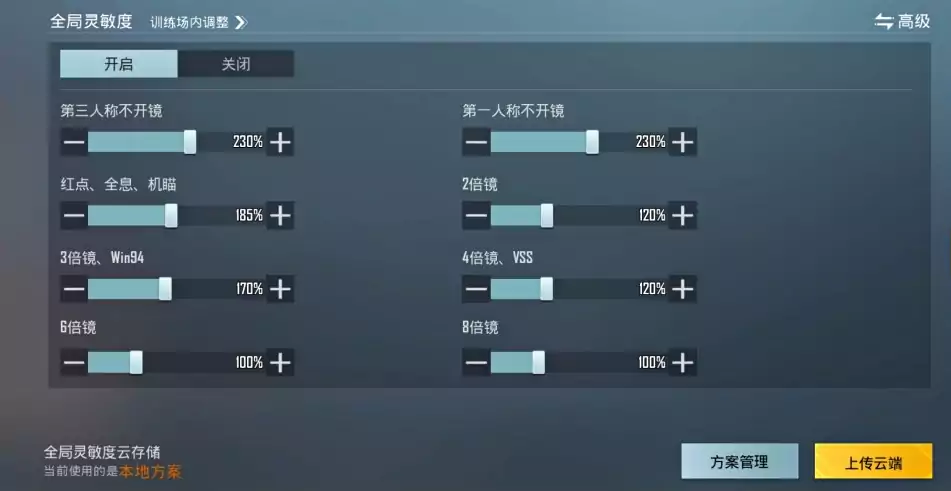
Gyro controls turn your phone into a steering wheel for your aim. When you tilt the device, the crosshair moves — perfect for micro-adjustments and tracking enemies. Most pros use a combination of gyro for scoped aim and thumbs for general look. This control code sets gyro sensitivity to 300% for 4x and 6x scopes, with a 0% dead zone. For a step-by-step import, see our pubg control codes and gyro settings article. The code includes a custom HUD where the gyro fire button is slightly larger to avoid accidental touches.
Pair this with the right sensitivity: set your camera sensitivity low (like 60%) and ADS sensitivity high (100%). That way, gyro compensates for recoil while your thumb stays relaxed. It takes a day or two to get used to, but once it clicks, you’ll wonder how you ever played without it.
3. Aggressive SMG/Rush Control Code for Close-Quarters
SMGs like the Vector and UMP shred in close range, but they demand rapid response. This pro code optimizes for hip-fire spamming and jiggle-peeking. The layout drops the right fire button lower and increases its size to 120%, so you can spam without missing. Ads button is moved to the top-left corner, enabling quick scope + fire combos. For the exact numbers, browse our pubg control codes for smg rush list. This code also widens the joystick area for better strafing.
Works great with the Uzi — check out our dedicated pubg control codes for uzi setup. Remember to turn on the ‘auto-hip-fire’ option in settings; it helps when you’re panicking in a hot drop.
4. The Pro Quick Heal Control Code
Ever fumbled with meds mid-firefight? This control code rearranges your health items so that medkits, energy drinks, and painkillers are a single tap away. The key is moving the med pack icon to the left side of the screen where your thumb naturally rests. Also, enlarging the first-aid button to 150% reduces misclicks. For the full layout, check out our pubg control codes for quick heal article. Pros also map a separate button for boost-only, useful when you need to top off before a push.
5. The All-Rounder Classic Match Control Code
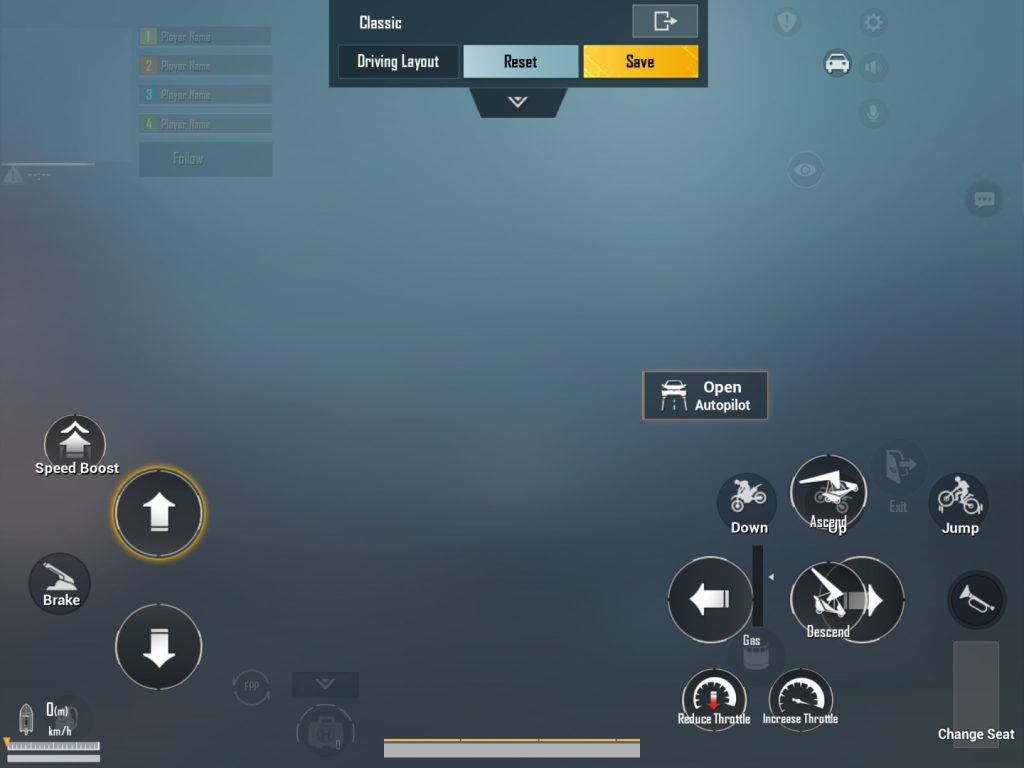
Not every match is a hot drop. Sometimes you need a balanced layout that works from early looting to final circles. This pro classic mode code keeps a standard 4-finger claw but adds a dedicated ‘auto-pickup’ trigger and a quick-map button. The map button is shrunk to 80% and placed near the mini-map to avoid accidental touches during combat. Import the preset from our pubg control codes for classic match guide. It’s the same base that many professional players use in tournaments.
The layout also includes a separate scope magnification toggle (not the default double-tap) to switch between 3x and 6x without breaking your aim.
6. Recoil Zeroing Control Code for Laser Accuracy
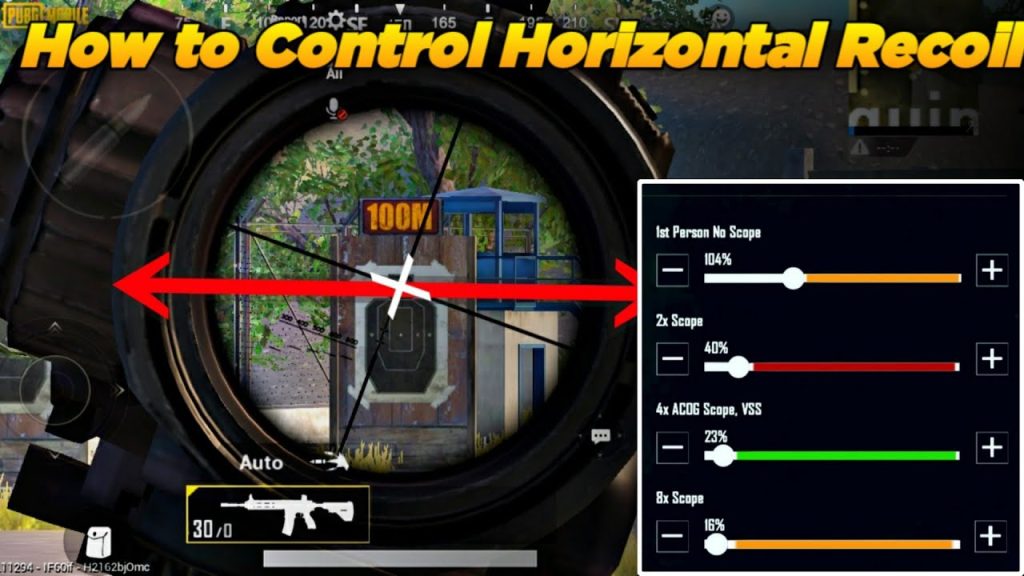
Recoil control isn’t just about pulling down; it’s about consistency. This pro code uses a combination of high-vertical sensitivity (120%) and a custom crosshair placement that forces your aim to reset after each burst. The layout places the scope button exactly where your middle finger sits when gripping the phone. For a full breakdown, visit our pubg control codes for recoil control page. Many pros also desync their left and right fire buttons: left for hip-fire, right for ADS, each with separate sensitivity curves.
This code pairs perfectly with the M416 — check out the pubg control codes for close range m416 for additional tweaks.
7. The 6-Finger Claw Code for Maximum APM
For the elite few, 6 fingers is the endgame. This layout uses two more fingers (ring fingers) for grenades, meds, and map, freeing your thumbs for movement only. The learning curve is steep, but the payoff is insane. Our bgmi control codes for 6 finger article has the exact code for BGMI, which works on Global PUBG Mobile with minor adjustments. The key is a vertical button stack on the left side: top finger for nades, middle for meds, bottom for crouch.
If you’re new to claw, start with a 4-finger layout first (like our pubg claw layout code). Once comfortable, add the extra fingers gradually. Pro tip: use a tablet or phone with a large screen for 6-finger setups — it reduces cramping.
Final Thoughts
There you have it — seven professional PUBG control codes that top players rely on. Each one is tuned for a specific playstyle, so try them out and see which fits your game. Remember, importing a code is just the first step; spend 10 minutes adjusting opacity and button sizes to match your hands. The real magic happens when the layout becomes second nature. Happy grinding, and see you in the top 100!



