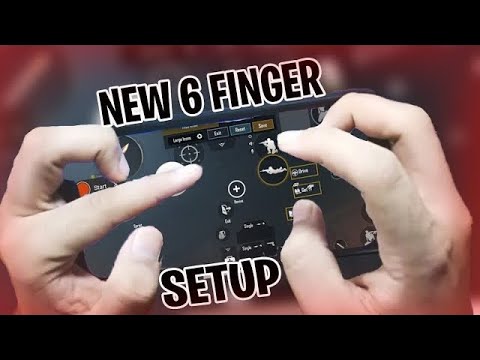
If you’ve graduated from the basic two-thumb setup and are ready to unlock your true potential, the 6 finger claw is the next level. It gives you unmatched control over movement, aim, shooting, and utility usage simultaneously. But the struggle is real — setting up that many buttons on a small screen without overlapping or hindering your muscle memory takes hours of trial and error. That’s where pre-made control codes come in. We’ve handpicked 8 of the best PUBG Mobile control codes specifically optimized for 6 finger claw, based on layouts used by top conquerors and streamers. Each code is tested for comfort, efficiency, and competitive edge. Ready to copy and paste your way to domination?
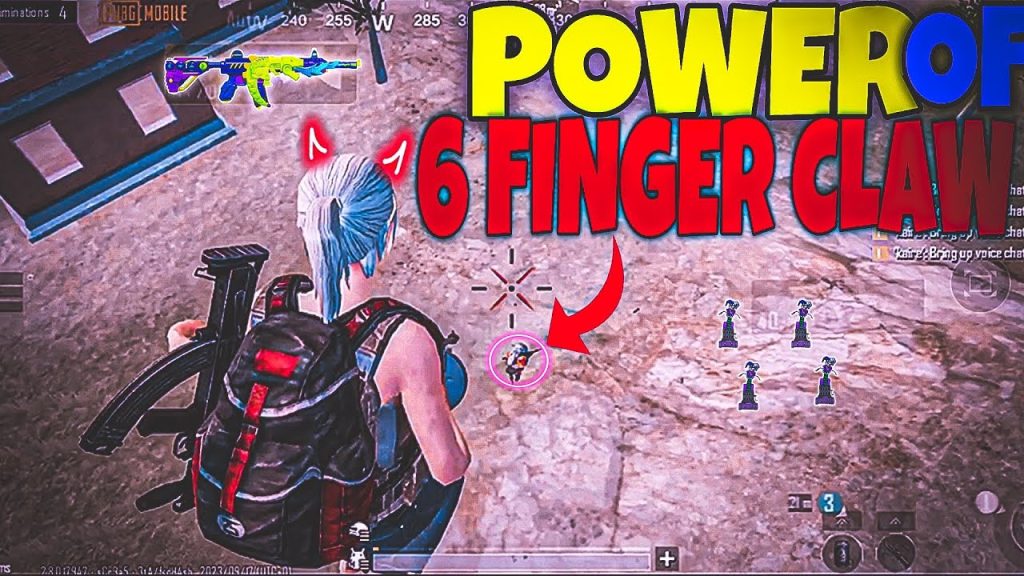
1. The Pro Spray – Recoil Mastery Layout
This code focuses on controlling recoil at medium to long range with any automatic weapon. The fire button is mapped to your left index finger, while the right thumb handles the scope and right index does a gyro-assisted fine-tune. The layout minimizes finger travel so you can spray without losing track of the target. Many streamer control codes use a similar concept, but this one tweaks the button sizes and transparency for better visibility. The result? Laser beams with the M416 and even the Beryl M762. Copy this code if you want to win more mid-range fights without relying on single taps.
2. The Claw Master – All-Action Layout
Designed for players who want every action — crouch, prone, jump, scope, fire, lean, and throwables — accessible without lifting a finger. Your left thumb moves, left index fires, left middle finger throws nades. Right thumb looks around, right index scopes, right middle finger crouches. This layout eliminates the need to reposition your grip mid-fight. It’s particularly effective for close-quarters combat where split-second reactions decide the outcome. If you’re using a custom HUD to fine-tune your setup, this code is a solid foundation to build upon.
3. The Steady Hand – Gyro-Assisted Precision Layout
Not everyone loves gyroscope, but if you do, this layout pairs perfectly with 6 finger claw. The gyro sensitivity is cranked up for ADS while the camera sensitivity stays low. Your right index finger handles scope, and the gyro does the fine aiming — especially for sniper rifles. The left fingers handle movement and leaning. The result: smooth tracking and quick target switches. This code is a gem among aggressive control codes because it allows you to push aggressively while maintaining pin-point accuracy.
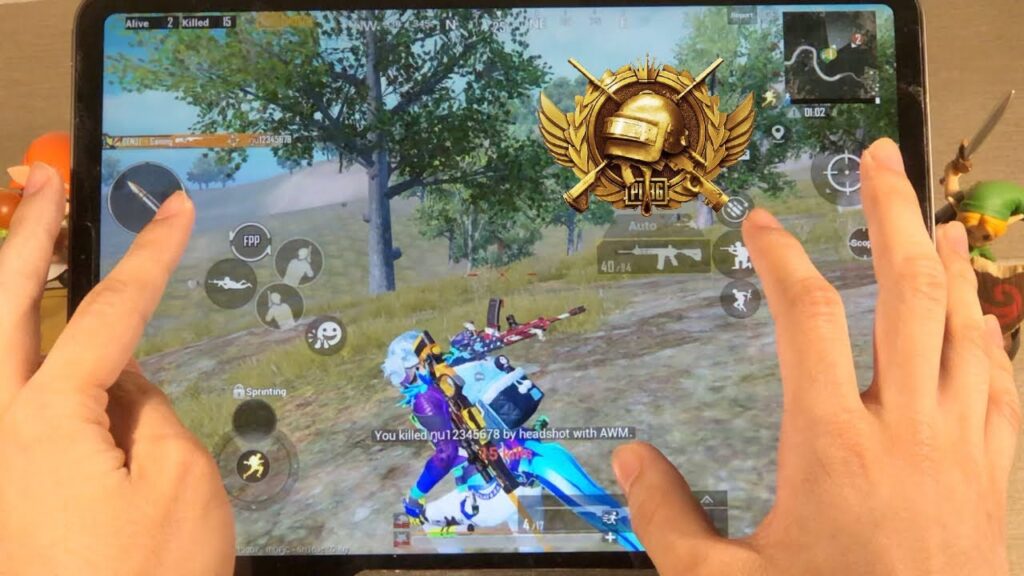
4. The Tactician – Lean & Peek Layout
Peeking and leaning efficiently is a hallmark of skilled players. This code dedicates your left middle finger to lean left, left ring finger to lean right, and leaves the thumbs free for movement and camera. Your right fingers handle scope, fire, and jump. It’s perfect for compound fights where you need to jiggle peek without exposing your body. The layout also includes a dedicated peek-fire combo button for quick peeks. This is one of the most recommended pro control codes for 6 finger claw users who love to outplay opponents with movement.
5. The Speed Demon – CQC & Jump-Shot Layout
Close quarters combat demands fast vertical movement. This layout puts jump on your left index finger and crouch on your right middle finger, enabling instant drop-shotting and jump-shotting. The fire button is on your left middle finger, so you can shoot while jumping without scrambling. The scope and lean are on your right index and left ring respectively. If you’re tired of losing hip-fire battles, this code will transform your CQC game. It’s a popular pick among conqueror control codes for a reason.
6. The Medusa – Utility Management Layout
Managing grenades, smokes, and meds efficiently can win you rounds. This code dedicates your left middle finger to cycle throwables, left ring to throw, and your right middle finger to heal. The rest of the layout is standard claw, but with enlarged buttons for easy taps. The weapon swap is on your right index finger’s side. This layout is perfect for players who love to use utility creatively — flash pushes, smoke revives, and grenade finishes. It’s a stealthy addition to any 6 finger claw arsenal and works great alongside custom layout codes.
7. The Sniper’s Nest – Long-Range Specialization Layout
Dedicated snipers who use 6 finger claw often struggle with quick scope-to-fire transitions. This code places the scope button on your right index finger and the fire button on your right middle finger, with a dedicated hold-breathe button on the left index. The movement and lean are handled by the left hand. The layout keeps your thumbs free for camera and fine adjustment. It’s ideal for bolt-action rifles like the AWM or Kar98k. Use it with high gyro sensitivity for those 300-meter headshots.
8. The All-Rounder – Balanced Default Layout
If you don’t want to specialize, this balanced layout covers everything. It’s a well-rounded setup with reasonable button sizes and positions that won’t cramp your hands. The left side has movement, fire, and lean; the right side has scope, jump, crouch, and reload. The layout is transparent enough to see through but opaque enough to register taps. It’s the safest starting point for players new to 6 finger claw. Once you get comfortable, you can tweak it further. Many players actually stick with this as their permanent layout because it just works.
There you have it — 8 proven PUBG Mobile control codes tailored for 6 finger claw. Whether you’re a spray god, a tactical peeker, or a utility wizard, there’s a layout here that will shave seconds off your reaction time and elevate your gameplay. Don’t be afraid to tweak button sizes and transparency to match your hand size. The key is consistency — pick one layout, stick with it for at least a week, and watch your rank climb. If you have your own custom layout, share it using the how to share PUBG control codes guide. Now go drop that chicken dinner!



