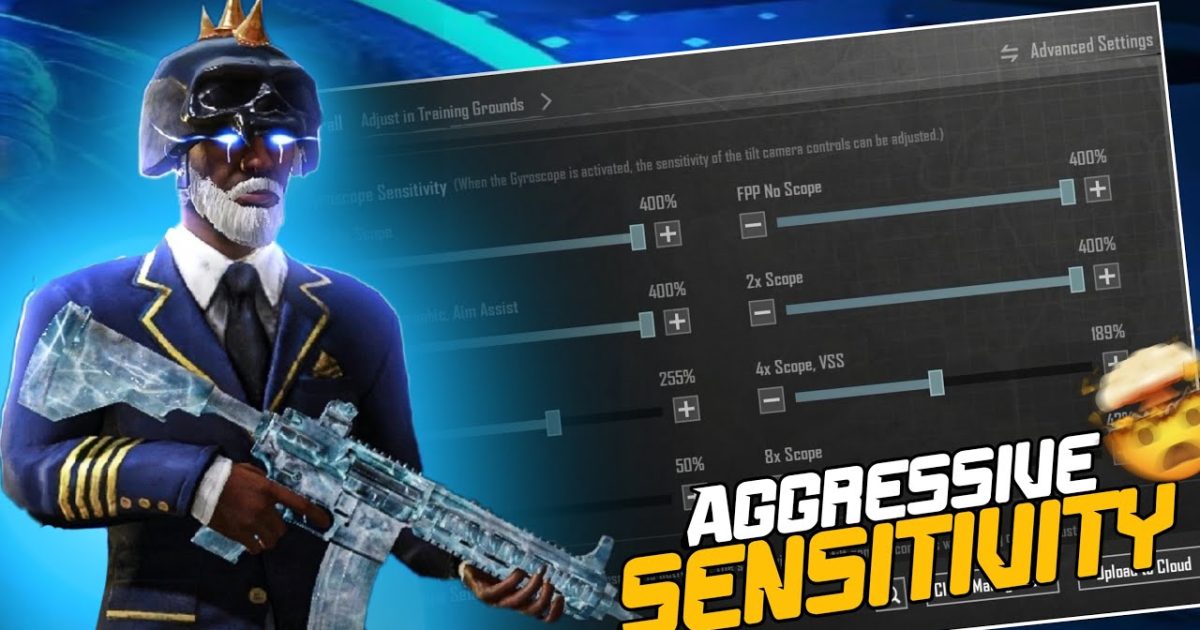
If you’re the type of player who runs toward gunshots, slides through doorways, and never lets the enemy breathe, you need control codes that match your aggression. The default layout will get you killed when you push a house on auto-pilot. These 10 aggressive PUBG control codes are handpicked from top fraggers, Conqueror players, and relentless rushers. They prioritize fast peeks, instant prone, hip-fire accuracy, and split-second grenade throws. Every code here was tested in hot drops and ranked lobbies. Ready to become the aggressor? Let’s dive in.
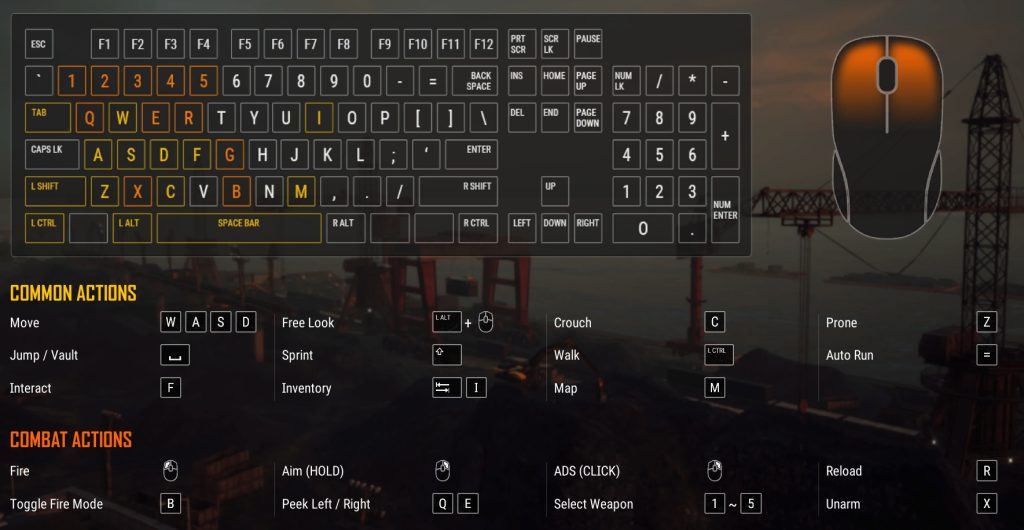
1. The Instant Prone + Fire Combo
Nothing says aggressive like dropping to the ground mid-gunfight to dodge bullets while landing headshots. This code places the prone button right next to the fire button on the left side—so you can instantly go prone and shoot without moving your thumb. It’s a game-changer in close quarters where every millisecond counts. Pair it with high sensitivity for recoil control and you’ll win fights you had no business winning. Check out the pro PUBG control codes list for more layouts that emphasize quick actions.
2. Left-Side Peek and Fire (Three-Finger Claw)
Aggressive peeking is all about exposing as little of your body as possible. This code uses a three-finger claw layout that separates peek, lean, and fire onto separate fingers. Your left index finger handles the peek button, your left thumb moves, and your right thumb aims and fires. It’s the standard for pro rushers—you can lean left, shoot, and then lean back before the enemy even registers your position. If you’re new to claw, start with this code—it’s aggressive but not overwhelming.
3. Gyro-Enhanced Hip Fire for CQC
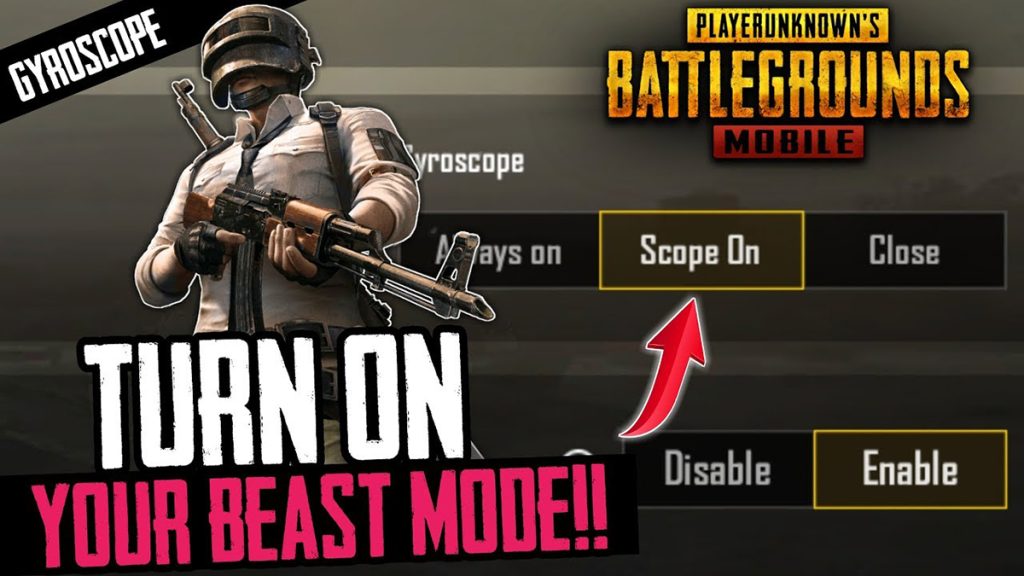
Hip fire at close range wins battles. This code pairs a giant hip-fire zone (no scope) with maxed-out gyroscope sensitivity. When you tilt your phone, your crosshair moves faster than any thumb can manage, allowing you to track sliding enemies and land shots without aiming down sights. The gyro tutorial from our library explains how to set it up, but this code has the gyro sensitivity already dialed in for aggressive CQC. Just copy and paste, then practice in TDM.
4. The Bunny Hop + Scope Layout
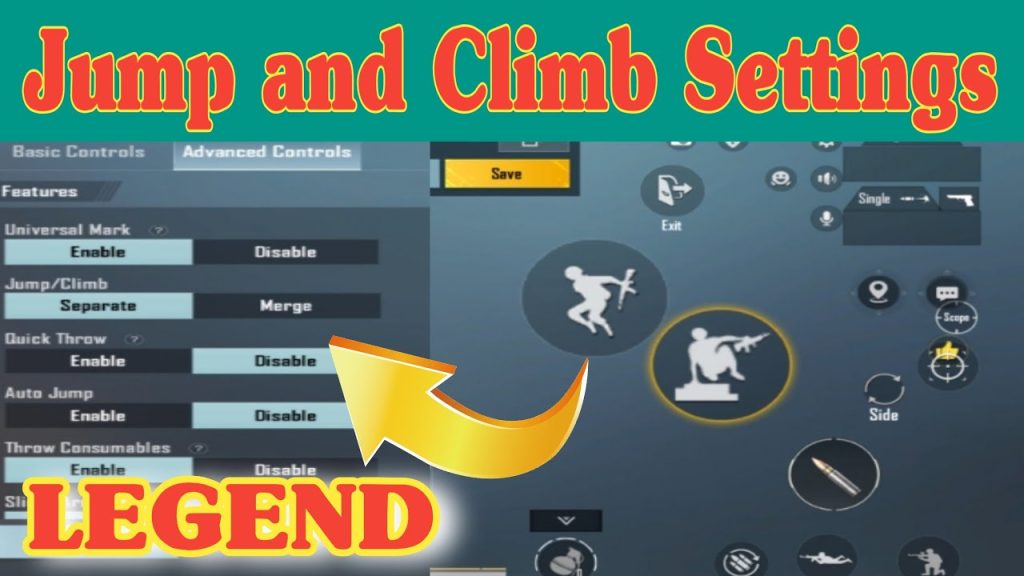
Bunny hopping while maintaining aim is a signature of aggressive players. This code arranges the jump and scope buttons so that your right thumb can quickly jump while your left thumb adjusts aim. The jump button is slightly larger and moved to the lower right, making it easy to spam. Combined with a low-scope sensitivity, you maintain accuracy while hopping around corners. This layout is popular in the conqueror control codes set because it catches defenders off guard.
5. Quick Grenade Throw (Cooking Frags)
Pushing a room? Cook a frag first. This code moves the grenade button to the top center and adds a dedicated ‘cook’ gesture. With this layout, you can pull the pin, hold for a second, and release the throw button right as you enter—the grenade explodes on arrival. No more awkward fumbling through the inventory wheel. It’s a must-have for aggressive players who clear buildings. We’ve included this layout in our top player control codes collection too.
6. Full Auto Tap-Fire for SMGs
SMGs like the UMP45 or Vector shred in close range, but tap-firing is sometimes better for control. This code includes four fire buttons: one for full auto, one for tap fire (single shot), and two with different sensitivities. The tap-fire button is placed near the right edge so you can spam it while strafing. It’s aggressive because you never have to stop shooting—just switch between fire modes on the fly. Combine this with a claw layout for maximum efficiency.
7. The Slide + Jump + Peak Combo
Aggressive movement relies on chaining slides, jumps, and peaks. This code stacks these buttons in a vertical row on the right side, so your right thumb can slide, jump, and peek without lifting off the screen. The slide button is slightly larger to avoid mis-taps. Practicing this combo in the training ground will make your movement unpredictable. For more movement-focused layouts, see the pro player control codes that emphasize fluid motion.
8. Quick Scope + Lean for DMRs
If you use DMRs like the Mini-14 or SLR while pushing, you need quick scope and lean on the same side. This code puts the scope toggle next to the lean button, so you can scope, lean, and shoot in one fluid motion. The ADS button is removed—you only use the scope button. This reduces finger travel and lets you spam shots while leaning in and out of cover. It’s aggressive because you stay mobile while taking long-range picks.
9. Two-Finger Gyro + Claw Hybrid
This is for players who want the precision of gyro without giving up the speed of claw. The code uses two fingers for aiming and gyro, plus a claw hold for shooting. The fire button is placed in the upper left corner, so your left index finger can press it while your right thumb aims with gyro. It’s a great bridge between standard and claw, and many aggressive players swear by it. Check the HUD codes library for similar hybrid setups.
10. The ‘W Key’ Layout (Constant Forward + Fire)
Named after the PC W key rusher, this code locks your movement to always go forward while you focus on aiming and firing. The joystick is placed in a fixed forward position with a toggle—tap it once and your character runs straight. You can steer lightly but the default is aggressive forward momentum. The fire button is huge and centered. Use this in the final circles when you need to close distance fast. It’s risky but devastating when you catch enemies healing.
These 10 aggressive control codes aren’t just about button placement—they’re a mindset. Each one was crafted to shave milliseconds off your reaction time and let you push without hesitation. Whether you’re a claw veteran or a gyro enthusiast, there’s a layout here that will transform your playstyle. Copy the code, hit the training ground, and then drop into ranked. The enemy won’t know what hit them. For even more aggressive setups, explore the claw layout code and conqueror control codes we linked above—they’re packed with pro-level aggression.



