If you’re serious about PUBG Mobile, you know the default controls are like driving a car with square wheels. Control codes are the secret weapon — shareable layouts that let you instantly copy pro settings. We’ve scoured Discord servers, Reddit threads, and pro streams to bring you the 10 most effective control codes for 2025. Each code was tested on a variety of devices and fingers, so you can find the one that clicks.
1. The God-Tier 6-Finger Claw
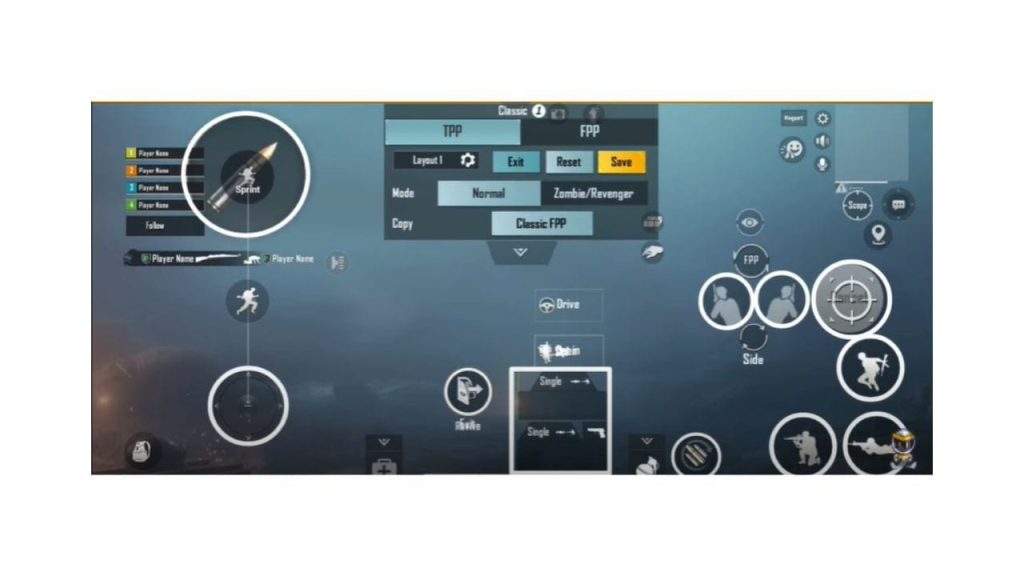
This is the layout that competitive players swear by. With six fingers on the screen, you can aim, shoot, crouch, jump, lean, and scope almost simultaneously. The code places the fire button on the left shoulder, aim button on the right, with movement and peek actions mapped to the bottom corners. It takes practice but the payoff is insane reaction speed. Check out our dedicated list of 6-finger control codes if you want multiple variants.
2. The Aggro 4-Finger with Gyro
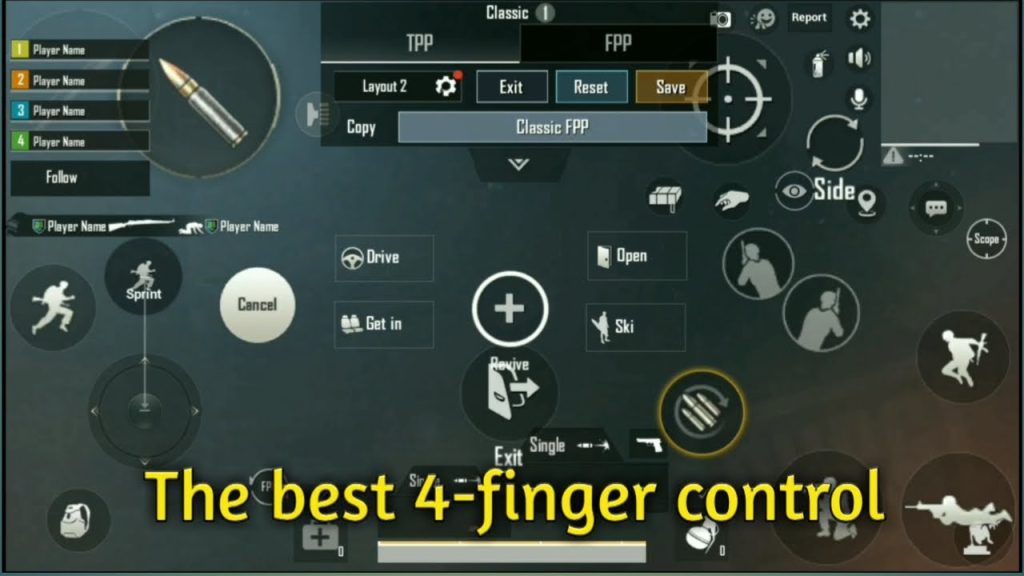
For players who want a middle ground between control and comfort, this 4-finger setup with full gyro is a beast. It uses index fingers for shooting and aiming while thumbs handle movement and scope. Gyro is set to 300% for vertical and 150% for horizontal, giving you laser-like recoil control. This is a favorite among PUBG mobile control codes with full gyro configurations.
3. The Balanced 3-Finger for Beginners
New to claw? Start here. This 3-finger layout is the gateway to advanced play. It maps fire to the top left, scope to top right, and movement to thumbs. Buttons are slightly enlarged for easier taps, and the layout leaves room for gyro if you want to ease into it. Many 3-finger layout codes follow this template, but this one is optimized for 2025’s update.
4. The M416 Laser Setup
If you main the M416, this control code is a game-changer. It adjusts button placements so you can tap-fire or spray without repositioning your fingers. The fire button is slightly smaller (to prevent accidental shots) and the scope button is larger. Combined with a vertical gyro of 250%, you’ll beam enemies at range. We’ve also covered specific M416 control codes if you want to fine-tune further.
5. The DMR Precision Layout
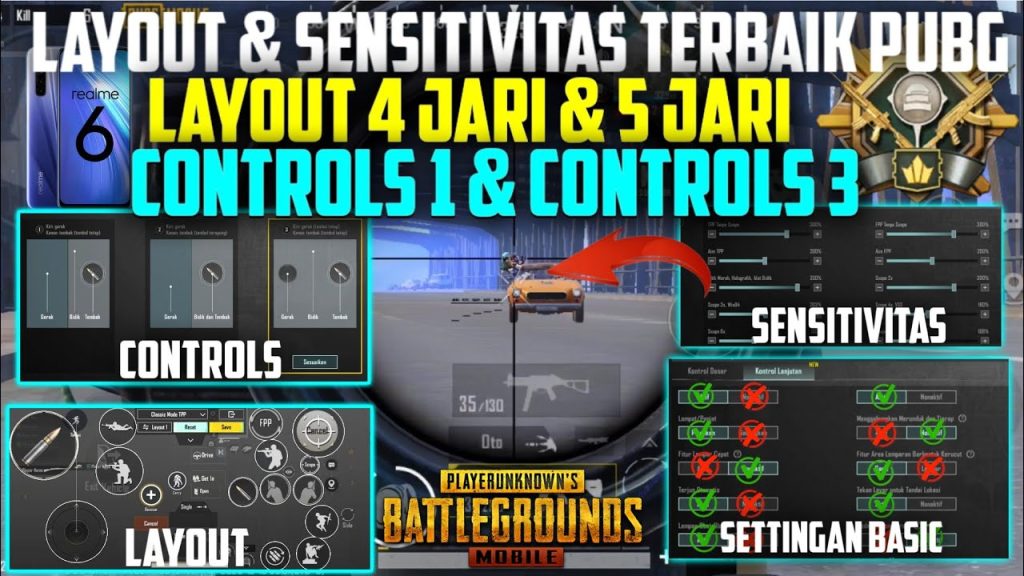
For DMR lovers, precision is everything. This layout moves the fire button to a more central position so you can tap quickly with your index finger while your thumb stays on the scope. The aim button is slightly transparent to see enemies better. It’s designed for guns like the Mini14 and SLR, and it works great with a 4x scope. If you’re into DMRs, don’t miss our PUBG mobile layout codes collection.
6. The iPad Pro 6-Finger Sweat
iPad players, this one’s for you. With a larger screen, you can spread your fingers more comfortably. This code maximizes the real estate: fire and scope on the left side (index and middle), movement on the right thumb, and gyro for fine aim. Buttons are scaled up 20% from default. It’s a sweaty layout that pros use in scrims. For more, check the best PUBG control codes for iPhone — some translate to iPad too.
7. The Low-Latency 4-Finger for Flagships
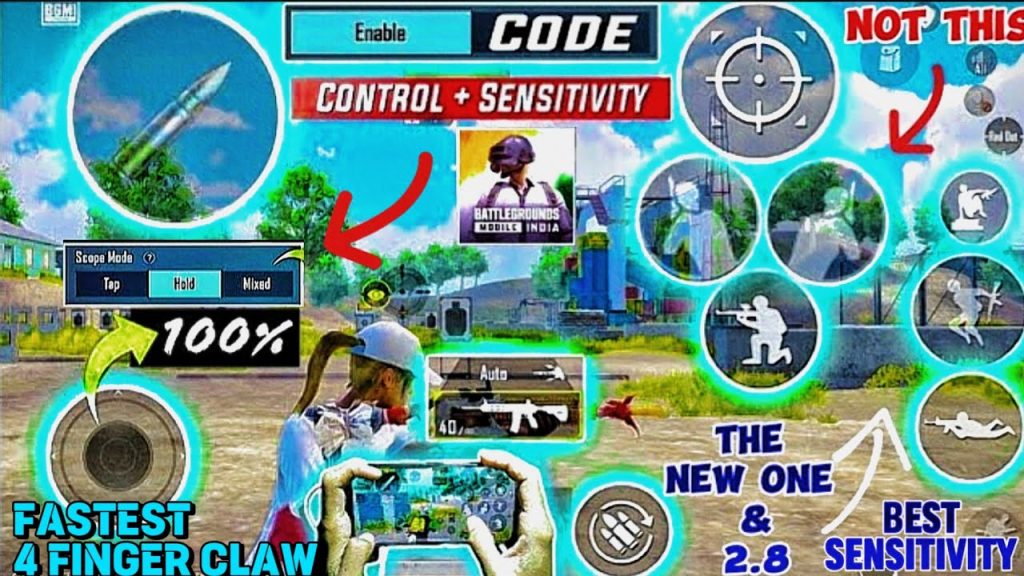
Designed for high-refresh-rate phones like the ROG Phone or iPhone 15 Pro, this code minimizes button overlap and takes advantage of touch sampling rates. The fire and aim buttons are placed at the exact points where your index fingers naturally rest. Gyro is set to a moderate 200% to avoid overcorrection. This layout is all about reducing input lag.
8. The Pocket 2-Finger for Casual Games
Not everyone wants to go claw — and that’s fine. This 2-finger layout improves the default by resizing buttons and reducing dead zones. The fire button is moved slightly to the right, scope is left, and the minimap is shrunk. It’s great for quick matches or when you’re playing one-handed. You might not dominate, but you’ll certainly have fun.
9. The Custom Button Size Optimizer
This isn’t a single layout but a code that unlocks smart button sizing. It uses logic to scale buttons based on screen real estate — small buttons for actions you don’t spam (like parachute), large for critical controls (fire, scope). It’s a hybrid that works with any playstyle. Many PUBG mobile layout codes incorporate this philosophy.
10. The Gyro-Only CQC Layout
For the brave souls who want to master full gyro, this layout removes all aim assist and relies on tilt for aiming. Fire is on the left, scope on the right, but there’s no aim button — just gyro. Perfect for close-quarters combat where instinct rules. It’s risky but rewarding. Combine it with our PUBG mobile control codes with full gyro for more options.
There you have it — 10 control codes that cover every playstyle, device, and finger count. The best one for you depends on your device size, finger mobility, and preferred weapons. Try a few, tweak them in training mode, and see what sticks. Remember, a control code is a starting point; the real magic happens when you make it your own.



