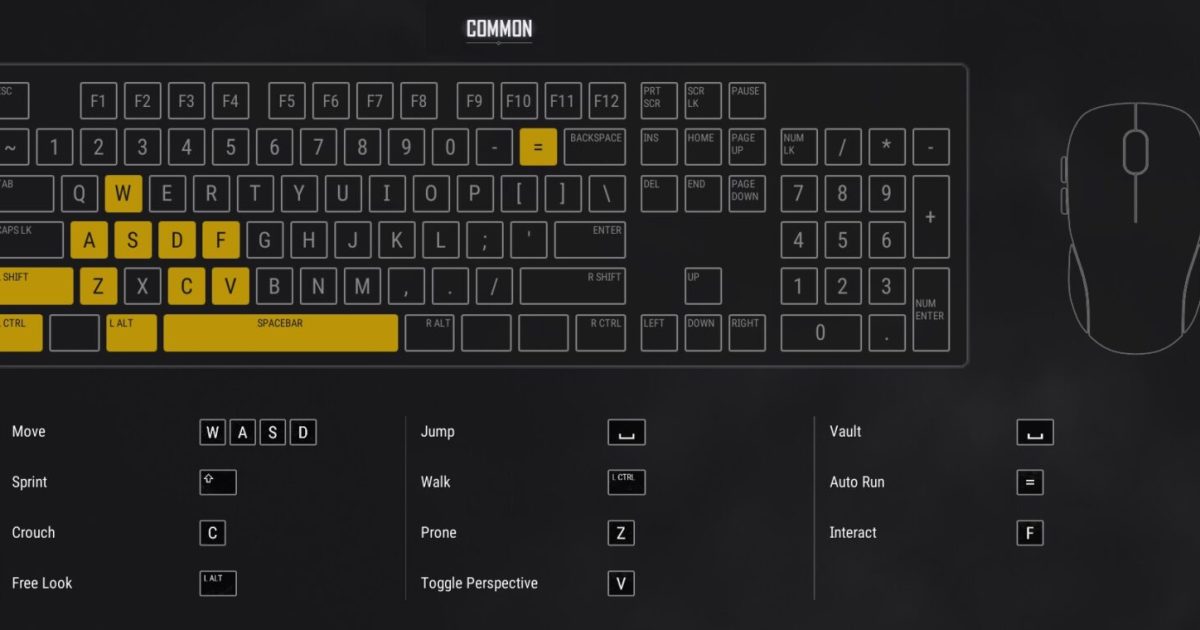
Getting your PUBG Mobile control layout right is half the battle. The other half? Making sure every button is exactly the size you need—not too big that they block your view, not too small that you miss taps. Control codes let you import pro-level setups in seconds, but the magic really happens when you pair them with the perfect button dimensions. We’ve scoured the latest 2025 codes and tested them on different devices to bring you 8 hacks that combine control codes with button size tweaks. Whether you’re a 3-finger beginner or a 6-finger demon, these picks will help you aim faster, move smoother, and win more.
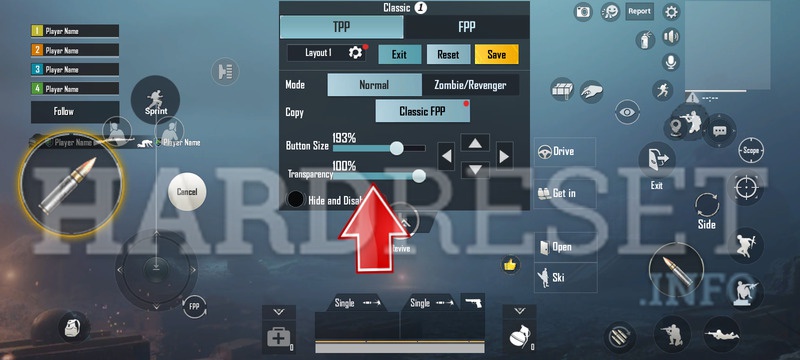
1. 3-Finger Claw with Miniaturized Fire Buttons
The 3-finger claw is the gateway to advanced play. You keep your thumbs on movement and camera, and your index finger taps the fire button. But if that fire button is huge, it eats up screen real estate. The trick is to use a 3-finger control code that sets the fire button to 60% size and positions it near the top-left corner. This keeps your crosshair clear and lets you spam shots without obscuring enemies. Pro tip: Combine this with a small ADS button (50%) placed right below the fire button. Check out our dedicated collection of 3-finger layout codes for tested options.
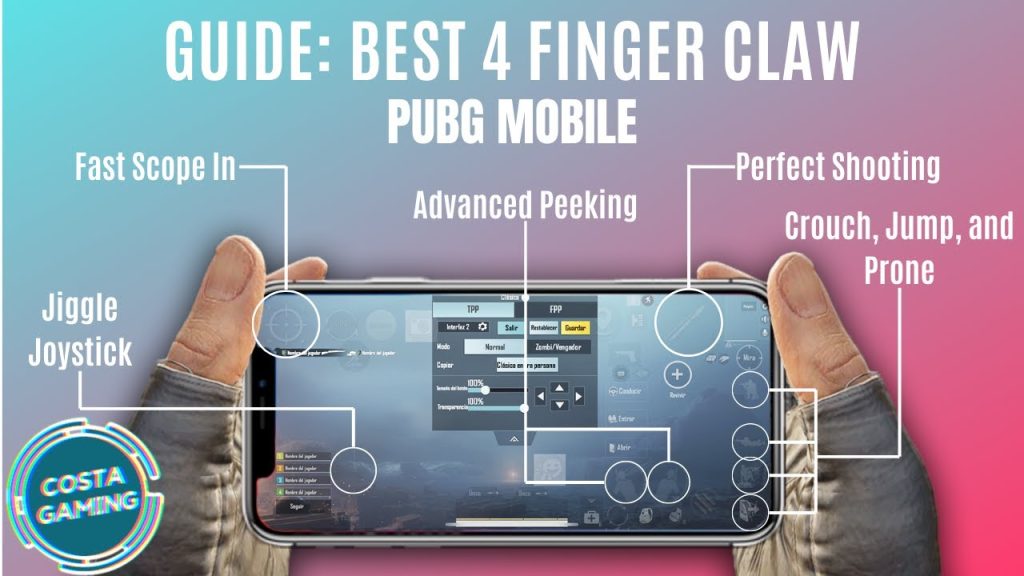
2. 4-Finger Claw with Symmetric Button Sizing
Moving to 4 fingers? Now you have two thumbs, two index fingers. The key is symmetry. Your left index handles fire, right index handles scope. To avoid misclicks, keep both buttons at exactly the same size—say 70%—and mirror their positions. Some control codes have asymmetry that throws off muscle memory. Look for codes that explicitly state balanced button sizes. Bonus: Make your crouch/prone button tiny (40%) and place it near your left thumb so it’s out of the way until needed.
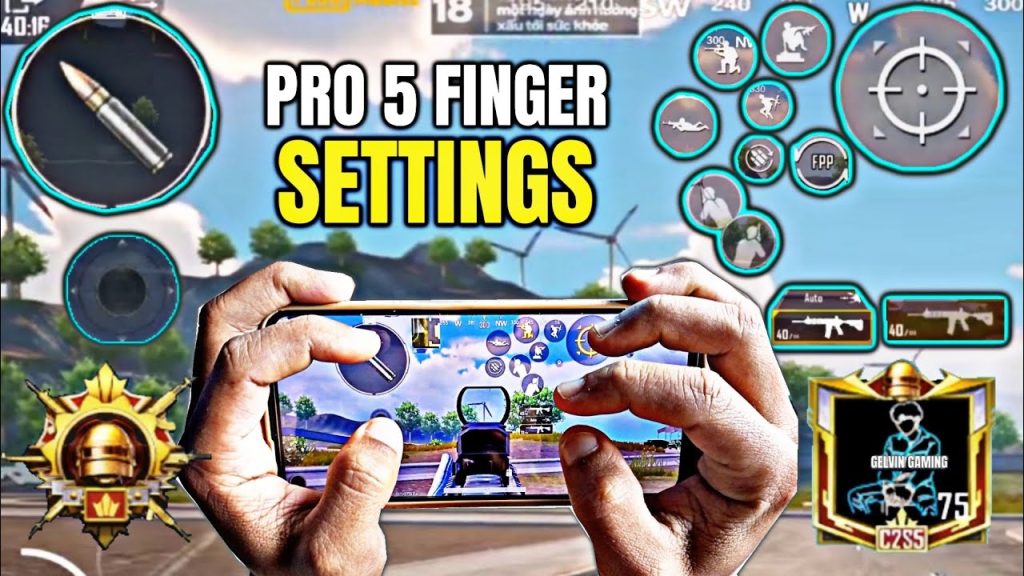
3. 5-Finger Layout with Oversized Peek Buttons
Five fingers is where peek-and-shoot becomes deadly. You need quick access to left and right peek buttons, but they can’t be too small or you’ll miss in the heat of a fight. The hack: make peek buttons 90% size and place them on the edges of your screen where your ring fingers rest. Also enlarge your scope button to 85% for quick scoping. Many pro 5-finger control codes already have these sizes baked in, but you can fine-tune them. For more peek-specific codes, refer to our DMR control codes guide.
4. 6-Finger God-Tier Layout with Ultra-Small Utility Buttons
Six-finger players have fingers everywhere, so screen clutter is a real issue. The best 6-finger control codes shrink all non-essential buttons to 30-40%—grenades, meds, map, backpack—and only leave fire, scope, and movement at full size. This gives you an uncluttered view of the battlefield. Some codes even hide the minimap behind a semi-transparent button. We’ve collected top 6-finger control codes that prioritize minimalist button sizing. Pair them with a high sensitivity gyro for near-instant reflex shots.
5. Full Gyro Control Codes with Tiny Scope Buttons
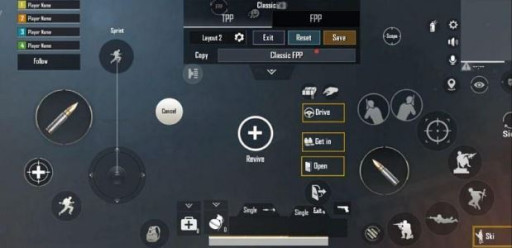
If you play with full gyroscope, you rely on tilting your device for fine aim, not huge scope buttons. In fact, a large scope button can interfere with gyro movement because your finger touches it unintentionally. The fix: use a control code that collapses all scope buttons to 35% size and stacks them in a compact cluster. That way your finger rests on the glass without pressing. Gyro players also benefit from a small jump button (40%) to avoid accidental hops. Check out our full gyro control codes for tested layouts.
6. DMR-Focused Button Size Adjustments
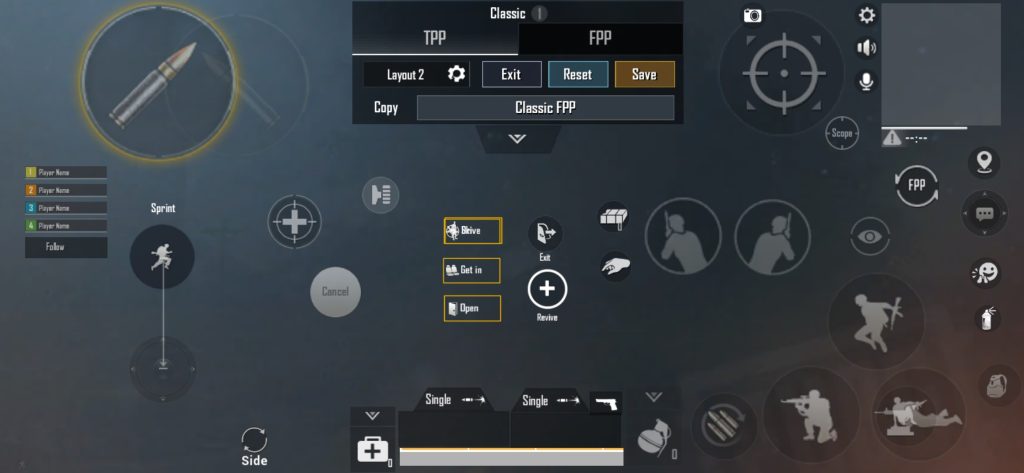
DMRs like the Mini14 and SLR require precise single-tap shooting. Your fire button needs to be large enough to tap quickly but not so large that it covers targets. The sweet spot is 75% size, placed just below the crosshair. Many DMR-specific control codes also enlarge the scope button to 90% for those quick 4x scope toggles. And since you’ll be peeking a lot, keep peek buttons at 85%. For a deep dive, our DMR control codes article has layouts perfected for single-shot weapons.
7. One-Handed Control Codes for Casual Play
Playing on the bus or lying down? One-handed layouts are a lifesaver. They concentrate all essential buttons on one side of the screen—typically the right. The fire button runs 90% size so you can tap with your thumb without looking. Scope, crouch, and jump are shrunk to 50% and aligned vertically. These codes are less common but incredibly handy. We’ve tested a few that keep the button size consistent across devices, ensuring your muscle memory transfers even if you switch phones.
8. Device-Specific Button Sizing (iPhone vs Android)
Not all screens are created equal. iPhones have slightly rounded corners that can clip buttons, while Android phones vary wildly in aspect ratio. The best control codes now include device-specific button scaling. For example, iPhone codes often increase button size by 5% to compensate for the notch, while Samsung users prefer smaller buttons (50-60%) to maximize game view. When you import a code, always check the button size preset and adjust by ±10% based on your screen. Our device compatibility guide explains exactly how to fine-tune for your model.
There you have it—8 control code and button size hacks that cover every play style. Whether you’re clawing with multiple fingers, leaning into gyro, or keeping it simple with one hand, the right button dimensions can make or break your performance. Start with one of these codes, customize the sizes to your liking, and watch your gameplay improve. Remember, the best setup is the one that feels natural to you. Keep experimenting, and see you on the battleground!



