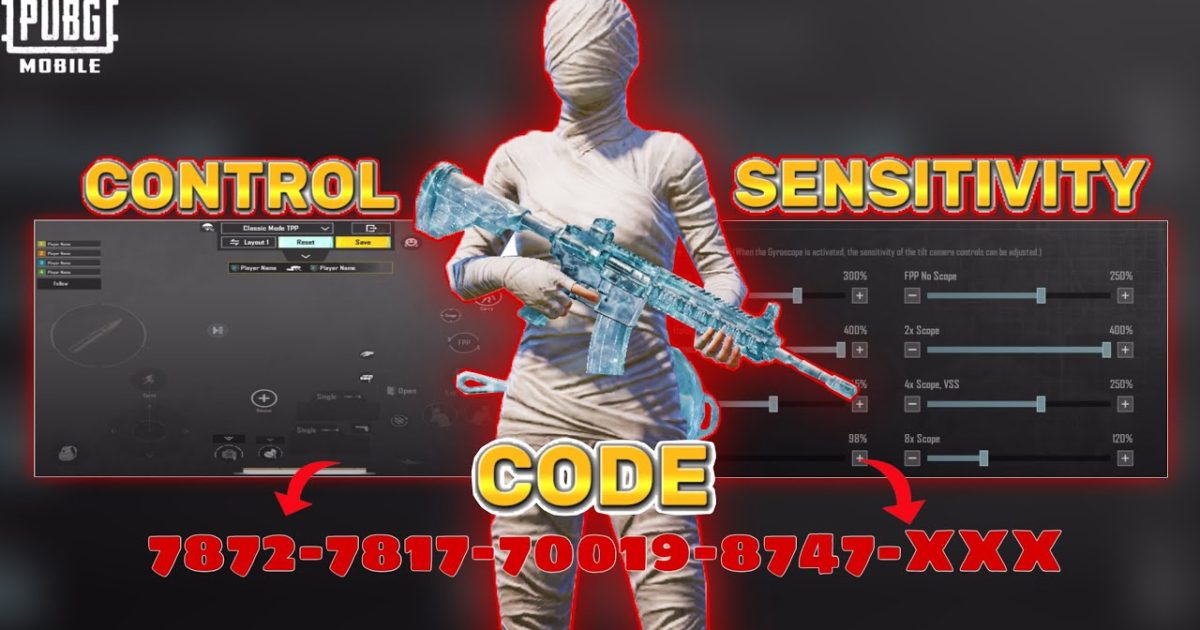
You hop into PUBG Mobile, ready to drop into Erangel, and… your control layout is gone. All those hours tweaking button sizes, positions, and gyro settings – vanished. The control codes reset problem has haunted players since the game’s early days. Whether you’re a claw player or a thumb-only warrior, a sudden reset can ruin your first few matches and drop your rank. This guide lists the 10 most effective ways to prevent and fix control code resets, gathered from community forums, pro players, and personal experience. We’ve ranked them from quick saves to long-term solutions so you can get back to fragging fast.
1. Understand Why Control Codes Reset
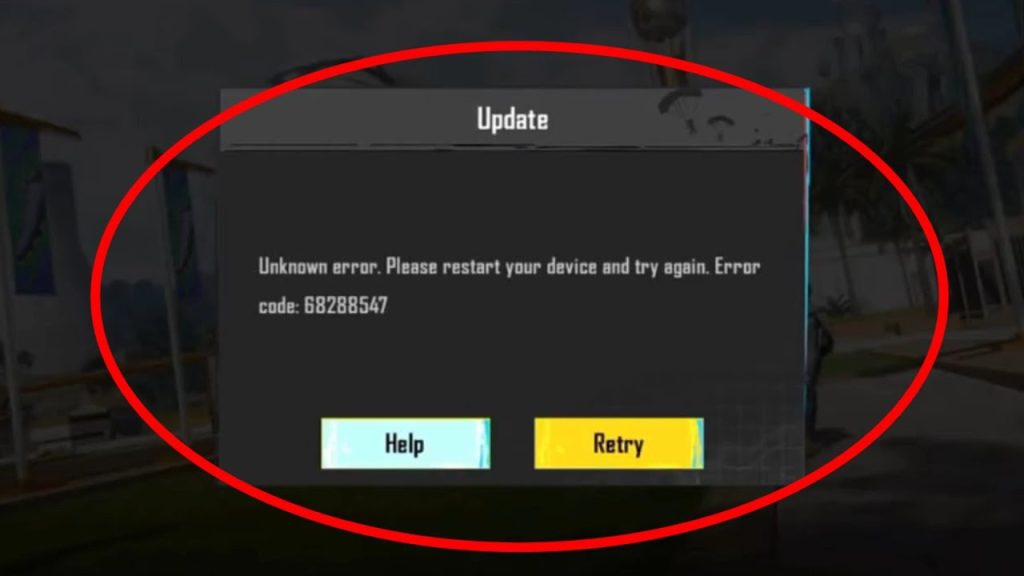
Before you can fix the problem, you need to know why it happens. Most resets occur when the game fails to sync your layout with the server. This can happen after a game update, switching devices, clearing app data, or even logging out and back in. Sometimes a corrupted save file or a conflict with third-party apps (like game boosters) triggers the reset. Recognizing the cause helps you choose the right fix. For instance, if your layout resets after every update, the issue is likely server-side, and you’ll need to re-import your code.
2. Save Your Layout Code Immediately
The single most important habit: whenever you finalize a control setup, save a layout code. PUBG Mobile allows you to share your layout via a code. Tap the share button in settings, copy the code, and paste it into a notes app or your clipboard. This code can be imported anytime. If your controls reset, just paste it back in. For a huge library of pre-made codes, check this pubg mobile control codes list – but always generate your own after customizing. I can’t stress this enough: a saved code is your insurance policy against resets.
3. Use the In-Game Cloud Save (If Available)
PUBG Mobile has a cloud save feature for control layouts, but it’s not always reliable. To use it, go to Settings > Controls > Manage Layouts. There should be an option to upload your current layout to the cloud. This ties your layout to your account, so theoretically it syncs across devices. However, many players report that cloud saves still reset after updates. It’s a good secondary backup, but don’t rely on it alone. Always keep an offline copy of your code. For extra safety, share your code on a pubg control codes discord server where you can retrieve it later if your notes get lost.
4. Never Clear App Data Unless Absolutely Necessary
We get it – sometimes the game glitches and you think clearing data will fix it. Don’t. Clearing the app data wipes your entire layout, along with login info and other settings. When you log back in, the game treats it as a fresh install. Your cloud save might restore some things, but often the layout is gone. Instead, try clearing the cache (not data) or reinstalling only if you’ve backed up your layout code. If you absolutely must reset the app, re-import your saved code immediately after. Check out these pubg mobile layout codes for inspiration to rebuild quickly if you forgot to back up.
5. Re-Import Your Code After Major Updates
Game updates are the #1 cause of control resets. Even minor patches can scramble your layout. After every PUBG Mobile update, open the settings and check if your layout is still intact. If it’s reset, import your saved code. If you didn’t save one, you’ll have to rebuild – but learning from the experience, you’ll save a code next time. Some updates also change the UI, so your old code might look off. In that case, tweak button sizes again using a guide like pubg control codes with button size.
6. Avoid Switching Devices Frequently
PUBG Mobile’s layout sync between different devices is notoriously shaky. If you play on both a phone and a tablet, expect your layout to reset often. The optimal solution: stick to one primary device for ranked matches. If you must switch, make sure to export your layout code on the source device and import it on the target device. Also note that iOS and Android layouts aren’t directly compatible due to different aspect ratios. For iPhone users, the best pubg control codes for iphone often differ from Android codes.
7. Keep a Visual Backup – Screenshots of Your Settings
Codes are great, but they don’t capture everything – like gyro sensitivity per scope or aim assist settings. Take a screenshot of each tab in your control settings: basic controls, advanced, aim settings, gyroscope, etc. Store them in a dedicated album. If your code fails to restore everything, you can manually recreate the layout from the screenshots. This is especially useful if you use unique button sizes and opacities. Pro tip: use a screen recorder to capture a quick video of all your settings.
8. Disable Third-Party Game Boosters or Custom ROMs
Some third-party apps that claim to boost gaming performance or manage game data can interfere with PUBG Mobile’s layout files. Similarly, custom ROMs or rooted devices may trigger anti-cheat mechanisms that reset controls as a security measure. If you use such apps, try disabling them temporarily and see if the reset stops. Stick to official PUBG Mobile settings for stability. If you need help with sensitivity or layout, rely on community-shared codes rather than questionable mods.
9. Report the Issue to PUBG Support with Your Layout Code
If your controls reset persistently even after trying all the above, it might be a server-side bug. Contact PUBG Mobile support via the in-game help center (or their official website). Include details like your device model, game version, and most importantly, your saved layout code. Developers can sometimes restore your layout manually or fix the underlying issue in future updates. Also check if other players have the same problem by searching pubg control codes discord servers – often the community figures out workarounds faster than official support.
10. Use BGMI or Regional Version Workarounds
Some regions have separate game clients like BGMI (Battlegrounds Mobile India) that might handle layouts differently. If you’re in India and use BGMI, the reset problem is similar but sometimes has different triggers. The same backup habits apply. For BGMI players, check out these bgmi control codes 2026 for community-shared layouts. Regardless of version, the golden rule remains: save a code, screenshot everything, and never clear app data without a backup.
Closing Thoughts
Control code resets are a pain, but they’re not unbeatable. By saving your layout code, using cloud saves, and avoiding data wipes, you can minimize downtime. The most important takeaway: always generate and store a layout code after any customization. It takes two seconds and saves you from rebuilding from scratch. Hopefully, these 10 fixes will keep your PUBG Mobile controls exactly where you want them, match after match. Now go drop into the battlegrounds with confidence!



