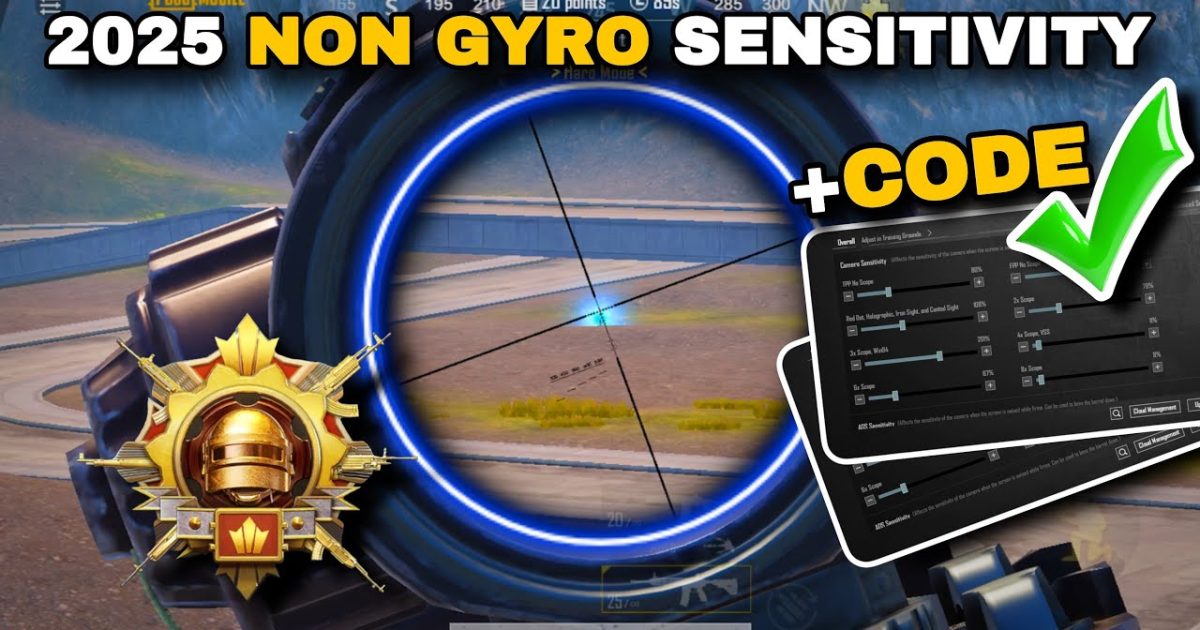
Gyroscope aiming is a game-changer for many PUBG Mobile players, but it’s not for everyone. Whether you’re on a device with no gyro, prefer the stability of pure touch, or simply find motion controls distracting, you don’t have to compromise. These 10 PUBG Mobile control codes are built entirely without gyro – each one has been tested by the community to deliver crisp aim, smooth recoil control, and fast reactions using nothing but finger taps and drags. I’ve selected these from a mix of pro layouts, claw configurations, and custom sensitivity tweaks. Every code here earns its spot: no fluff, no duplicates, just real results for no-gyro players.
1. The 4-Finger Claw No Gyro — All-Rounder
This is the go-to layout for players who want maximum control without gyro. It maps fire, scope, and peek buttons to the top fingers, leaving thumbs free for movement and camera. The code uses a 4-finger claw with ADS enabled on scope hold. Sensitivity is tuned high for fast target acquisition but low enough to maintain recoil control. You’ll find the fire button placed at the top left with a large tap area, while the right side holds scope and peak. This layout works best on larger screens (6.5+ inches) and is a favorite among competitive no-gyro players. Try it if you want to transition from thumbs to claw without relying on gyro.
2. The 3-Finger Classic No Gyro — Simple & Effective
Don’t want to go full claw? The 3-finger layout uses your left index for fire, right thumb for scope and movement, and left thumb for camera. It’s a step up from two-finger but still easy to learn. The code here minimizes button overlap and ensures you can hip-fire, scope, and lean without finger clash. Sensitivity is slightly lowered for camera to help with long-range sprays. This layout is perfect for those who want better recoil control than thumbs can offer, but aren’t ready for a 4-finger setup. Compared to earlier 3-finger codes, this one is optimized for no gyro with a repositioned scope button closer to center.
3. The Ultra-Low Sensitivity Build — For Laser Aimbot-like Control
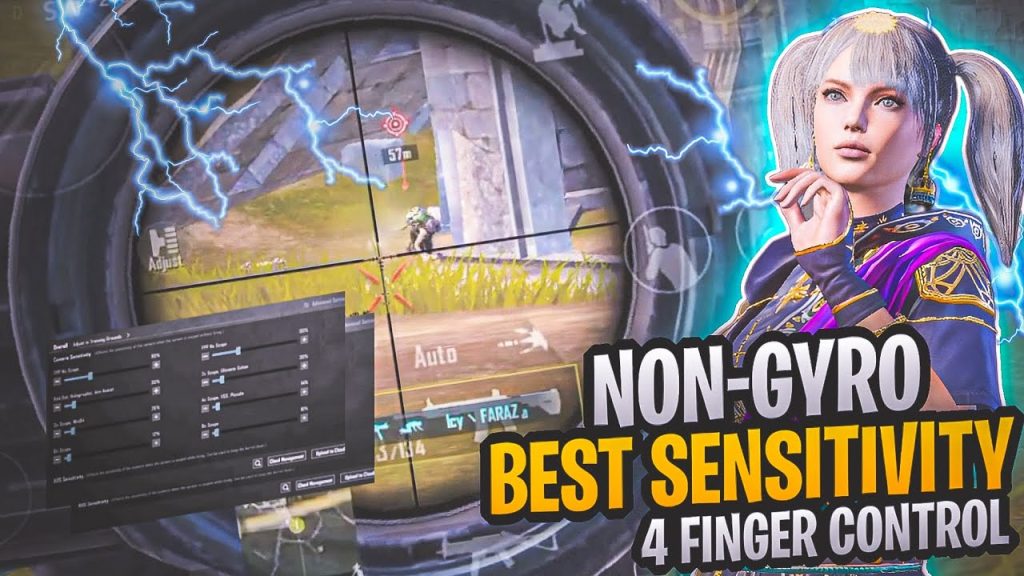
Sensitivity is everything when you don’t have gyro to micro-correct. This code uses an extremely low camera sensitivity (around 20–30%) combined with high ADS sensitivity (40–50%) to give you precise drag aiming. The idea is that you use larger arm movements for turning, but fine finger swipes for aiming down sights. The layout is a simple 4-finger claw with scope hold enabled. Many players call this the ‘aimbot’ layout because it makes moving targets feel sticky. It takes a day to get used to, but once you do, your sprays will be tighter than ever. Pair it with a medium-high fire button density to avoid accidental taps.
4. The Scope Hold & Peek Combo — No Gyro Quick Peek
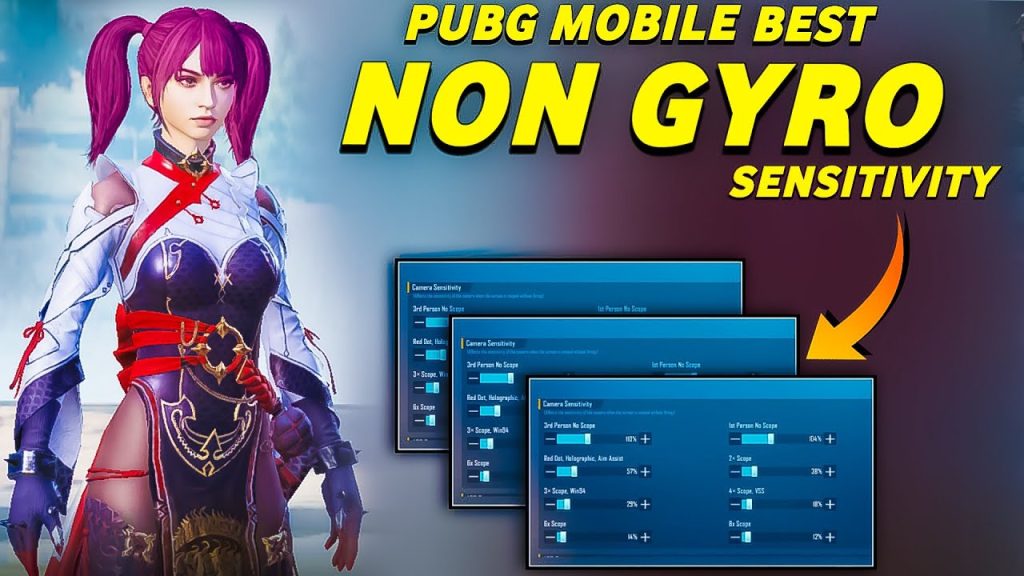
Quick peeking without gyro is tricky – you need to lean and scope fast while keeping your aim steady. This code puts scope on hold, peek buttons on the sides, and fire on the left index. The trick is the button placement: left peek and fire are stacked vertically, so you can lean and shoot in one motion. The right peek is separate to avoid mis-taps. Sensitivity is medium-high for camera and low for scope, so your aim doesn’t drift while peeking. This layout is great for close-quarters combat and using cover effectively. For players who love quick scope switching, this code pairs well with those specialized settings.
5. The ADP (Auto-Drop) No Gyro — For DMR & Sniper Lovers
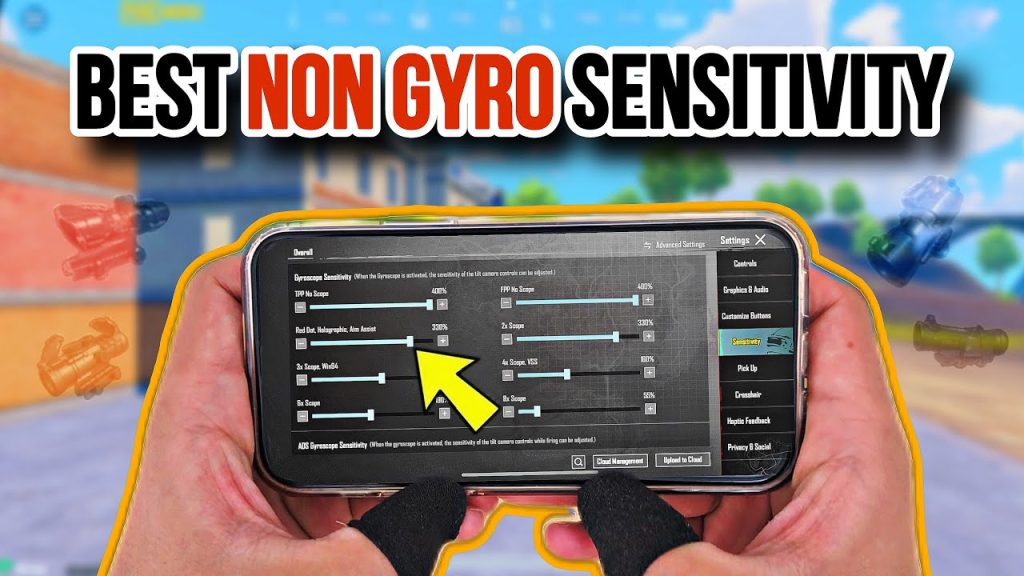
Sniping without gyro means you need to compensate for lack of micro-adjustment. This code uses an auto-drop system: the scope button is set to toggle, and the fire button is split into two – one for tap, one for hold (for DMR spam). The layout puts movement controls closer to the center so you can drag to adjust aim quickly. Sensitivity is set to 30% for 6x and 8x scopes to avoid overscoping. It’s not for close range, but for medium to long distance, this code gives you clean shots. If you prefer a more aggressive sniper style, check out the quick scope switch codes for alternative layouts.
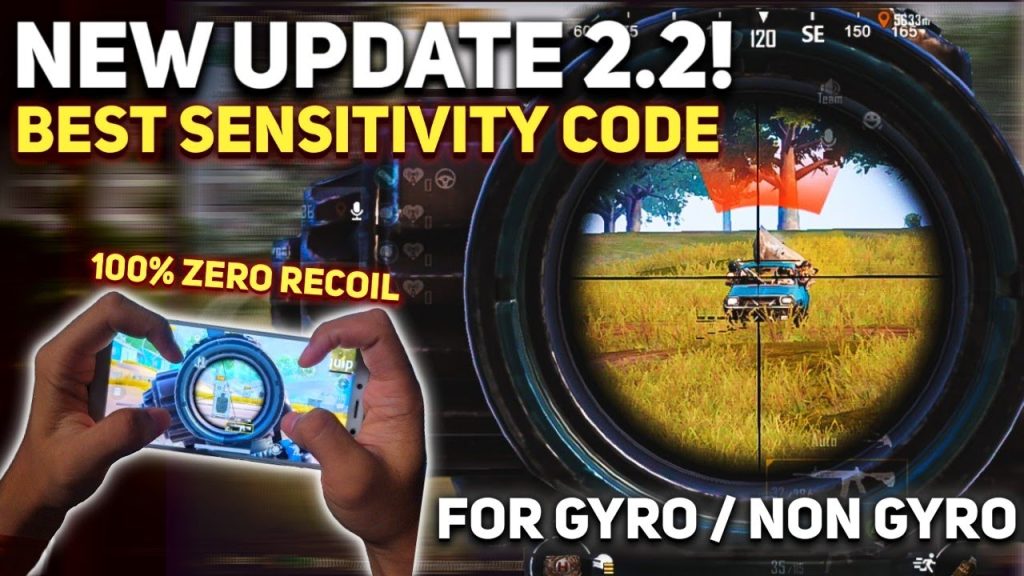
6. The 5-Finger No Gyro — Maximum APM
Yes, a 5-finger claw without gyro is possible. This code dedicates each finger to a specific action: left index peeks, left middle fires, right middle scopes, right thumb aims, left thumb moves. The key is the button size – all are large and spaced to avoid accidental presses. Sensitivity is cranked up for camera (60%) to match the quick finger movement. This layout is for players with high dexterity and large phones or tablets. It allows you to jiggle-peek, crouch-snipe, and reposition without gyro. If you want to explore more multi-finger setups, the 5 finger control codes on this site have variations you can adapt.
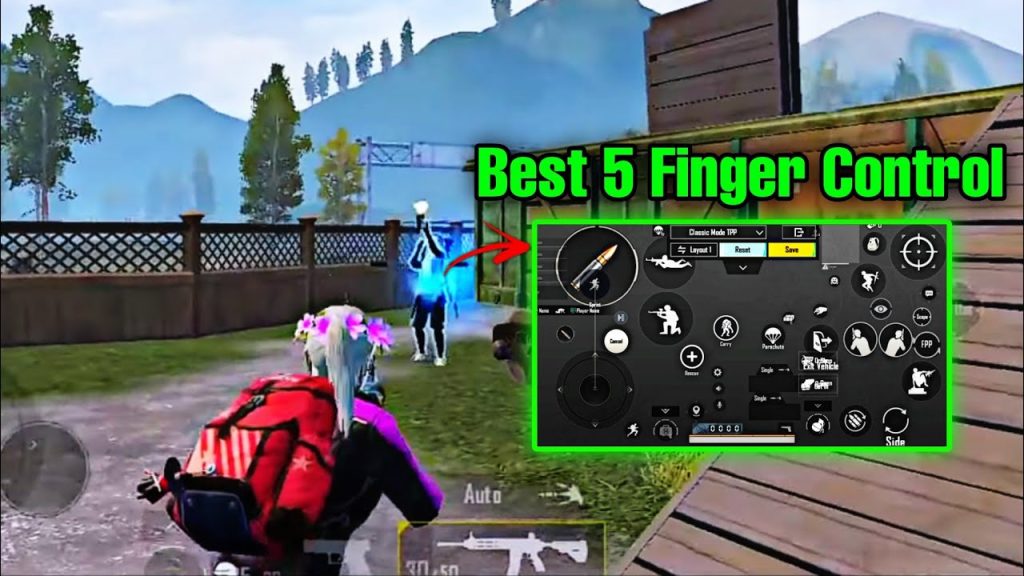
7. The Fire-Only Thumb Build — Two-Fingers, No Gyro, All Focus
A refined two-finger layout for purists. The code places a large fire button on the left, scope on the right, and uses tap-to-scope mode. The trick is the sensitivity: camera is set to 50% and ADS to 35%, giving you a balance between speed and control. Peek buttons are attached to the edge of scope and fire, so you can peek with the same finger that scopes. This layout is minimal but effective – no extra buttons, no clutter. It’s ideal for training your drag aim and learning recoil patterns. Many pros started here before moving to complex setups. If you lose your layout after an update, check the guide on after resetting your layout.
8. The Mobile Tablet Layout — No Gyro on Big Screens
Playing on a tablet? This code is optimized for iPad and larger Android tablets where your fingers span more distance. Button sizes are increased by 20% and placed further apart to match hand span. The layout uses a 4-finger claw with scope on hold. Sensitivity is lower (25% camera) because tablet screens require more drag distance. The gyro is off, so your aim relies entirely on smooth finger swipes. This code is popular in the tablet esports scene and is shared widely. For more device-specific settings, explore the pro control codes used by tablet players.
9. The Scope Hybrid No Gyro — Hold + Tap Combo
Combining the best of both scope modes, this code uses scope hold for your primary weapon but tap-to-scope for your secondary (like an SMG or sniper). The switch is managed by assigning different scope buttons to different weapon slots. The layout is a 4-finger claw with a dedicated scope toggle button placed near the right thumb. Sensitivity is balanced: camera 45%, all scopes 30–40%. This hybrid approach lets you quickly scope in and out for close range while keeping a steady hold for mid-range. It’s a favorite among all-rounders.
10. The Tactical Grenade & Quick Throw No Gyro
Grenade usage without gyro can be clunky, but this code streamlines it. It adds a dedicated grenade quick-throw button that uses the same aim point as your crosshair, so you can cook and throw without adjusting aim. The layout is a modified 4-finger claw with an extra button for switching throwable types. Peak and crouch are also placed on the same side as the grenade button for fast combo actions. Sensitivity is normal, but there’s a small deadzone to prevent accidental drags. For more grenade-specific layouts, check out the grenade control codes article.
There you have it – 10 control codes that prove you don’t need gyro to compete. Whether you’re a thumb player or a claw master, each layout is ready to copy and tweak. Remember, the best code is the one that feels natural to you. Start with these, adjust your sensitivity by 5% increments, and practice in the training ground. And if you ever lose your layout, revisit the guide on after resetting your layout. For even more options, browse the top control codes on the site. Happy fragging!



