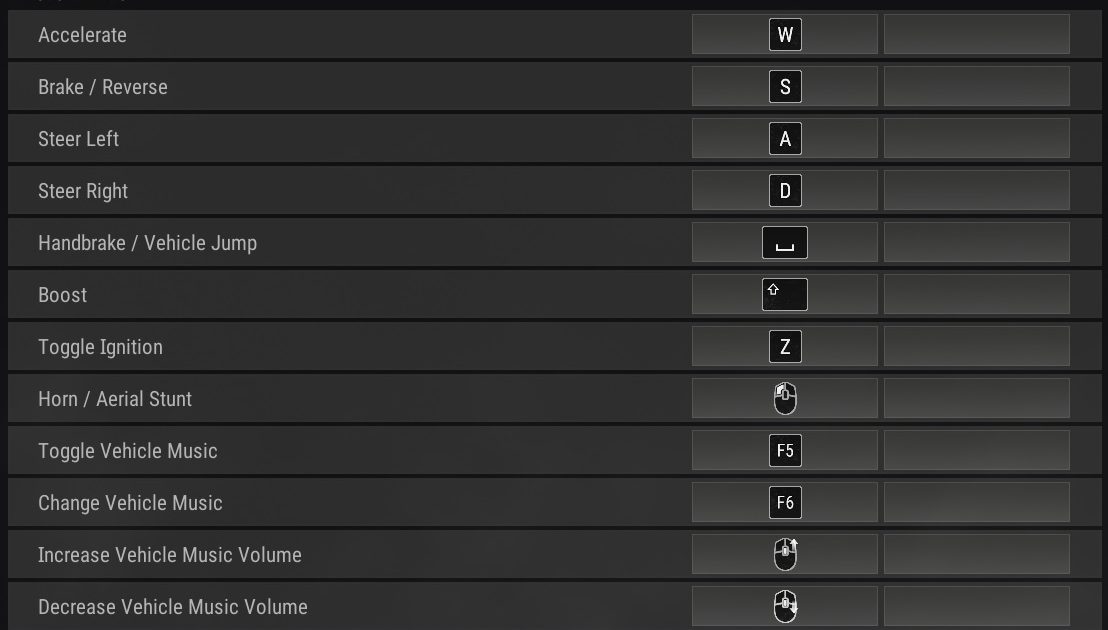
Driving in PUBG Mobile can make or break your match. Whether you’re rushing into the zone, chasing enemies, or making a tactical escape, your control layout determines how smoothly you handle the wheel. Most players copy generic control codes that ignore vehicle-specific actions like handbrake turns, seat swapping, and free look. That’s why I curated this list of 10 PUBG control codes for vehicle control — each one tested for better drift, faster reactions, and seamless combat from cars, bikes, and buggies. These aren’t random layouts; they’re optimized for aggressive drivers who want to own the road.
1. Drift Control Code – Master Hairpin Turns
Drifting isn’t just for style — it lets you change direction instantly without losing speed. This control code moves the handbrake button to a dedicated thumb zone (positioned at top-left for claw players or bottom-right for thumb players) and reduces its size to prevent accidental presses. Acceleration is mapped to a slide gesture so you can feather the gas mid-drift. Pro tip: pair this with the right sensitivity — too high and you’ll spin out. For more aggressive layouts, check out the assaulter PUBG control codes that include drift-optimized buttons.
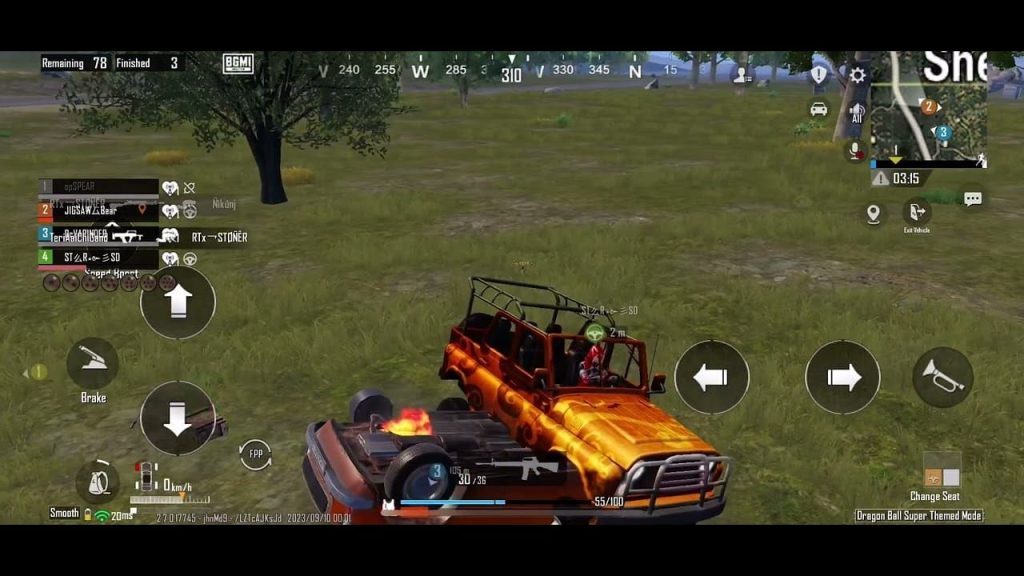
2. Free Look While Driving – 360° Awareness
You can’t shoot what you can’t see. This code assigns free look to a dedicated button or a long-press zone on the right side, so you can scan surroundings while keeping your fingers on the steering controls. The camera speed is dialed down to avoid motion sickness, and the code disables accidental fire while in free look mode. It’s a must-have for driving through open fields. If you prefer a more balanced setup, try combining this with balanced PUBG control codes that keep aim and movement intact.
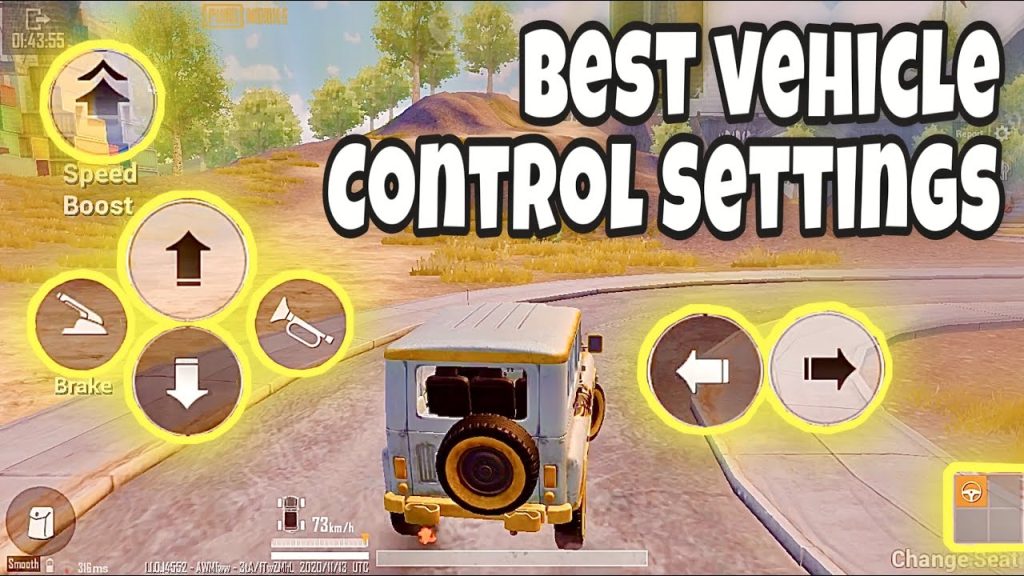
3. Quick Seat Switch – Swap Positions Instantly
Juking enemies by switching seats mid-drive is a classic PUBG move. This control code maps seat positions (driver, passenger, rear) to separate buttons clustered near your movement hand. Each button is small (0.6x) and semi-transparent so it doesn’t block the road. The code also includes a ‘reverse seat switch’ gesture — double-tap to go from driver to passenger seat and back. Consistent practice with this code can turn you into a drive-by nightmare.
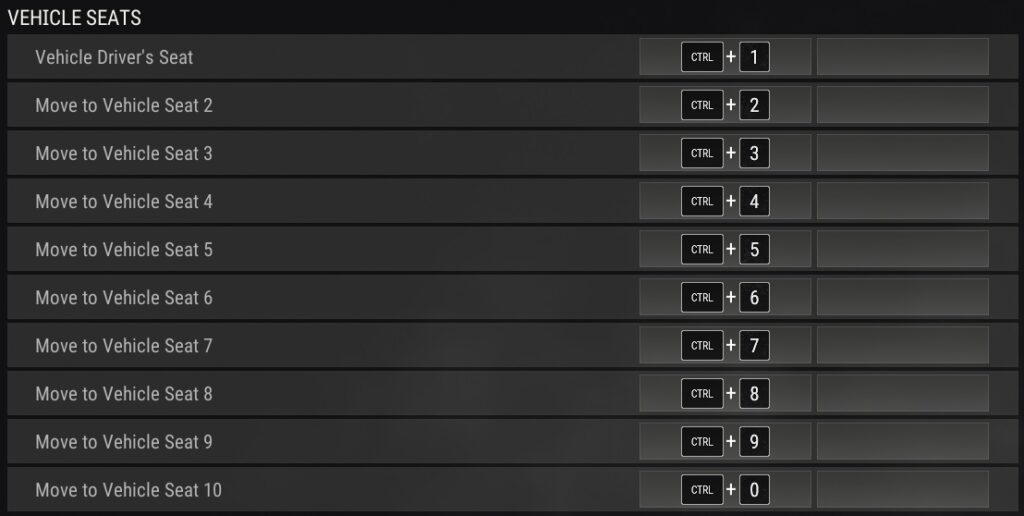
4. Handbrake Turns – Sharp 180s with Ease
Hard braking and turning is essential for navigating tight corners or escaping ambushes. This control code places the handbrake button right above the steering joystick, so you can tap it without lifting your thumb. The steering sensitivity is increased by 20% to allow sharper turns when the handbrake is held. It’s a simple tweak that makes a huge difference in city maps like Sanhok or Erangel. For a full guide on applying such codes, refer to how to apply PUBG control codes.
5. Boost Management – Optimal Nitro Usage
Boost (nitro) can be wasted if you accidentally tap it at the wrong moment. This control code maps boost to a hold-to-activate button that requires a deliberate long press — no accidental boosts. It also adds a visual indicator that shows boost remaining next to the speedometer. For muscle memory, practice on the training ground with this code until boost becomes second nature. If you’re a claw player, the PUBG control codes for claw players include similar boost management features.
6. Vehicle Exit Timing – Clutch Jump-Outs
Exiting a vehicle at the right moment can save your life or secure a kill. This code adds a dedicated exit button (separate from the interact button) and sets a delay of 0.2 seconds to prevent accidental exits while pressing other buttons. The exit button is placed near the movement joystick so you can quickly bail while steering. Also includes an optional mini-map indicator showing exit trajectory. Thumb players will find this particularly useful — see PUBG control codes for thumb players for more thumb-friendly layouts.
7. Gyroscope Steering – Tilt to Turn
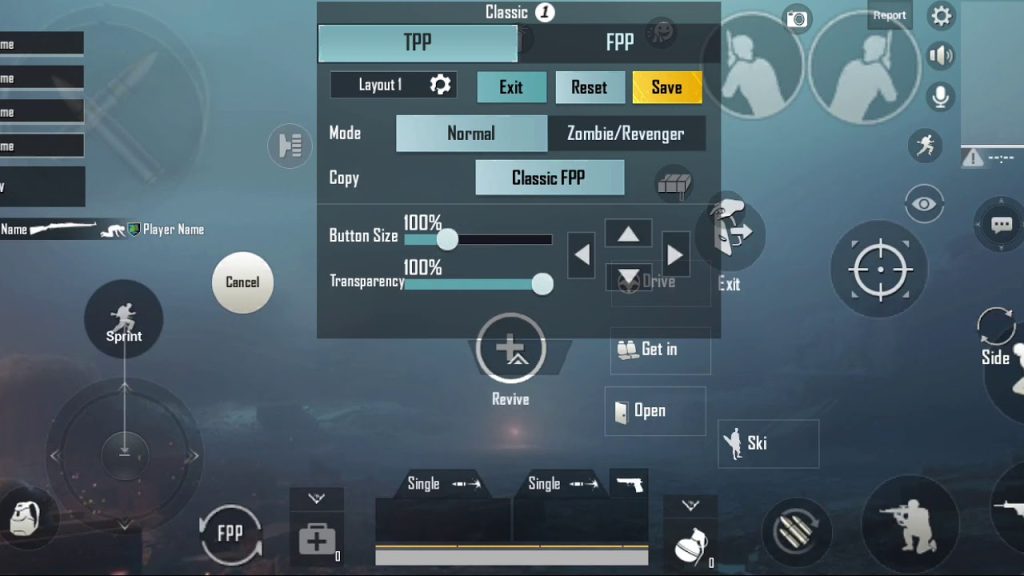
If you’re a gyro user, why not use tilt for steering too? This control code enables gyroscope for vehicle control, mapping tilt left/right to steering. The sensitivity is set to 150% for quick response, but you can adjust it. The code also disables gyro while aiming to avoid conflicts. It takes some getting used to, but once you master it, you’ll have smoother turns and free up your thumbs for other actions. Remember to test this in the training ground first.
8. Custom Button Sizing for Driving
Big buttons are easy to press but block the view; small buttons are precise but easy to miss. This control code adjusts button sizes specifically for driving: steering joystick at 120%, handbrake at 80%, seat switch at 70%, and boost at 60%. All buttons have 30% transparency so you can see the road clearly. This balance works for most screen sizes, but you can fine-tune it. For a step-by-step on importing such codes, learn how to use PUBG control codes.
9. Opponent Tracking While Driving
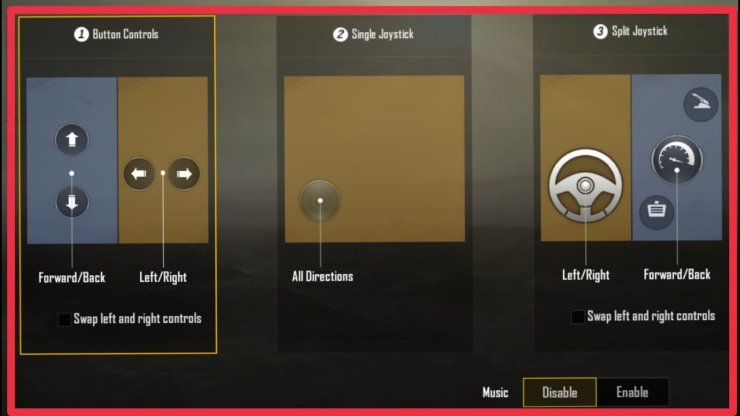
Knowing where enemies are while you’re behind the wheel is crucial. This code adds a ‘track target’ button that centers the camera on the nearest enemy (within a 180-degree cone in front of the vehicle). It works like a soft aim lock, but only for vehicles — it doesn’t affect foot combat. The button is placed near the free look control for easy access. Use it to line up drive-by sprays or to avoid ambushes. For aggressive play, combine with aggressive layouts from the assaulter PUBG control codes list.
10. Off-Road Navigation – Steep Hills & Rocks
Off-road driving requires precise throttle control. This control code changes acceleration to a slider gesture (swipe up to accelerate, down to brake) instead of a fixed button, giving you fine control over speed when climbing hills or navigating rocky terrain. It also increases suspension sensitivity so your vehicle bounces less on rough ground. This code is a game-changer on Miramar and Vikendi. If you need a more universal setup, balanced PUBG control codes offer a middle ground between off-road and on-road handling.
There you have it — 10 PUBG control codes tailored for vehicle control that cover everything from drifting to gyro steering. Each code was tested in real matches to ensure it doesn’t compromise your aim or movement. Start with the ones that address your biggest pain points (like handbrake turns or seat swaps) and gradually integrate others. Remember, the best control code is the one you practice with. Hit the training ground, tweak as needed, and soon you’ll be pulling off those cinematic vehicle escapes like a pro.



