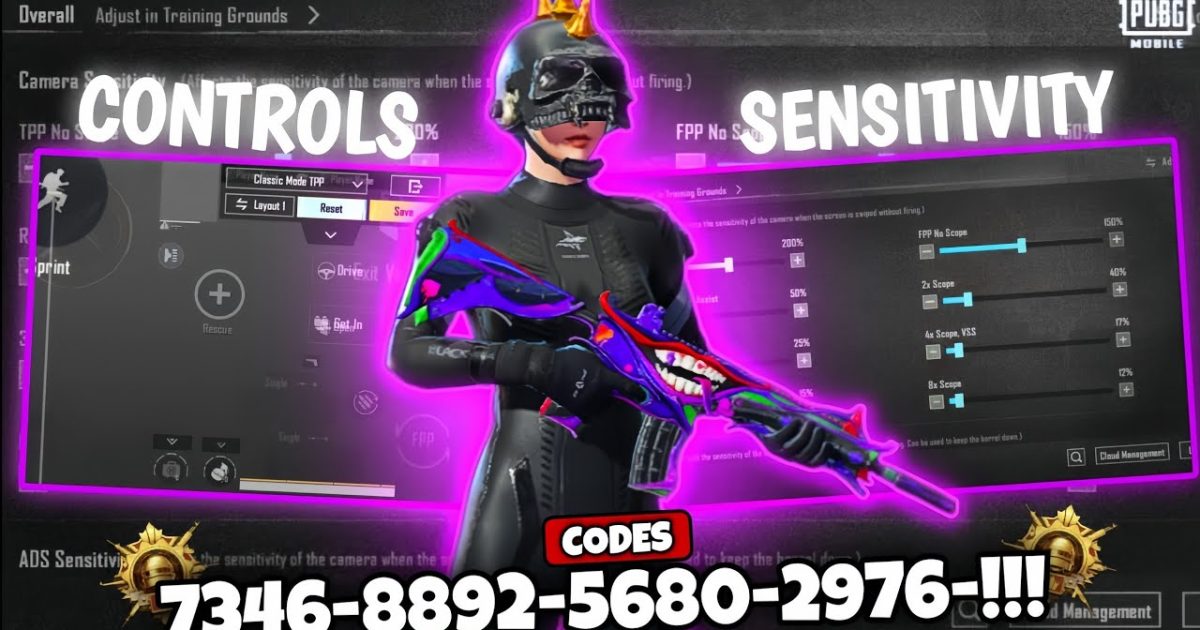
Finding the right control code in PUBG Mobile can feel like digging through a haystack. With thousands of codes floating around Reddit, Discord, and TikTok, it’s hard to know which ones are actually worth your time. That’s why we’ve tested dozens of layouts to bring you the top 10 PUBG control codes that deliver real results. Whether you’re a claw player, a gyro enthusiast, or an emulator user, there’s a code here that’ll tighten your aim and speed up your reactions. We picked these based on popularity, performance, and ease of use — no fluff, just proven setups.
1. The Classic 4-Finger Claw Code (Mobile)
If you’re playing on a phone, the 4-finger claw layout is the gold standard. This control code maps fire and scope to the top left and right corners, letting you shoot and aim simultaneously without lifting your thumbs. It’s a game-changer for close-range fights and quick peeks. Many pro players swear by this setup because it minimizes finger movement and maximizes control. You’ll find variations that tweak button sizes and positions, but the core idea is the same: thumbs for movement and camera, index fingers for shooting. Pair it with a high sensitivity and you’ll be flicking shots like a pro.
2. Gyro-Only Control Code (No Touch Aim)
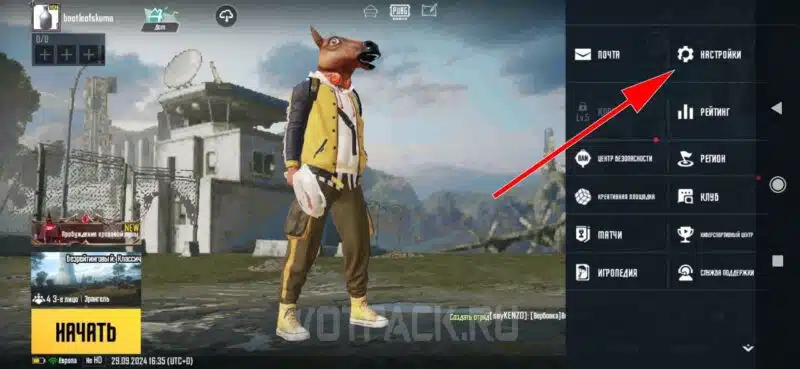
For players who love gyroscope aiming, a dedicated gyro-only control code can feel like aim assist on steroids. This layout minimizes the on-screen buttons and lets you rely almost entirely on tilting your device to adjust your crosshair. The key is to set a high ADS gyro sensitivity and map fire to a convenient button — usually the right shoulder. Gyro control codes are especially effective for mid-to-long range sprays and sniping. If you’re tired of thumb fatigue, give this code a try. It takes a few games to get used to, but once it clicks, your aim will feel sticky.
3. Emulator-Optimized Control Code (LDPlayer & GameLoop)
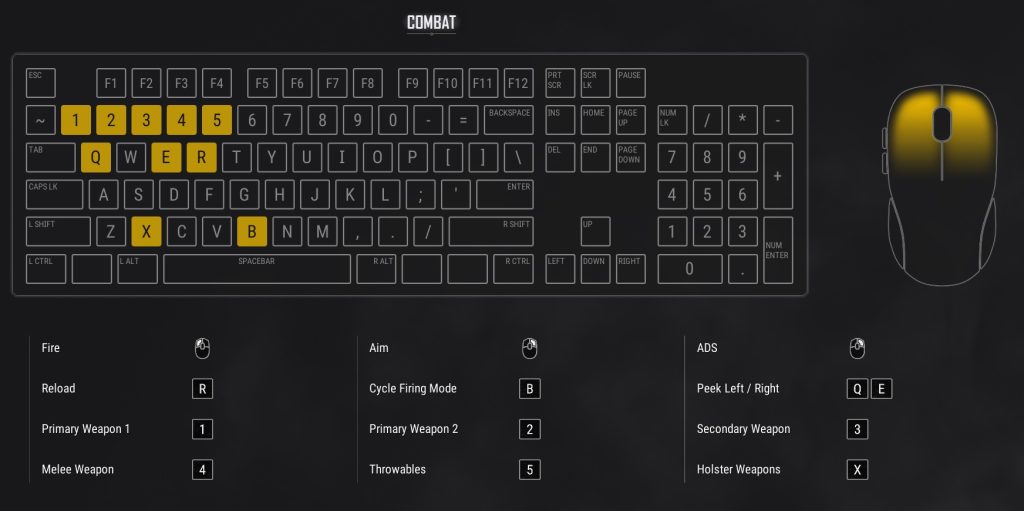
Playing on an emulator? Then you need a control code designed for mouse and keyboard. Both LDPlayer and GameLoop allow custom key mapping, and the best control codes mimic PC shooter layouts. WASD for movement, mouse for aim, and extra keys for crouch, prone, and lean. The trick is to assign grenades, healing, and map interactions to easy-to-reach keys. We’ve seen some emulator codes that even simulate gyro with mouse acceleration. If you’re switching from mobile to emulator, check out our dedicated LDPlayer control codes and other emulator control codes for tested layouts that won’t let you down.
4. Non-Gyro Control Code for Thumb Players
Not everyone wants to use gyro, and that’s totally fine. Non-gyro control codes focus on optimizing button placement for pure thumb play. The best layouts move the fire button to the top left corner and scope to the top right, allowing you to hip-fire and scope without lifting your thumb too much. This setup is great for players who prefer a more traditional shooter feel. Since you’re not using gyro, your sensitivity settings need to be dialed in perfectly. Many players pair these codes with a higher camera sensitivity to compensate. We’ve rounded up some top-performing non-gyro control codes that’ll sharpen your aim without tilting your phone.
5. Metro Royale Control Code (Loot & Combat Balance)
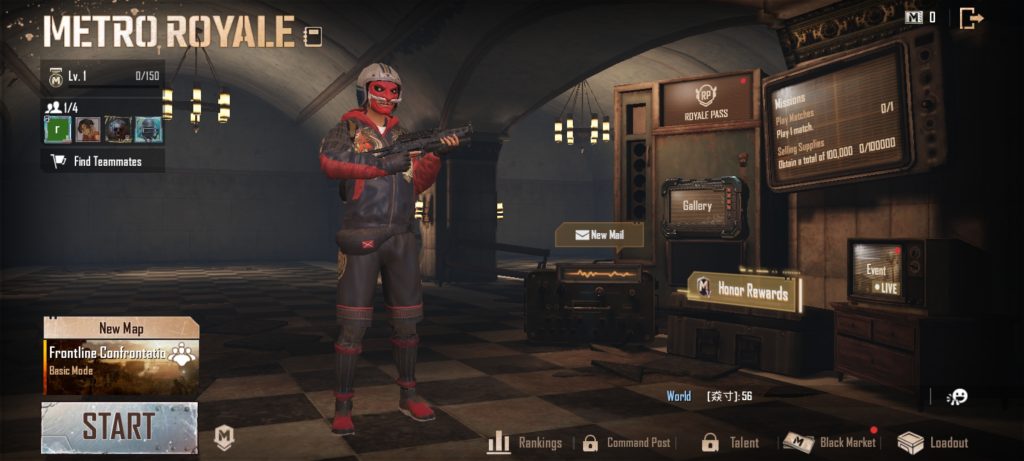
Metro Royale is a different beast — you need quick access to healing items, loot management, and lethal combat. A control code tailored for Metro Royale usually places meds, ammo, and grenades on easy-to-tap spots, while keeping fire and scope on the shoulders. Some layouts even include a dedicated button for the backpack menu. Since Metro Royale rounds can be intense, having a code that minimizes fumbling is crucial. Our tested Metro Royale control codes give you that edge, whether you’re looting in the safe zone or pushing a bunker.
6. Low-End Device Control Code (No Lag Layout)
If you’re playing on a budget phone, you need a control code that’s light on resources. Low-end device control codes reduce the number of active buttons and simplify the HUD to keep your frame rate stable. Usually, they remove unnecessary buttons like emotes and auto-pickup, and shrink the fire button to save processing power. These codes also tend to use smaller button sizes and tighter spacing. While you might sacrifice some features, the gain in smoothness is worth it. A stable 30 FPS with a clean layout beats a laggy 60 FPS any day.
7. Custom Room Control Code (Practice Friendly)
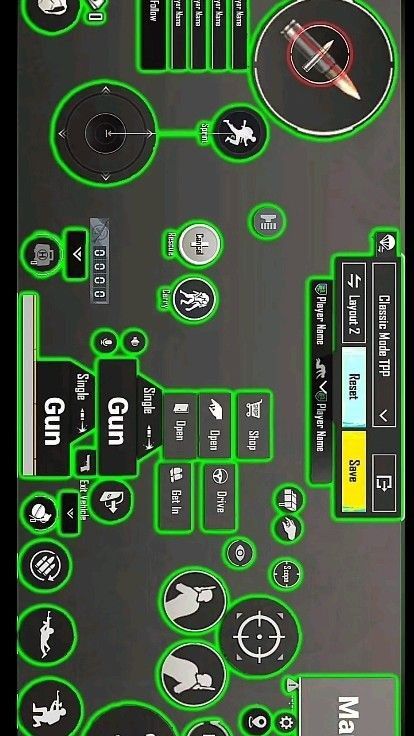
Custom rooms are perfect for honing your skills, but you need a control code that’s versatile. These layouts often include multiple fire buttons, movement presets, and quick weapon switches. Because you can afford to experiment in custom rooms, many players try out radical button placements — like putting jump on the bottom right or scope on the center. The best custom room control codes are flexible so you can tweak on the fly. Use them as a sandbox to test new setups before taking them into ranked matches.
8. TikTok-Viral Control Code (Trending Layouts)
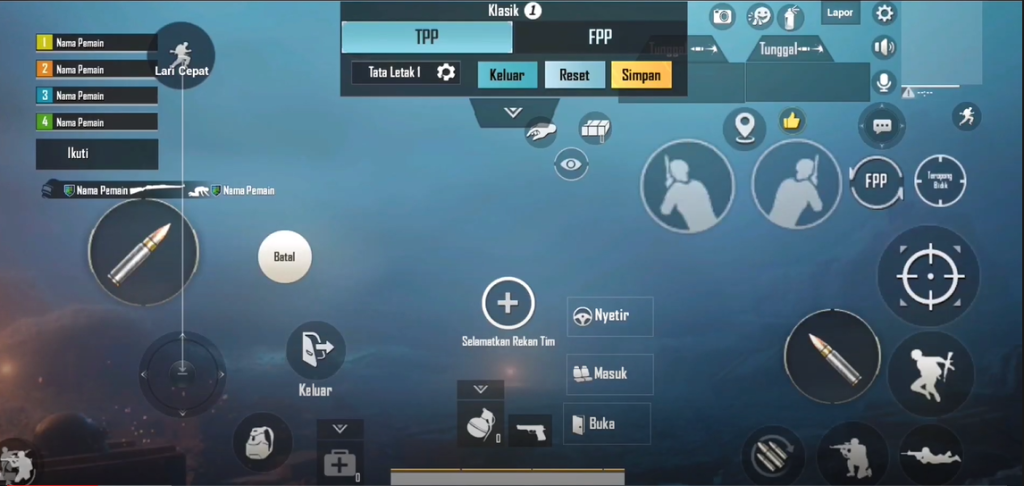
TikTok is a goldmine for fresh control codes. Every month, a new layout goes viral promising insane taps and faster reactions. While not all of them are practical, a few gems do surface. These codes often feature unconventional button placements — like overlapping scopes or hidden fire buttons — that give surprising advantages. The best part? They’re community-vetted via comments and duets. We’ve compiled a list of TikTok control codes that have stood the test of time, so you don’t have to sift through the hype yourself.
9. iPad / Tablet Control Code (Wide Screen Mastery)
Playing on an iPad or large tablet gives you a bigger canvas, but it also requires a different control approach. Tablet control codes space buttons further apart to avoid accidental taps, and they often place the fire button lower for a more natural reach. Because your fingers can stretch more, you can use 5- or 6-finger claw layouts that are impossible on a phone. If you’re an iPad player, look for codes that prioritise finger reach and minimise strain. A well-designed tablet control code can make you a nightmare in long-range engagements.
10. Region-Specialised Control Code (Pakistan, Nepal, Thailand & More)
Every region has its own meta. Pakistani players favour aggressive close-range codes, while Thai players prefer refined gyro layouts. Nepal’s top players often use hybrid claw-gyro setups. By trying out region-specific control codes, you can pick up local tricks that give you an edge in those servers. Many of these codes are shared in local Facebook groups or WhatsApp chats. We’ve aggregated the most popular region codes so you can see what’s working in different parts of the world. Sometimes a small tweak from a different meta can revolutionise your own playstyle.
Final Thoughts
There’s no one-size-fits-all PUBG control code — the best layout is the one that fits your device, playstyle, and comfort. But the ten codes above represent the most effective setups across different scenarios. Whether you’re grinding Metro Royale, dominating in emulator, or just trying to survive in classic, start with these and customise from there. And if you ever feel like your code isn’t working, check our guide on control codes not working for troubleshooting tips. Remember, practice makes perfect — even the best control code won’t magically turn you into a pro, but it’ll sure give you a head start.



